
What you need to knowAndroid 17 could finally overhaul Quick Settings after years of the same cluttered pull-down design.Regular Pixel phones may get this as an option, letting users choose between the classic combined view and the new split setup.Tablets and foldables likely won’t get a choice — split view may be mandatory on large screens like the Pixel Fold.Wi-Fi and mobile data toggles could be separated again, undoing Android 12’s controversial combined Internet toggle.
Android’s Quick Settings panel has stayed the same for years, and it looks like Google might finally be ready to fix that shortcoming.
New leaks about Android 17 suggest Google is planning a big change in how notifications and system toggles work. According to Mystic Leaks on Telegram, Android could soon have a cleaner, more organized split instead of one large pull-down for everything.
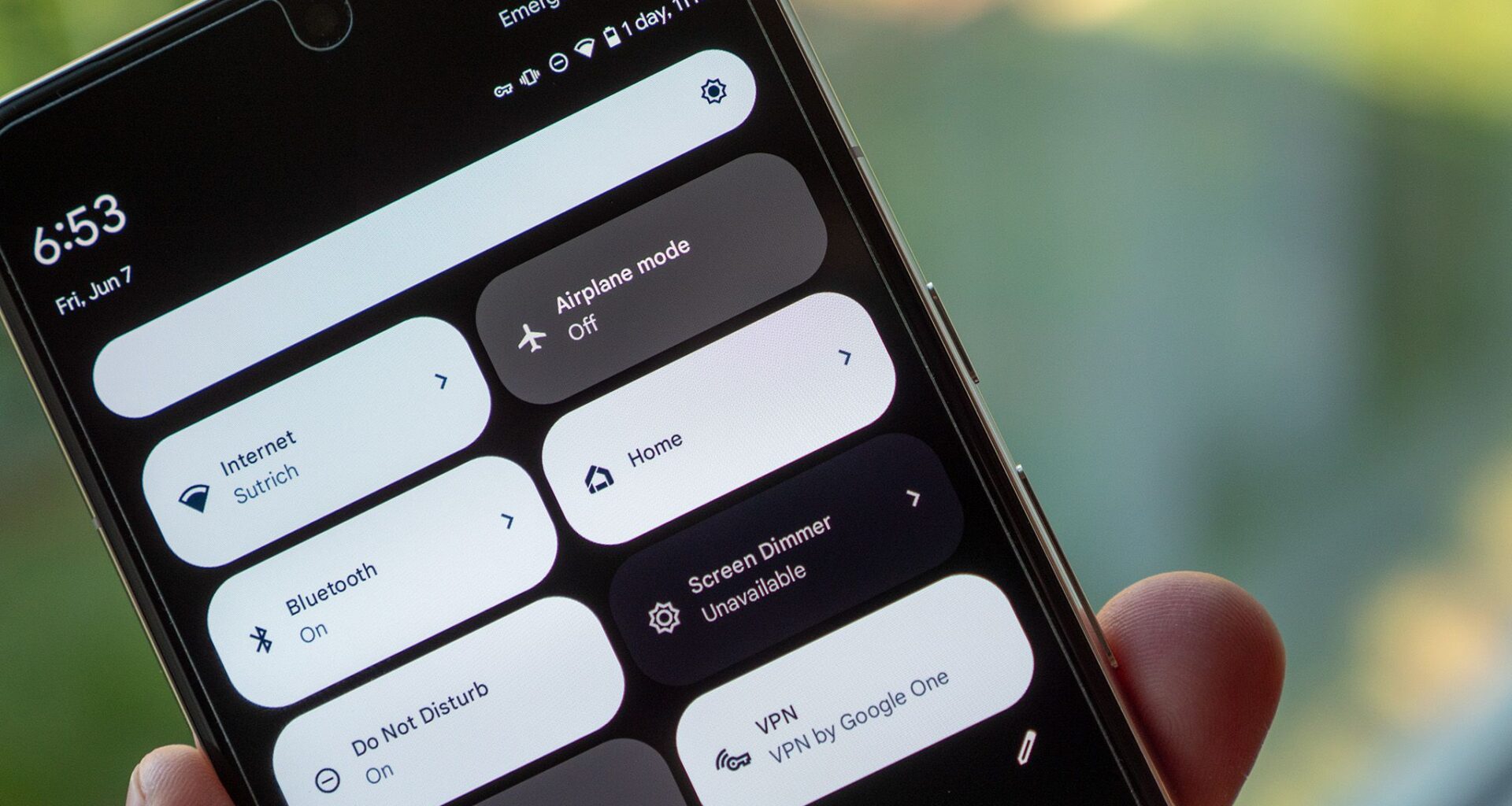
Currently, Android’s notification shade and Quick Settings share the same crowded space on stock devices like Pixel phones. Pull down once for notifications, and pull again for toggles. It works, but it’s messy, especially on large phones where everything feels stacked together.
You may like
The latest leak says Google is testing a true split layout in Android 17. This means that swiping from the left edge would show only notifications, while swiping from the right would bring up Quick Settings.
If this seems familiar, it’s because brands like Samsung and Xiaomi already use a similar approach. The difference is that Google would make this official in Android itself, instead of leaving it to custom skins.
For regular Pixel users, this change seems to be optional. You’ll probably be able to go to Settings > Notifications and switch between the classic “Combined” view and the new “Separate” layout, as Android Authority reported earlier.
However, if you have a tablet or a foldable, you might not have a choice. The leak says split-view mode will be required on large-screen devices. On a Pixel Fold, you could switch to split view on the inner screen, while only the outer screen might let you go back to the classic merged look. This makes sense for bigger screens, but forcing power users to change their workflow is always a bit risky.
Wi-Fi and mobile data toggles may finally stop being annoying
The second upgrade is more subtle and, some would say, long overdue.
Android 12 brought in the combined Internet toggle, which made you use a mini menu to switch between Wi-Fi and mobile data. Google said this helped prevent accidental disconnects, but users felt it made things harder. That debate is still ongoing.
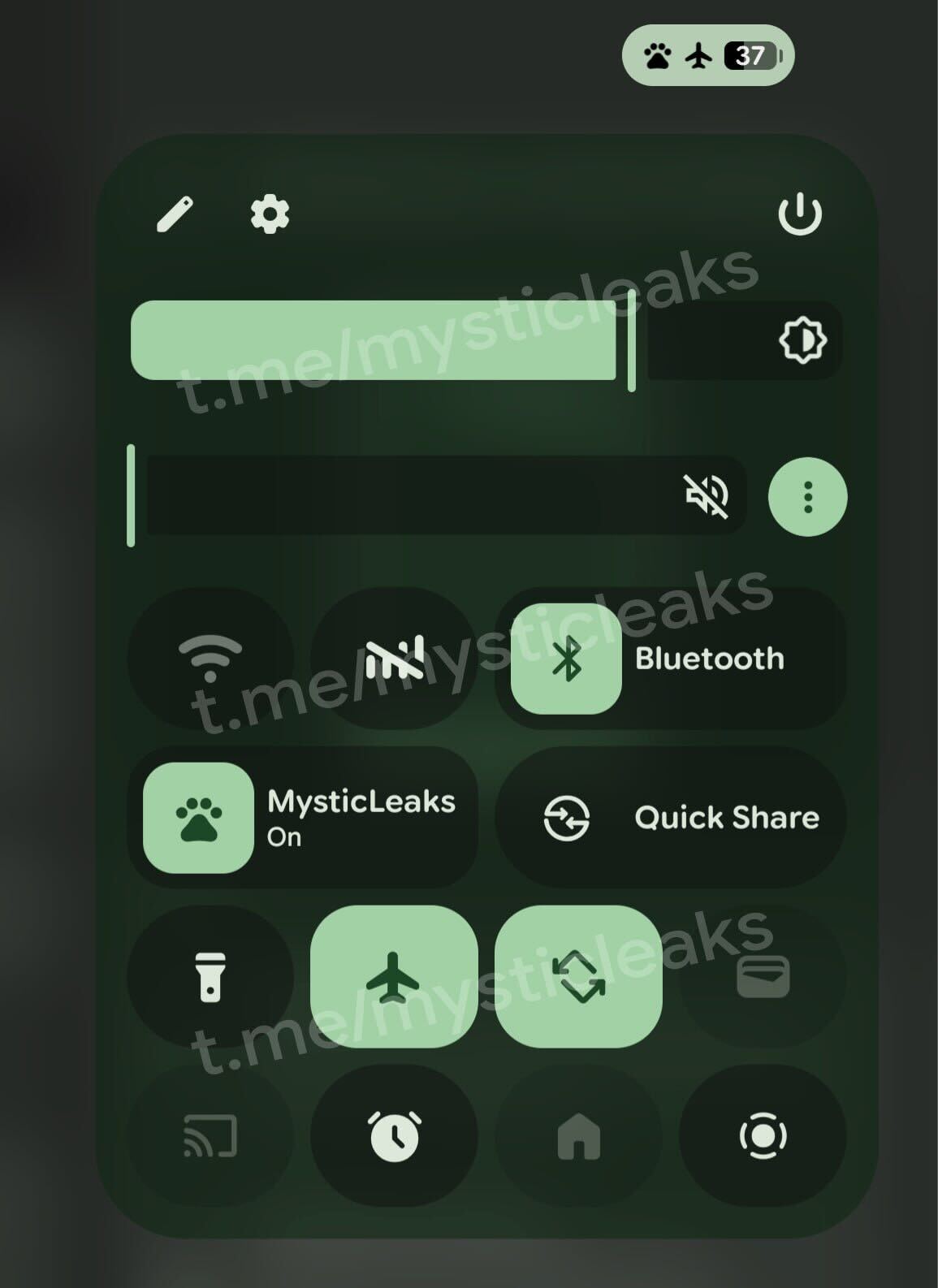
(Image credit: Mystic Leaks / Telegram)
The new leak suggests Android 17 could bring back separate toggles for Wi-Fi and mobile data. Mystic Leaks says Google is testing layouts that load faster and give you one-tap access.
This way, casual users have fewer accidental taps, while power users get faster control. It’s a rare win-win for Android’s interface.
Of course, none of these changes are guaranteed yet. They’re still hidden in early Android 17 builds, so Google could change, delay, or even cancel them before launch.