
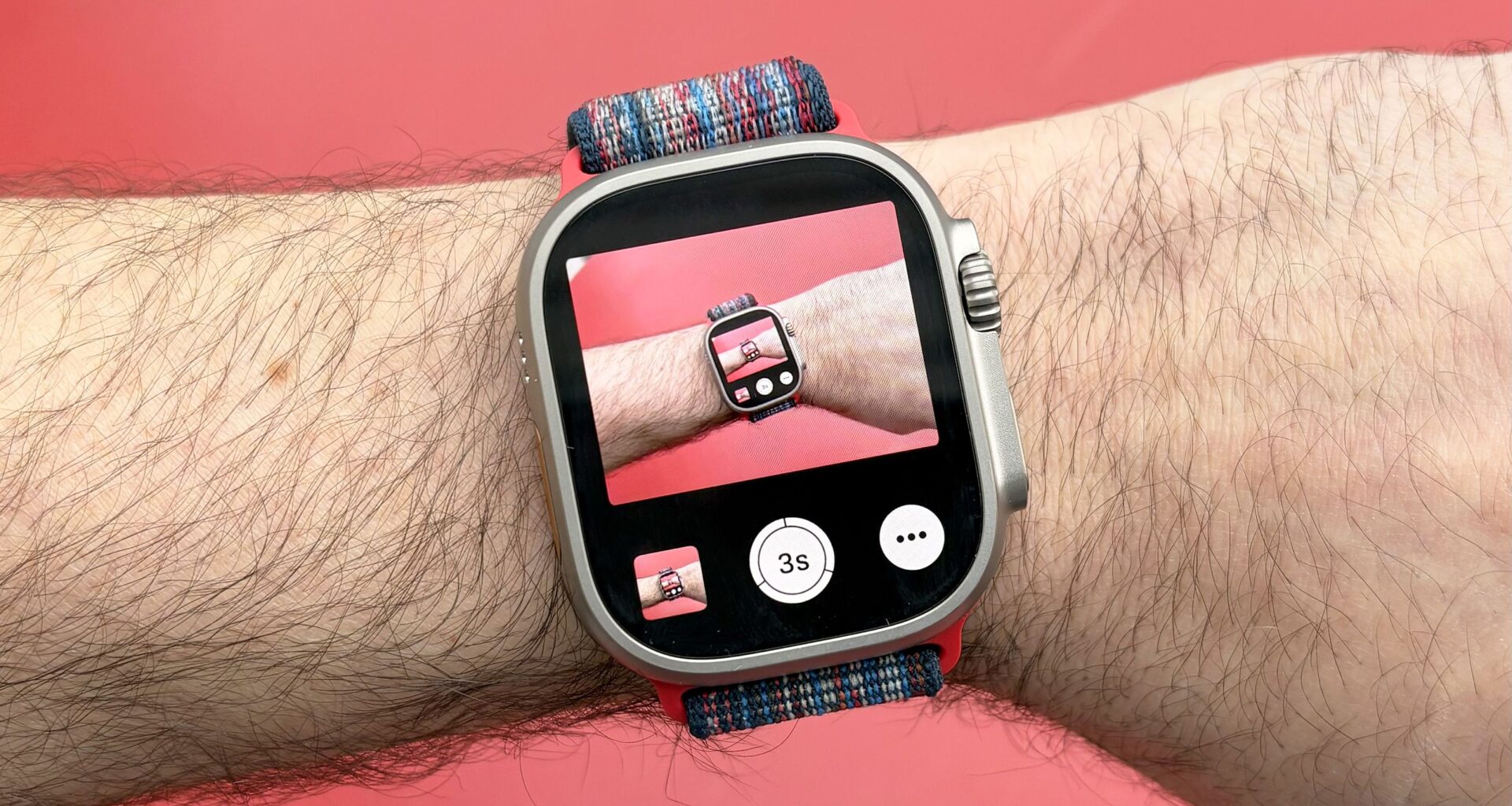
Your Apple Watch is capable of doing all sorts of amazing things, but some of the best tools are buried within the menus; not to worry, I’m here to help you unlock them.
I’ve already shared my favorite Apple Watch tricks and tips for 2026, along with my top third-party apps for the Apple Watch. In a similar spirit, here are the best hidden Apple Watch features that I swear by.
1. Walkie-talkie mode
(Image credit: Dan Bracaglia/Tom’s Guide)
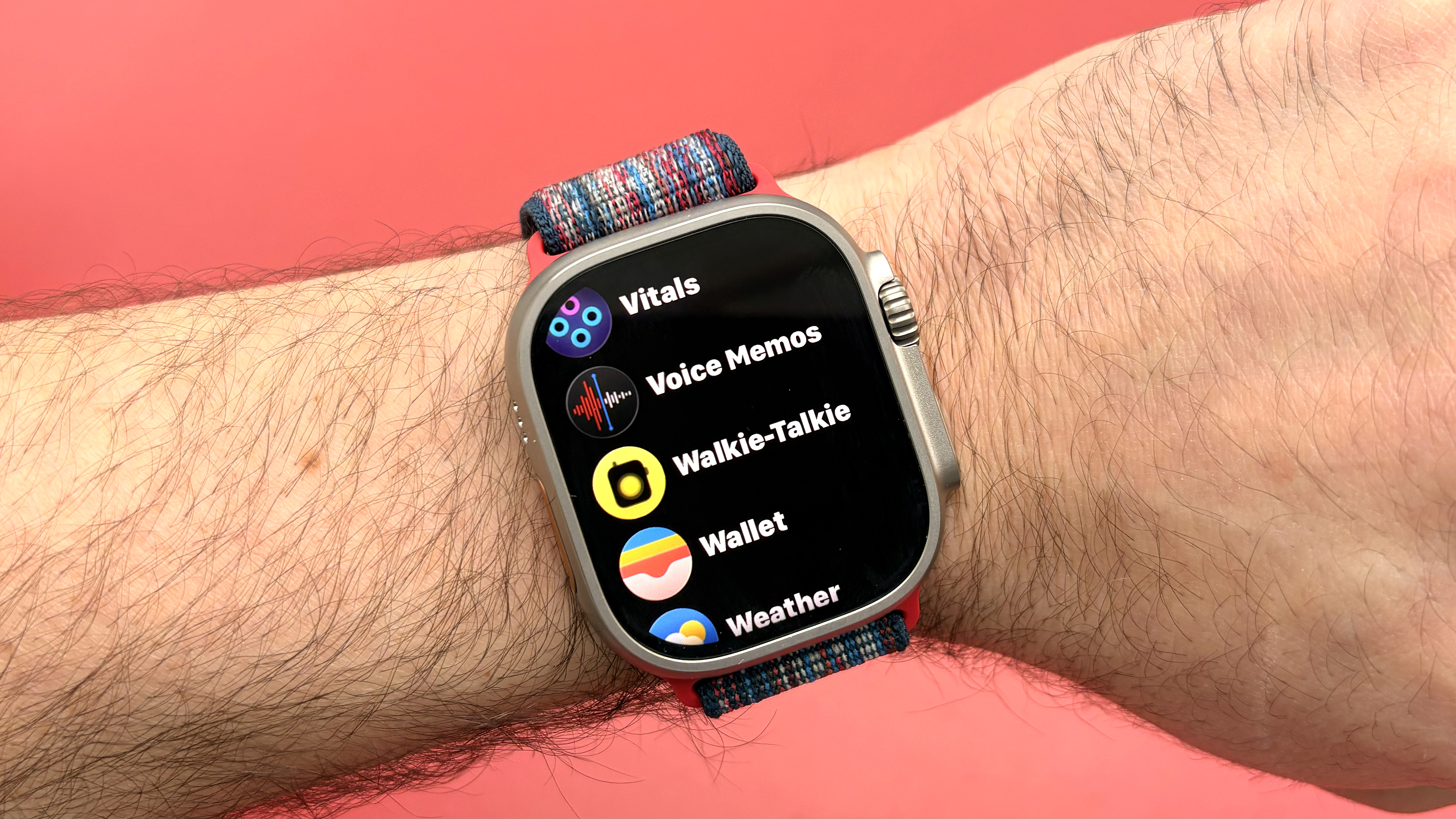
When I was a kid in the ’90s, my brother and I were utterly obsessed with walkie-talkies. These days, I relive that nostalgia thanks to the handy Walkie-talkie app built into my Apple Watch.
You may like
This often overlooked feature allows you to push-to-talk directly with a contact of your choice, though they first must accept your walkie-talkie invite. And, of course, that contact also has to be an Apple Watch user. Sadly for me, my brother is firmly in the Android camp (for now), so I can’t communicate directly with him using my Apple Watch’s Walkie Talkie app.
Aside from the recipient being an Apple Watch user, the only other requirement for using the Apple Watch walkie-talkie function is a Wi-Fi or cellular connection. Note: You may need to turn this feature on from within Settings > Accessibility.
2. Wrist Flick or Cover to Mute to silence alerts
(Image credit: Dan Bracaglia/Tom’s Guide)
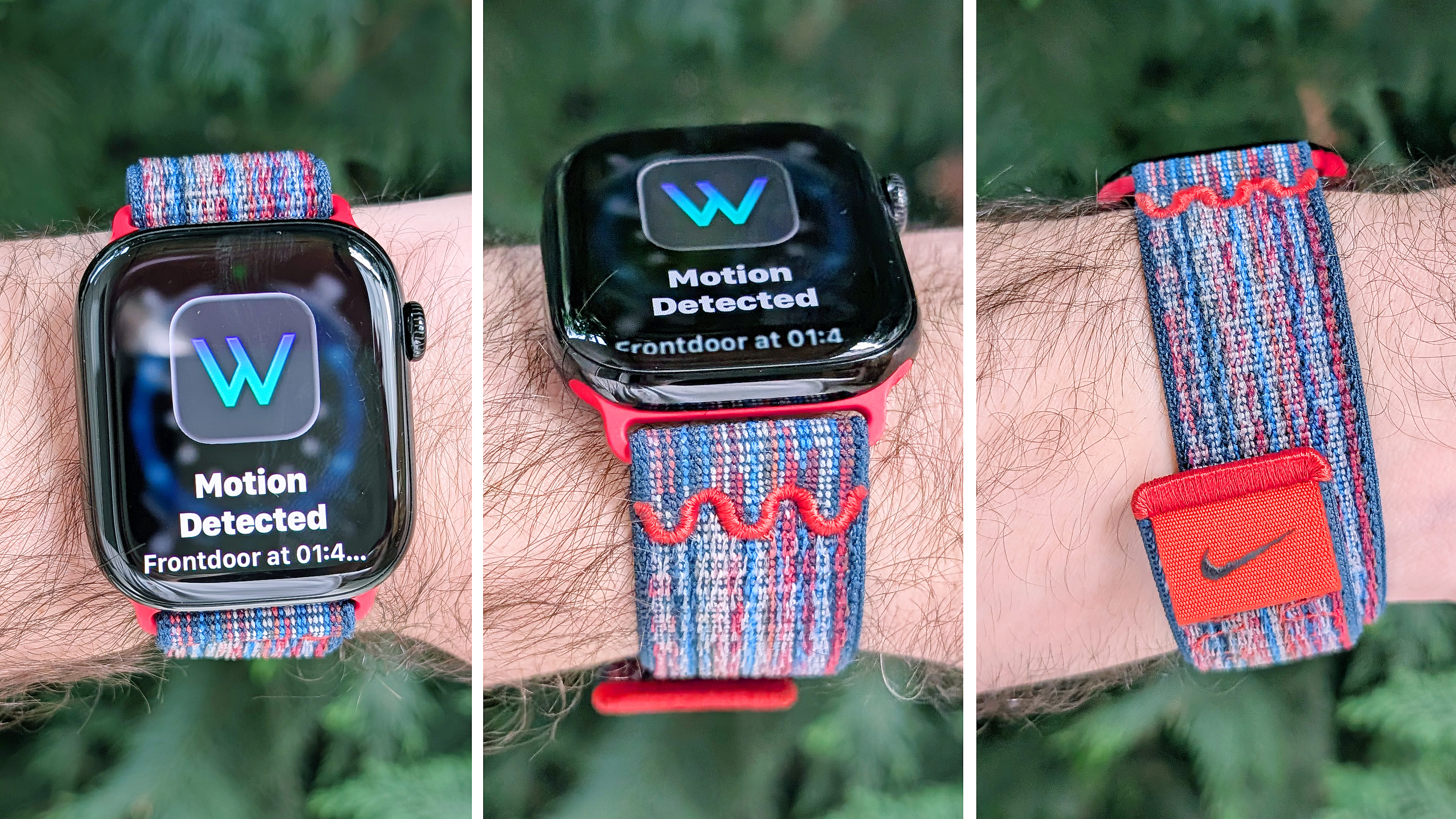
There are a variety of ways to dismiss notifications on your Apple Watch. Two of my favorites include the recently introduced and appropriately named Wrist Flick gesture — simply flick that wrist to kiss those annoying notifications buh-bye — and Cover to Mute.
I’ve already covered how to set up Wrist Flicks, but what about Cover to Mute? The feature lives in your Apple Watch’s gestures settings and is likely already on by default!
To use it, simply cover the screen of your Apple Watch with the palm of your opposite hand. After 3 seconds, you feel a slight buzz, indicating that the notification or alert has been silenced.
3. Double-tap gesture to take a pic with your iPhone
(Image credit: Dan Bracaglia/Tom’s Guide)
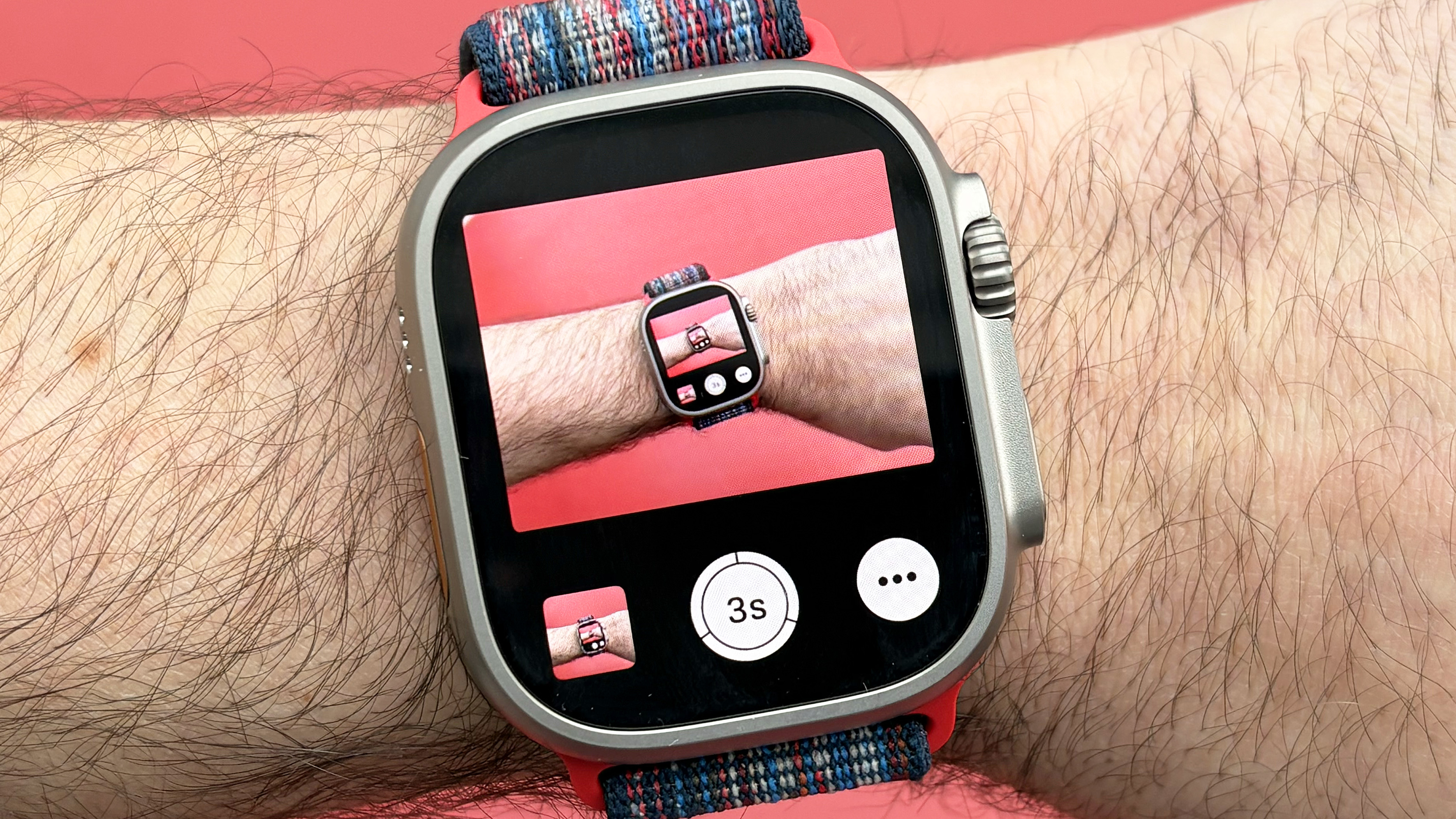
If you’re keen on group photos and want to impress those around you, I recommend setting up your Apple Watch’s remote shutter feature, which lets you snap pics using your iPhone’s camera with a nonchalant double-tap of your thumb and index finger.
Of course, Apple’s Double Tap gesture can be assigned to execute all sorts of functions depending on the app you’re using, but this might be my favorite. To utilize it, simply open the Camera Remote app, frame your shot, and perform the gesture control.
You may like
4. Triple-click the Digital Crown to control nearby devices
(Image credit: Dan Bracaglia/Tom’s Guide)
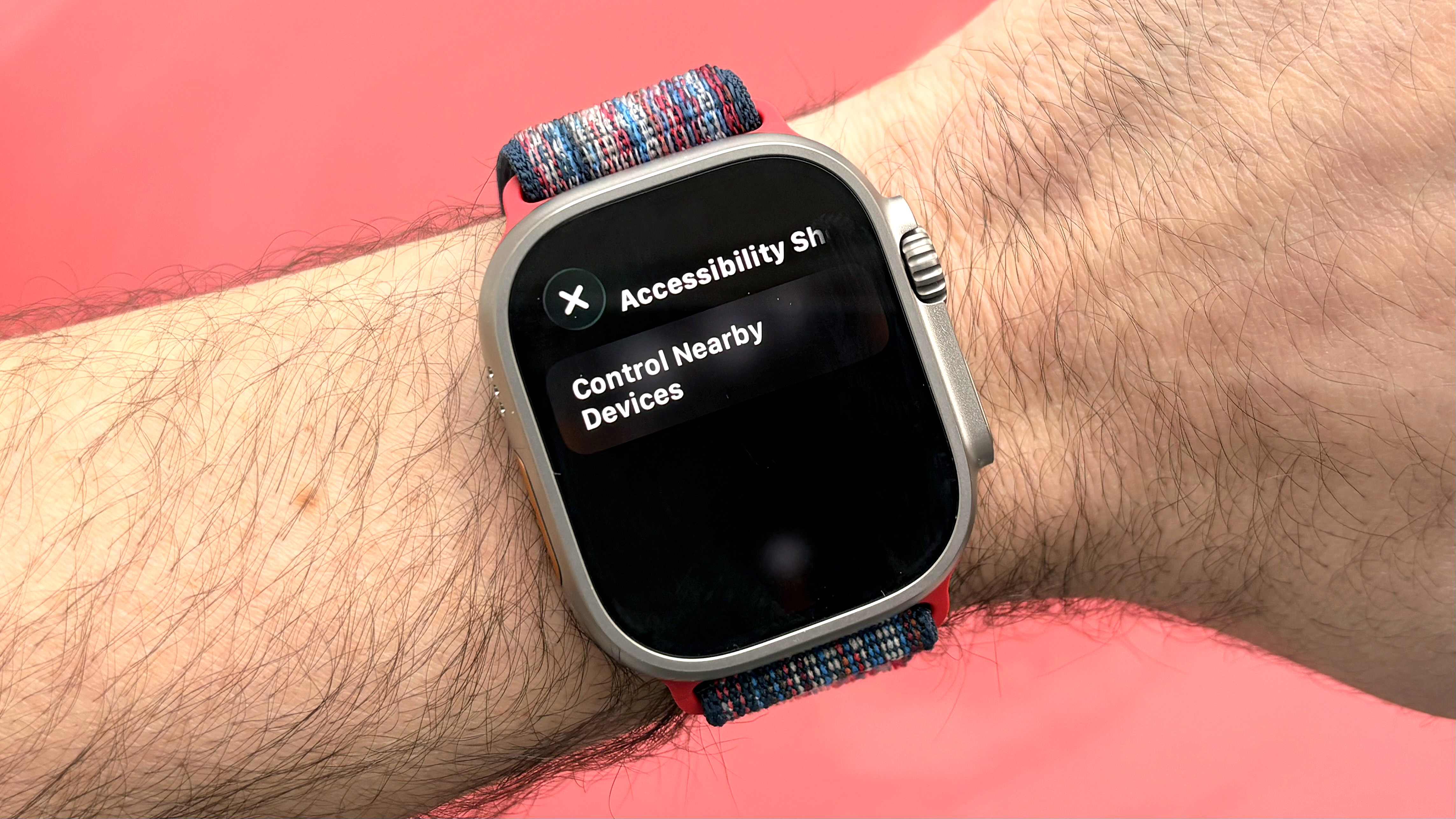
With this feature enabled, you’ll be able to control other Apple devices from afar, like your iPhone, with a triple-press of the digital crown. You can browse apps, change settings, open the camera, and more.
One note: The triple-click function only works when the other gesture controls are switched off, which is admittedly a bummer.
To set up this shortcut, open the Watch app on your iPhone and enter the Accessibility menu. All the way at the bottom, you’ll find Accessibility Shortcuts. Tap that and select Control Nearby Devices.
5. Sound Recognition for safety and peace of mind
(Image credit: Dan Bracaglia/Tom’s Guide)
Your Apple Watch has a built-in Noise app to send you alerts when the decibel levels in your environment get too high. However, it can also alert you to much more than noisy environments, including the sounds of a doorbell, smoke alarm, or even a baby crying.
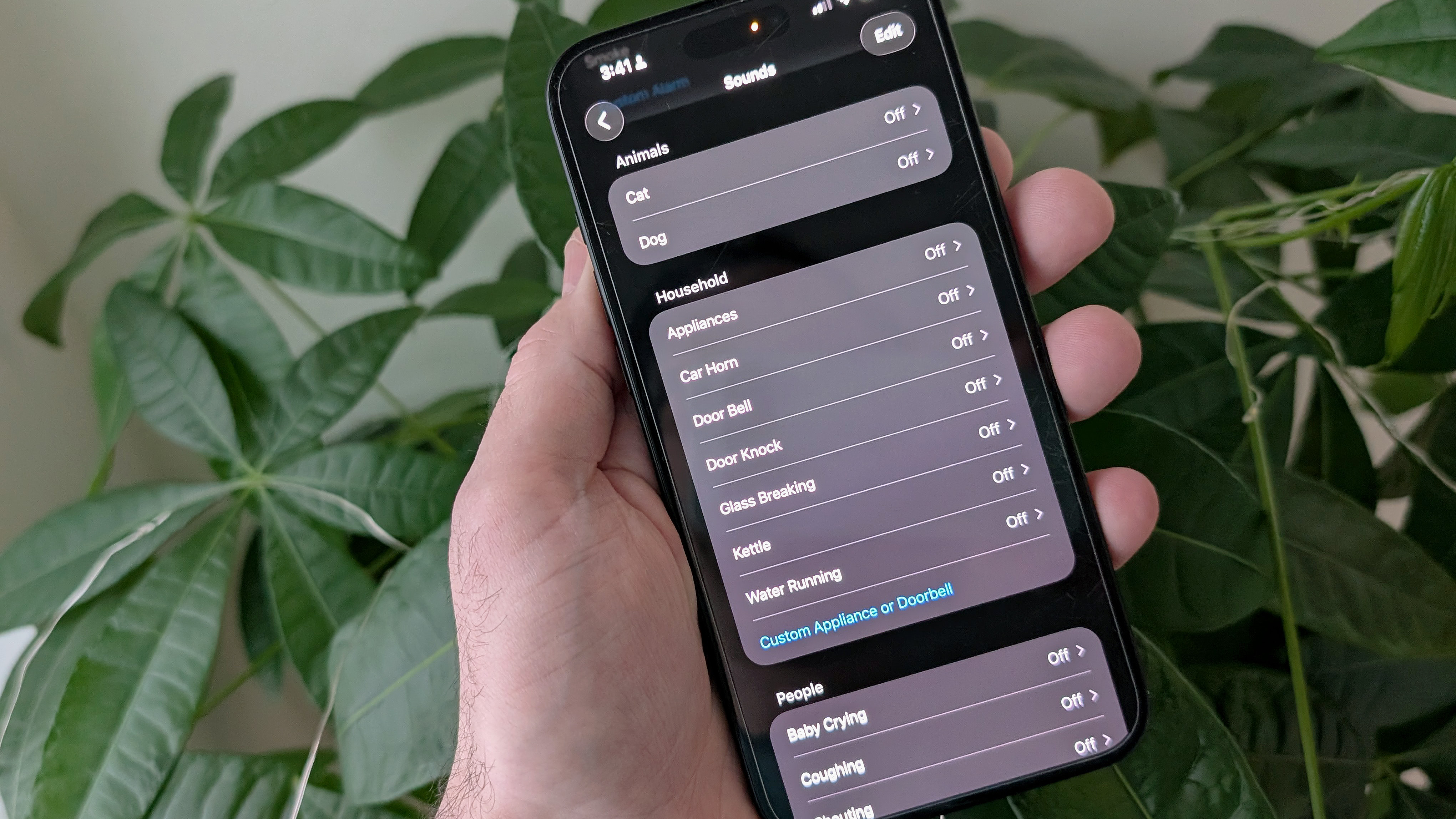
The feature actually lives on your iPhone — though notifications are sent to your Apple Watch when enabled — and setting it up is simple. Go to your phone’s Settings menu, followed by Accessibility. Scroll down until you see the Hearing sub-section and tap on Sound and Name Recognition.
There are two toggles: one to turn on sound and the other to turn on alerts for your name being said. Once enabled, you’ll be asked whether you want the feature to send notifications. Click yes.
Then it’s just a matter of selecting which sounds you want notifications for. Choices include dogs, cats, babies, appliances, car horns, running water, and more.
6. Music Recognition to keep tabs on tunes
(Image credit: Dan Bracaglia/Tom’s Guide)
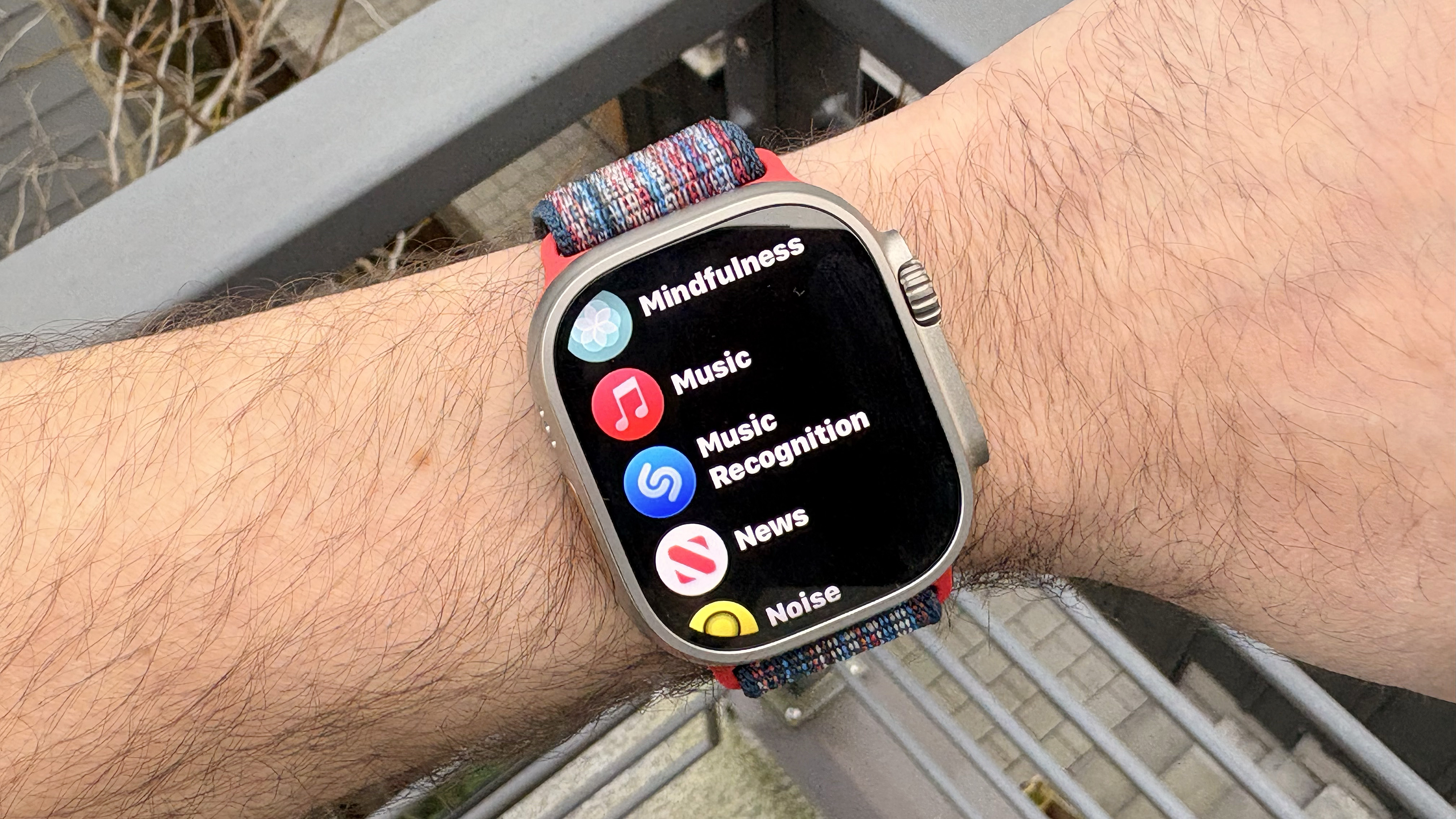
Apple bought Shazam, the OG song listening/naming app, all the way back in 2018. Today, the tech is the backbone of Apple’s Music Recognition app on the Apple Watch. The app even continues to use the Shazam logo.
For another one of my top hidden Apple Watch features, one only needs to tap the screen for the device to listen in and identify the current jam bumping.
For easy access, I recommend adding the app to your Smart Stack by swiping up from the bottom of the Apple Watch screen and scrolling down to Edit; tap the big plus sign after that. Then, scroll until you see Music Recognition. Tap it, and then tap the screen again, before you click the check mark in the upper left corner to add it to your Stack.
7. Flashlight mode to… see in the dark
(Image credit: Dan Bracaglia/Tom’s Guide)
While the best Apple Watch models don’t have an onboard LED flashlight like some of the best Garmin smartwatch models, all Apple Watches offer a flashlight mode to help you see in the dark or even signal for help.
To access it, tap the side button on your Apple Watch to bring up the Control Center, and then tap the flashlight icon.
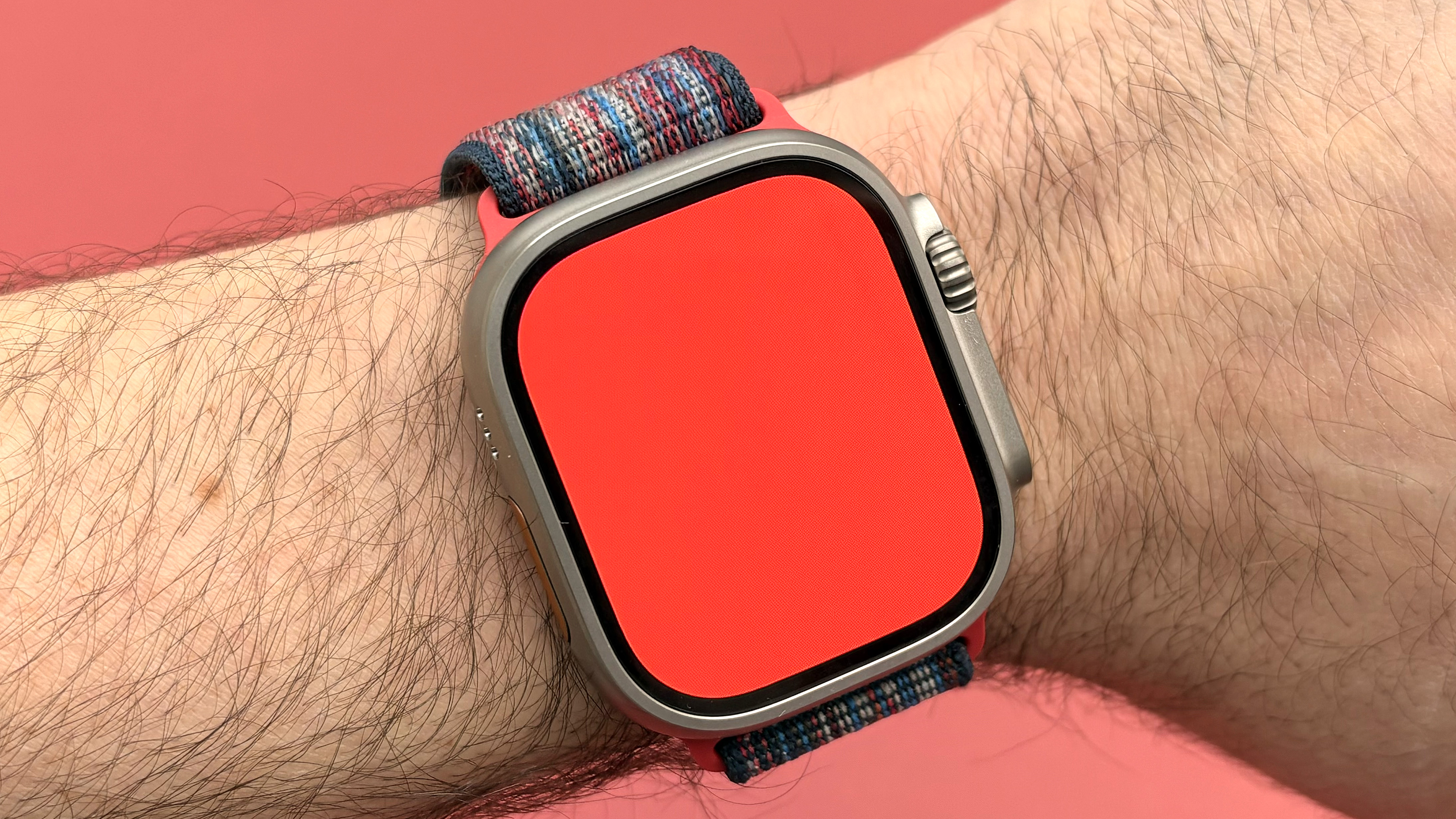
Scroll left and right to choose between a solid white output, flashing white, or solid red. Tap the screen once to dim the flashlight and tap it again to turn it back on.

Follow Tom’s Guide on Google News and add us as a preferred source to get our up-to-date news, analysis, and reviews in your feeds.
More from Tom’s Guide
Today’s best Apple Watch 11, Apple Watch Ultra 3 and Apple Watch SE 3 deals