
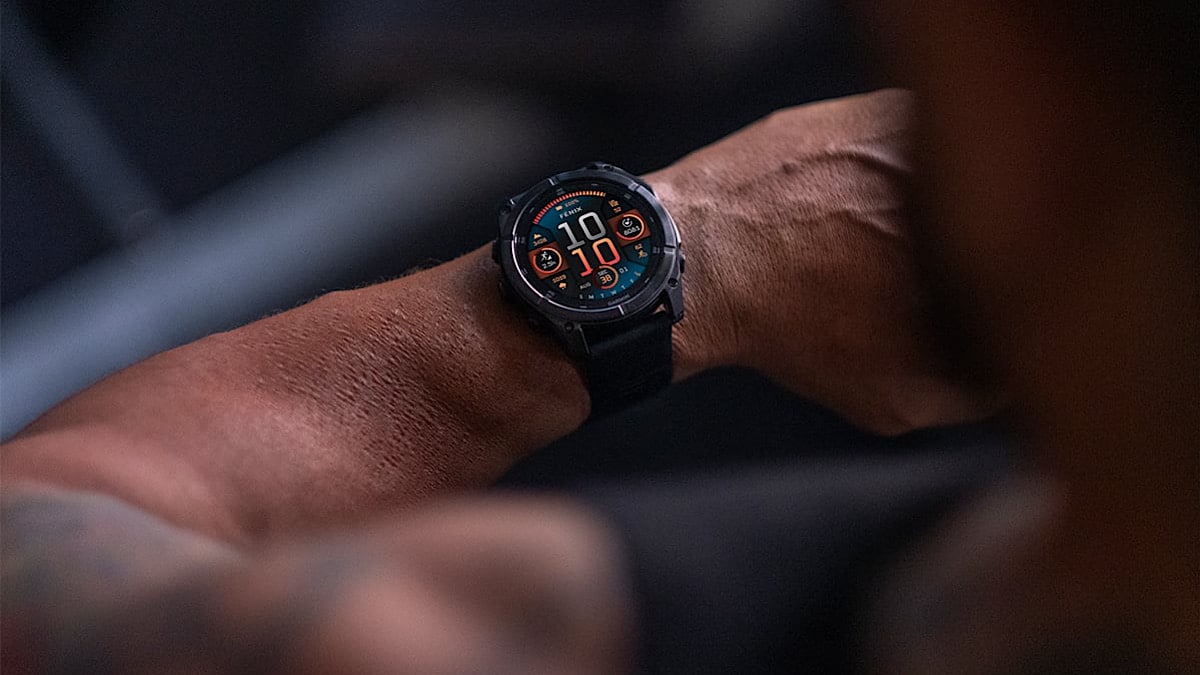
Owners of the Garmin’s Fenix 8 AMOLED and some other newer watches have been left annoyed over a simple setting that’s no longer there. A growing thread on Garmin’s official forums reveals that the watches force adaptive brightness and don’t let users switch it off.
This is not a new issue. It is an ongoing one and it is puzzling why Garmin has not offered a solution for more than a year now.
At the core of everything is the ambient light sensor. The watches uses this to automatically adjust screen brightness based on lighting conditions, which makes sense in theory. But the Fenix 8 AMOLED and some other newer watches don’t offer a way to disable that feature entirely. Even if you manually select low, medium or high brightness in the settings, the sensor continues to override your choice. Many users feel this removes a basic level of control that existed on older devices.
Forum thread highlights user frustration
The original post from six months ago on the Garmin forums asked a simple question: is there a way to disable the ambient light sensor? Over 12 pages later, the thread has turned into a long discussion on why the watch dims too much in certain conditions and why Garmin hasn’t provided a manual override.
Users report that even with brightness set to “high,” the display can go dim in darker environments. For some, that makes the watch hard to read indoors or in low-light outdoor settings. A few tried testing it by covering the sensor to trick the watch into thinking it’s bright outside, and the screen did get brighter, which confirms the ambient sensor continues to work behind the scenes.
Essential reading: Top fitness trackers and health gadgets
What frustrates many is that this wasn’t a problem on other models. Earlier Garmin watches with AMOLED displays let users fully control brightness. On models like the Epix 2, manual brightness settings behaved as expected. The Fenix 8 AMOLED and some other newer watches break that pattern, and so far Garmin hasn’t explained why.
Here’s a Youtube video showing the issue:
Garmin confirms it’s “by design”
A Garmin forum moderator eventually stepped in and confirmed that the brightness behaviour is working “as designed.” There is currently no way to turn off the adaptive sensor. That comment has only added fuel to the discussion, with users asking for a firmware update to restore full brightness control.
Some have submitted formal feedback through Garmin’s support channels. Others say they would return the device if they could. A few users even opened support tickets and received the same answer: it’s not a bug, and there’s no plan to add a toggle.
That doesn’t mean all users are unhappy. Some say the adaptive system works well for them in most scenarios and keeps the battery life balanced. But even among that group, many agree that having the choice would be better.
A simple fix could resolve this
The most common request is straightforward: give users a way to disable the ambient light sensor in settings. Garmin already offers similar toggles for other automatic features like sleep tracking and auto-backlight. Bringing back a manual brightness mode wouldn’t disrupt those who prefer automation, but it would go a long way for those who want more control.
Whether Garmin plans to change anything is unclear. But if the size of the thread is any indicator, this is not a minor issue. For a premium watch aimed at demanding users, something as basic as screen visibility should not become a daily annoyance.
Subscribe to our monthly newsletter! Check out our YouTube channel.
And of course, you can follow Gadgets & Wearables on Google News and add us as your preferred source to get our expert news, reviews, and opinion in your feeds.