
Joe Maring / Android Authority
TL;DR
Google Wallet’s upcoming redesign focuses on starring favorite passes for quick access on the home screen.
A new “View more” button leads to a management landing page, which then requires another tap to see all passes.
The upcoming redesign will also add the ability to reorder passes and sort them alphabetically or by recently opened.
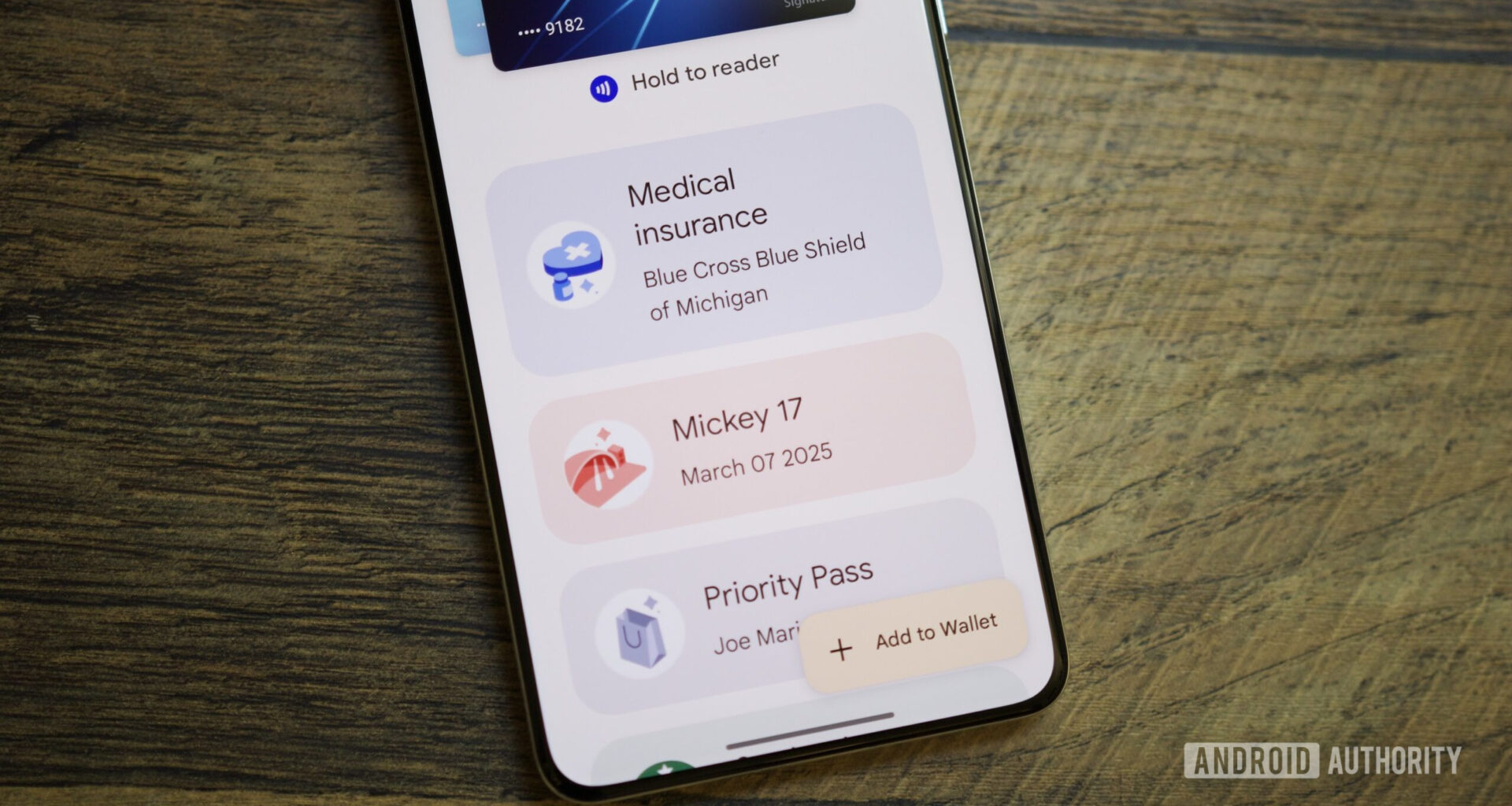
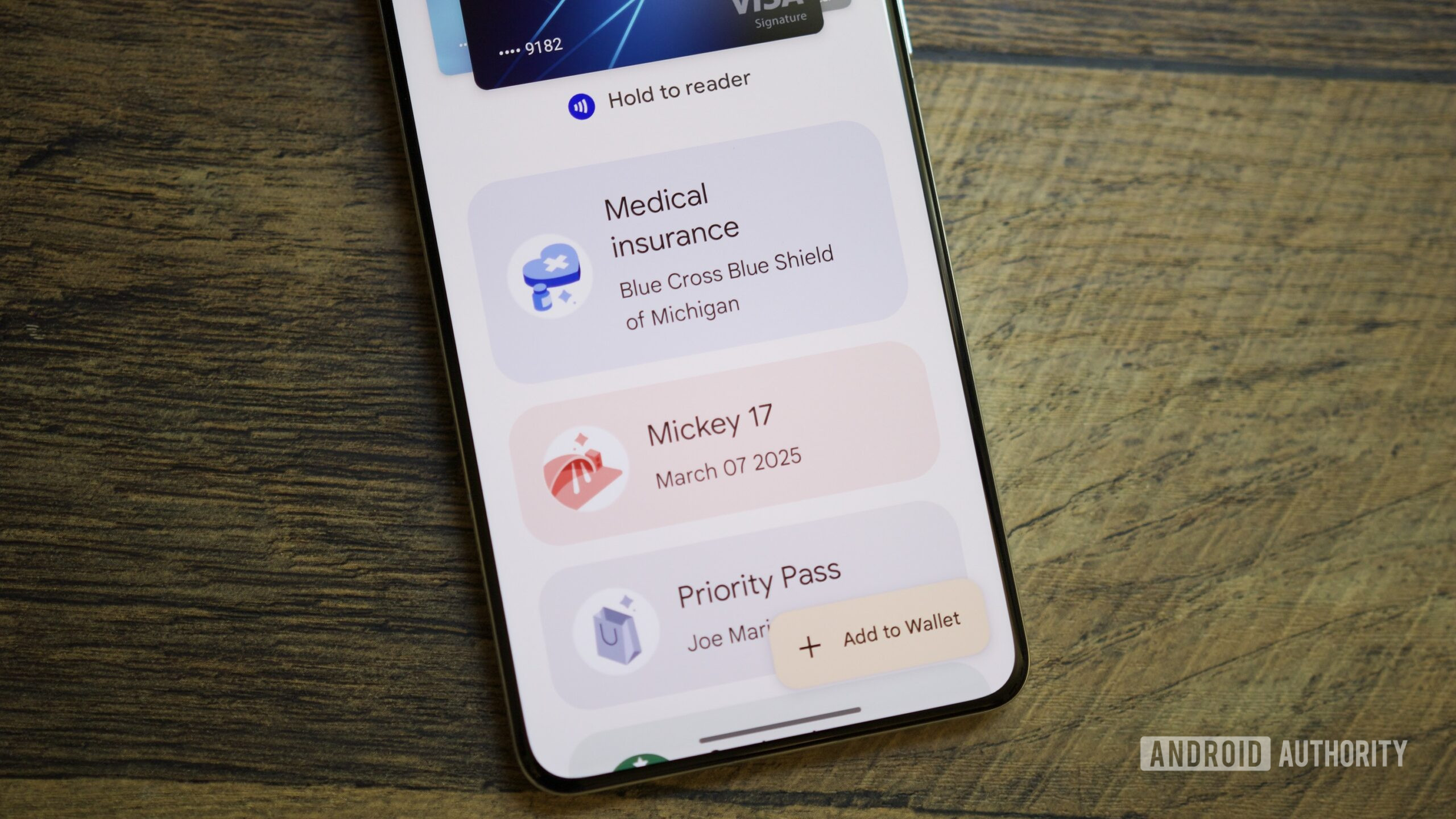
Last week, we showed off Google Wallet’s upcoming home screen redesign, which centers on starring passes. It appears to be a nice change that focuses on the passes you think you’ll need the most. There was also a “View more” button, which we presumed would house the rest of your passes. The button didn’t work then, but with the latest Google Wallet v26.5.862583415 release, we now have a better idea of what this “View more” button on the upcoming home screen redesign would do.
Through the new app version, we’ve found out that the “View more” button will take you to a landing screen with a search bar and some settings, and it also includes a “View more passes” button. Tapping this button finally takes you to a screen that displays all your passes, making it a two-step process to access them.
As you can see, the screen that appears after tapping “View more” allows them to manage the passes displayed on the home screen and manage payment methods. All your passes will be visible only when you tap “View more passes.” The star icon controls which passes show up on the home screen.
Thankfully, one redeeming feature of the “View more passes” screen is the ability to sort passes alphabetically or by recently opened. Archived passes are placed in a section at the end of the list.
Don’t want to miss the best from Android Authority?
If you tap “Manage passes on home,” you’ll land in a new section that lets users reorder their passes and select which ones appear on the home screen, as you can see in the screenshots below:
Here is a video walkthrough of the upcoming Google Wallet redesign:
Google appears intent on re-centering the Google Wallet experience on starred passes. Once you’ve set up the app, you should be able to access the passes you use most right on the home screen. You will still be able to access your other passes thanks to the search bar, but they won’t get in your way when you don’t need them.
Google Wallet’s home screen redesign is not live yet. We’ll keep you updated when we learn more.
⚠️ An APK teardown helps predict features that may arrive on a service in the future based on work-in-progress code. However, it is possible that such predicted features may not make it to a public release.
Thank you for being part of our community. Read our Comment Policy before posting.