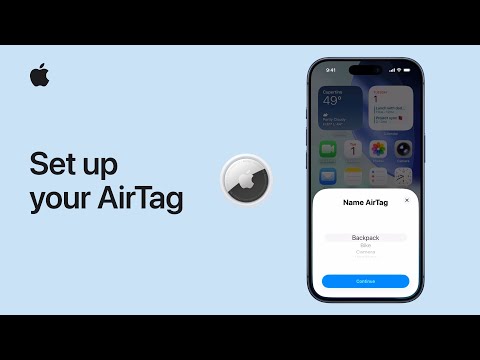
To help keep track of personal items, like keys or a backpack, you can add an AirTag or other compatible Find My network accessories to Find My. You can add items using AirTag setup or the Find My app.

To set up an AirTag, you need iOS or iPadOS 14.5 or later. To add an AirTag (2nd generation), you need iOS or iPadOS 26.2.1 or later. Simply follow the steps below:
Hold your AirTag near your iPhone or iPad, then tap Connect. If you have more than one AirTag and get the alert “More than one AirTag detected,” make sure that you bring only one AirTag near your device at a time.
Select a category to name your AirTag. If you choose Custom Name, select an emoji.
To link your AirTag with your Apple Account, tap Agree or Continue again.
Tap Done.
To find out more, watch the following tutorial video from Apple.