
A few years ago, setting up an Android phone meant installing a handful of “must have” apps right away. The built-in tools were good enough to get you started but not powerful enough to fully replace third-party alternatives. Photo editing features were limited, video playback was a hit or miss, and scanning a document wasn’t possible without a separate app.
Over time, though, Android has matured. The built-in apps are now powerful and far more capable than they used to be. And as a result, many of the popular apps that were once essential are now completely optional.
Photo editing apps
The built-in editor is better than you think
Not that long ago, installing a third-party photo editing app felt almost necessary. That’s because the built-in photo editors in the Gallery and Google Photos were basic at best. You could crop an image, rotate it, and maybe apply a filter, but nothing more.
Thankfully, that’s not the case anymore. Open Google Photos, and you’ll see plenty of editing options. It doesn’t matter if you want to blur the background, add text, or tweak the color and lighting. It’s all built-in. There are even AI features that let you remove unwanted objects from a photo, reposition the subject if the framing is off, and even replace the background entirely.
If you have a Galaxy phone, Samsung Gallery offers a similarly impressive set of tools. And the best part is that all these features are free, so you don’t have to worry about putting up with ads, paying a subscription, or dealing with watermarks.
Video players
You won’t miss them
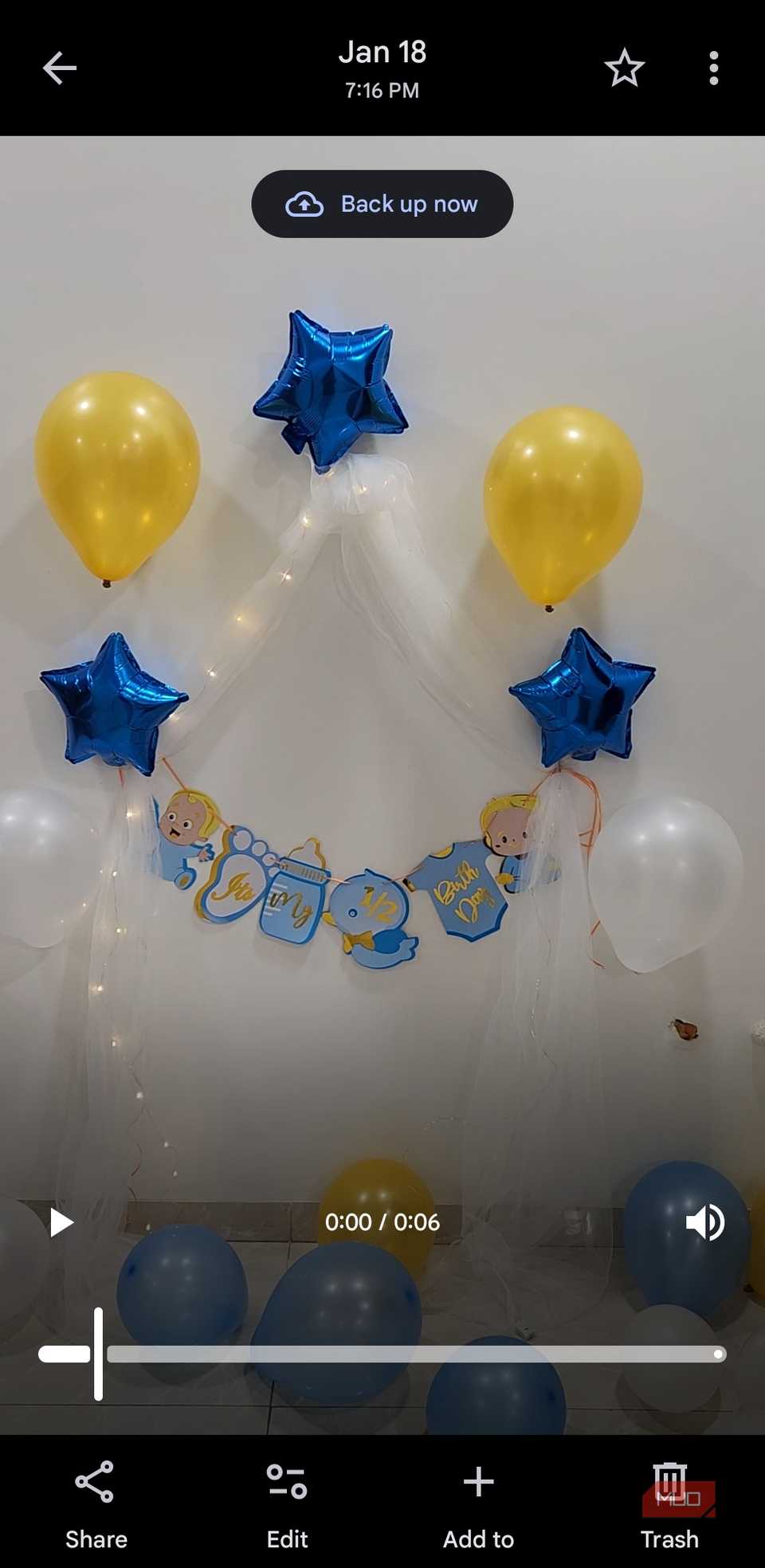 Screenshot by Pankil Shah — No attribution required
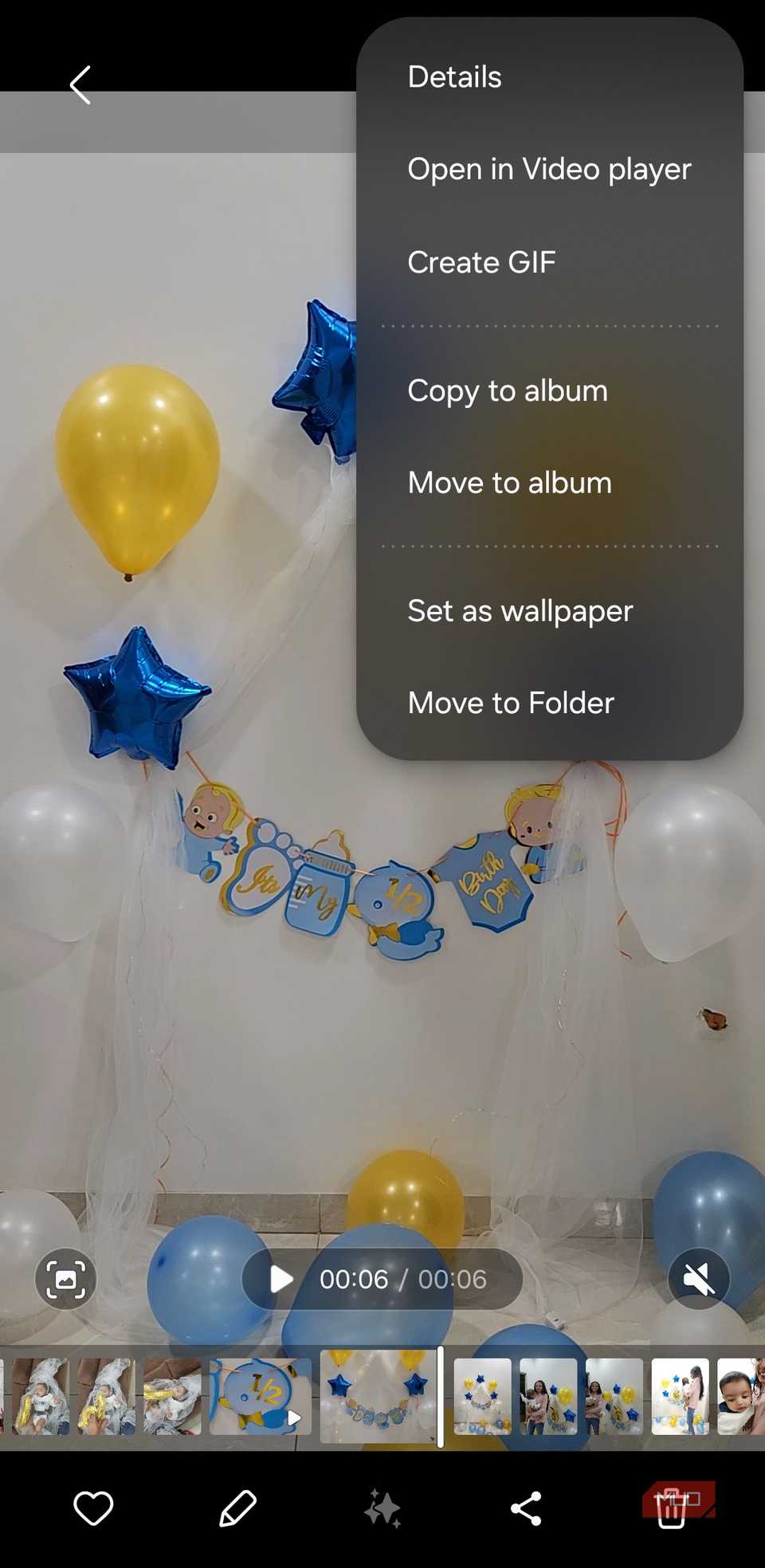 Screenshot by Pankil Shah — No attribution required
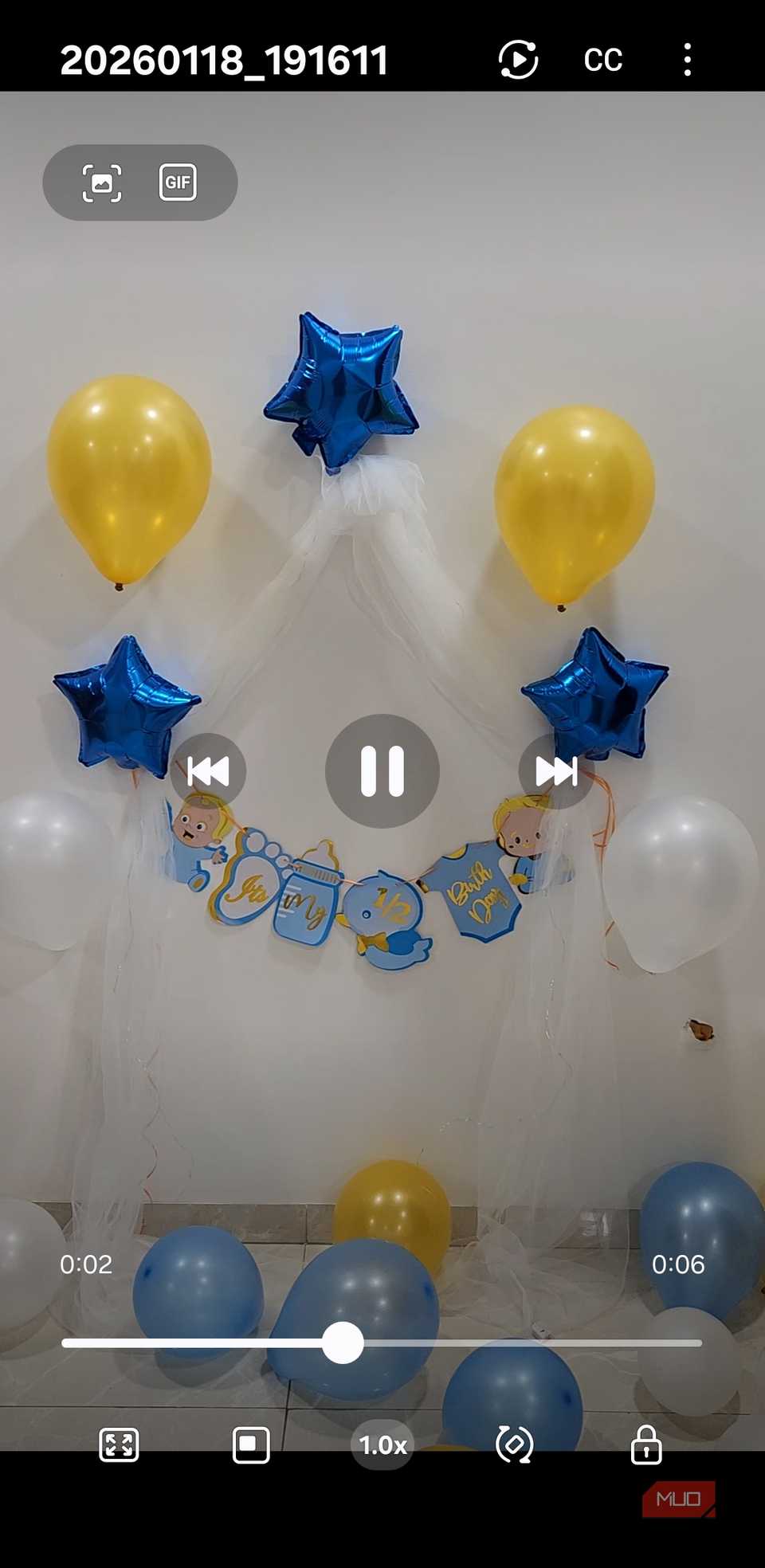 Screenshot by Pankil Shah — No attribution required
Remember MX Player, VLC, or Next Player? Those used to be one of the first apps everyone installed on their phones because the stock video players often struggled with certain file formats. They also lacked those useful gesture controls that let you adjust the brightness and volume with a swipe.
But things have changed. Android now supports almost all the popular video formats out of the box. Whether it’s an MP4, MKV, or something more obscure, Google Photos can usually play it without any issues. Some Android phones, like Samsung Galaxy devices, even include a separate video player with better on-screen controls and extra features like captions.
Most importantly, the way we consume content today has changed. Most of us now watch content through dedicated apps like YouTube, Netflix, or Amazon Prime Video. These come with their own optimized player, so there’s really no need for a separate video app anymore.
Related
Samsung Gallery Beats Google Photos Every Time: Here’s Why
It’s a no-brainer, especially for people with Samsung phones.
QR and document scanner apps
Your phone can already do that
 Screenshot by Pankil Shah — No attribution required
 Screenshot by Pankil Shah — No attribution required
 Screenshot by Pankil Shah — No attribution required
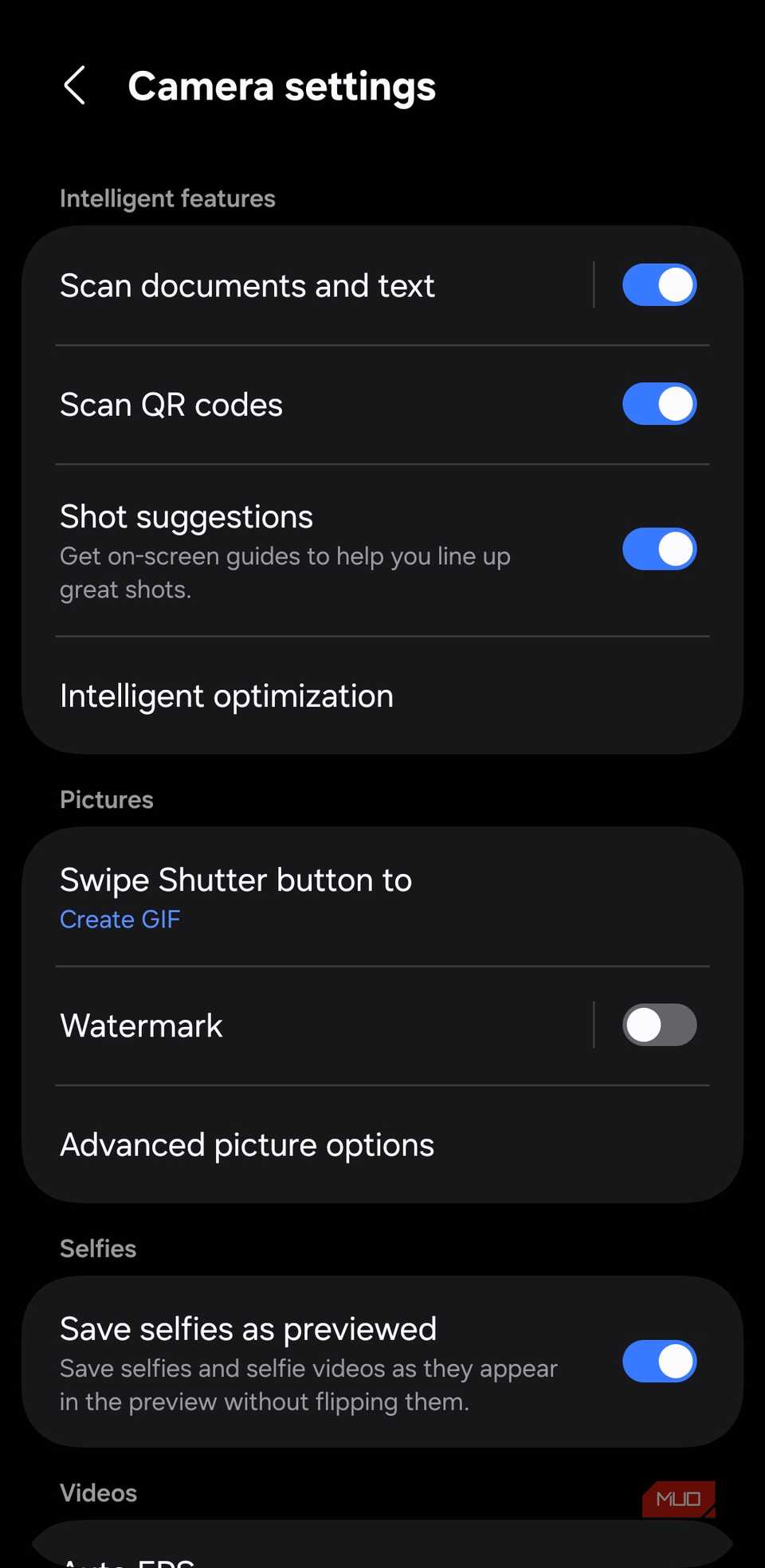
QR codes are everywhere these days, but thankfully, you no longer need to keep a separate app just to scan them. The camera app on your Android phone can handle that. All you have to do is open the Camera app and point your phone’s camera lens towards the QR code. If nothing happens, make sure the QR code scanning feature is enabled in the camera settings.
Samsung takes this scanning feature a step further. On Galaxy phones, the Camera app can also scan documents. It can automatically detect paper edges and scan them without any extra help. It works great for single-page forms, though scanning multiple pages can feel a bit less smooth.
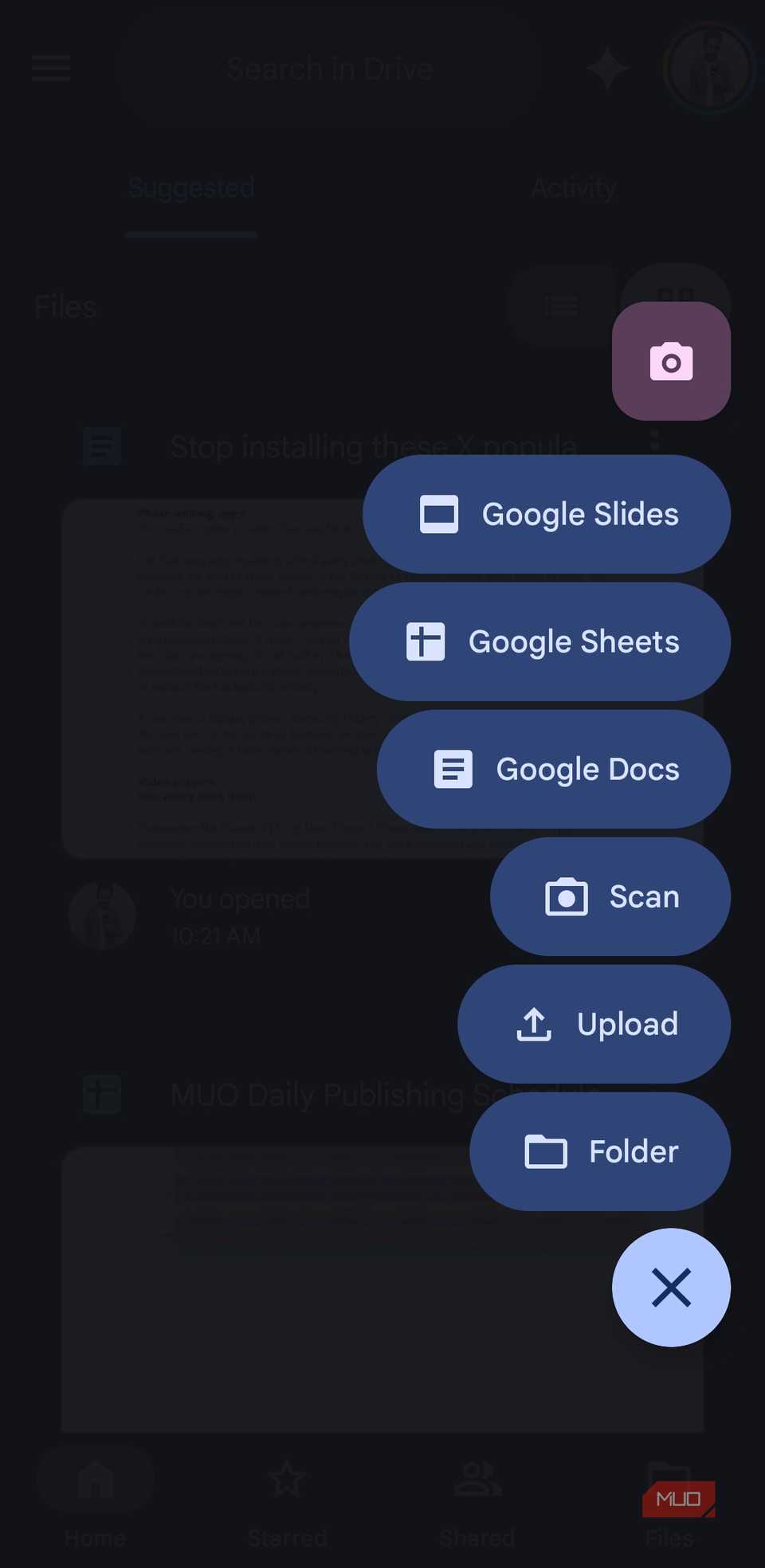
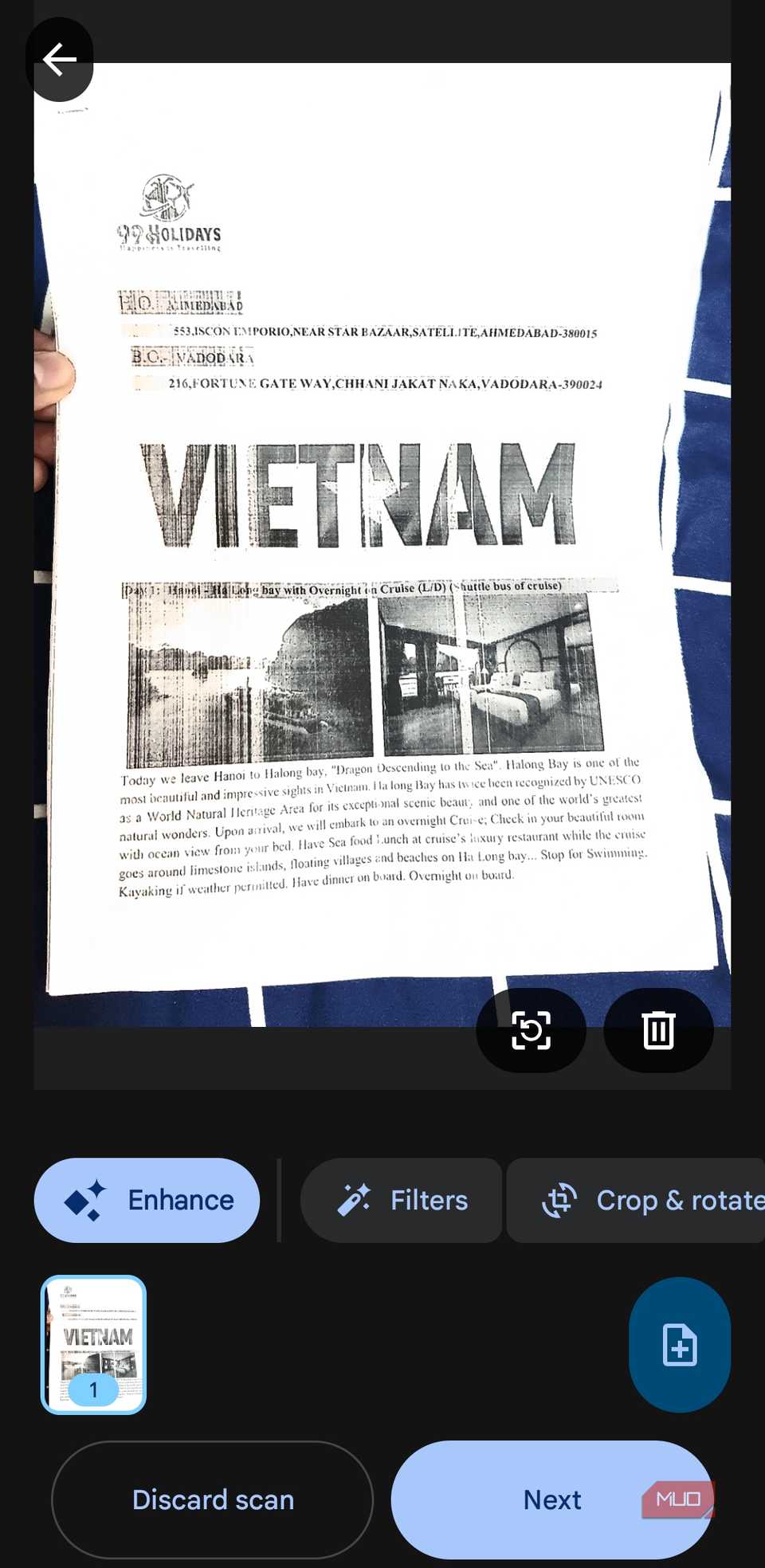
Even then, you still don’t need to install document scanning apps. Google Drive, which comes pre-installed on Android phones, already has a document scanning feature. Tap the plus icon, select Scan, and start capturing the document. It has all the features you’d want in a scanning app, including auto capture, filters, and cleanup tools. So yes, it’s not just a half-baked add-on.
“Cleaner” and RAM booster apps
Let Android handle performance
 Screenshot by Pankil Shah — No attribution required
 Screenshot by Pankil Shah — No attribution required
 Screenshot by Pankil Shah — No attribution required
If you’ve used Android phones for a while, you probably remember the wave of “Cleaner” and “Booster” apps that once dominated the Play Store. They promised to free up RAM, clear junk files, and magically make your phone feel faster with a tap. Back then, it sounded believable because phones had limited memory, slower processor, and Android itself was not as efficient as it is today.
Today, of course, things are different. Android is quite good at managing memory on its own. Even when you have dozens of apps in the recents menu, your phone won’t slow down because Android is automatically optimizing everything behind the scenes.
Above all, most of these third-party cleaning apps rely on exaggerated claims and request questionable permissions. Some even constantly run in the background, ironically using the very RAM and battery they claim to save.
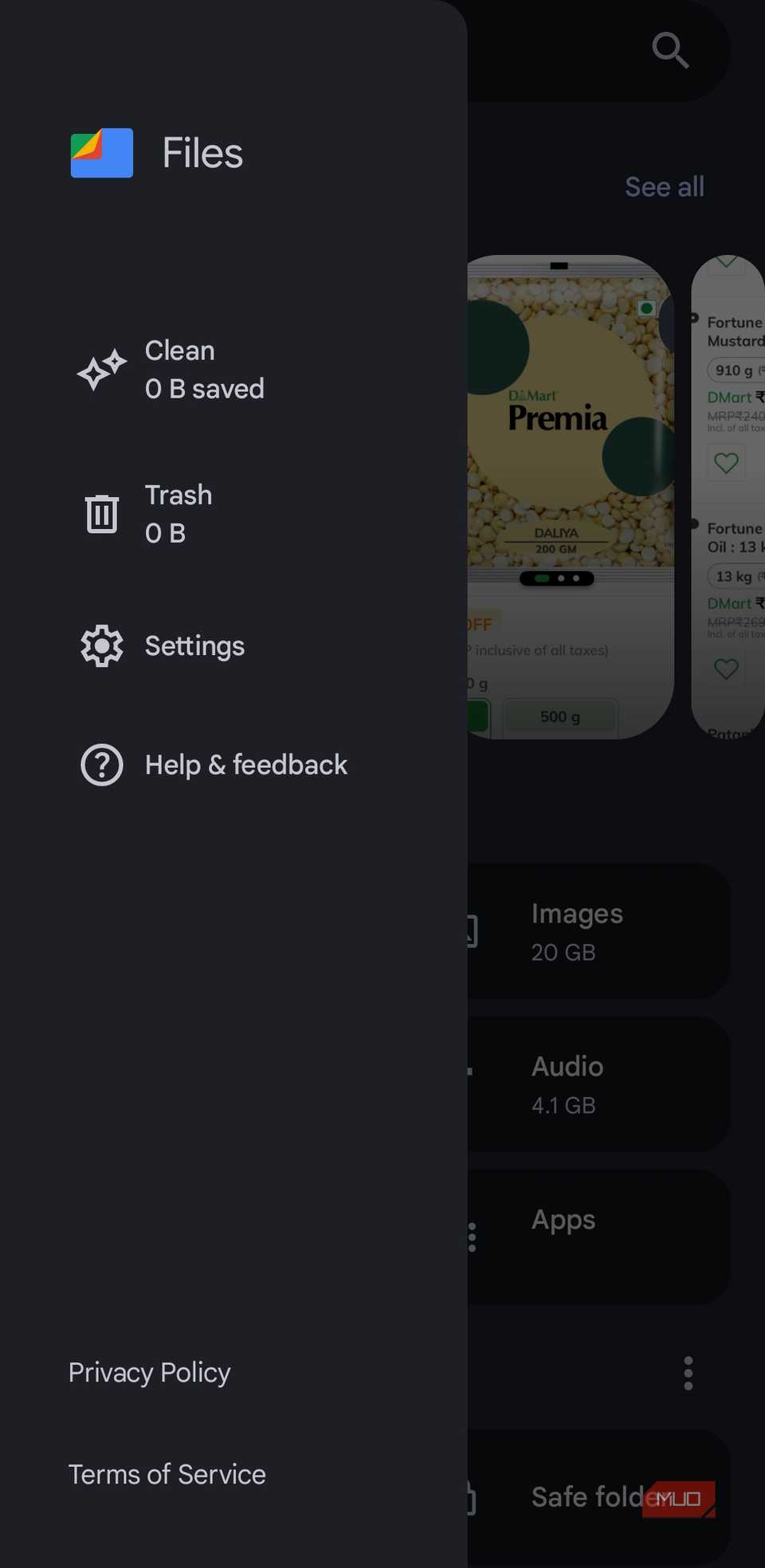
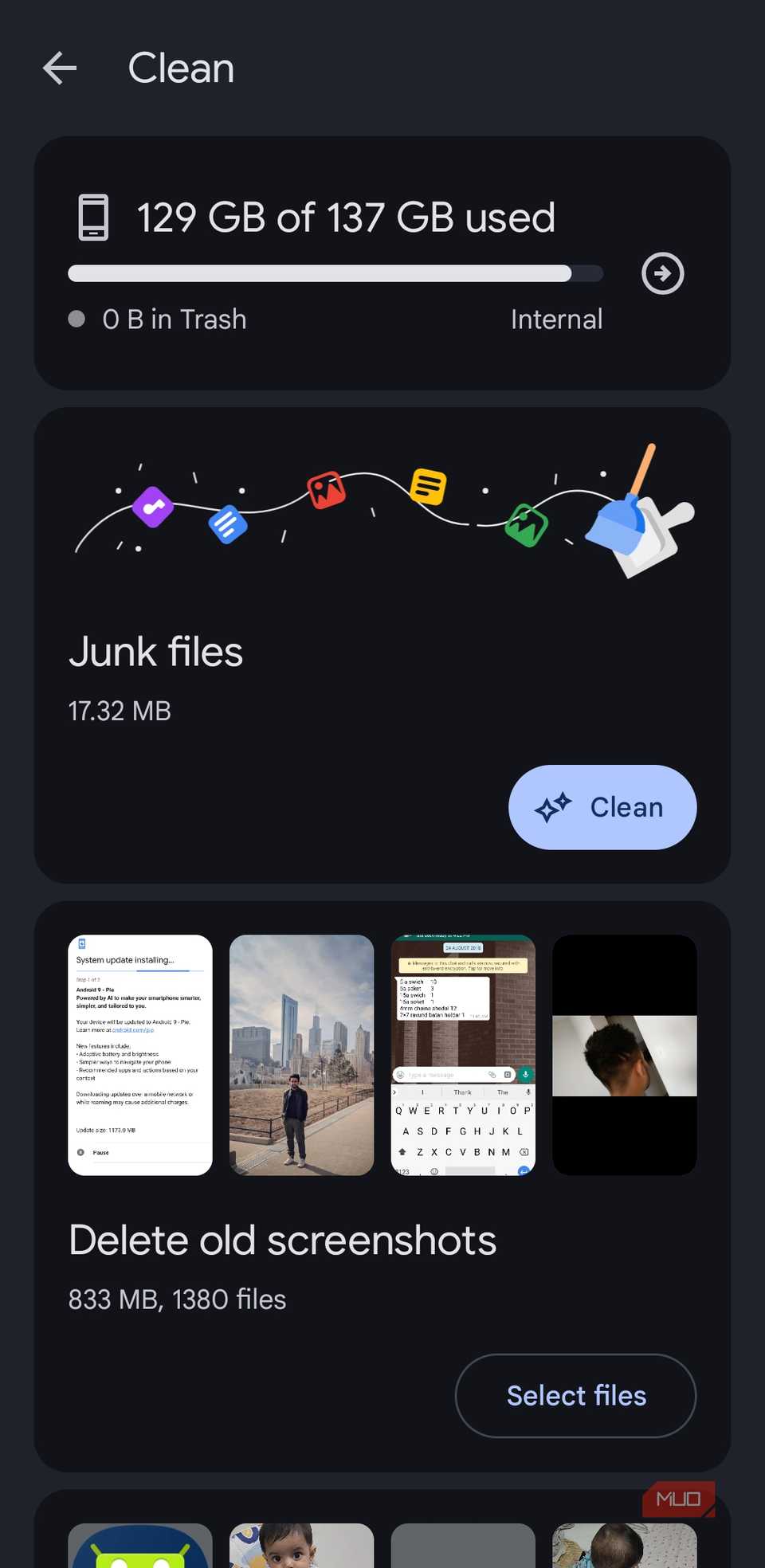
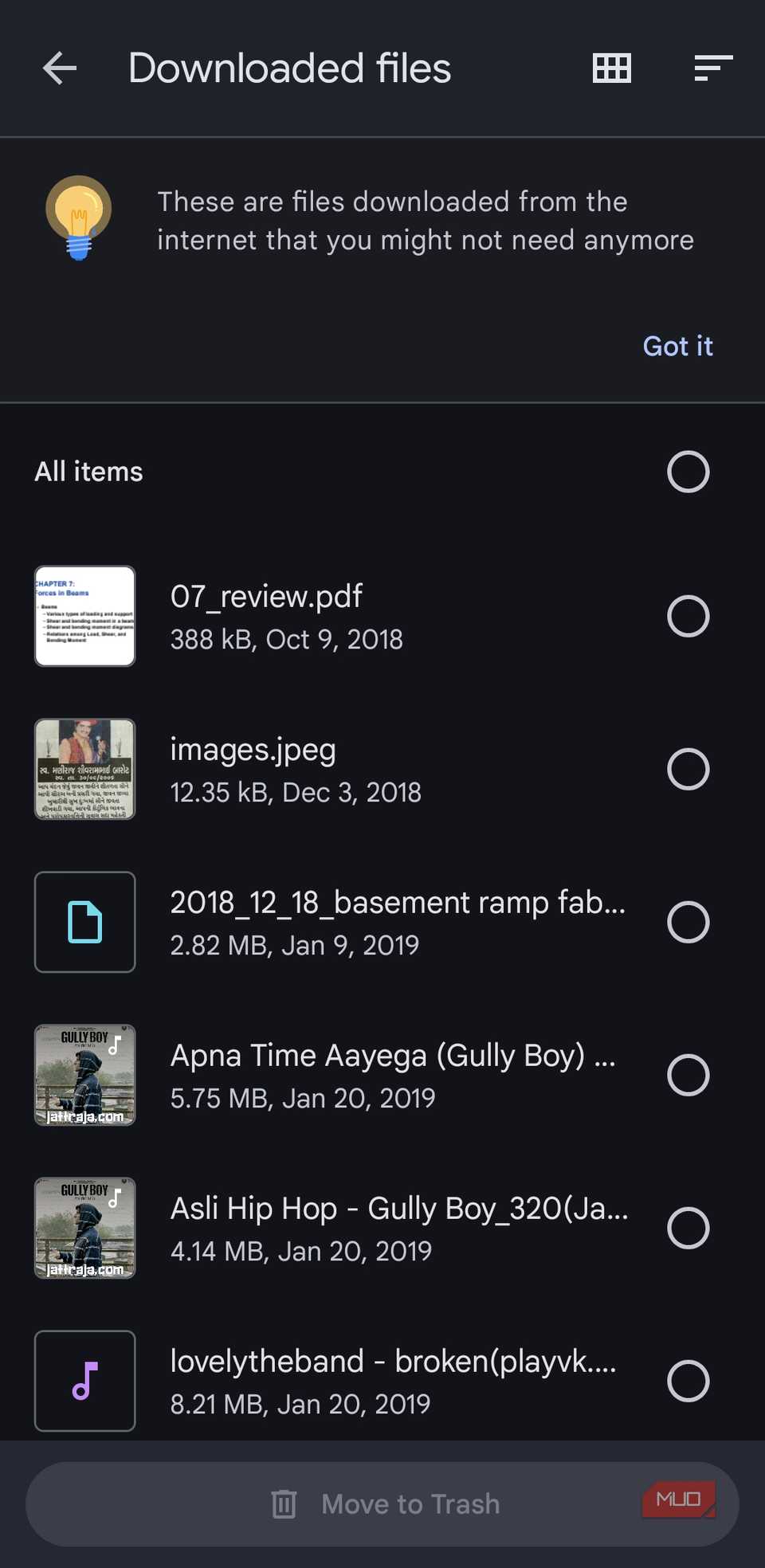
And as for the “junk files,” the Files app on your Android phone already offers an easy way to clean them up. Open the Files app, head to its Clean tab, and you’ll see the option to clear all the junk files.
Most features we once chased through third-party apps are now built directly into Android. That doesn’t mean that every third-party app is useless. Some still offer advanced tools and niche features that power users want. But for most people, the basics are more than covered by what’s already pre-installed.