
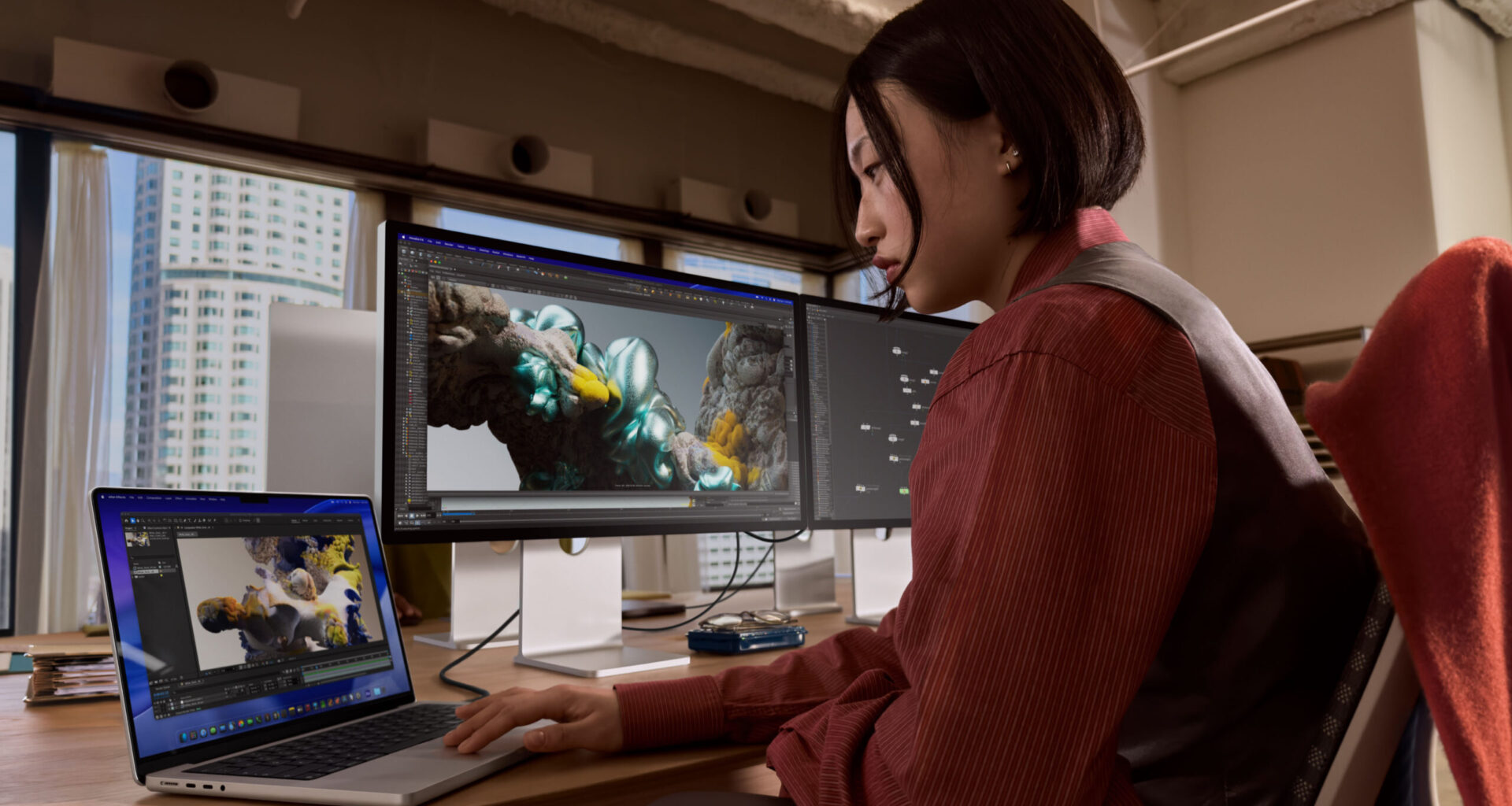
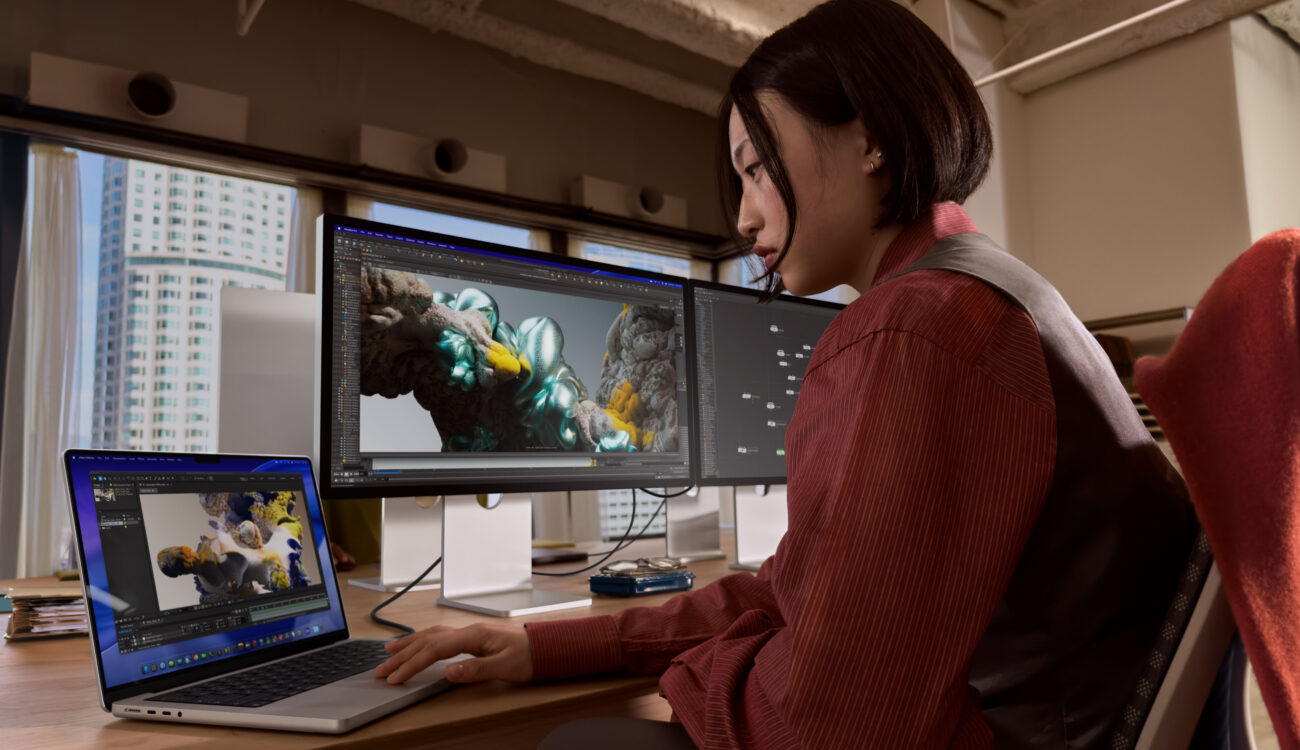
Apple has unveiled the next-generation 14- and 16-inch MacBook Pro powered by the all-new M5 Pro and M5 Max chips, alongside a refreshed Studio Display and the brand-new Studio Display XDR, a 27-inch 5K mini-LED monitor with 2000 nits of peak HDR brightness and a 120Hz refresh rate. Together, the new hardware paints a comprehensive picture of where Apple wants professional workflows to go in 2026, and filmmakers stand to benefit significantly.
The announcements land a few months after Apple shipped the base M5 MacBook Pro and iPad Pro M5 last October. Where that initial M5 wave focused on the entry-level chip, this round targets the high end: the Pro and Max tiers that most video professionals actually rely on for demanding tasks like 8K timeline scrubbing, AI-assisted editing, and multi-stream ProRes playback. Paired with the new display lineup, Apple is clearly positioning this as a complete ecosystem refresh for serious post-production setups.
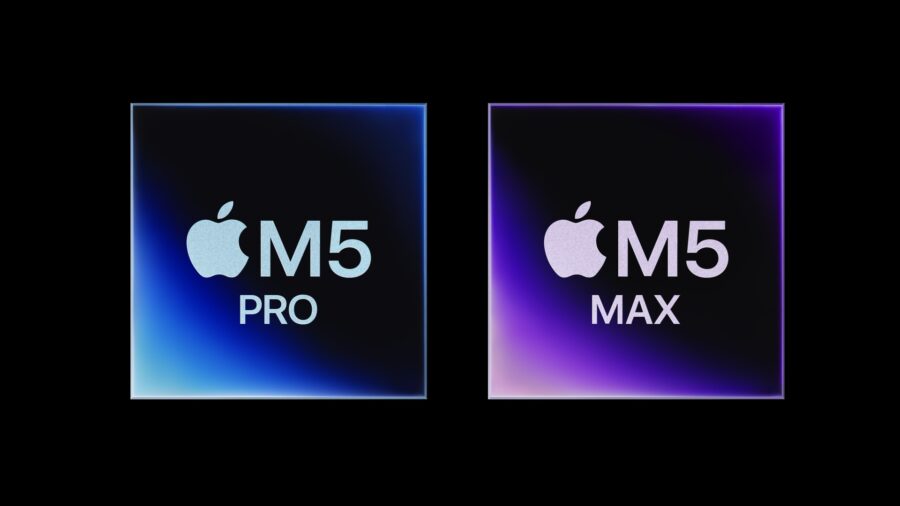 M5 Pro and M5 Max chips are using Fusion Architecture, combining two dies into a single system on a chip. Image credit: AppleM5 Pro and M5 Max: what the new Fusion Architecture means for filmmakers
Both the M5 Pro and M5 Max are built on what Apple calls Fusion Architecture, a design that combines two dies into a single system on a chip. The practical result is a substantial performance leap: an up-to-18-core CPU featuring 6 “super cores” (Apple’s fastest CPU core to date, according to the company) alongside 12 performance cores optimized for multithreaded workloads. Apple claims up to 30 percent faster CPU performance compared to the M4 Pro and M4 Max generation.
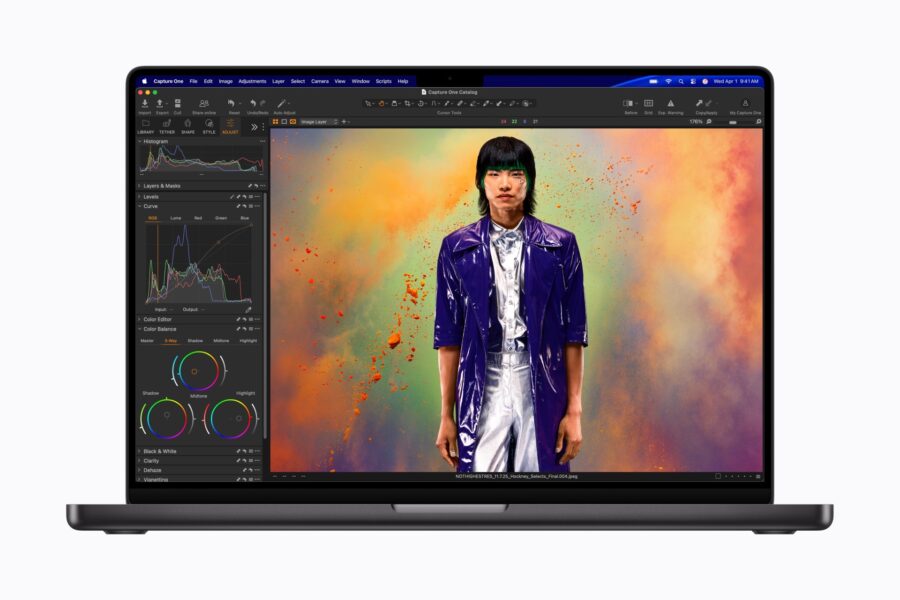 Capture One running on the new Apple MacBook Pro M5 Max. Image credit: Apple
For filmmakers, the GPU story is arguably more interesting. Both chips carry forward the GPU architecture from the base M5 but scale it significantly, with a Neural Accelerator embedded in each GPU core. Apple’s headline claim is up to 4x faster AI performance versus the M4 generation and up to 8x compared to the original M1 Pro and M1 Max. In real-world terms, the company cites up to 5.4x faster video effects rendering in Blackmagic DaVinci Resolve Studio (compared to M1 Max) and up to 3.5x faster AI video enhancement in Topaz Video (compared to M4 Max). Those are substantial numbers if they hold up in independent testing.
Graphics performance also sees a claimed 50 percent jump over the M4 Pro and M4 Max, which should benefit motion designers working with complex 3D scenes and VFX artists previewing effects in real time. M5 Pro supports up to 64GB of unified memory with up to 307GB/s bandwidth, while M5 Max doubles that to 128GB and 614GB/s. That increased bandwidth is critical for video professionals juggling large RAW timelines and AI model inference simultaneously.
Faster storage and more of it
One of the more practical upgrades: SSD performance doubles compared to the previous generation, reaching read/write speeds of up to 14.5GB/s. For anyone working with multi-stream 4K or 8K projects, faster storage directly translates to smoother playback, quicker proxy generation, and reduced conform times.
Starting storage gets a welcome bump as well. The MacBook Pro with M5 Pro now ships with 1TB standard (previously 512GB), while the M5 Max starts at 2TB. This means fewer users will need to pay for storage upgrades out of the gate, a practical cost saving that matters when the base prices already reach well into four-figure territory.
Connectivity, battery, and the N1 wireless chip
Thunderbolt 5 continues across all three ports, supporting high-speed data transfer and external display connectivity. M5 Pro drives up to two high-resolution external displays, while M5 Max handles up to four, making quad-monitor editing suites possible from a single laptop. HDMI output supports up to 8K resolution, and the SDXC card slot remains in place for quick media import on set.
Apple has also introduced the N1, a custom wireless networking chip enabling Wi-Fi 7 and Bluetooth 6. While wireless performance may not be the first thing filmmakers think about, faster and more reliable Wi-Fi matters for remote collaboration, cloud-based workflows, and transferring large files between devices.
Battery life stays at up to 24 hours, and Apple says users can fast-charge to 50 percent in 30 minutes with a 96W or higher USB-C adapter. The company also emphasizes that performance remains consistent whether plugged in or on battery, a distinction that matters when editing on location.
 Apple says that MacBook Pro M5 Max and Pro have the longest battery life ever in a Mac — up to 24 hours. Image credit: ApplemacOS Tahoe and on-device AI
The new MacBook Pro ships with macOS Tahoe, which brings Apple Intelligence features alongside a visual refresh with what Apple calls “Liquid Glass” design elements. For professional users, the more relevant additions include enhanced Spotlight search, more powerful Shortcuts with direct access to Apple Intelligence models, and Live Translation integrated into Messages, FaceTime, and the Phone app. Developers also get access to a Foundation Models framework for building on-device intelligence tasks into their applications.
With Apple’s Creator Studio subscription bundle already offering AI-powered features in Final Cut Pro (Visual Search, Magnetic Mask, Beat Detection), the M5 Pro and Max provide the hardware backbone to run these tools more efficiently. The ability to process LLMs locally, without relying on cloud infrastructure, is increasingly relevant for productions dealing with sensitive or NDA-protected material.
Studio Display: a solid refresh with Thunderbolt 5
The updated Studio Display retains its 27-inch 5K Retina panel with over 14 million pixels, 600 nits of brightness, and P3 wide color. It is not an XDR display, meaning HDR video grading is not its primary strength, but for general editing, coding, and everyday production tasks, the panel quality remains excellent.
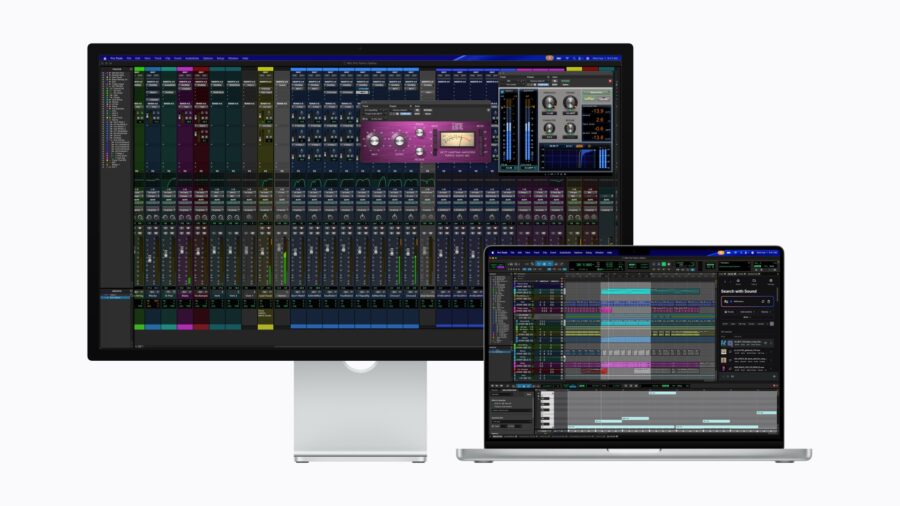 Apple Studio Display has 27″ of screen real estate, in 5K resolution. Here we see it running Pro Tools, connected to a MacBook Pro. Image credit: Apple
What is new: a 12MP Center Stage camera now with Desk View support, an upgraded six-speaker sound system with 30 percent deeper bass, and, most importantly, Thunderbolt 5 connectivity with two ports. That last upgrade is significant because users can now daisy-chain up to four Studio Display units (with a MacBook Pro M5 Max), creating a nearly 60 million pixel workspace. Two additional USB-C ports handle peripherals, and the included Thunderbolt 5 Pro cable delivers up to 96W of charging, enough to fast-charge a 14-inch MacBook Pro.
The original Studio Display launched in 2022 alongside the Mac Studio, and this update addresses two of the most common complaints: the lackluster webcam and limited daisy-chaining. Standard glass and nano-texture options remain available, along with tilt-adjustable, tilt-and-height-adjustable, and VESA mount configurations.
Studio Display XDR: Apple’s new flagship reference monitor
The bigger news on the display side is the Studio Display XDR, which replaces the aging Pro Display XDR that Apple first introduced back in 2019. Where the original Pro Display XDR offered a 32-inch 6K panel, the new Studio Display XDR opts for a 27-inch 5K form factor (5120 x 2880) with a mini-LED backlight featuring 2,304 local dimming zones.
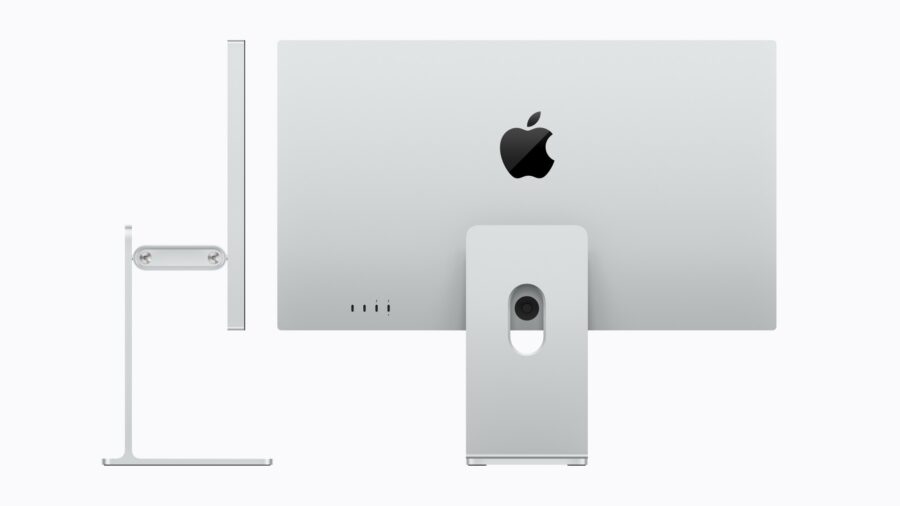 Apple Studio Display XDR 27″ with 5K retina panel – a size and resolution that we’ve missed since the discontinuation of the 27″ iMacs. Image credit: Apple
The specification sheet reads impressively: up to 1000 nits of sustained SDR brightness, 2000 nits of peak HDR brightness, a 1,000,000:1 contrast ratio, and support for both P3 and Adobe RGB color gamuts. That Adobe RGB addition is noteworthy for anyone working across print and digital, and Apple claims more than 80 percent Rec. 2020 coverage for HDR video editing and color grading. Both P3 and Adobe RGB are accessible from the same default preset, which should streamline workflows that frequently switch between color spaces.
The 120Hz refresh rate is new for an Apple desktop display, and Adaptive Sync supports a variable range from 47Hz to 120Hz. For video editors, this means smoother timeline scrubbing and more responsive UI interaction. For those who use their editing machines for gaming during downtime, Adaptive Sync also reduces tearing and display latency.
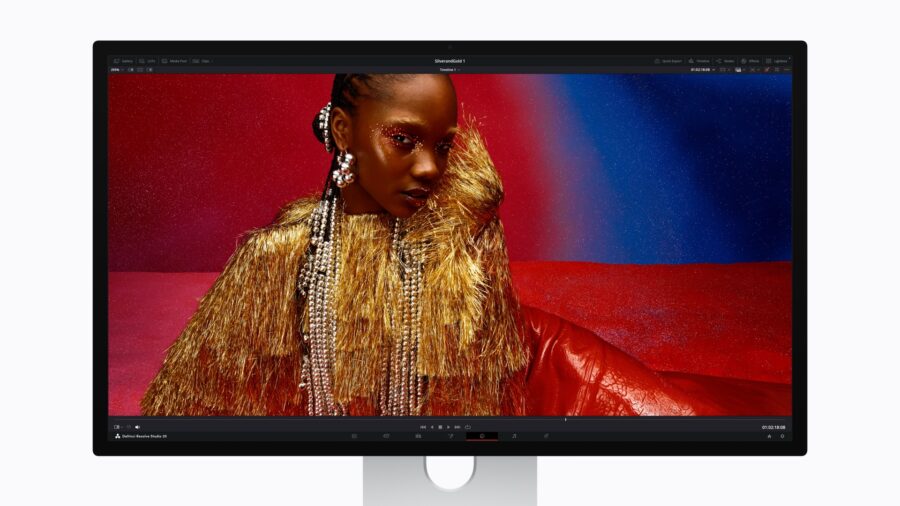 DaVinci Resolve running on the new Studio Display XDR. Image credit: Apple
Apple has also introduced DICOM medical imaging presets with a pending Medical Imaging Calibrator for macOS, though this feature is awaiting FDA clearance and is primarily relevant to diagnostic radiology rather than filmmaking. It does, however, signal that Apple views this display as a serious multi-purpose reference monitor rather than a consumer product.
The camera and audio system mirrors the refreshed Studio Display, including the 12MP Center Stage camera with Desk View, a three-microphone array, and a six-speaker sound system with Spatial Audio. Thunderbolt 5 connectivity is standard, with a second port for daisy-chaining or high-speed accessories. The included Thunderbolt 5 Pro cable delivers up to 140W of charging power, enough to fast-charge a 16-inch MacBook Pro.
Should filmmakers pay attention?
For those currently running MacBook Pro setups for mobile editing, the M5 Pro and M5 Max represent the largest generational leap since the transition from Intel. Users upgrading from M1-era machines will see particularly dramatic improvements: up to 8x faster AI performance, up to 5.4x faster video effects rendering, and up to three additional hours of battery life.
The Studio Display XDR positions itself as a more accessible alternative to dedicated reference monitors like the Sony BVM-HX3110 or Flanders Scientific, though at $3,299 it sits in a unique middle ground. It does not have 12G-SDI inputs, and color-critical grading suites will likely still want a dedicated broadcast monitor in the signal chain. But for editorial, VFX review, and general post-production work, the combination of mini-LED, 2000-nit HDR, Adobe RGB support, and 120Hz in a 27-inch form factor is compelling.
The fact that Studio Display XDR replaces the Pro Display XDR is worth noting. The older 32-inch 6K panel commanded $4,999 at launch (and $999 more for the infamous Pro Stand). At $3,299 with a tilt-and-height-adjustable stand included, the new model represents better value, even if you sacrifice screen size and resolution.
Pricing and availability
Pre-orders open March 4 for all products, with availability starting March 11.
MacBook Pro with M5 Pro: 14-inch from $2,199 / 16-inch from $2,699. MacBook Pro with M5 Max: 14-inch from $3,599 / 16-inch from $3,899. The base 14-inch MacBook Pro with M5 (standard chip) also gets a storage bump to 1TB and is available from $1,699. All models come in space black and silver.
Studio Display starts at $1,599 with a tilt-adjustable stand. Studio Display XDR starts at $3,299 with a tilt-and-height-adjustable stand. Both displays offer standard glass or nano-texture glass options, with VESA mount adapters available separately. Education pricing is available across the lineup.
Apple’s spring 2026 hardware refresh gives filmmakers a lot to consider, from faster AI processing and doubled SSD speeds to a genuine reference-grade desktop display at a more accessible price point. If you have been waiting for the right moment to upgrade your post-production hardware, this might be it. What combination of MacBook Pro and display would best fit your workflow? Let us know in the comments below!