
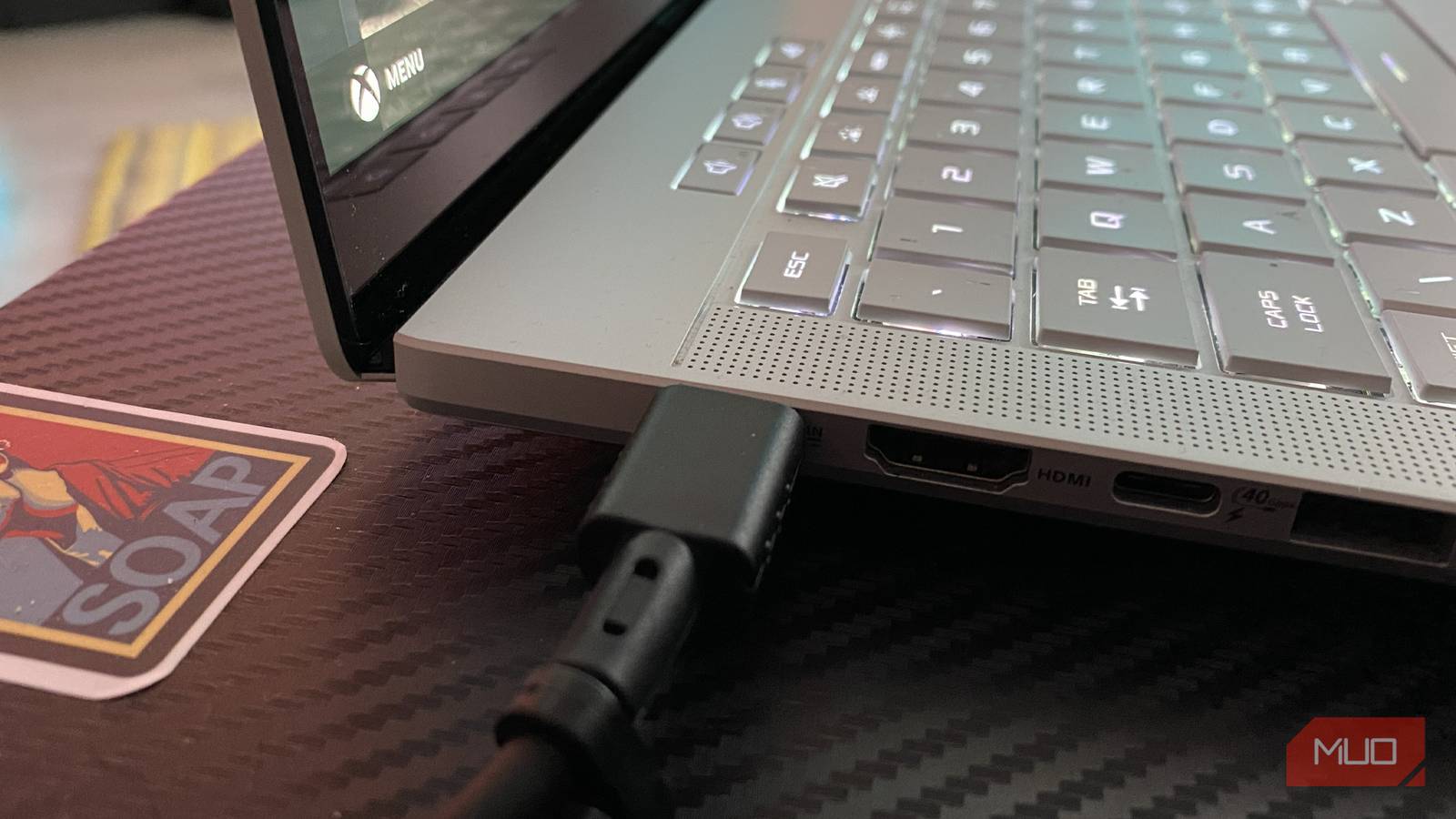
If you own a high-end gaming laptop, there’s a decent chance it came boxed with two different power cables. Regardless of whether you’re using the wrong Windows power plan as a Microsoft user, you may have made the significant charging faux pax I was recently guilty of committing when it comes to this writer’s portable PC.
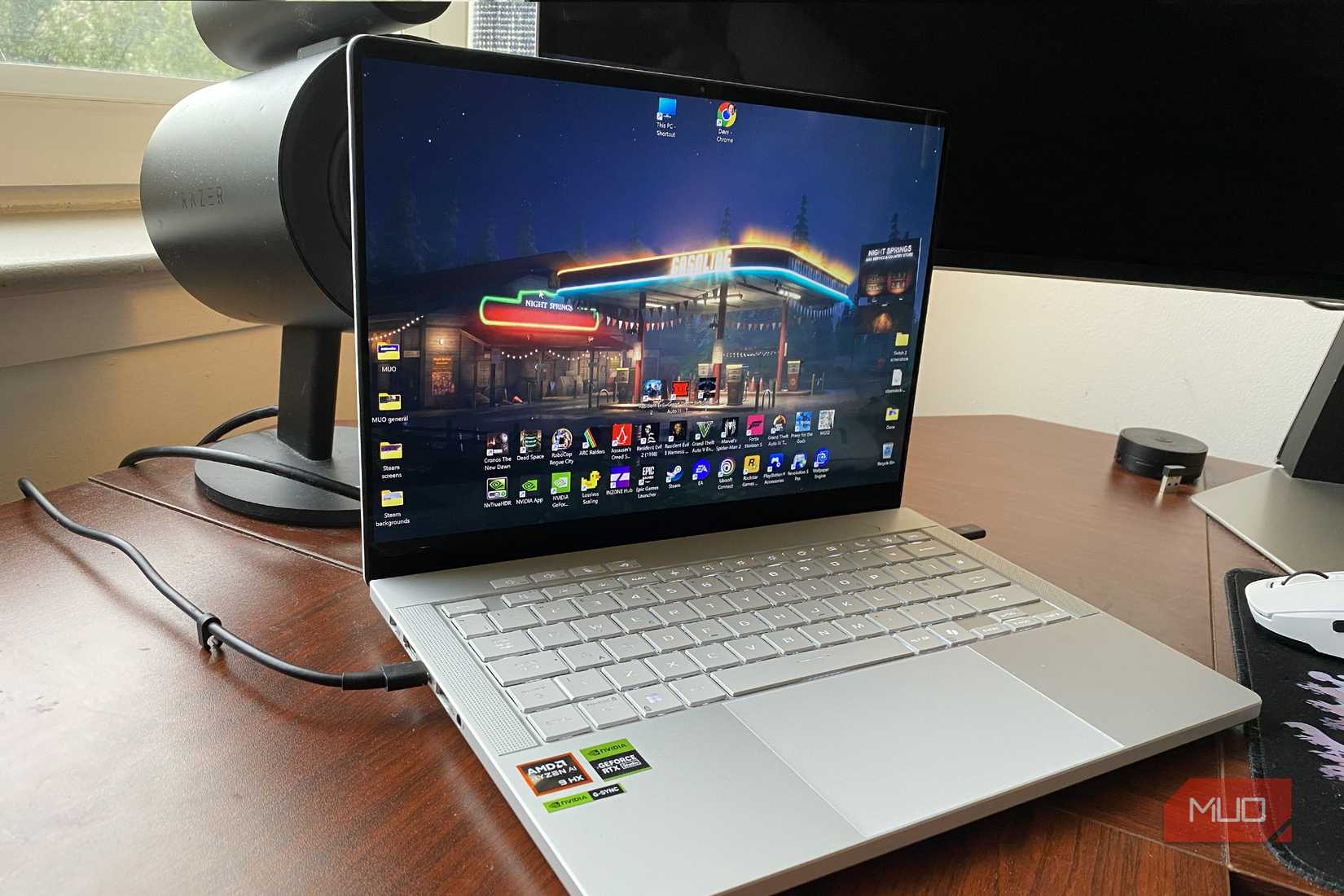
My Asus ROG Zephyrus G14 is one of the most powerful gaming laptops on the planet. The Nvidia GeForce RTX 5080, AMD Ryzen AI HX 370, 32GB of DDR5 RAM config that I own is an utter beast. Yet due to a recent packing error I stupidly made on a trip, choosing the wrong power cable for my laptop instantly hindered its performance.
For those of you out there who do own a laptop that comes with multiple chargers, please don’t repeat my mistake by inadvertently using the less powerful one.
Related
The laptop accessory I neglected ended up costing me a fortune
If you have a laptop, you also have this accessory, but neglecting it can cost you a fortune.
Why do some laptops come with two chargers?
Breaking down the cable divide
Credit: Dave Meikleham / MakeUseOf
To be clear, it’s only a relatively small proportion of modern laptops that come bundled with dual charging methods. Unless your budget extends to high-end gaming laptops, your current device probably only has a single power brick.
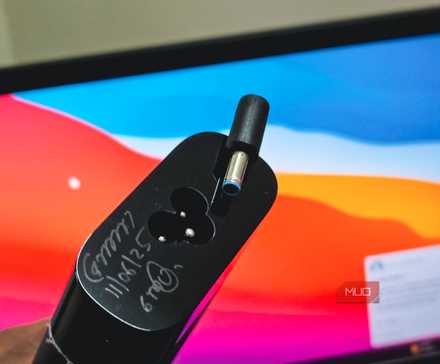
As for why certain laptops are boxed with multiple chargers, that’s all about offering maximum adaptability for users. In my case, the Zephyrus G14 has a full-power “barrel plug” charger that lets me squeeze the most gaming performance out of this 120Hz/2.8K device.
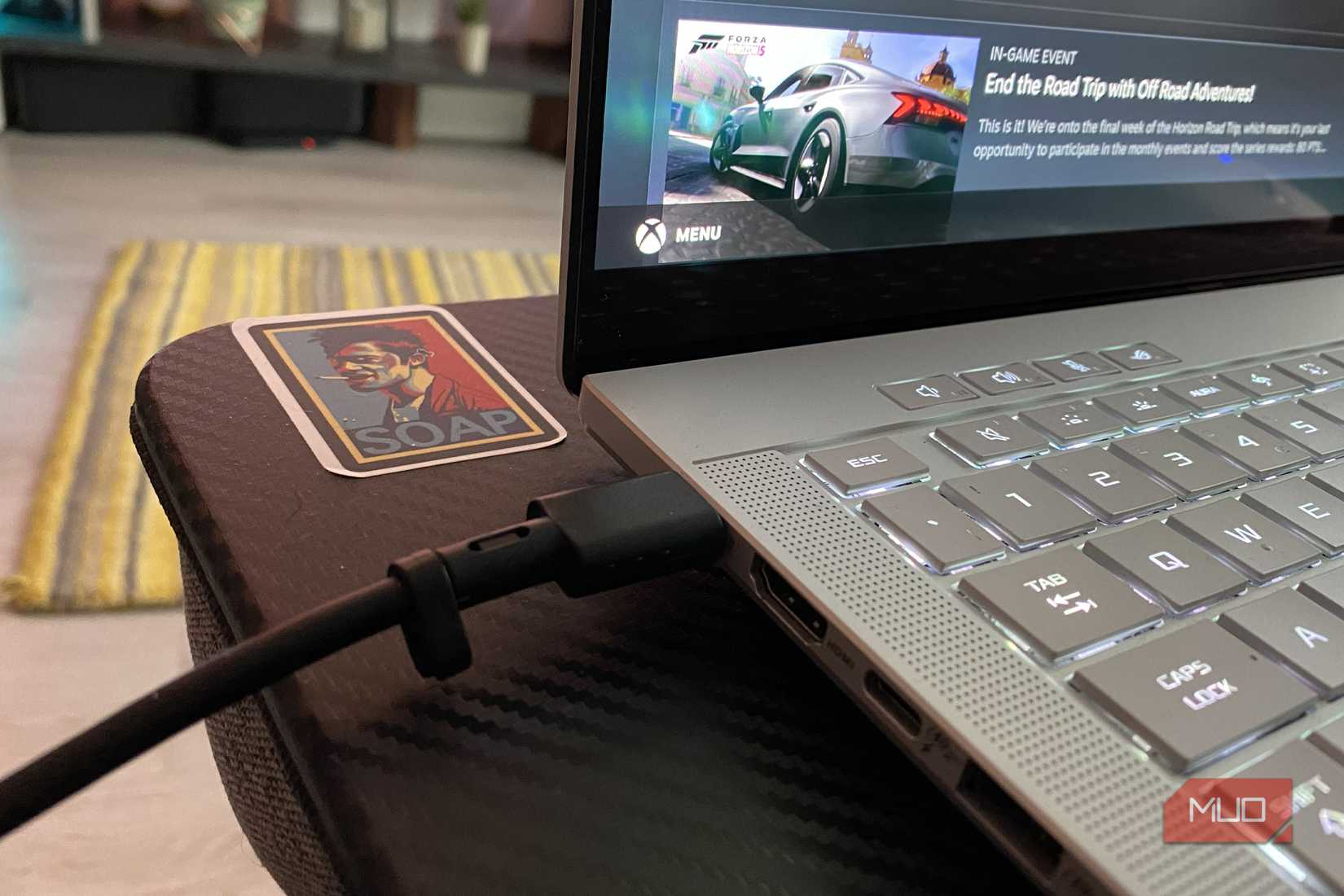
The lesser USB-C back-up charger, meanwhile, is far more portable than the main brick. That means it’s more useful for those times when I might go on a work trip where I need to pack a lot of stuff into a small case. Crucially though, this more form-friendly adapter cuts performance off at the knees in my favorite Steam games.
The inadequacies of USB-C chargers
Portability leads to less performance
Credit: Dave Meikleham / MakeUseOf
A little while ago, I decided to visit my cousin for a week. As someone who absolutely sucks at both commuting and packing, I decided to jam the clothes and tech I needed into a tiny case less than an hour before I was due to catch my train. In the resulting chaos of throwing all the stuff into a small, banged-up piece of luggage, I accidentally packed my laptop’s USB-C charger over its barrel plug.
Hoo-boy did I quickly pay for that decision.
Using the portable USB-C adapter, my RTX 5080-powered laptop was instantly reduced to a max TDP of 100W. While that power draw figure is absolutely fine for most productivity tasks, it’s in no way up to snuff if you want to fully take advantage of the world’s second most powerful portable GPU.
By contrast, the barrel plug adapter I should have packed with my Zephyrus G14 can draw up to 200W. When it comes to trying to enjoy incredible path tracing features in modern games, you need all the juice your power brick is capable of producing.
With the wrong cable connected to my laptop, performance dipped quicker than the Titanic after hitting a colossal block of ice.
Don’t use a USB-C charger for gaming
High-end gaming needs a beefy power brick
Credit: Dave Meikleham / MakeUseOf
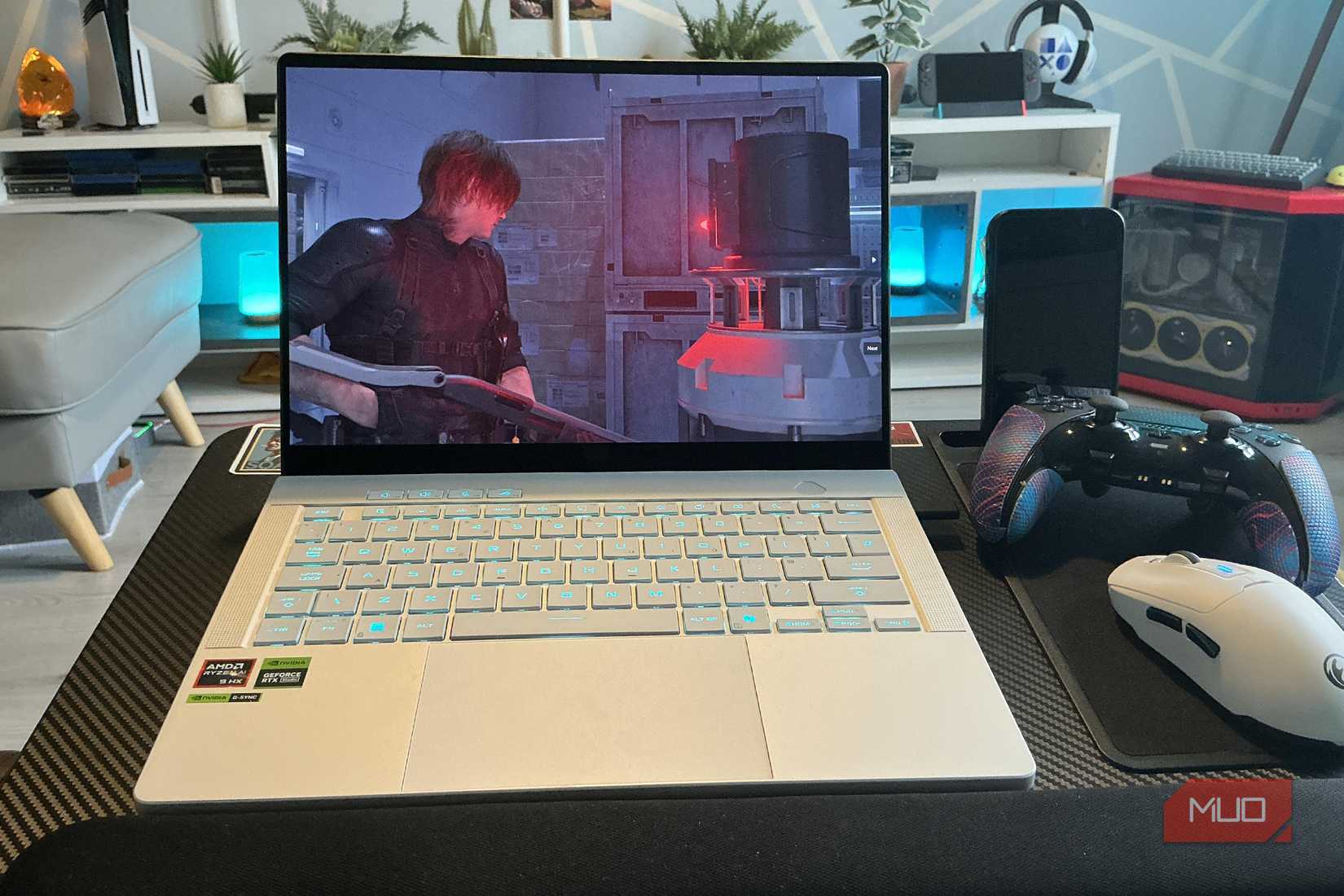
I did a fair bit of testing for this article, and the gaming results my G14 would produce was massively impacted by the adapter I had it connected to. With the full barrel plug charger, I could play Resident Evil at PS5 Pro-beating frame rates with path tracing enabled. And on the USB-C charger? Capcom’s latest survival horror literally broke. The highest FPS I could squeeze out of Grace’s zombie-slaying adventure? A “mighty” 6 frames per second.
Granted, that’s an extreme case scenario, but USB-C connectors often can’t provide the juice required to power modern triple-A games at high frame rates.
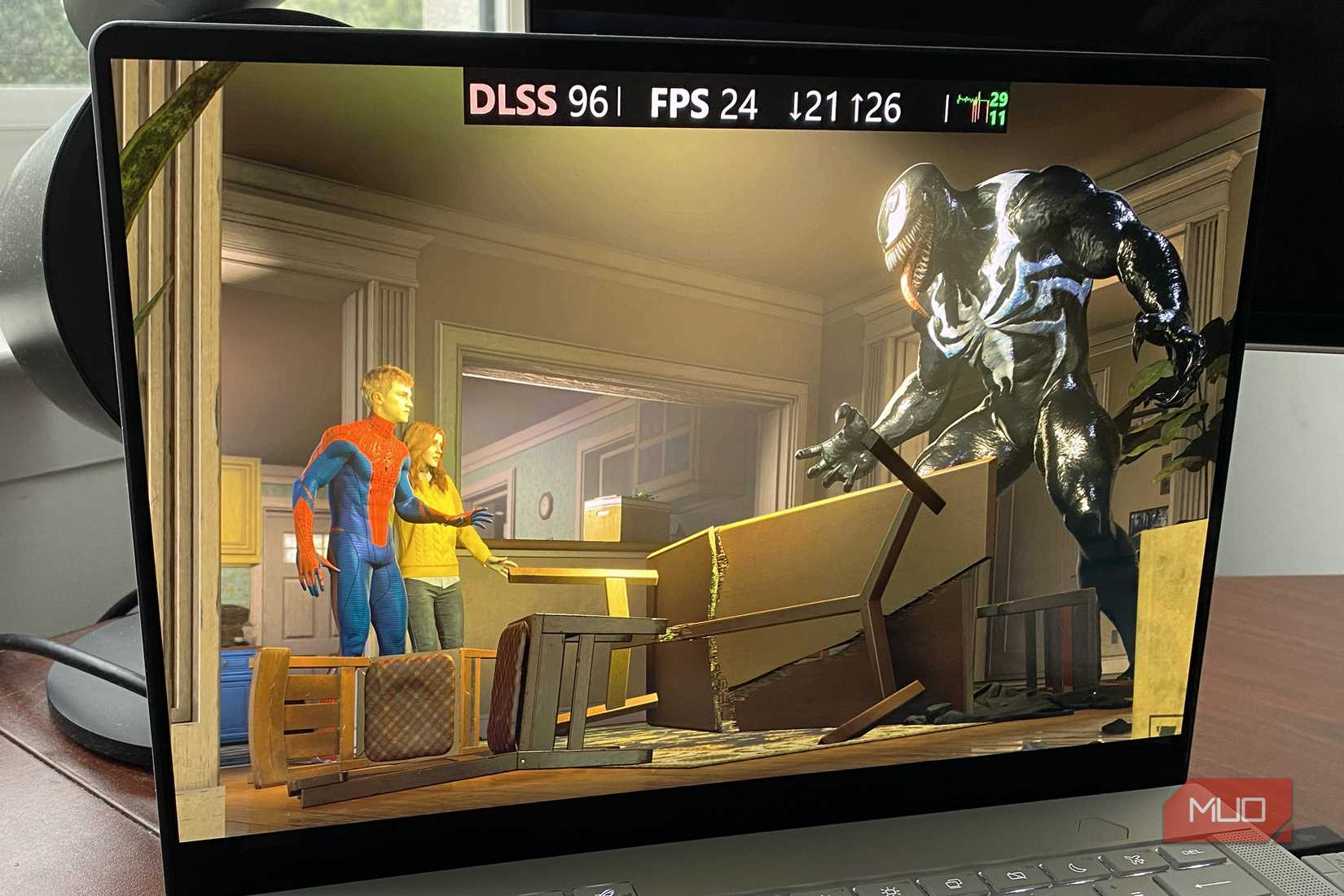
Marvel’s Spider-Man 2 produced similar, chasm-wide results between the two power cables. With the barrel jack, I was able to get 60FPS (without frame gen) at ultra settings and ray tracing cranked up at 2.8K resolution.
On the USB-C adapter,I briefly went through a hideous period where my RTX 5080 laptop couldn’t hit 10 frames per second. Loading times also ballooned on the less powerful adapter.
An under equipped charger leads to problems
The wrong laptop adapter might cripple your laptop’s performance
Credit: Dave Meikleham \ MakeUseOf
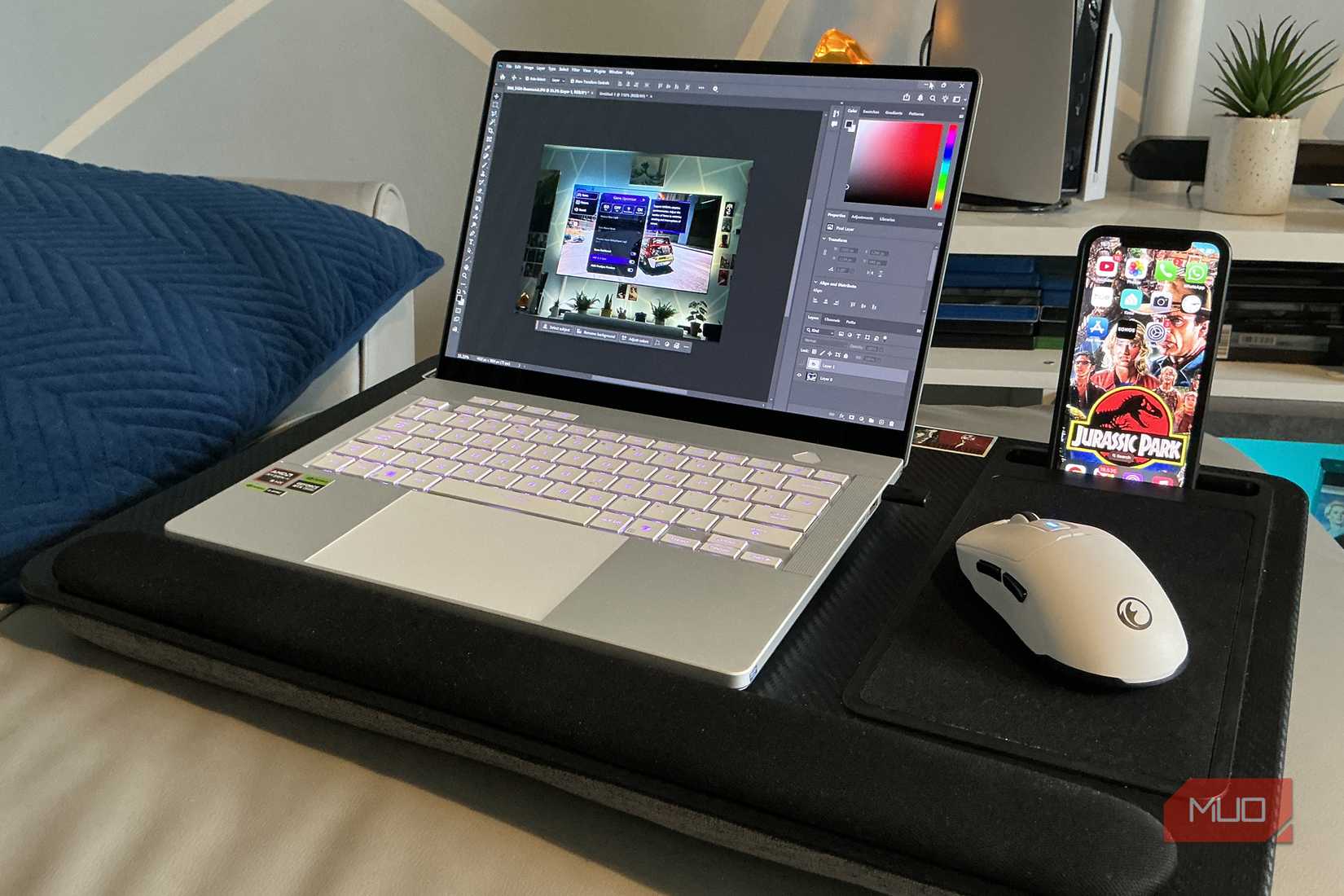
Being forced to use my laptop’s USB-C charger while spending a week at my cousin’s didn’t just tank my Zephyrus G14’s performance; it also badly affected my OLED laptop’s screen and ability to charge.
With its default power brick, this RTX 5080 laptop is well equipped to handle High Dynamic Range content, even if Windows 11 still mostly sucks when it comes to HDR. On a USB-C cable though, my ultra-svelte PC simply refused to display HDR at all. This led to horribly saturated SDR images that almost tanned my corneas, they were so overblown.
And with my laptop sucking down juice from its lower wattage USB-C charger, not only could my G14 not maintain its charge, it rapidly went from 70% battery to less than 15% in under an hour.
Make sure you use the right charger for your laptop
Credit: Dave Meikleham \ MakeUseOf
The wattage of whatever charging cable you’re currently using with your laptop massively matters. In the unlikely scenario you’ll face the situation I encountered when accidentally going with the wrong charger for a brief spell, switch back to a proper power brick as soon as physically possible. In the case of my back-up USB-C charger, I endured a miserable week of laptop gaming because I was idiot enough to stuff the incorrect adapter in my case.
Operating System
Windows 11
CPU
AMD Ryzen AI 9 HX 370
GPU
Nvidia GeForce RTX 5080
RAM
32 GB DDR5
Storage
2TB SSD
Display (Size, Resolution)
14-inchs, 2.8K
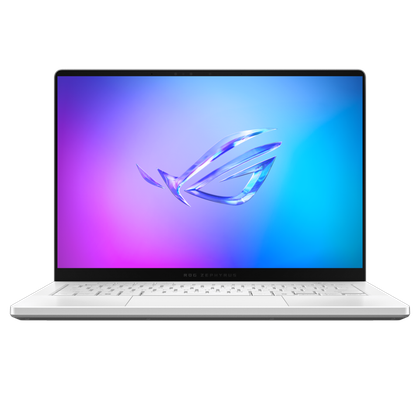
The Asus ROG Zephyrus G14 (2025) is a high-end Windows 11 gaming laptop with an Nvidia GeForce RTX 5080, an AMD Ryzen AI 9 HX 370 CPU and 32 GB of DDR5 RAM. This 14-inch laptop has a 2.8K OLED screen with a max refresh rate of 120 Hz.