


A tweak to the Google Messages chat interface this week prominently themes the voice memo button.
With the “Default” theme inside Google Messages, the waveform icon is themed using Dynamic Color’s tertiary accent. It applies to both light and dark modes, while changing your system theme or wallpaper will update the background.
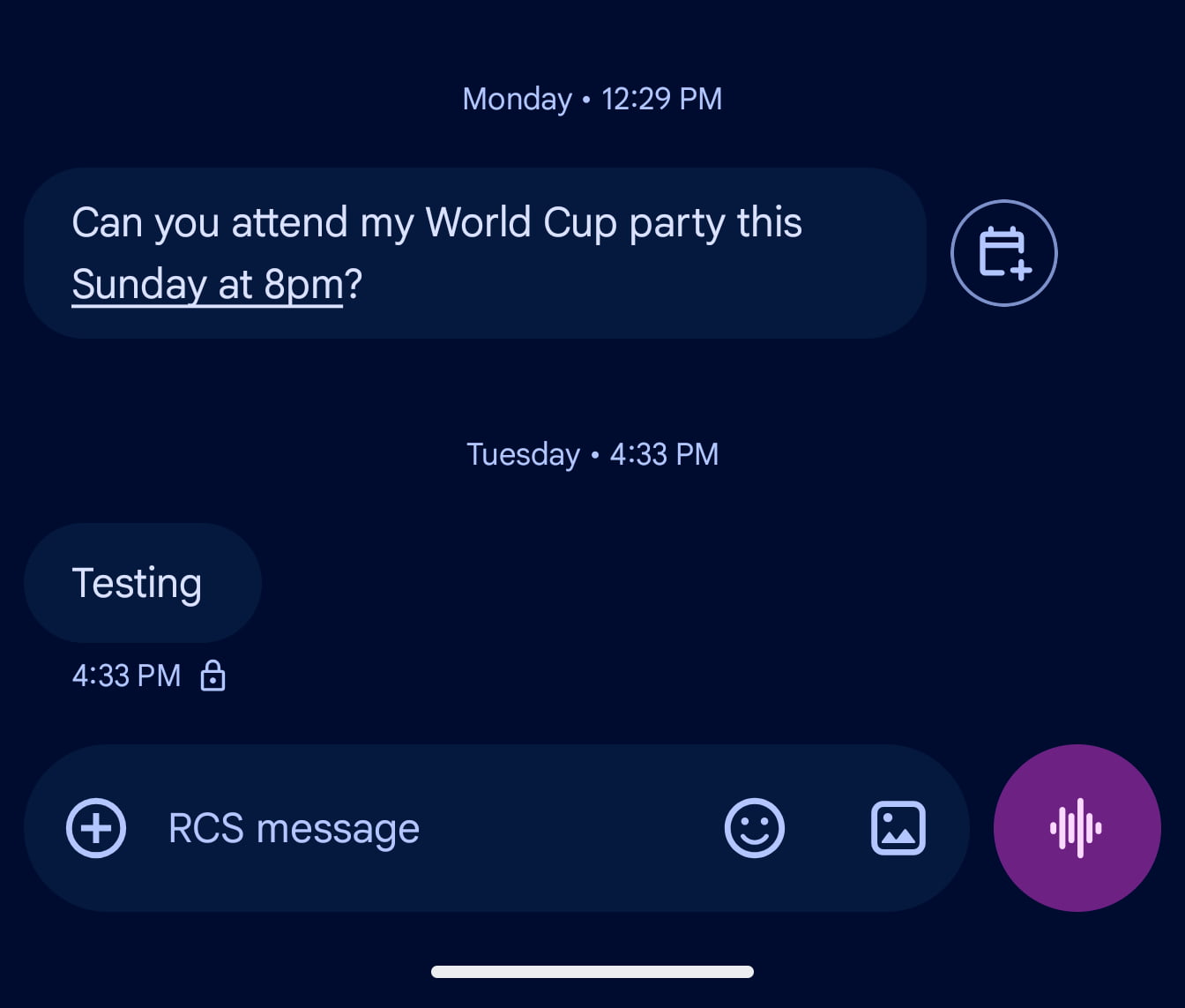
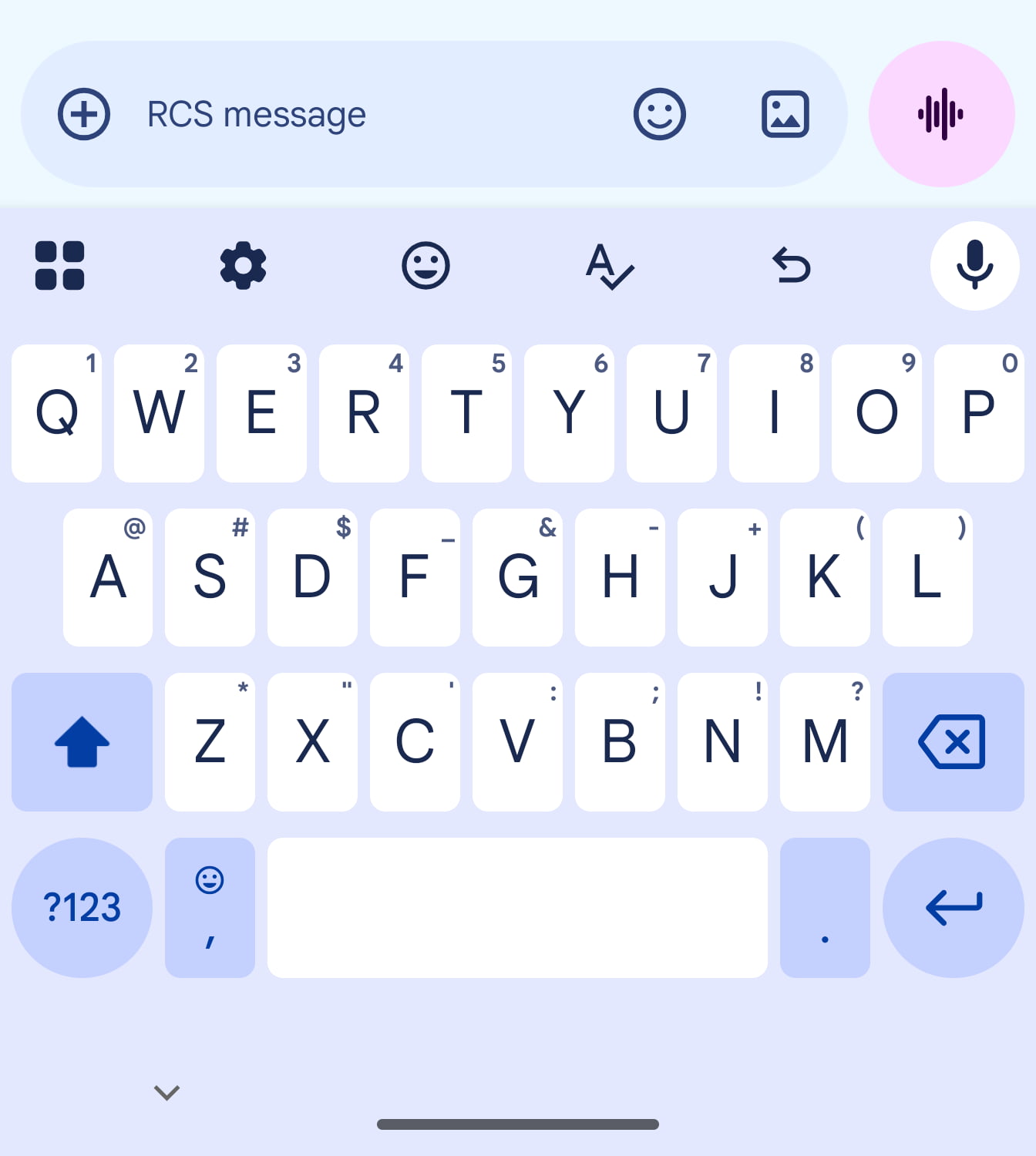
Before this, the circle would match the rest of the compose field (as seen below). This only applies to the Default/Dynamic Color option in Google Messages, with the eight other themes not impacted.
Once text is entered, the send button is themed as it was before. At this point, it’s unclear whether this was an intentional change or a bug.
Advertisement – scroll for more content
We’re seeing this change with stable version 20260523_00_RC00 of Google Messages on just one of our devices.
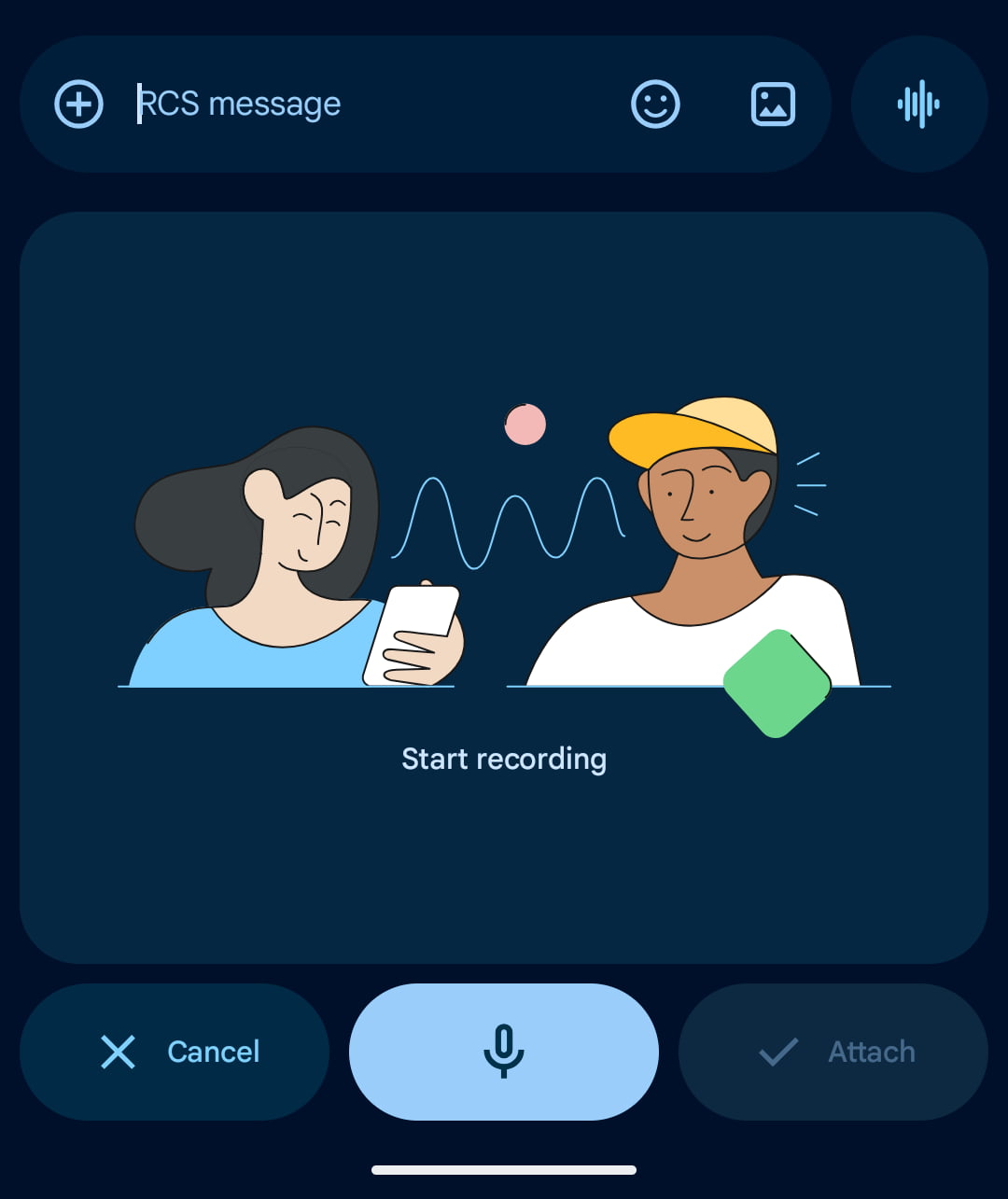
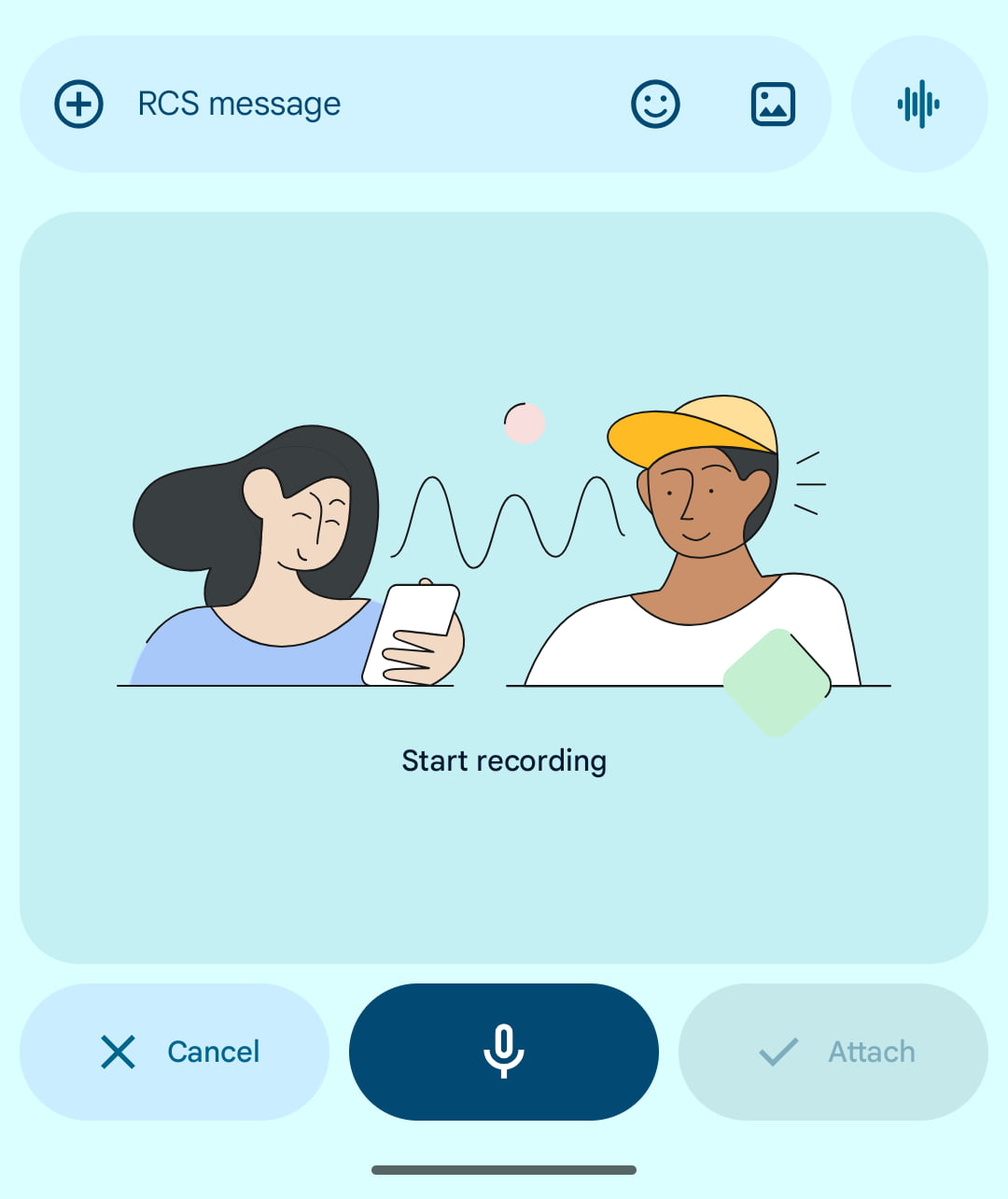
In related developments, the latest iOS 27 beta introduced the ability to remove a similarly positioned voice button in the Messages app. You can also set it to “Record Audio” or “Start Dictation.”
More on Google Messages:


FTC: We use income earning auto affiliate links. More.