
Blender Experience
Blender and I have a bit of a love-hate history. Before I touched it, I’d already learned Maya, Softimage XSI, 3ds Max, Modo, and ZBrush. And like a lot of people, I carried some preconceptions: that Blender wasn’t “industry standard,” that it couldn’t hold up in real production. I underestimated it. Even with years of modeling experience, I initially struggled getting past Blender’s UI and its hotkey-heavy workflow. But once I got over that hump, I was hooked.
You can make production-quality work in Blender; you just need the right workflows. My approach starts with fundamentals: the package and its tools first. I’ve always structured my courses around learning the tool itself, and specifically the most powerful tools it has. There’s a common misconception that you need to learn every tool in a 3D package. You don’t. It’s the 20% of the tools that drive 80% of your results. There’s a Bruce Lee line that sums it up: “I don’t fear the man who knows a thousand kicks, but the man who has practiced one kick a thousand times.”
From there, I teach students to think like a professional: to look at shapes and break a model down into repeatable patterns. Mirroring on one axis is just the first layer. There’s also radial symmetry and what I call symmetry stacking. Blender’s mirror and symmetry tools let you exploit all of it, so you’re doing the least unique modeling for the most results.
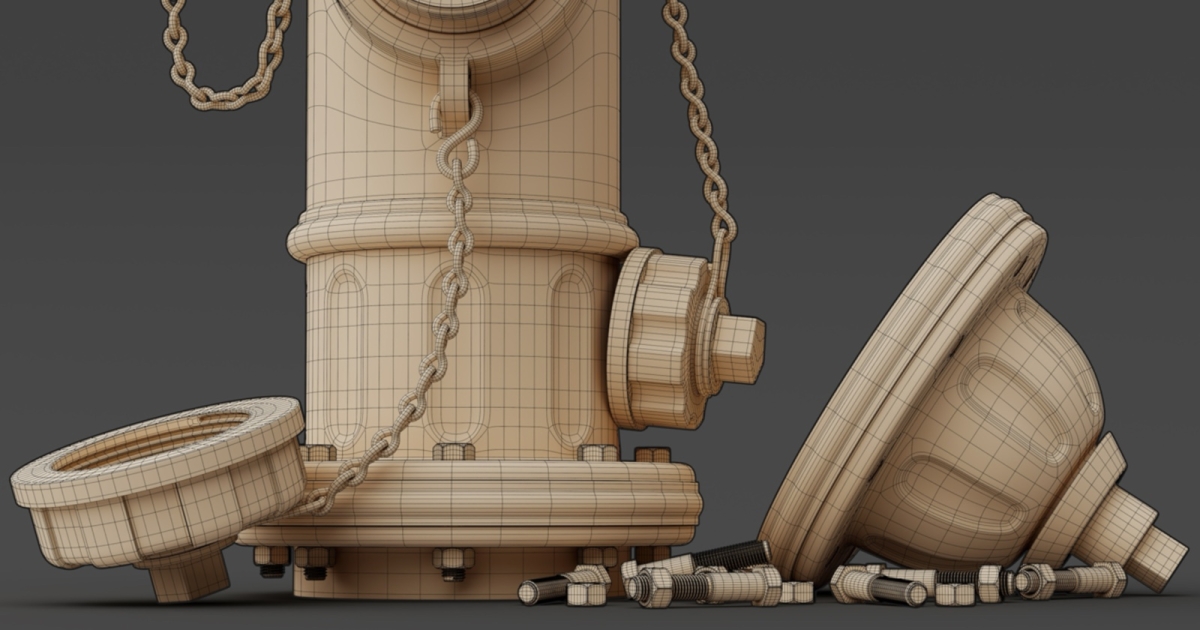
I focus on studio production techniques, with clean topology at the center. It’s one of the most misunderstood principles in 3D modeling. Most 3D packages, like Blender, prefer quad-based modeling, and the majority of modeling headaches and shading errors come from not understanding what a clean mesh actually looks like. When beginners say they feel like they’re fighting their mesh, this is usually why.
A clean Sub-D model is the gold standard for VFX and animation, and can also be used for high-poly creation in video games. But the real payoff for clean topology happens down the pipeline. A clean mesh is easier to UV, rig, and animate, and it deforms predictably. Production techniques aren’t only for studios. They’re optimized for speed and for creating assets that hold up down the pipeline, which makes them just as valuable to an individual artist working alone.
That said, Sub-D is one of many approaches, and the purpose of the mesh ultimately dictates the method. I still recommend students start here, because clean topology is the foundation that pays dividends across every other style.