
Rita El Khoury / Android Authority
TL;DR
New strings in Google Play Services indicate that enabling Android Advanced Protection Mode will automatically disable the Watch Unlock feature on Pixel Watch.
This potential change prioritizes maximum security over convenience, preventing accidental unlocks if your watch is merely nearby.
Users will likely need to toggle off Advanced Protection Mode to regain the ability to unlock their Pixel phone via their Pixel Watch.
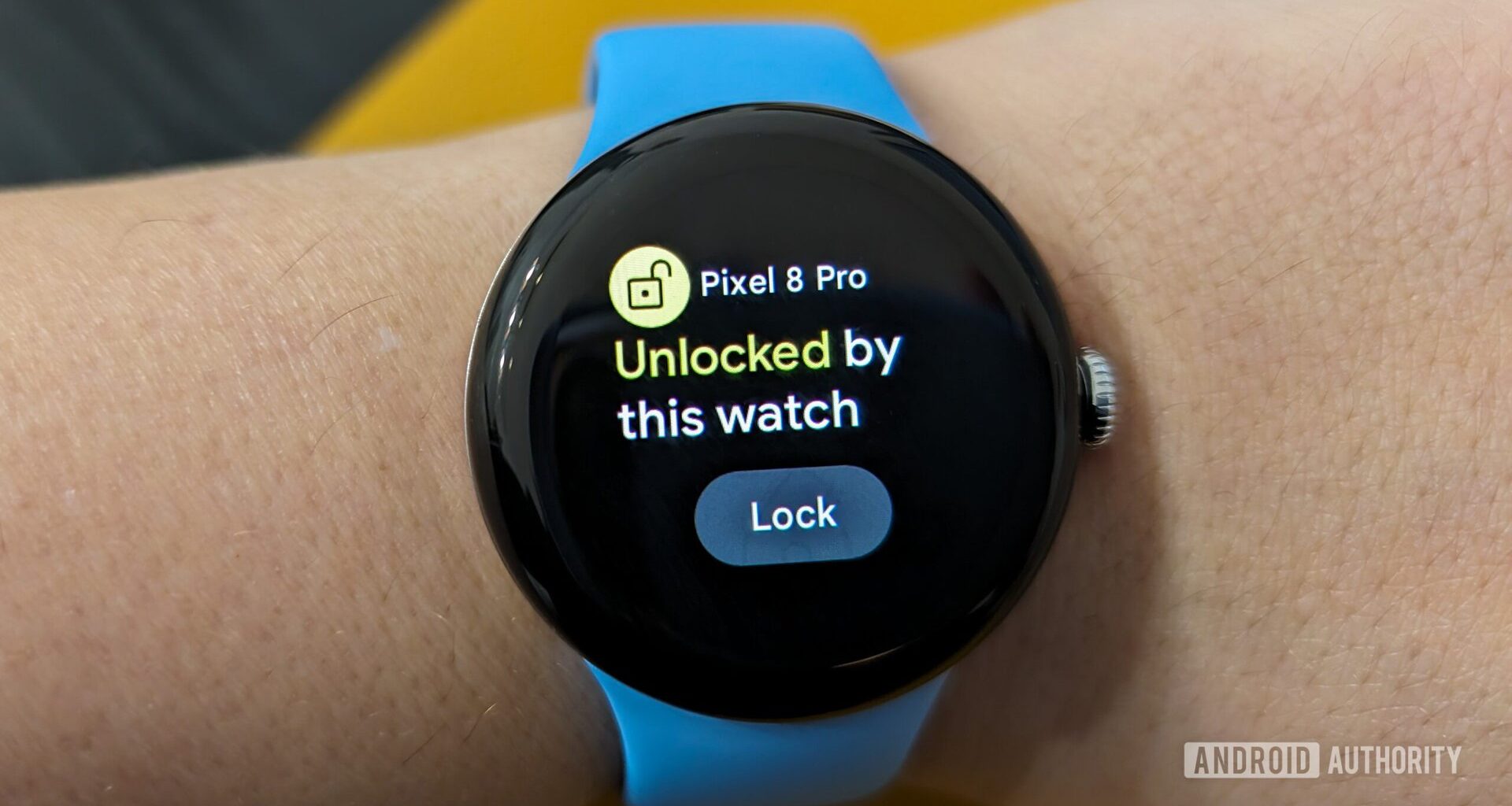
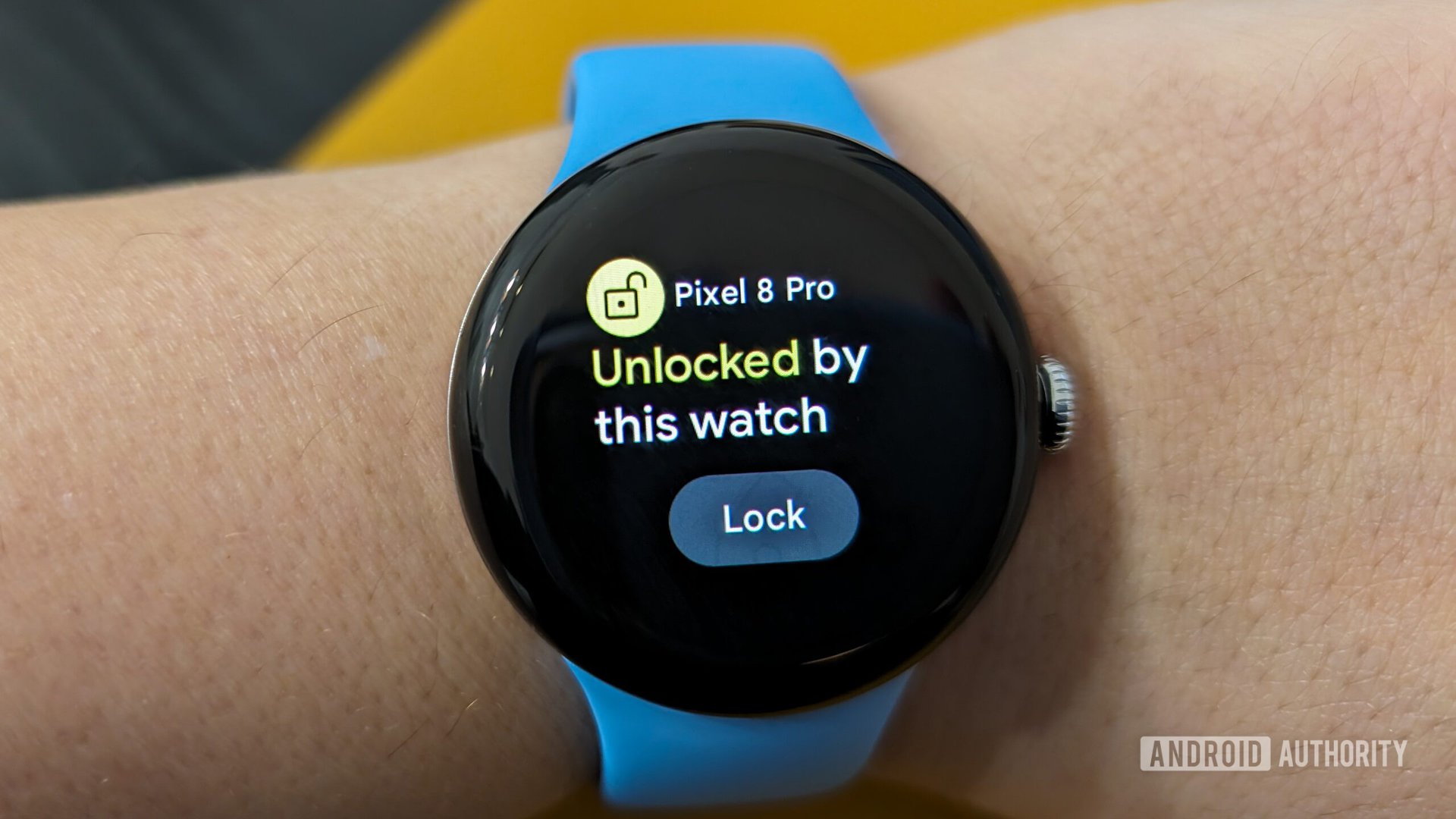
The Google Pixel Watch features a Watch Unlock function that allows you to use the smartwatch as a key to unlock your Pixel phone. This is very convenient, as it replaces the need for a traditional passcode or biometric identification as long as you’re wearing the watch (and it’s connected to your phone). Although the feature is great, there are instances when you don’t want your watch to unlock your phone. Google could soon update the Watch Unlock functionality to prevent your phone from unlocking with the Pixel Watch when security features like Android Advanced Protection Mode are enabled.
Within Google Play Services v25.49.31 beta, we’ve spotted code that suggests that turning on Android Advanced Protection Mode (AAPM) will disable the Watch unlock feature.
Code
Copy TextWatch Unlock
Disables unlocking your phone from your watch
Android Advanced Protection Mode is a feature introduced in Android 16 that hardens the security of your Android phone, albeit at the cost of convenience. This is a one-click setting that enables all of Android’s highest security features within the OS and first-party Google apps to protect against threats from malicious third-party apps, external attackers, and harmful websites.
In the near future, when users toggle on Android Advanced Protection Mode on their Android phone, the Watch Unlock feature will be disabled, and users will not be able to unlock their phone using their Pixel Watch. Of course, they will be able to enable Watch Unlock again when they disable Android Advanced Protection Mode.
Don’t want to miss the best from Android Authority?


While the change may appear too restrictive, it aligns with the general ethos and core philosophy of Advanced Protection Mode. This change ensures that someone physically near you may not have an opportunity to spot your Pixel phone unlocked, simply because your Pixel Watch is on your wrist nearby. If you value security over convenience, this may be worth it. For most users, the Watch Unlock feature already strikes a good balance between security and convenience.
⚠️ An APK teardown helps predict features that may arrive on a service in the future based on work-in-progress code. However, it is possible that such predicted features may not make it to a public release.
Thank you for being part of our community. Read our Comment Policy before posting.