
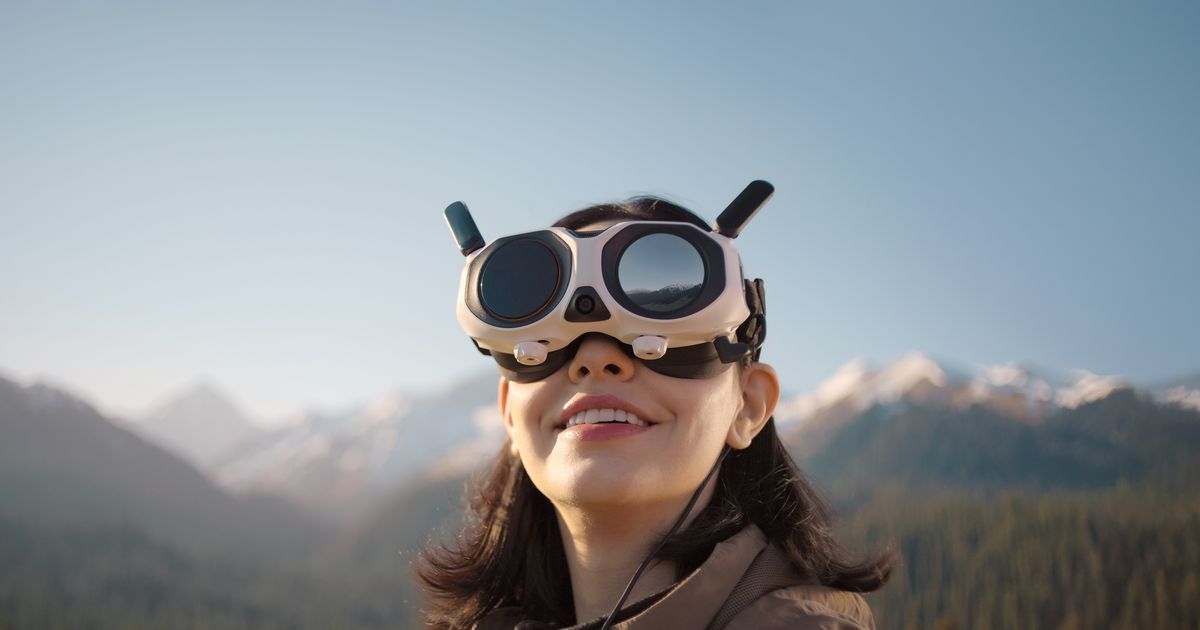
New brand launches with a drone that captures 360-degree video in 8K and comes with goggles and a motion controller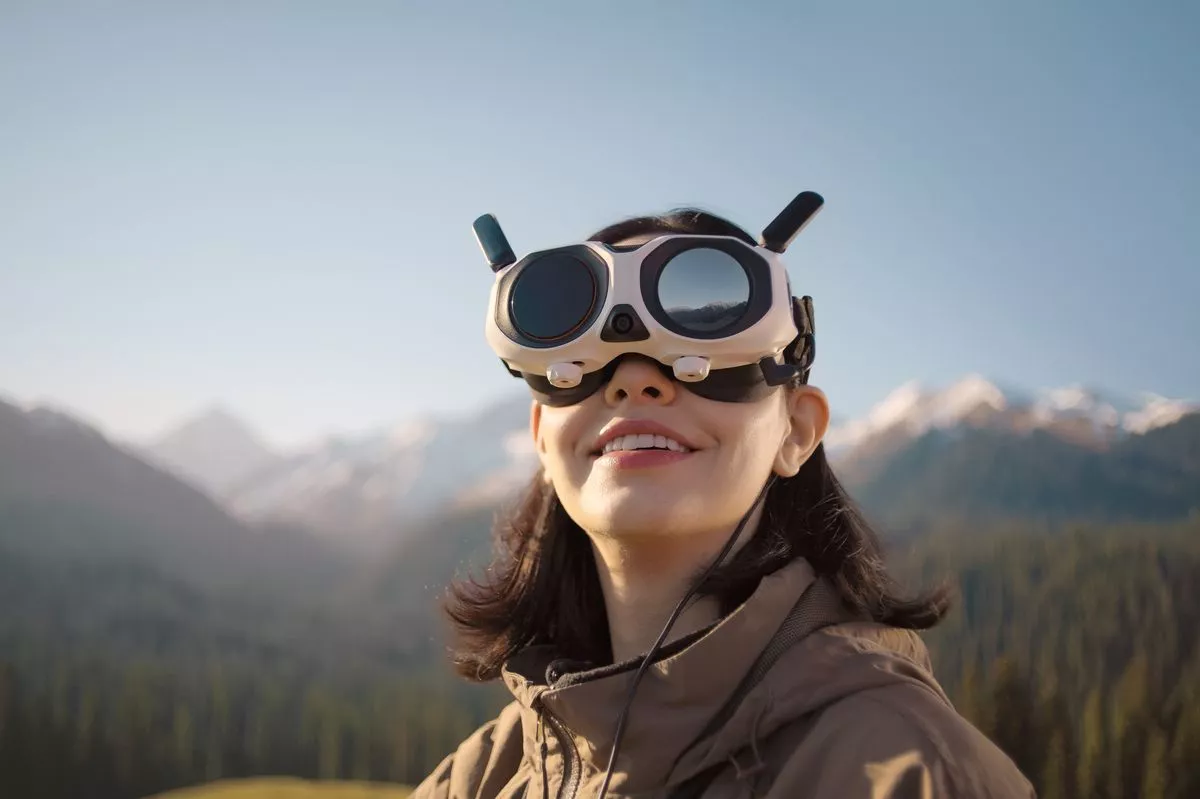 The Vision Goggles used when flying Antigravity A1 drone(Image: Antigravity )
Insta360 offshoot Antigravity has just launched its first drone, an exciting new type of flying machine built around a 360-degree camera.
Antigravity A1’s use of a 360 shooter means you can focus on the flying and worry about framing the shot later – just like you would with, for example, the new Insta360 X4 Air action cam.
The way you fly the A1 differs from, for example, a DJI camera drone such as the Mini 4 Pro because you use a unique Grip controller and a set of Vision Goggles (FPV goggles) rather than a remote display or a remote connected to your phone.
READ MORE: I tested Insta360 Go Ultra – the tiny new magnetic mount action camera you can wear and use anywhere
READ MORE: Five best things about the new Canon EOS R6 Mark III powerhouse full frame mirrorless hybrid camera
Antigravity A1 in everyday use
The standard bundle includes the goggles and grip in the box, incidentally, alongside the foldable drone which houses two lenses, one facing upwards and one facing down, and object sensors to stop you crashing into things. When folded, the drone fits in the palm of your hand.
Among the many accessories available are replaceable lenses and a really useful landing mat that is well worth investing in.
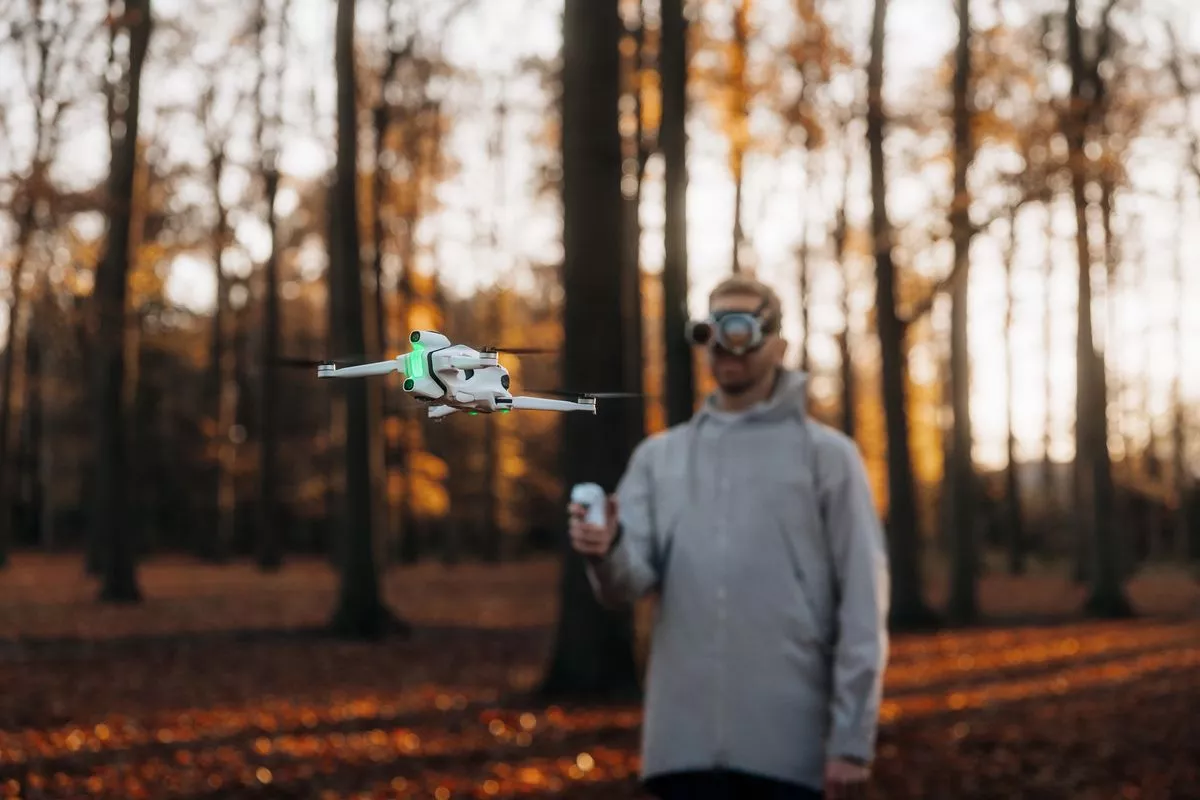 Before you start flying you must pair the three elements in this order: power on the drone, then the goggles, then the grip controller(Image: Antigravity)
The goggles use motion sensors so that you can look around and see the world from the drone’s perspective. You can look in any direction, both while in motion and while hovering stationary. You can turn in a complete circle and look up or straight down and see everything around the drone. The view from the dual micro-OLED displays is decent. They have a 2,560 x 2,560 resolution and a 72Hz refresh rate. If you turn your head away from the direction you’re flying, a small picture-in-picture pops up to show you where you’re going as you look around. The battery for the goggles, incidentally, is worn on a neck strap. The goggles have an exterior display that allows you to share what you’re seeing with outside observers, which is a nice touch.
The grip controller has an array of buttons and wheels, but they are helpfully explained with tool tips in the on-screen display. Essentially, you point the controller in the direction you want to fly in and press the trigger to move forward. A toggle increases and decreases the altitude of the A1. It’s more intuitive to use than the controller for DJI Avata, which uses wrist movements to direct it.
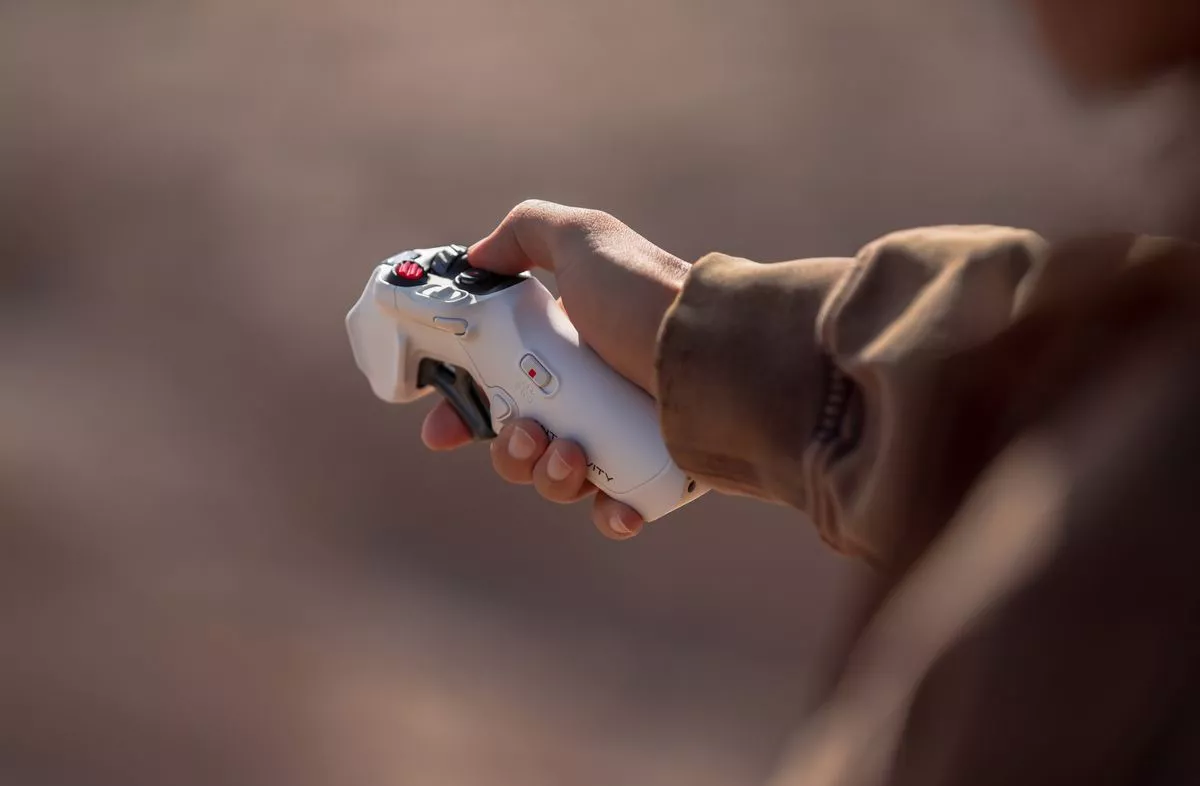 The Antigravity A1 Grip controller(Image: Antigravity)
You can fly in winds of up to 38kmh at speeds of up to 57kmh (in Sport mode). It’s a fun machine to fly as you don’t have to worry about the camera which is capturing everything around you for editing later when you are back at your desk. All you need to do is fly close to whatever it is you want to capture. There are three flying modes: Normal mode (which is self explanatory), Sport mode (which doubles your maximum flight speed but turns off obstacle avoidance) and Cinematic mode (which lowers the maximum speed to give you smoother video). The drone remains invisible in your footage. This is because the landing gears can be retracted out of view before flying. They will automatically lower when you are ready to land the A1.
Battery life is rated at 24 minutes with the Flight Battery or 39 minutes with the heavier High-Capacity Flight Battery, but in reality your in-air times will be closer to 18 and 33 minutes respectively. Recharging a battery takes about 45 minutes in the charging dock.
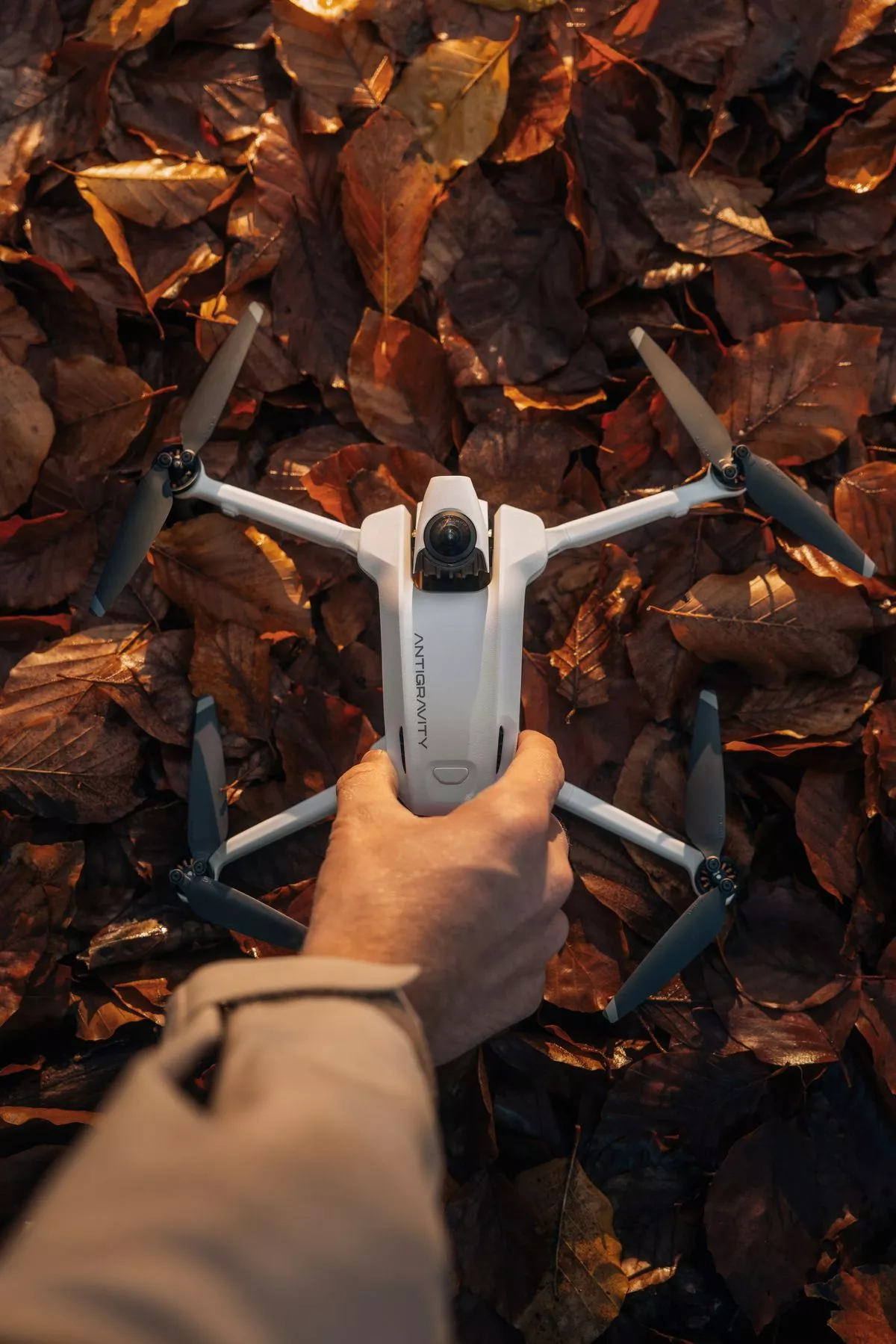 Antigravity A1 has two lenses that capture 36–degree footage in 8K resolution(Image: Antigravity)
The camera sensors are 1/1.28in and the lenses have an aperture of f/2.2 and an ISO range of 100 to 6,400. The auto ISO and auto white balance work fine but you can adjust the settings annually. Footage from the 8K resolution lenses is crisp and clear and stitched together seamlessly by the software and you output it using either a phone or computer. Antigravity’s excellent software offers limitless ways to present your drone footage. You can crop in and use any angle or view from the 360-degree footage that you wish and then export that as traditional video. There is AI-powered editing that can automatically edit your clips for you too. There is 20GB of built-in storage and support for large capacity micro-DS cards.
Drone regulations in Ireland and the EU
Antigravity A1 weighs just 249g but EU drone regulations in Ireland make this light weight irrelevant. Because there is a camera attached, you must register the device as an operator with the Irish Aviation Authority (IAA) and complete its online training before flying.
One caveat which should be mentioned is that under IAA regulations you are not allowed to fly the Antigravity A1 alone as wearing the goggles means you don’t have a visual line of sight of the drone at all times. Thus the strict rules say you must be accompanied by a Visual Observer to act as your eyes and ensure you don’t endanger others.
Pricing and availability
AntiGravity A1 comes in three bundles you can buy from antigravity.tech. Standard Bundle is €1,399 and includes drone, goggles, controller, Flight battery, carry case and four spare propellers. Explorer Bundle is €1,599 and includes two extra batteries, charging hub, sling bag and another four spare propellers. The Infinity Bundle includes all this but has three High Capacity Flight batteries instead along with a quick reader and it costs €1,499.
Subscribe to our newsletter for the latest news from the Irish Mirror direct to your inbox: Sign up here.