
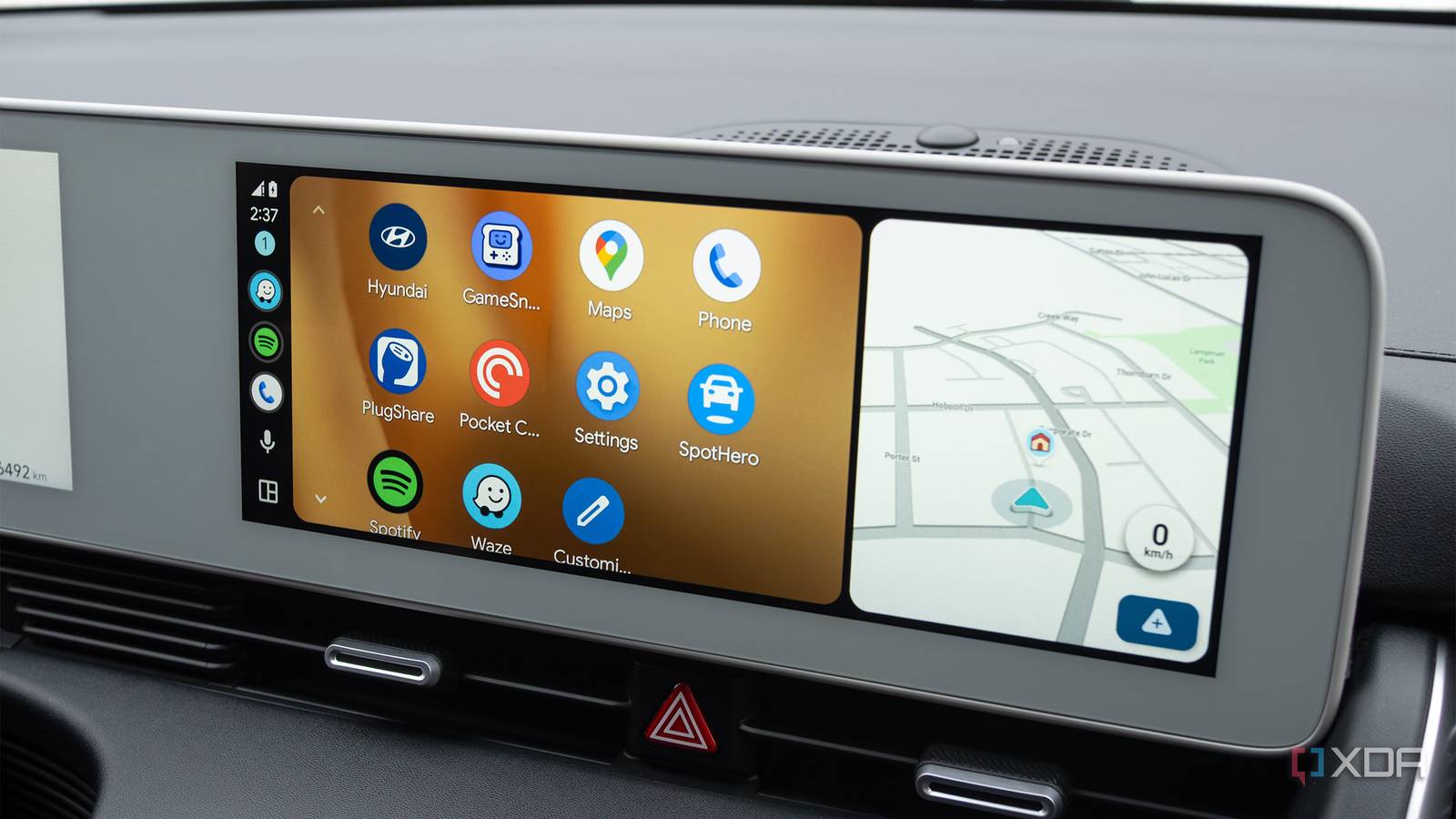
It’s no secret that I hate driving — it’s just really not my thing. Thankfully, I’ve uncovered several apps that make lengthy car rides a far more enjoyable experience, whether it’s a trip to my parents’ house roughly two hours away, or a commute into the city that feels like it’ll never end.
While I’m primarily a CarPlay user, I recently made the jump to the sometimes-frustrating world of Android Auto, and with a few exceptions, it’s a pretty solid platform — seriously, why do I need to give Google Maps’ Android app permission to access my location in Android Auto (and why is split-screen so cumbersome)?
Over the past few weeks, I’ve discovered several useful Android Auto apps that make driving far less of a drag. And before you scroll down to the comments to let me know that Spotify and Waze are obvious picks, let me just say that I agree with you. That doesn’t make them any less enjoyable or useful, though.
Pocketcasts lets me easily access podcasts behind the wheel
I’ve used this app for years, and it’s never let me down
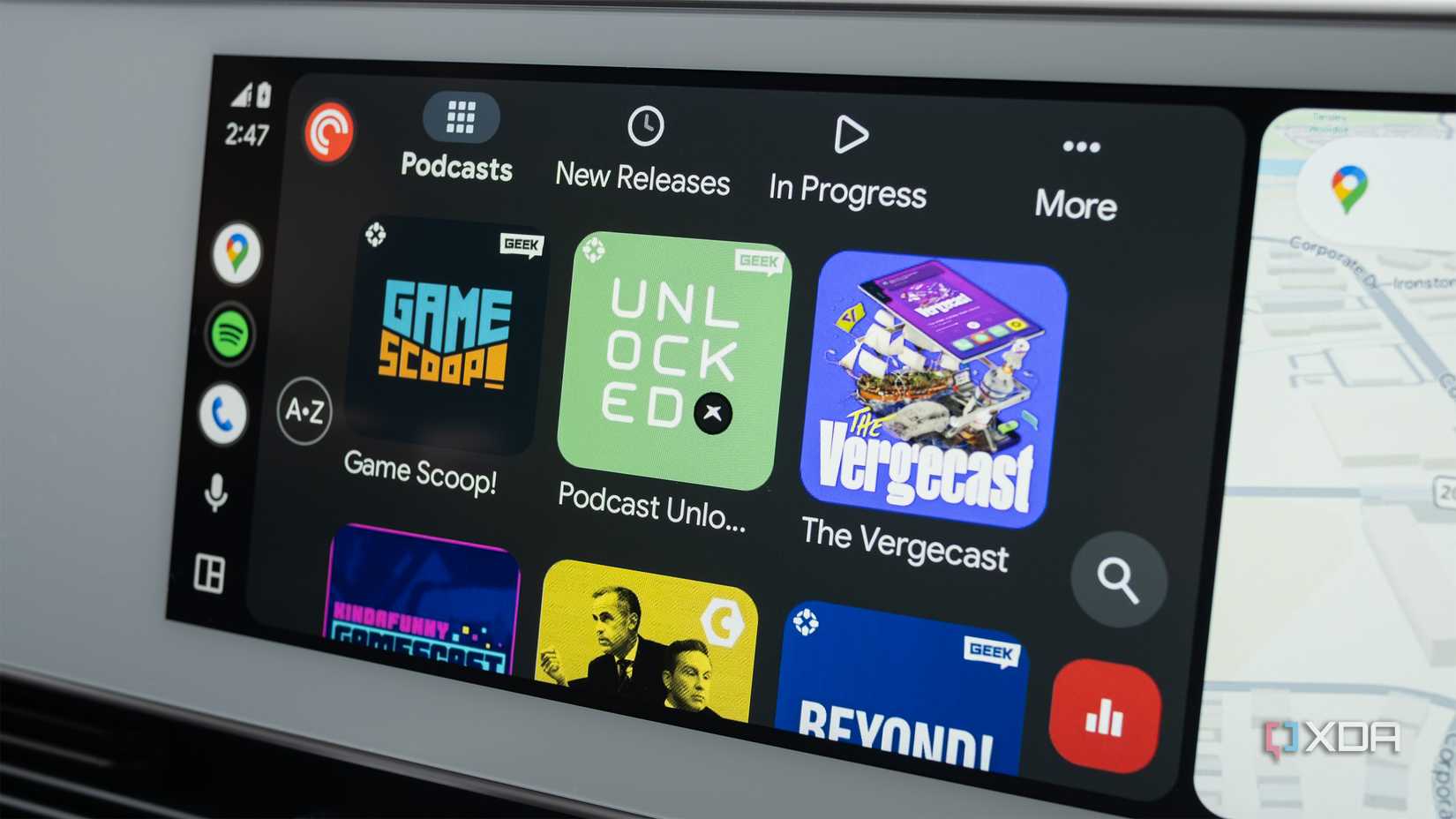
I know I can listen to most podcasts on Spotify, but I’ve always appreciated Pocket Casts’ simple, straightforward user interface and its intentional podcast-focused cross-platform design.
Thankfully, the Android Auto version of Pocket Casts mirrors its Android and iOS counterparts, allowing me to pick up whatever podcast I’m listening to, whether it’s IGN’s Gamescoop, Canadaland, or History of the ’90s, exactly where I left off on my iPhone 17 Pro or Pixel 10 Pro. If you’re headed on a lengthy road trip or stuck in traffic on your morning/evening commute, there are few better ways to pass the time than an engaging podcast.
PlugShare helps me hunt down EV chargers
If I need a quick charge top-up, the app’s crowdsourced map is very useful
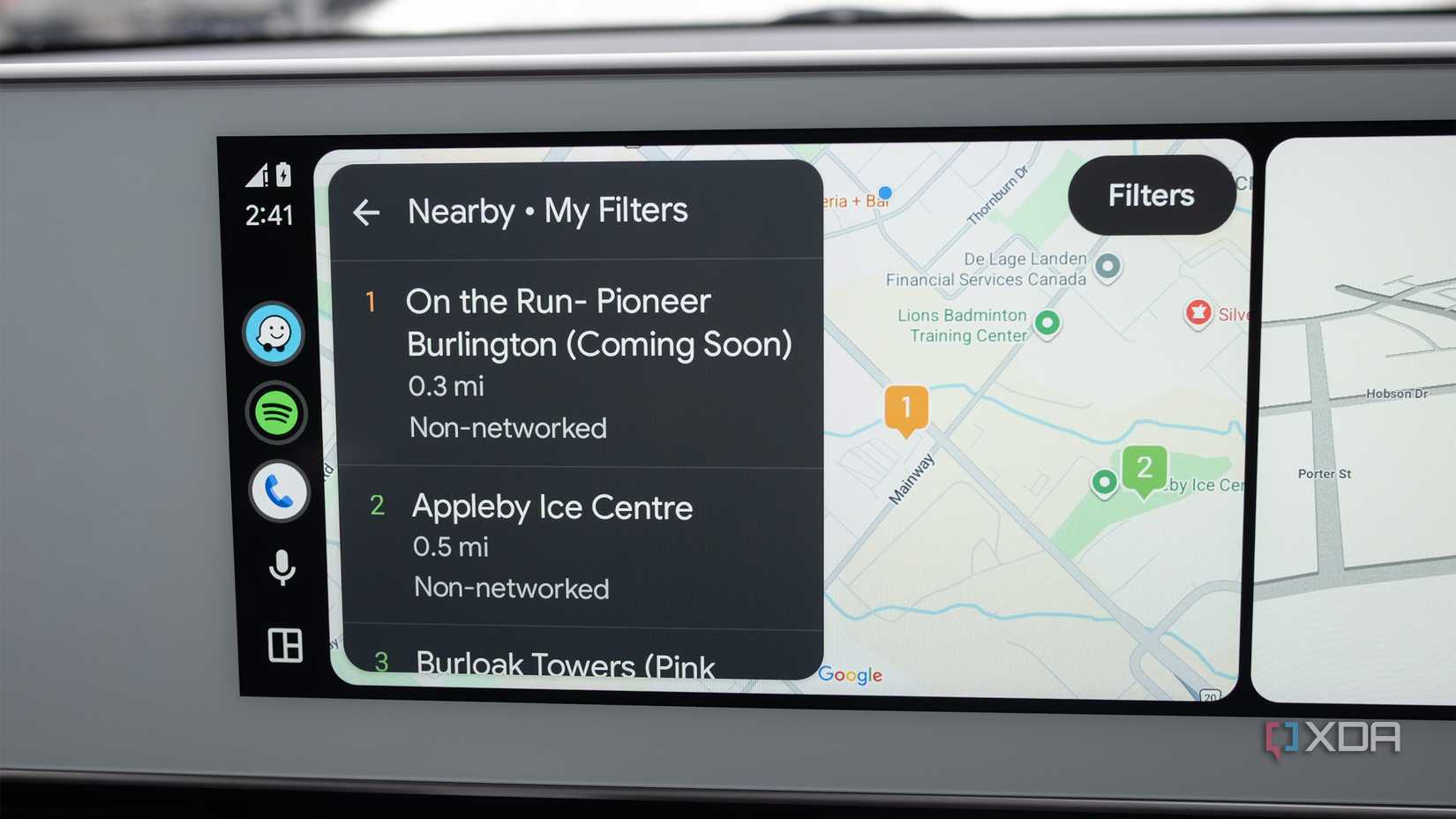
As far as EV-focused apps go, it doesn’t get much better than PlugShare. The crowdsourced app features listings for EV charging stations worldwide, including the voltage they offer, reliability, and whether they support CHAdeMO, CCS, or Tesla’s NACS. There’s also a check-in feature that lets you share your charging experience, giving you a clear picture of when the EV charger you’re looking at was last used and what the EV owner’s experience was like.
I haven’t run into this problem often, but when I need a quick top-up in an unfamiliar area, PlugShare is the app I always turn to.
Related
My morning commute is infinitely better since I found these Apple CarPlay settings
CarPlay checklist for a stress-free commute
GameSnacks keeps me busy when I have time to kill
Mindless mobile games are better than doomscrolling
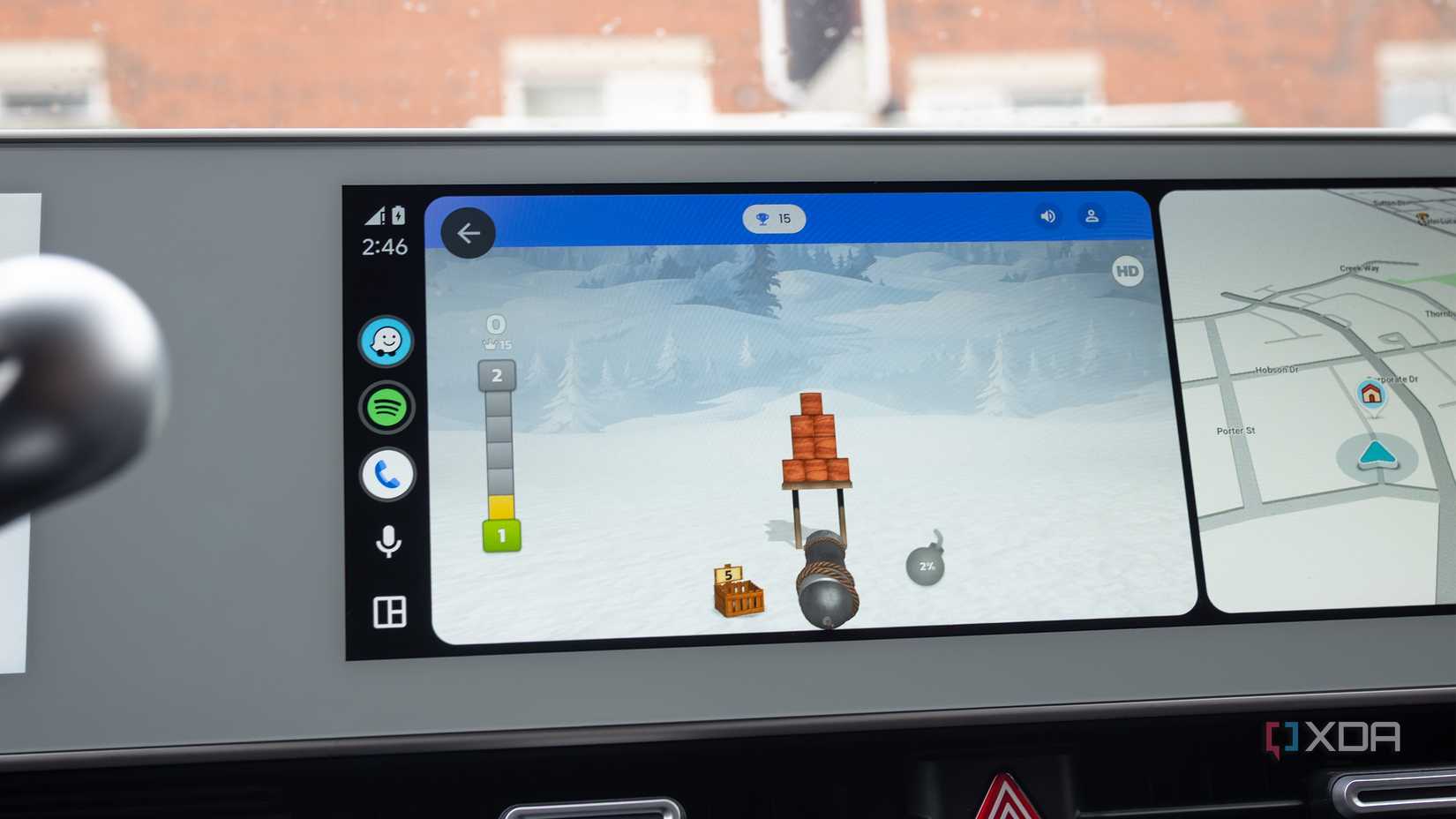
If I need to wait in the car while my partner goes to an appointment, I usually bring my Switch 2 or ROG Xbox Ally X, but on the off chance I don’t, GameSnacks is a great way to pass the time.
Most of the games wouldn’t be fun under any other context, but I’ve enjoyed slicing away at cake in Cake Slice Ninja, playing a simplified version of golf in Golf Adventures, and shooting soccer balls in Pocket Champions, when I have a few minutes to kill and need a break from doomscrolling social media. GameSnacks bite-sized games remind me of an era when mobile games weren’t full of pay-to-win mechanics and offered simple, mindless fun.
SpotHero makes finding a good parking lot way easier
This app helps kill my parking anxiety
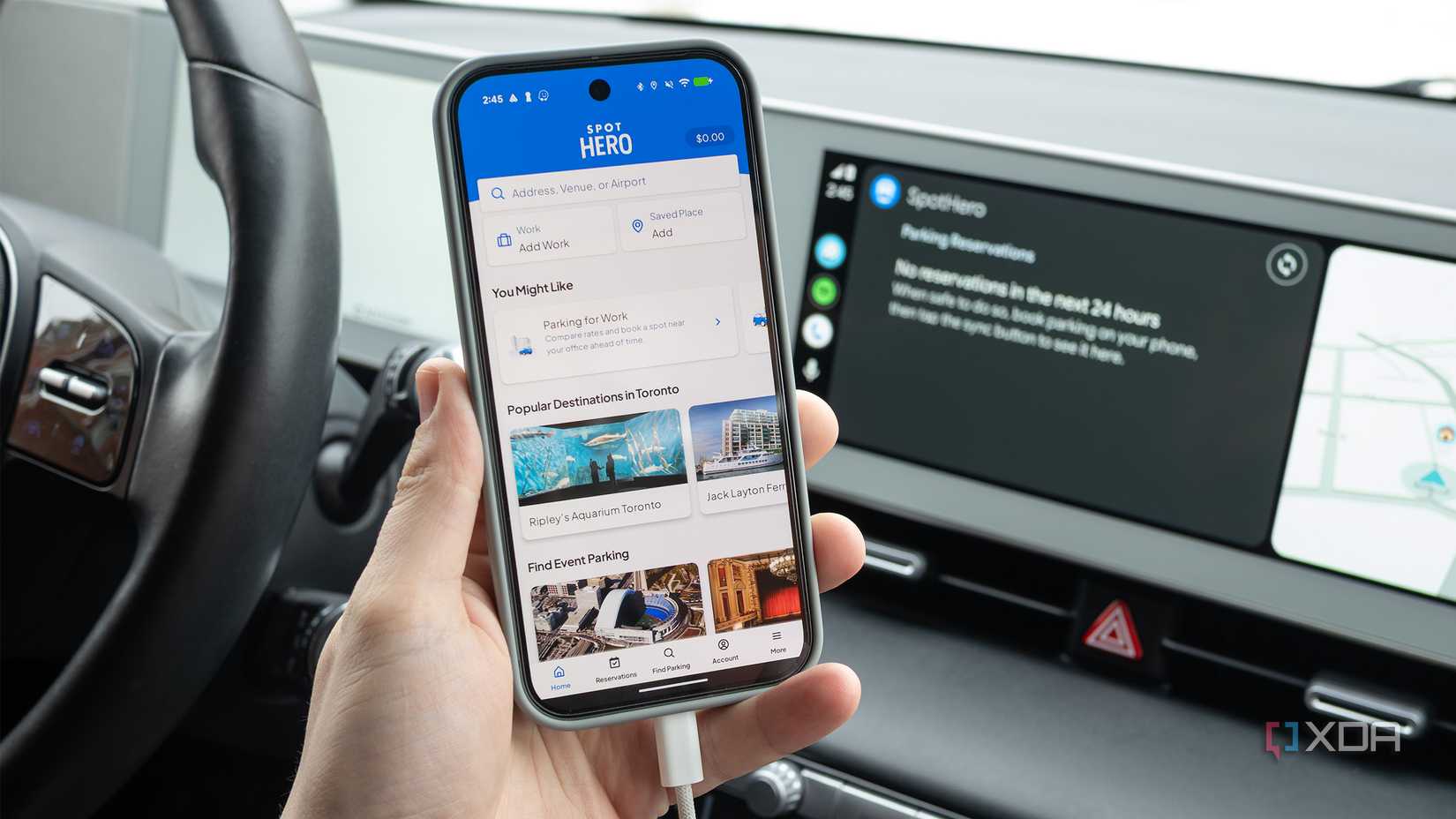
One of my least favorite parts of driving is finding parking, especially when I need to drive into Toronto and hunt for a spot in the city’s busy downtown core. Thankfully, SpotHero makes that painful task a little easier.
The app allows you to compare the cost of thousands of parking lots across North America. You can book and pay for a parking pass instantly through the app, so that when you arrive at a lot with the best deal, all you need to think about is the actual act of parking your car. I usually use the app on my smartphone before I get in the car, but it’s great to have the option to boot it up through Android Auto, too.
Related
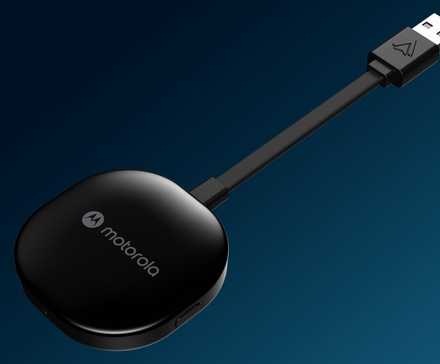
Motorola’s rumored MA2 wireless Android Auto adapter features a key upgrade
The only “official” wireless Android Adapter will reportedly feature a detachable cable.
Spotify’s Android Auto app is streamlined and straightforward
It makes listening to your favorite songs easy when you’re behind the wheel
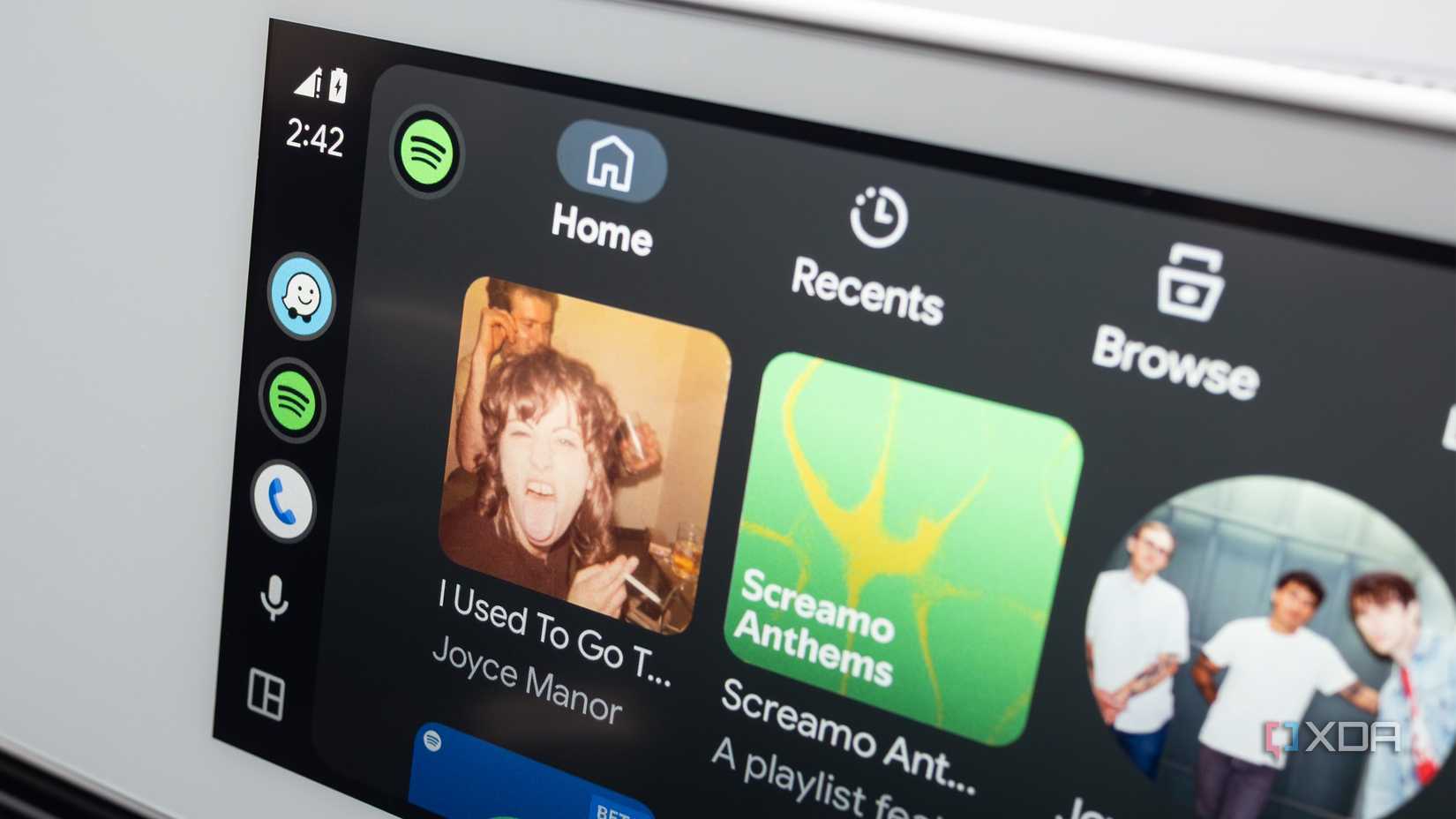
I know this is obvious, but if you’re new to Android Auto, make sure Spotify is installed on your launcher (for some reason it wasn’t in my case). The music streaming app’s UI closely mirrors its mobile and desktop counterparts and offers access to Spotify’s entire library, including your all-important playlists and the excellent AI DJ.
If you’re already a Spotify subscriber, there’s no reason not to use the app with Android Auto while you’re driving. It’s reliable and gives me access to all my sad music playlists directly in my vehicle — what more could I ask for?
Waze is by far the best in-car navigation app out there
The app’s crowdsourced hazard reporting can’t be beat
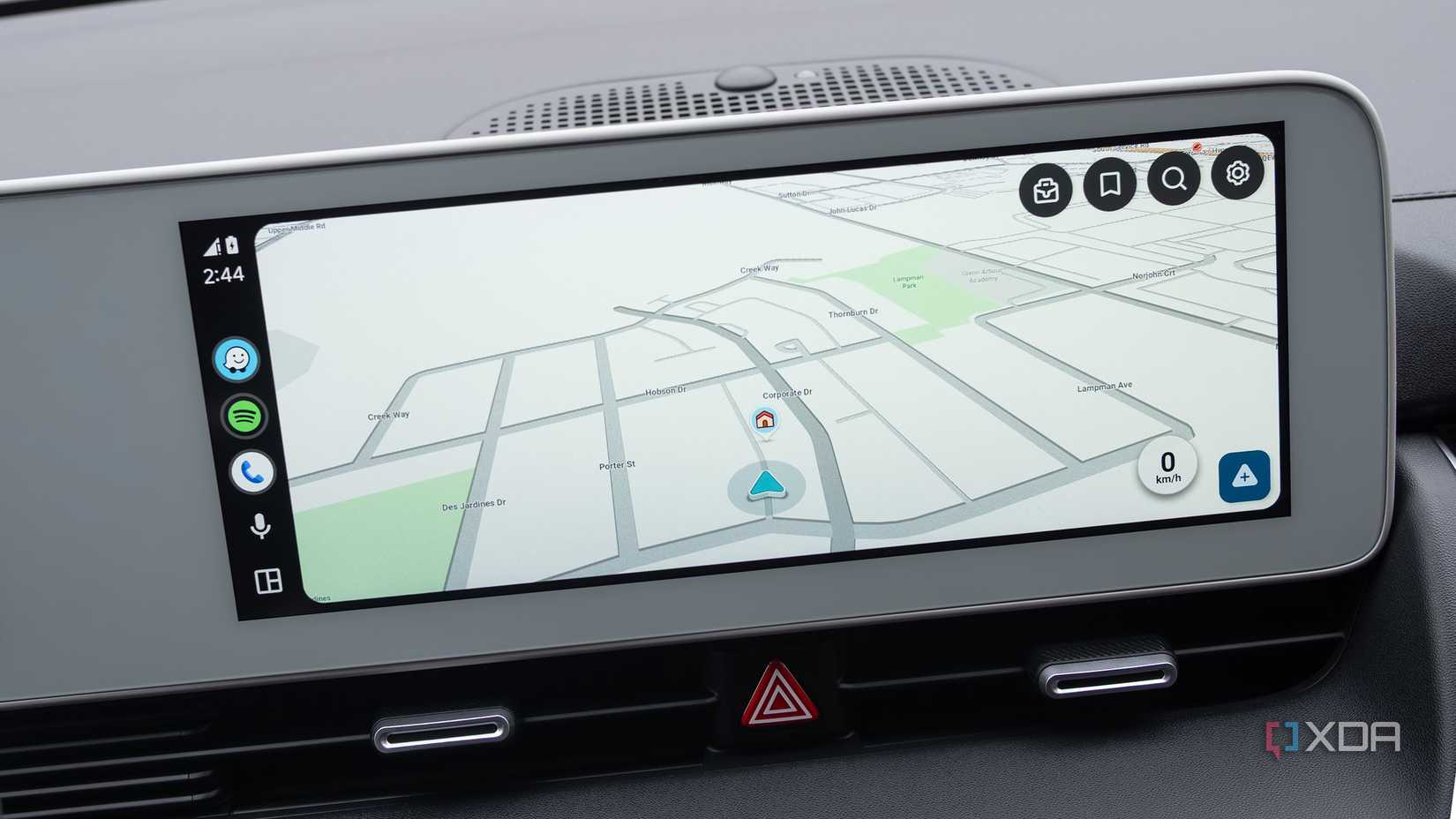
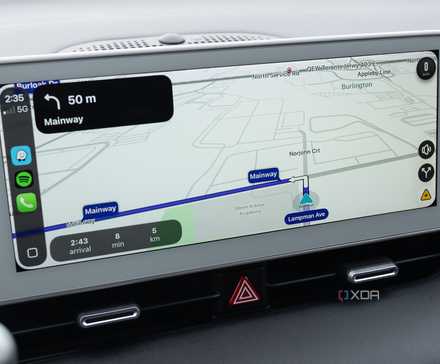
I’ve been locked to Waze for a really long time now, and I’ve never felt the urge to seriously use any other navigation app. As far as in-car navigation goes, Waze’s hazard reporting just can’t be beat, even by Google Maps. The app lets other Waze users report obstacles on the road, lane closures, police locations, accidents, and more, and always reroutes your path in real time.
The number of times Waze has saved me from getting stuck in a never-ending traffic jam is countless. Its user interface is easy to use while driving, requiring only a few taps to set a new destination, which is always necessary when it comes to Android Auto apps. If your vehicle has Android Auto, Waze is truly the smartphone projection platform’s killer app.
Related
I still use Waze over Google Maps because its community reporting features are unmatched
Crowdsourced hazard reporting is the map app’s killer feature.