
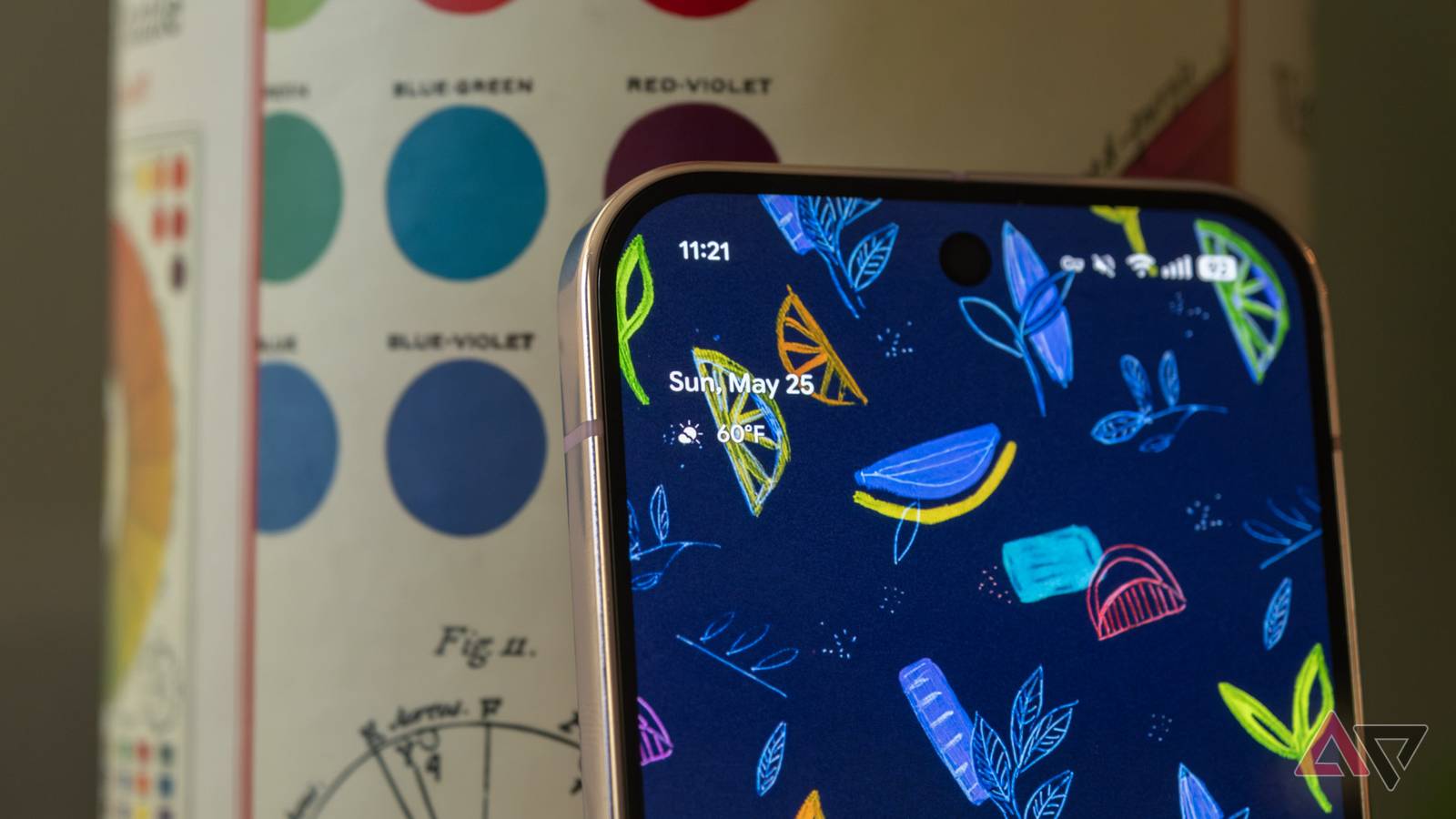
We’ve been talking about the Pixel-exclusive At a Glance widget receiving Finance and Sports information categories since early 2025 at the very least, and roughly a year later, it looks like the two categories are finally here.
For reference, this does not pertain to the Google app’s At a Glance widget. This article talks about the Pixel Launcher’s At a Glance (SmartSpace) implementation that’s omnipresent on the lock and home screens.
Related
Pixel’s At a Glance widget could soon help to keep an eye on your finances
And keep up with your favorite sports teams too
The Pixel Launcher’s At a Glance widget sources data directly from integrated apps. Up until now, the app has been able to highlight contextual information from the following categories:
Weather
Air quality
Alerts
Earthquake alert
Upcoming
Work profile
Food and household orders
Package delivery
Commute
Time to Leave
Ridesharing
Travel
Fitness
Safety check
Timer & stopwatch
Connected devices
Cross Device Timer
Doorbell
Flashlight
Bedtime
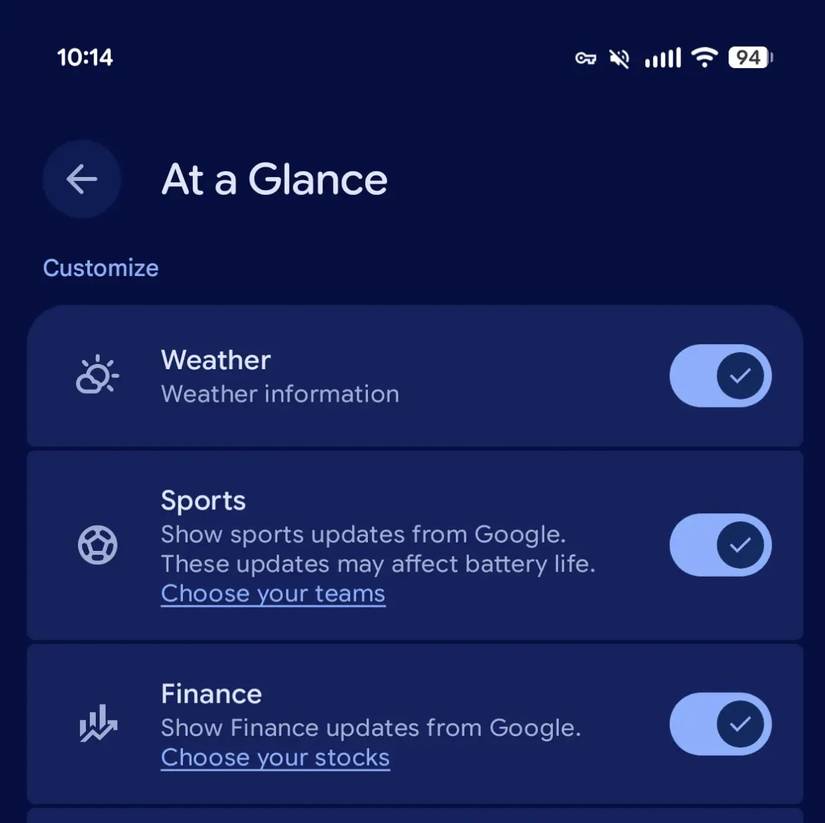
Now, as highlighted by the folks over at 9to5Google, the widget’s customization setting lists Sports and Finance too. For reference, the new categories aren’t live for me yet, not even after updating Android System Intelligence, which powers the feature. This suggests that Finance and Sports are being rolled out in phases.
Pick your teams and stocks
Credit: 9to5Google
“Show Finance updates from Google,” reads the Finance category toggle, while the Sports toggle reads “Show sports updates from Google,” and the fact that enabling it “may affect battery life.” The toggle is also where users get to choose the teams and stocks that they want to widget to track.
To check whether the new categories have rolled out for you, long press the widget on your phone’s home screen and tap Settings. Scroll down, and try to find the new categories under ‘Customize.’
This comes soon after Google introduced the option to hide the At a Glance widget from the home screen.