
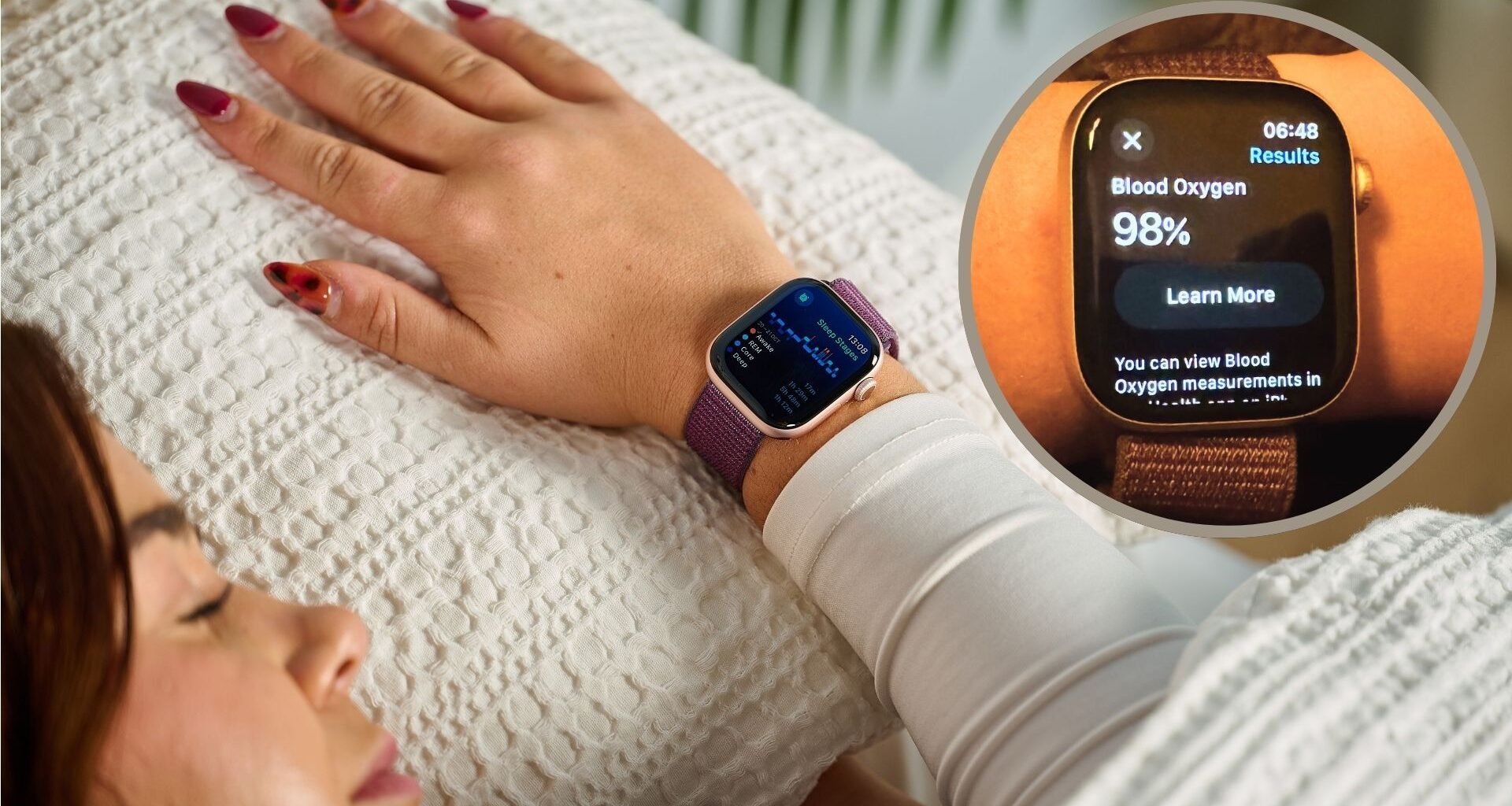
From tracking your workouts to performing as a walkie talkie, there isn’t much your Apple Watch can’t do nowadays — and one of its many functions is sleep tracking.
Looking for a sleep tracker? These are our top picks
(Image credit: Future)
If you’re looking for a new sleep tracker to monitor your shuteye, these are the best sleep trackers we’ve tested.
Even if you didn’t buy your Apple watch with tracking your sleep in mind, you can now hit the hay with the knowledge that you’re wearing one of the best sleep trackers we’ve tested.
The Apple watch’s overnight data is invaluable, especially if you want to measure your body’s post-workout recovery, better understand your sleep habits and overall health, or even identify hidden sleep disorders like sleep apnea.
You may like
Whether you’re a proud new Apple Watch owner, or wondering how you can get more out of the trusty gadget you’ve strapped to your wrist for years, here are the settings to check out now to make the most of your Apple watch’s sleep tracking.
6 settings to turn on for better sleep tracking
From the basics to algorithms that detect sleep apnea, here are all the Apple Watch settings to change now for the most accurate sleep reports.
1. Turn on sleep tracking
Obvious but crucial: first you want to make sure your Apple watch is your designated sleep tracker on your iCloud account, especially if you have multiple Apple devices.
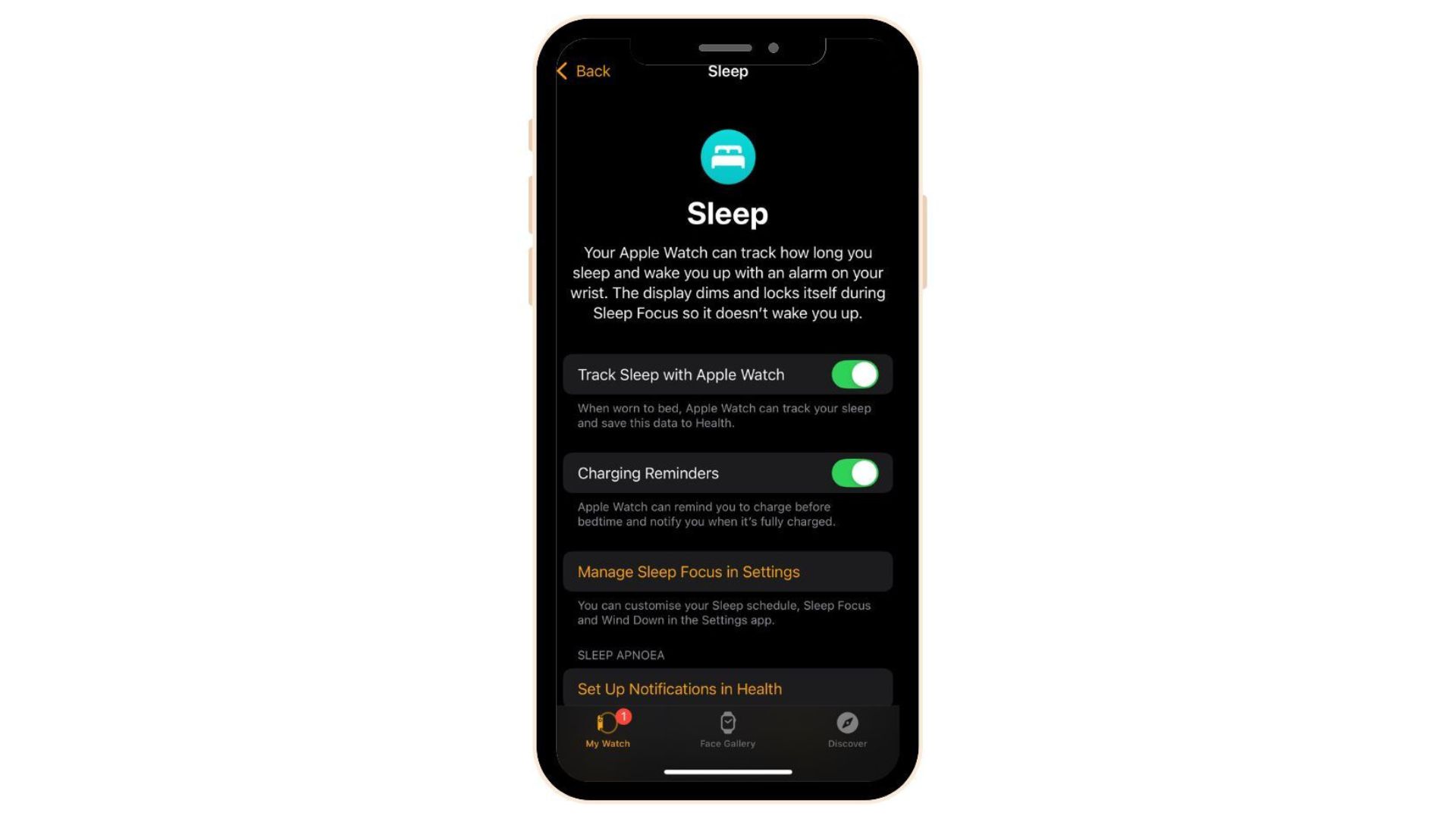
How to do it: On your iPhone, open the Watch app, go to the ‘My Watch’ tab, then to Sleep and toggle on ‘Track Sleep with Apple Watch.’
(Image credit: Apple)
Then your smartwatch is set to keep tabs on your sleep metrics when worn in bed, and save this data in the Apple Health app.
Otherwise, the Health app will predict sleep timings based off when you use your night at night, which are of course not as accurate as the sleep timings and sleep stage data your Apple watch can collect.
2. Make sure the fit is right
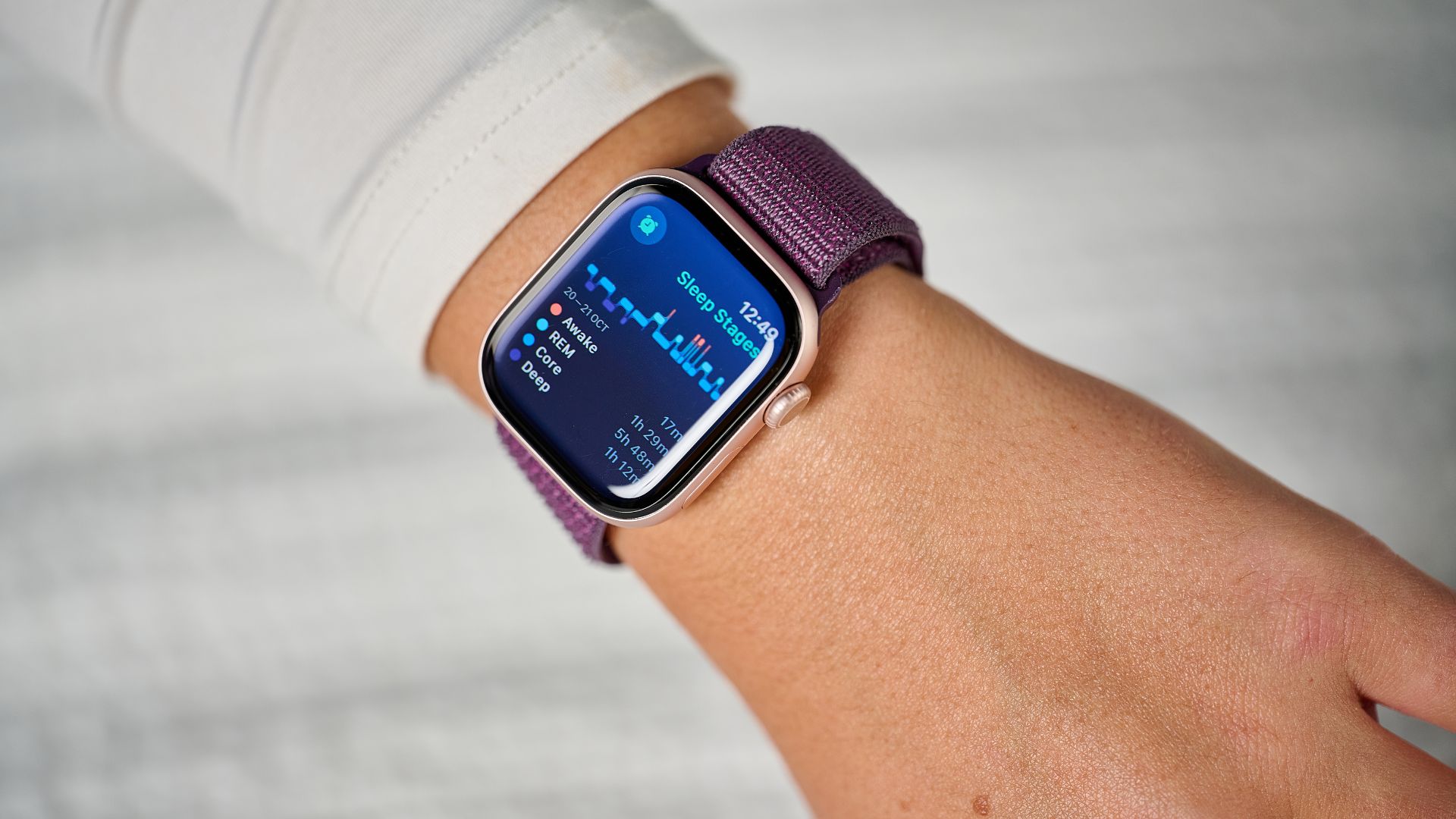
Another simple tip, but we’re making sure we have the basics covered first. Make sure your watch fits well and sits comfortably on your wrist through the night.
You may like
(Image credit: Future)
If you’re anything like me, you can find it flustering to sleep with a wrist strap. So, making sure you give enough breathing room without sensors slipping out of contact with your skin is key to getting accurate sleep metrics.
Generally, a ‘two-finger fit’ is a good rule of thumb (pardon the pun). This should mean your watch isn’t too snug or loose, but secure enough to avoid gaps in your sleep chart.
3. Enable Wrist Detection
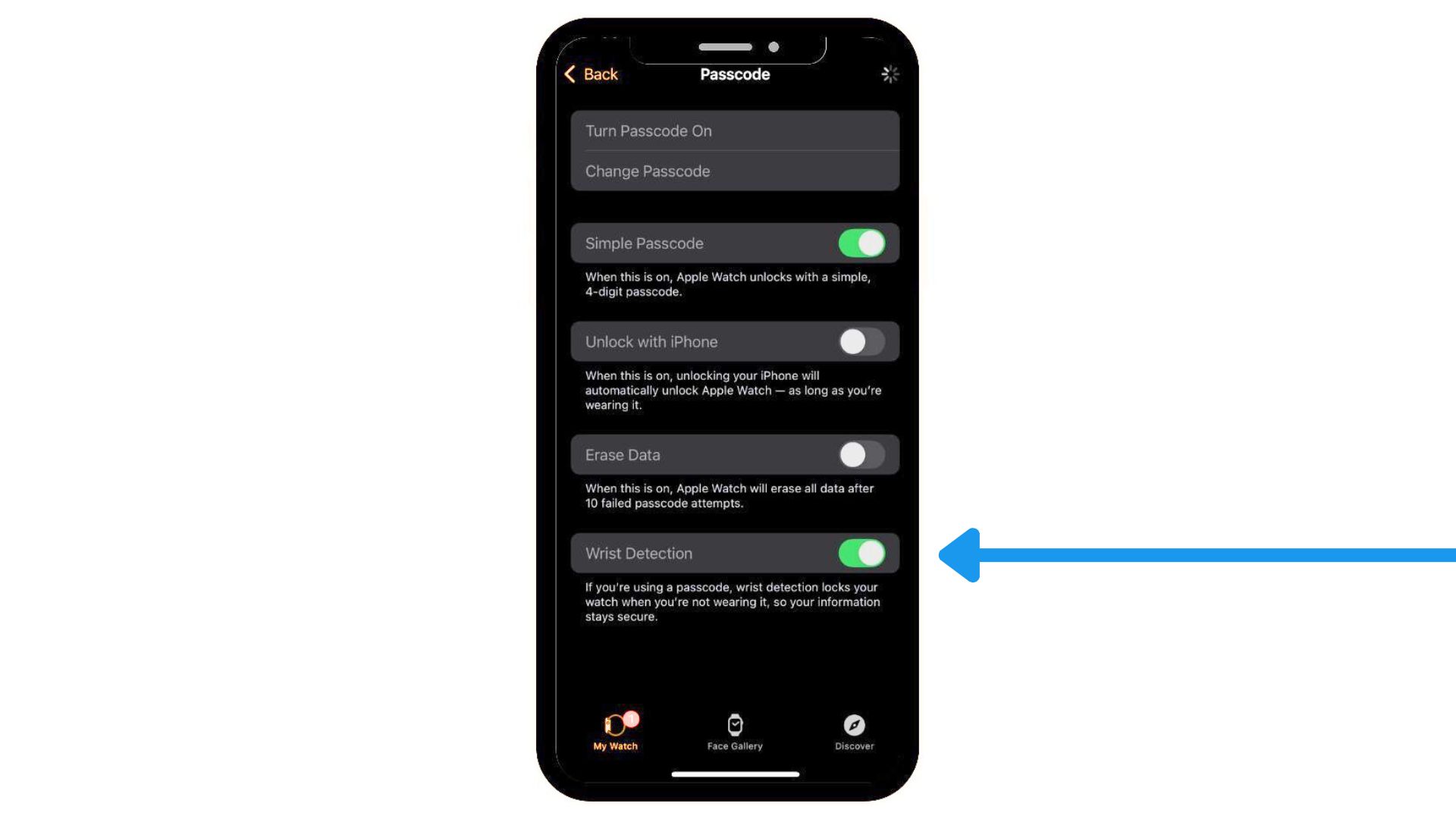
Apple watch Wrist Detection is both a security and health-tracking feature. It ensures your watch locks when not on your wrist and turns on background, resting, and activity heart rate recording.
To turn on this simple but important feature, head to your Watch app > Passcode > Toggle on Wrist Detection.
(Image credit: Apple)
If Wrist Detection is off, the Watch won’t take background heart rate readings overnight, which are vital for determining sleep stages.
For example, your heart rate generally drops to its lowest level (around 20% to 30% below resting heart rate) during deep sleep stages to allow your cardiovascular system to recover. Most sleep trackers use heart rate to differentiate between sleep stages, giving a more accurate picture of the overall quality of your rest.
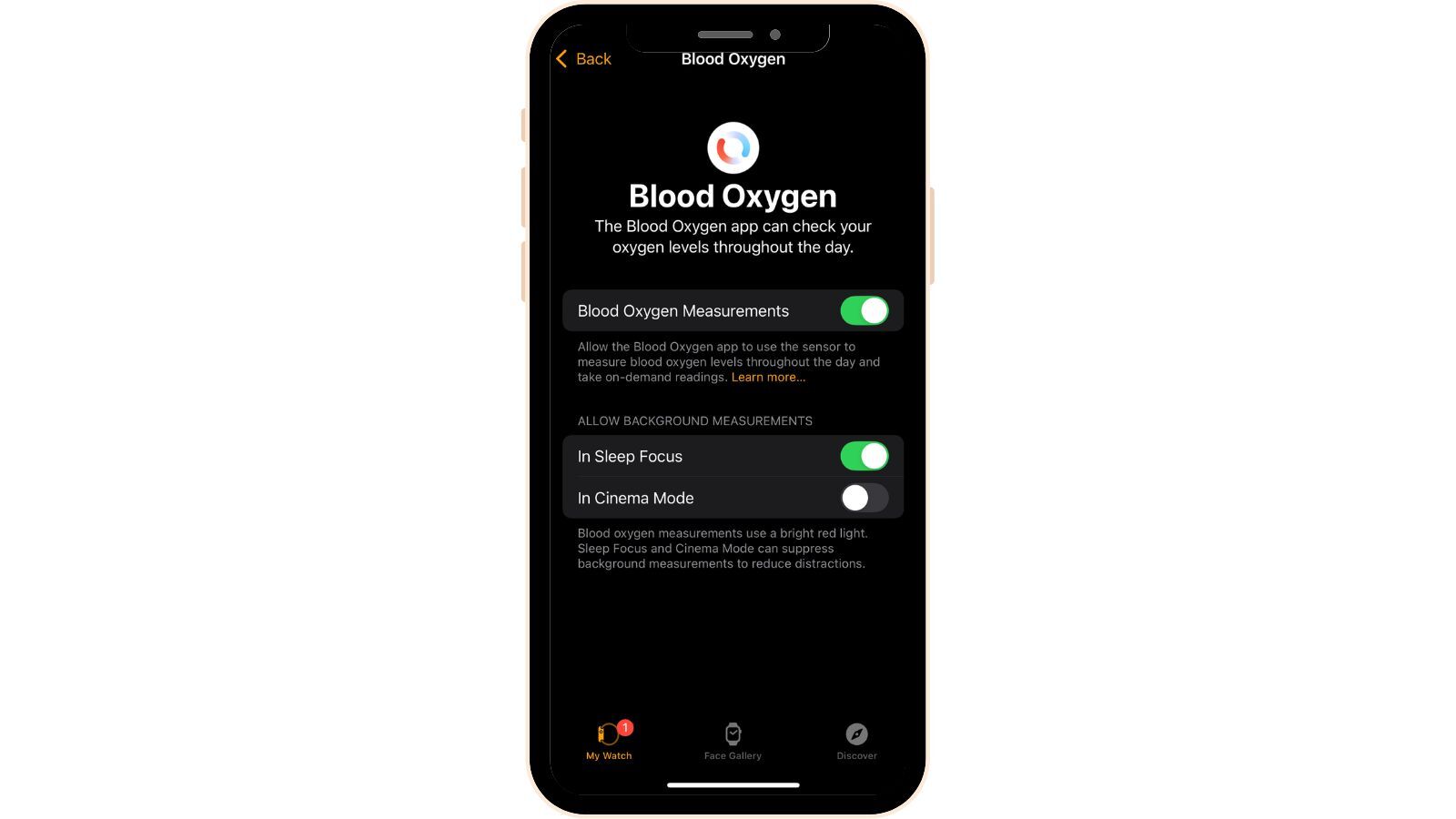
When my snoring partner got a smartwatch, the first thing I told him to do was turn on blood oxygen detection and Apple’s FDA-approved sleep apnea detection feature to see whether his snoring episodes were related to anything serious.
Yes, it’s normal for blood oxygen levels to fluctuate slightly during sleep, but significant drops or severely low levels through the night, can be a sign of breathing disorders like sleep apnea as the gaps in breathing mean not enough oxygen is getting to the blood.
(Image credit: Apple)
Again head to your Watch app, go to Blood Oxygen and toggle on Blood Oxygen Measurements. Also make sure you allow background measurements in Sleep Focus.
Alternatively, the sleep apnea feature is automatically enabled on Apple Watch Series 9 and above. Once you’ve worn your watch for a minimum of 10 nights over a 30 day period, the algorithm will analyse your data and send a sleep apnea notification to your Health app if it has concerns. At this point, it’s important to consult a doctor for an official diagnosis and treatment.
5. Turn on charging reminders
The Apple Watch doesn’t have many flaws, but it’s a simple fact that Apple can’t compete with the likes of Garmin and Oura sleep trackers when it comes to battery life. While devices from the latter two brands can last up to a week on a simple charge, you probably find you need to charge your Apple Watch every 24 hours.
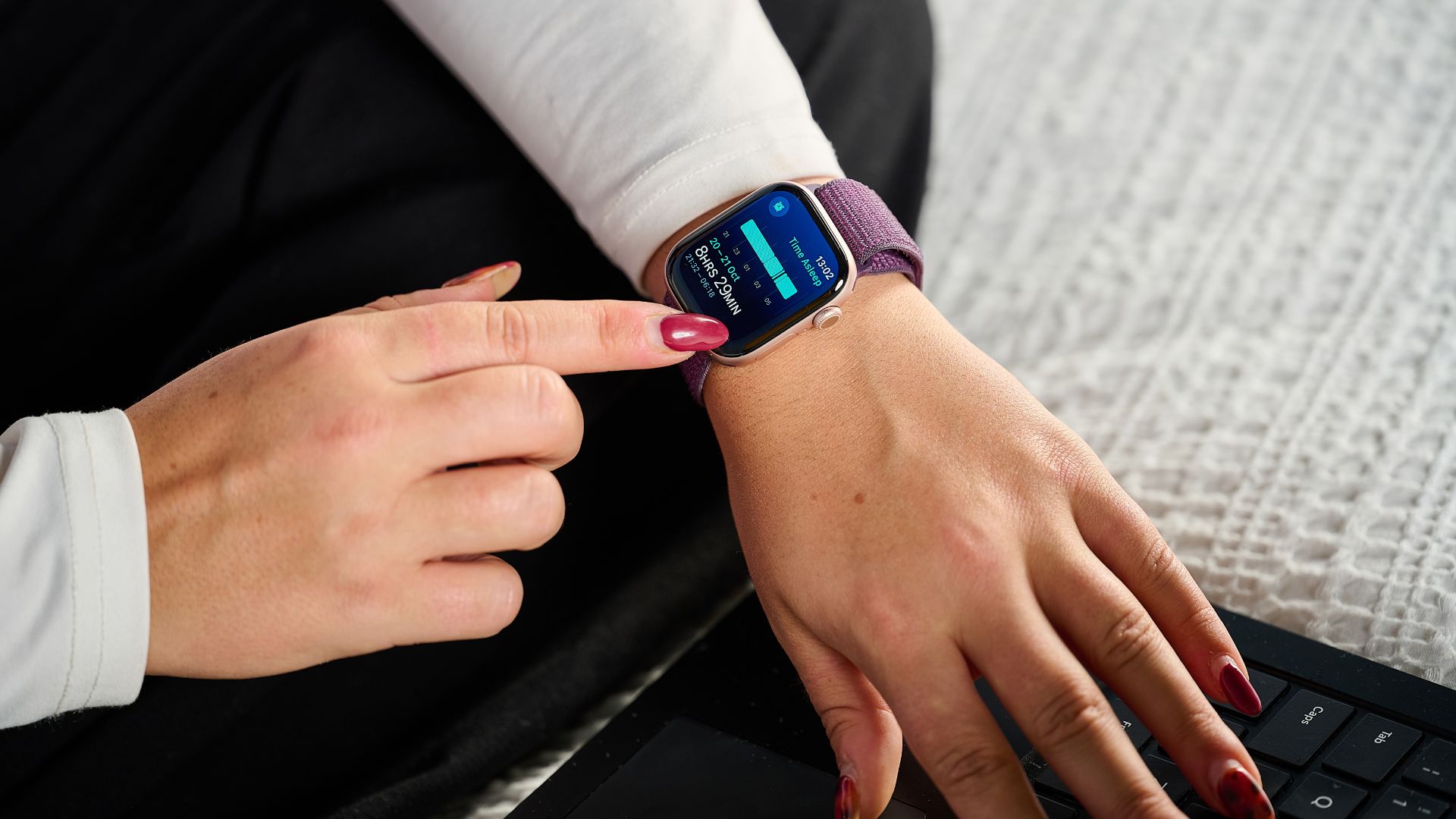
This means you need to be prepared if you want to use it as an overnight tracker. Apple says your watch needs at least 30% battery to track a full night’s sleep data. If it’s lower, it may stop tracking midway.
(Image credit: Future)
My hack is to always make sure I charge it while showering or when I’m reading in bed before hitting the hay. This way I can still make sure my daytime movement is accounted for, and my watch has enough charge to see me through the night.
To make sure you never forget to charge your wearable, you can turn on charging reminders in the Sleep section of the Watch app. With this setting on, your watch will ping you a notification to charge before bedtime and let you know when charging is complete.
6. Take note of temperature tracking
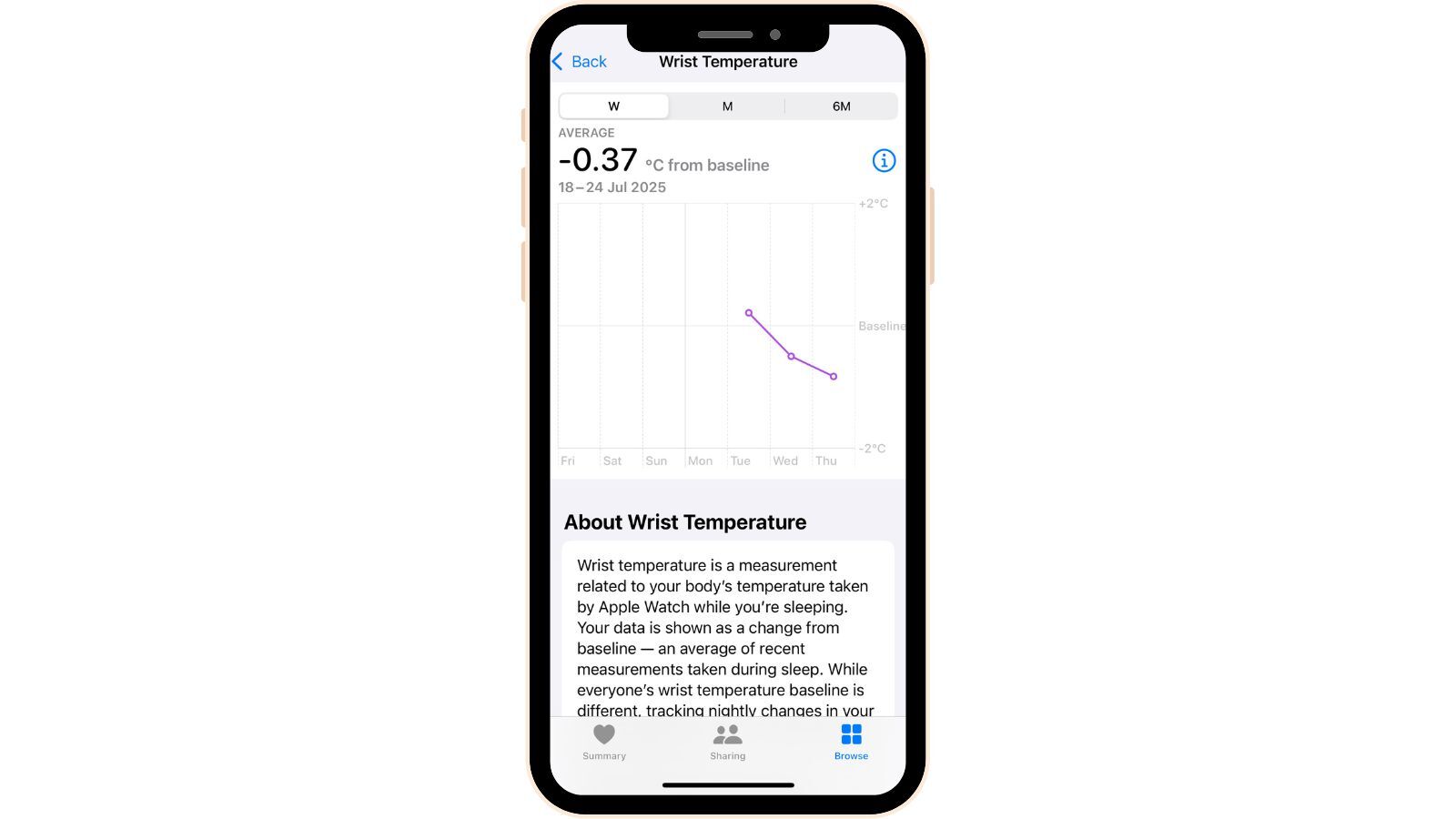
All Apple watches from series 8 and above have built in temperature sensors, according to Apple. Since there’s such a close connection between body temperature and sleep, this setting can reveal a lot about your sleep habits, and potentially offer solutions to poor sleep.
Your core body temperature naturally dips around bedtime as you prepare for sleep, and this drop in temperature induces the release of sleepy hormones like melatonin. If you go to bed at a reasonable hour (around 10pm to 11pm), by 3am your body will naturally heat up a little, and this can explain why a lot of people find themselves waking up at 3am.
(Image credit: Apple)
Although you don’t actually have to change any settings for this one — it is tracked automatically during Sleep Focus on an Apple Watch 8 and above — it is a key data point to be aware of, giving great insight into your general wellness and sleep trends.
To find this data, go to your Health app > Body Measurements > Wrist Temperature.
Sleep Focus, always
My final tip isn’t necessarily to do with the accuracy of your sleep data, but the quality and consistency of your sleep routine.
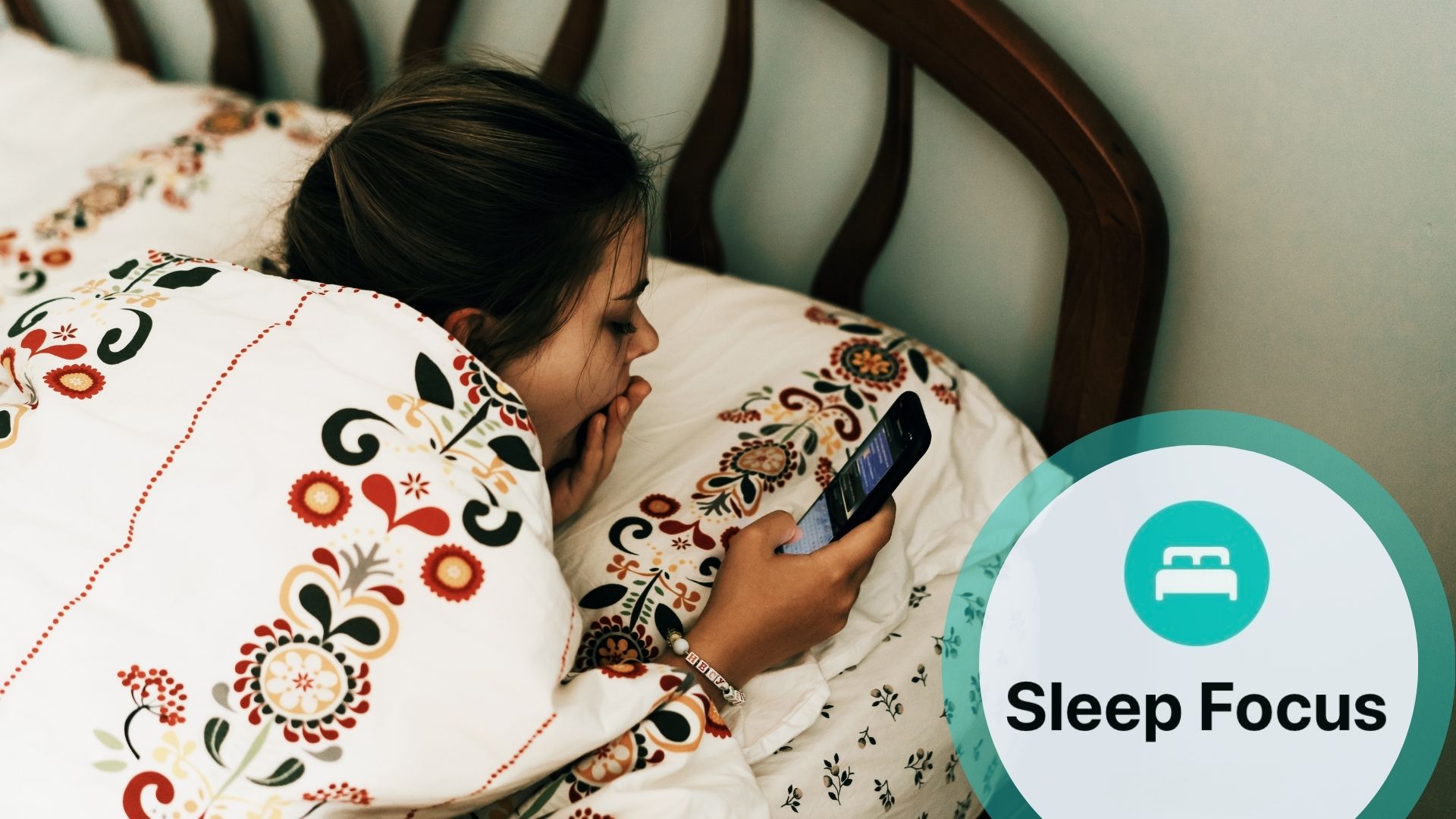
To make sure you’re clocking enough restorative ZZZs each night with your Apple Watch, it’s worth turning on Sleep Focus mode with your personalised sleep and wake times in your Apple account.
(Image credit: Getty Images)
This connects across your Apple cloud so all your devices enter a notification-free DND mode around your desired bedtime. Honestly, this is the one setting that helps me get to bed on time and maintain a consistent sleep schedule — I’d no doubt be scrolling until the early hours without this hard stop on phone time.
Goodbye, doom-scrolling. Hello, accurate sleep data.