
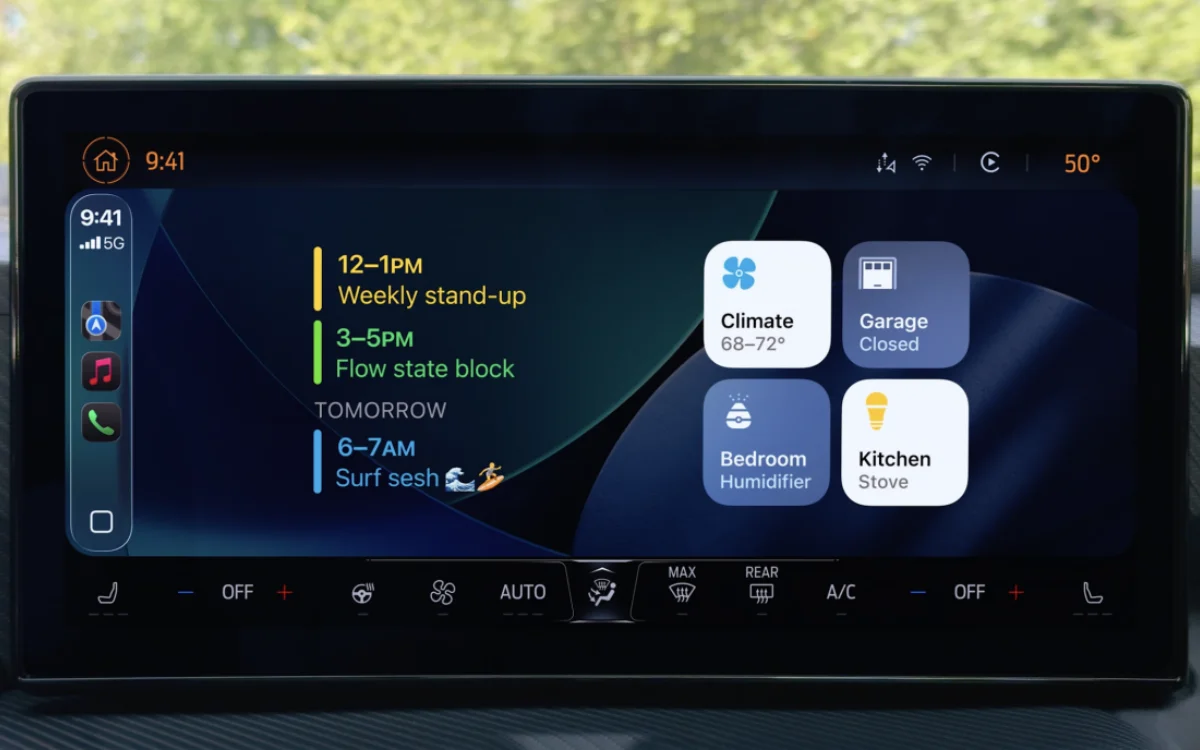
Apple iOS 26 introduced new widgets to CarPlay for the first time, and they’re proving more useful than people thought.
As ever, the updated iOS 26 came with a bunch of updates for the iPhone, like its controversial Liquid Glass display and changes to its messaging app.
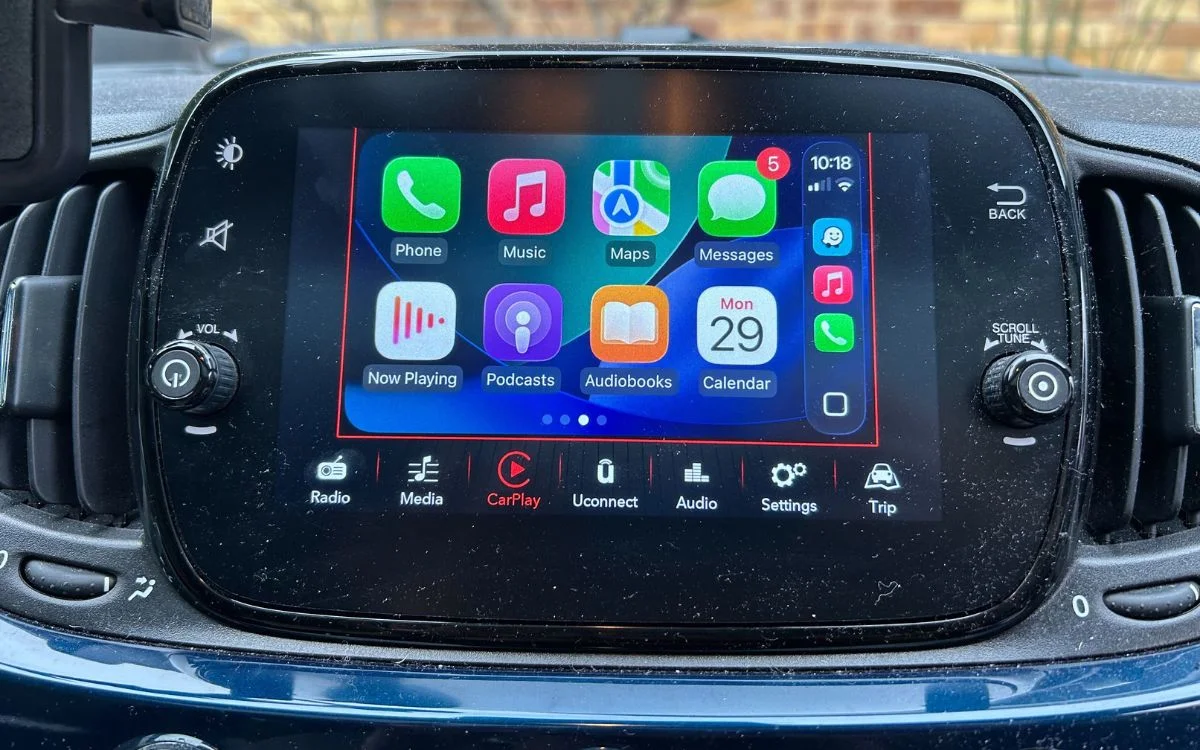
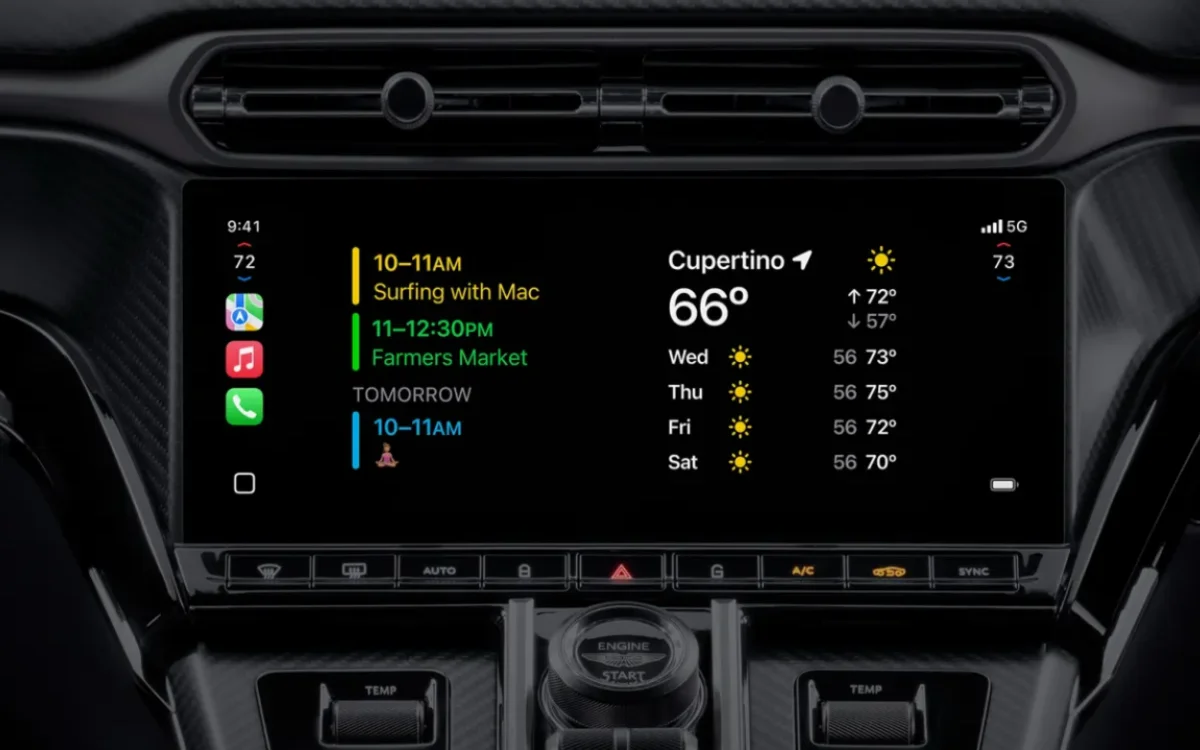
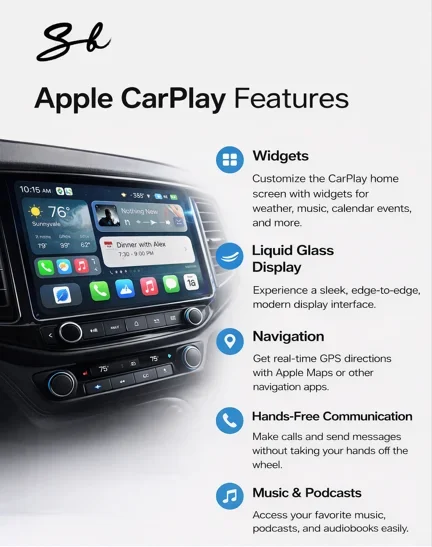
It also introduced some new features for CarPlay, including that same new display and the ability to add widgets.
And if you’re yet to give them a try, then you could be missing out, as they offer some very handy shortcuts.
DISCOVER SBX CARS – The global premium auction platform powered by Supercar Blondie
The CarPlay widgets can make car trips a little less boring
With widgets being a fairly new introduction for CarPlay, thanks to iOS 26, there’s a good chance you haven’t had a chance to check out which ones are worth having.
But the team over at Slashgear came up with a handy list of some of the most useful ones.
 Supercar Blondie
While CarPlay comes pre-loaded with Siri, if you fancy using an AI-powered voice assistant, then you can download the Microsoft Copilot widget.
For it to work, you’ll need to have your phone unlocked, but once that’s done, you can simply hit the microphone icon on your infotainment screen and ask away.
Next up, there’s a neat little Apple Podcast widget that will allow you to open up the app directly on your car’s infotainment screen.
Although it doesn’t sound groundbreaking, the widget can make life easier, letting you pick up your podcast where you left off or access the latest episodes of your favorites without having to fiddle about with your phone.
 Apple
Apple
If music is more your thing, then the Dynamic Lyrics widget could be right up your street.
The app will display the lyrics of whatever you’re listening to via Spotify or Apple Music onto the screen so your passengers can enjoy an on-the-road karaoke session or finally discover that they’ve been singing the wrong words for years.
Click the star icon next to supercarblondie.com in Google Search to stay ahead of the curve on the latest and greatest supercars, hypercars, and ground-breaking technology
Widgets you never knew you needed in the car
Amazon shoppers need never miss a delivery again, as you can download the Amazon widget straight to CarPlay and receive updates while on the go.
If there’s a package on its way, you can also fire off a quick message to whoever is at home to let them know.
You can also set it to remind you to stop off at an Amazon Locker or Counter to pick up or drop off a package on your way home.
 SB Media/ChatGPT
And on the subject of ‘home’, you can also control your smart home gadgets and gizmos using CarPlay by downloading the Apple Home or Google Home widgets.
So, you can turn on your heating, open your garage door, or switch on your lights all from your car’s screen.
You can also use it to turn off any smart appliances you might have left on by accident.
DISCOVER SBX CARS:
The global premium car auction platform powered by Supercar Blondie