
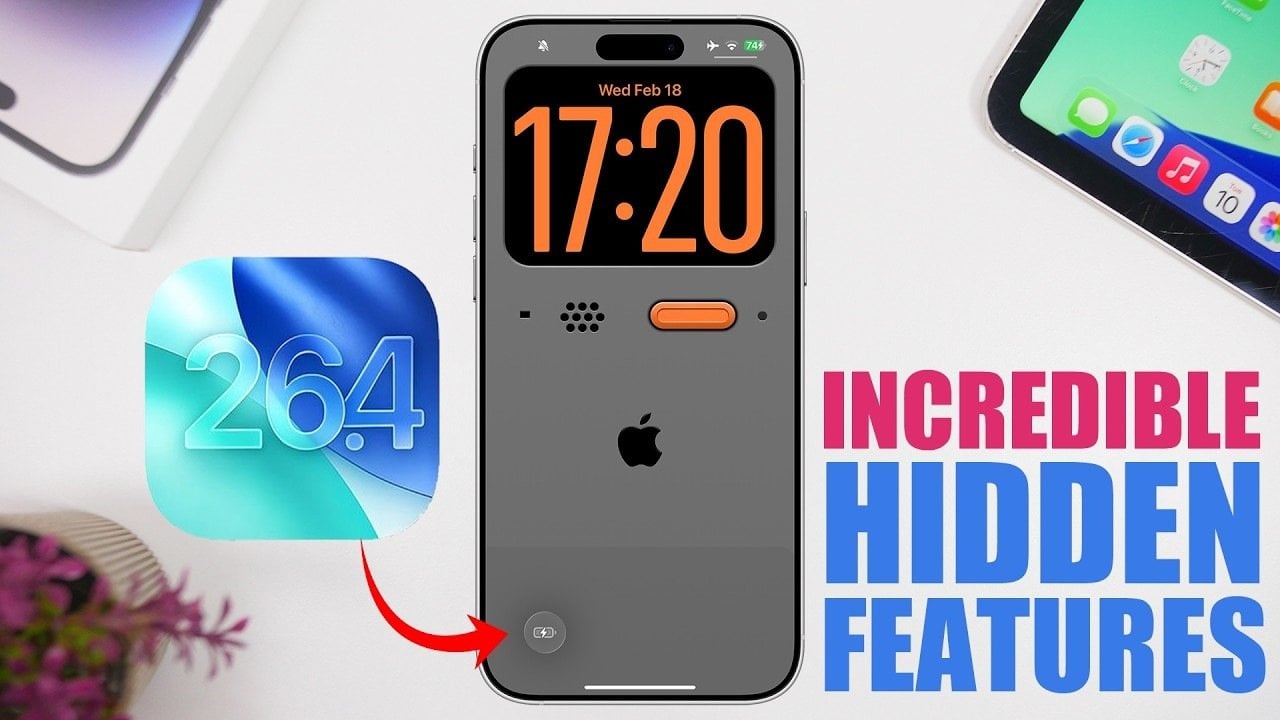
Apple’s iOS 26.4 brings a host of new features designed to enhance functionality, customization, and user interaction. Currently in its first beta phase, this update introduces subtle yet impactful changes that aim to improve your daily device usage. From advanced audio recording capabilities to personalized battery management tools, iOS 26.4 caters to a wide range of users, from casual smartphone owners to tech enthusiasts seeking greater control and efficiency. The video below from iReviews gives us more details on what is coming to the iPhone with iOS 26.4.
Focused Audio Recording with “Audio Zoom”
One of the standout features in iOS 26.4 is the introduction of “Audio Zoom,” a sophisticated tool integrated into the camera’s video recording functionality. This feature allows you to focus audio capture on a specific subject when zooming in during video recording. By reducing background noise and enhancing sound clarity, Audio Zoom ensures that the audio aligns seamlessly with the visual focus.
Whether you’re recording a keynote speaker at a conference or capturing a live performance from a distance, this feature is particularly useful for creating high-quality video content in noisy environments. With Audio Zoom, iOS 26.4 enables users to produce professional-grade recordings directly from their devices.
Personal Hotspot Data Tracking
Managing data usage becomes significantly easier with the updated Personal Hotspot feature in iOS 26.4. This update introduces a detailed breakdown of data consumption for each connected device, providing users with greater transparency and control over their hotspot usage. Key improvements include:
Device-specific usage statistics: View how much data each connected device consumes, allowing for better monitoring and management.
Data categorization for non-iOS devices: Gain insights into the types of data being used by devices that are not part of the Apple ecosystem.
These enhancements are particularly beneficial for users who rely on tethering for work or travel, as they enable more efficient bandwidth allocation and help prevent unexpected data overages.
Apple Music: Concert Integration and Playlist Customization
Music enthusiasts will find plenty to appreciate in the latest updates to Apple Music. iOS 26.4 introduces two major features that enhance the app’s functionality and personalization:
Concert Integration: Discover live performances in your area with nearby concert recommendations displayed directly within the app. This feature makes it easier to stay informed about upcoming events and connect with your favorite artists.
Playlist Playground: Use AI-powered tools to create and customize playlists based on your listening preferences. Additionally, you can now add songs to multiple playlists simultaneously, streamlining the process of organizing your music library.
These updates not only improve the overall user experience but also make it more convenient to explore new music and tailor your listening habits to suit your mood and interests.
Battery Charge Limit Customization
Battery health management receives a significant upgrade with the introduction of customizable charge limits in iOS 26.4. Through the Shortcuts app, users can now set a specific charge cap—such as 80% or 90%—to help prolong their battery’s lifespan. After 24 hours, the charge limit automatically resets to 100%, making sure a balance between long-term battery care and daily convenience.
This feature is particularly valuable for users who prioritize maintaining their device’s battery health over time. By preventing overcharging, it helps reduce battery wear and extends the overall lifespan of your device.
UI Adjustments for Improved Navigation
iOS 26.4 introduces several subtle yet effective user interface refinements designed to improve navigation and usability. These changes enhance the overall aesthetic and functionality of the operating system, making everyday tasks more intuitive. Key updates include:
Centered passcode entry screen: The passcode entry screen in Face ID & Passcode settings is now centered, creating a more balanced and visually appealing layout.
Repositioned search bar in the App Store: The search bar has been moved to the top of the screen for easier access and improved navigation.
Updated navigation bar: Subtle adjustments to the navigation bar provide a cleaner and more streamlined browsing experience.
These refinements demonstrate Apple’s commitment to delivering a polished and user-friendly interface.
Enhanced iMessage Animations
Messaging becomes more engaging with the addition of new animations in iMessage. These include smoother transitions when creating and closing messages, adding a polished and dynamic feel to your interactions. While these changes may appear minor, they contribute to a more enjoyable and visually appealing messaging experience, making everyday communication feel more fluid and modern.
Minor UI Refinements and Future Updates
In addition to the headline features, iOS 26.4 includes a variety of minor UI tweaks across multiple apps to ensure a consistent and polished user experience. These refinements, while subtle, contribute to the overall cohesiveness of the operating system. As this is the first beta release, further updates and improvements are expected in subsequent versions. These future enhancements will likely build on the foundation established by iOS 26.4, offering even greater functionality and usability.
Why iOS 26.4 Matters
iOS 26.4 exemplifies Apple’s dedication to improving user experience through thoughtful updates and hidden features. From advanced audio recording tools and personalized battery management options to intuitive UI changes and music app enhancements, this update caters to a diverse range of user needs. As the beta progresses, additional refinements are anticipated, solidifying iOS 26.4 as a valuable upgrade for Apple device users.
Here are additional guides from our expansive article library that you may find useful on iOS 26.4 features.
Source & Image Credit: iReviews
Filed Under: Apple, Apple iPhone, Guides, Top News
Disclosure: Some of our articles include affiliate links. If you buy something through one of these links, Geeky Gadgets may earn an affiliate commission. Learn about our Disclosure Policy.