
I tend to spend a lot of time on my desk, so my desk setup is something I take more seriously than most. Moreover, I’m a bit of a design snob, so aesthetics matter.
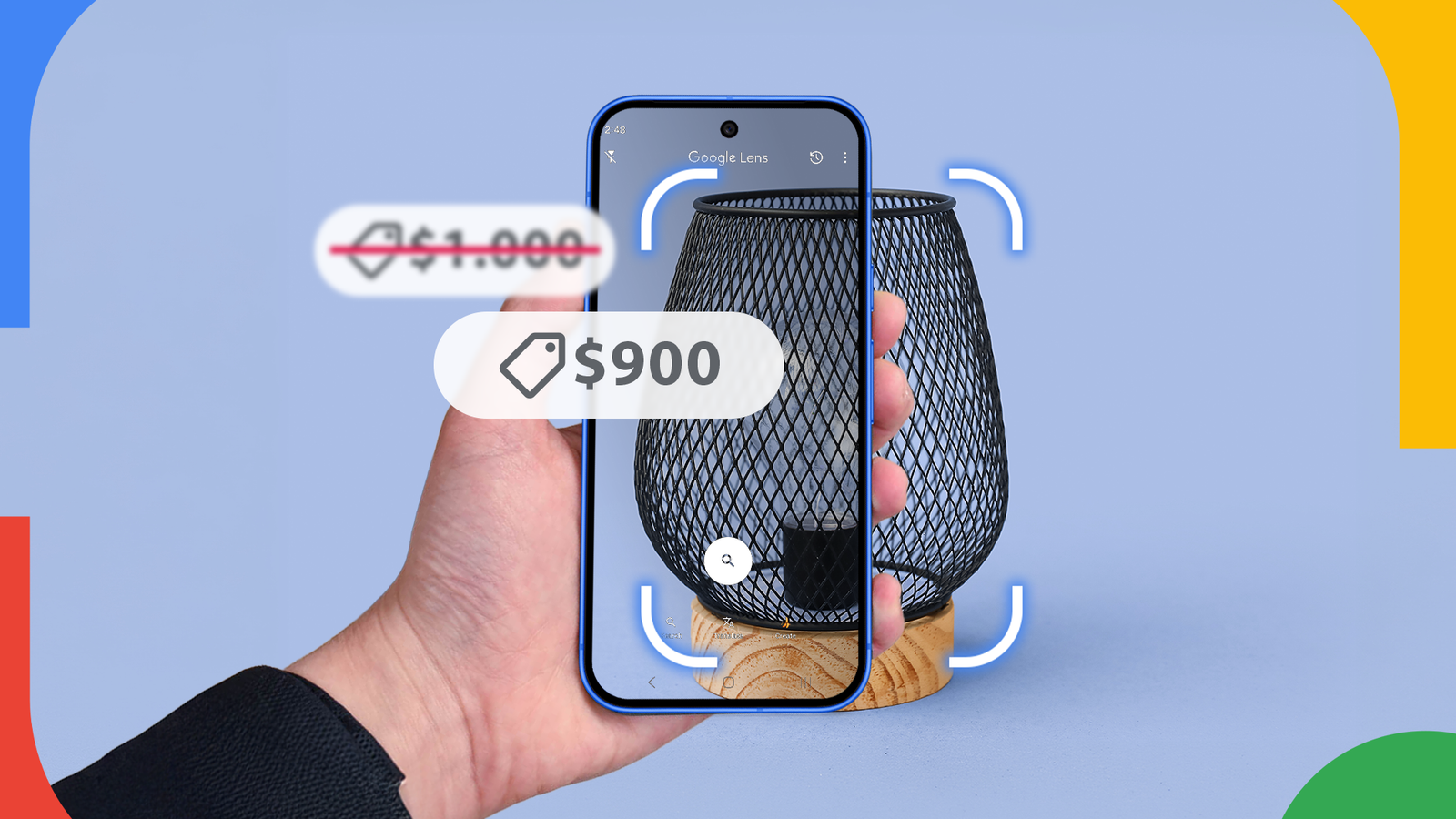
Last week, while pondering over the lighting situation on my desk, I decided it was time for an upgrade. I found a minimalist industrial-looking matte black swing arm lamp on the website of a high-end boutique furniture store that seemed tailor-made for my desk.
The problem? It costs a thousand dollars. That’s $900 more than I’m willing to pay for a lamp.
I’m known to be an impulsive shopper. But before I press the checkout button, I usually do one specific thing. You guessed it. Check if there’s a more reasonably priced version that looks close enough, hiding in plain sight.
Instead of spending twenty minutes describing matte black industrial lamps to Google Search, and scrolling through a million results, I use Google Lens. It takes seconds to find the same design for hundreds of dollars lower.
I did the same thing for the lamp. And guess what. I didn’t just find something similar. I found a lamp that looked nigh identical, just without the boutique branding on it. Sounds like a fair trade to me.

6 ways I use Google Lens to make my life easier
My favorite Google Lens applications
Google Lens is way more useful than what Google makes it seem
Visual search is the move
Credit:
Google hasn’t done a very good job of marketing Google Lens. Yes, people know it exists, but it isn’t exactly front and center.
And even when people do think of it, it’s usually in the context of translating a menu while on vacation, or perhaps identifying an object in the wild.
Those are fine use cases, but the real power of the tool lies in its ability to find you a similar version of an object.
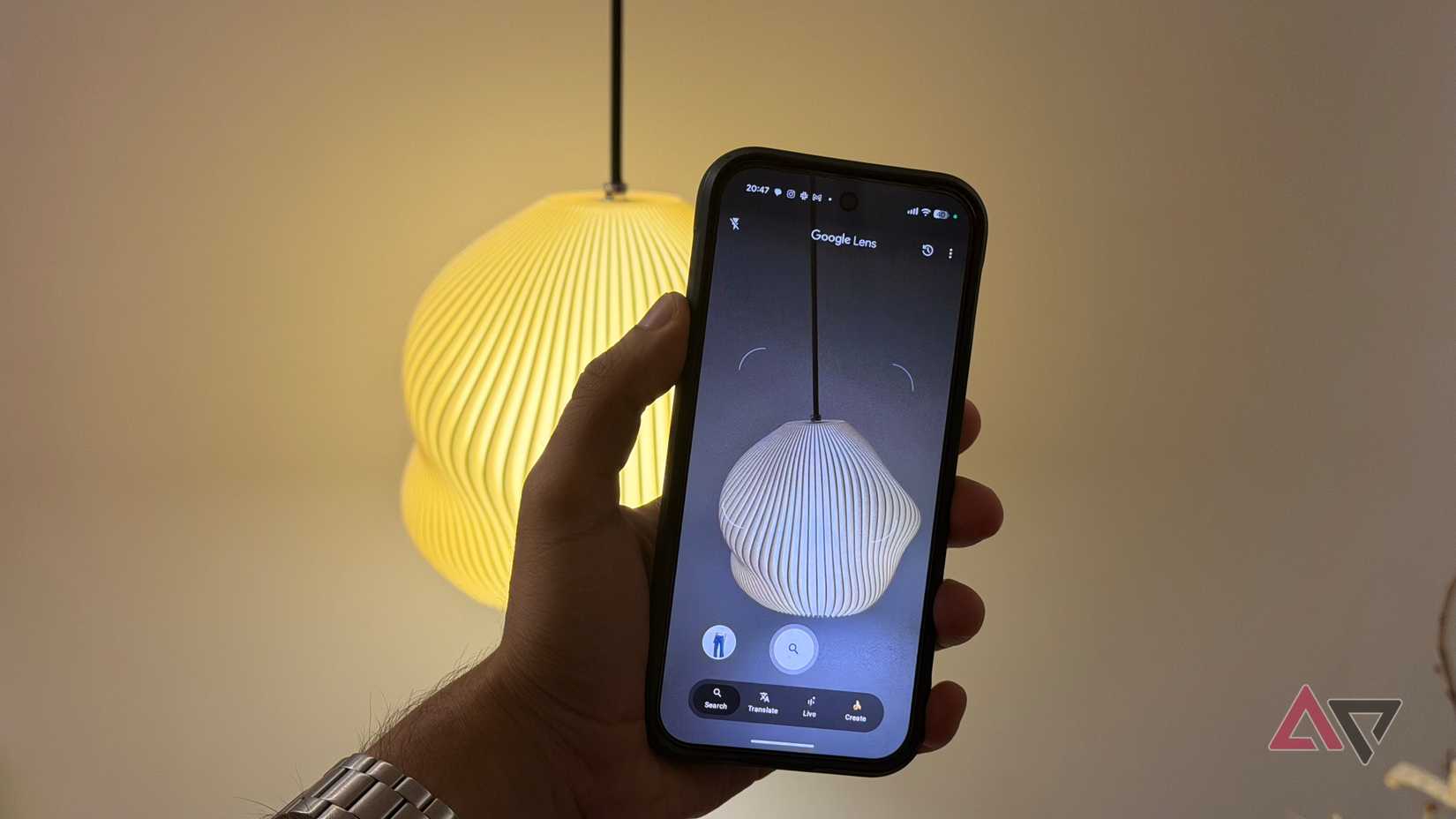
If you’re shopping on your phone, you don’t need to take extra steps. Just use Circle to Search to invoke Google Lens or tap the Lens icon in the search bar.
Here’s the deal: When you search for a product using Google Search, you’re usually being shown the top results shaped by search engine optimization. And some items, especially furniture and decor items, are popular enough to have their own name. Think Luxo lamp or Eames chair.
In either case, finding a generic version or dupe isn’t going to work just by searching for basic keywords. You’ll simply get buried in thousands of unrelated results.
Google Lens lets you bypass that by matching your image to other images.
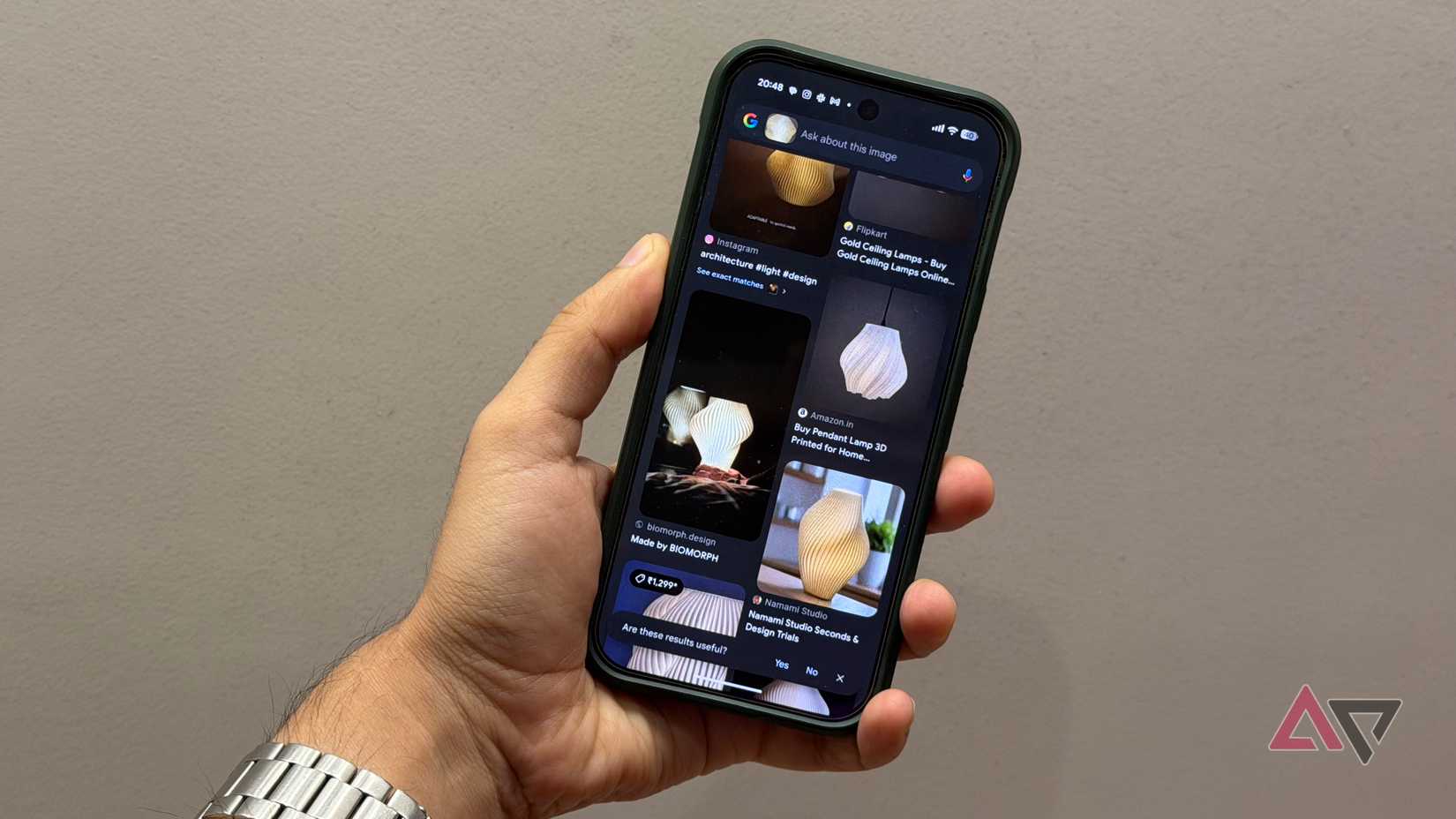
In my case, I took a screenshot of the listing and tapped the Lens icon. From there, I alternated between the products and shopping filters to scroll through similar-looking lamps but at a reduced cost.
It’s effectively like a reverse image search that understands context. And that’s really all that it took to find the product I was looking for. Simple enough.
Small tweaks make Google Lens far more effective
Crop strategically to highlight what you’re looking for
There are other tricks you can use when working with Google Lens.
If your initial search brings up too many results, or too many high-end results, use the add to your search feature. This lets you give your Google Lens query additional context.
For example, after Lens identified the lamp, I added the word sale into the search bar alongside the image. This helps me filter listings that were offering a discount on the lamp.
Another nifty feature that comes in handy is if you are looking for a product with a specific feature, but not necessarily the exact same design.
Instead of highlighting the entire object, you can crop into the image and select specific portions of the image. This lets you highlight the specific element that you want in the product. This could be something like a swing arm if you are looking for a lamp, or a specific kind of base.
Angle and framing also matter more than most people expect. A tighter crop highlighting a distinctive feature of the product produces more accurate matches, especially for decor items.
If the background is busy, Google Lens can sometimes get distracted by surrounding objects and pull out results that don’t accurately match with what you’re looking for.
Over time, using Google Lens has become second nature for me anytime I’m shopping for a high-value product.
It’s an essential part of my shopping workflow, simply because, as much as I value the superior craftsmanship of premium products, sometimes a close-enough alternative can get the job done at a much lower price.
And in this economy, who doesn’t want to save some money?
There are limitations too. There are no guarantees that you’ll find an alternative if the original product is particularly niche. All too often, you might find the original product in the first few listings and will have to sift through them. But those are minor inconveniences.
Why Google Lens earns a permanent spot on my homescreen
What started as a simple experiment has saved me hundreds of dollars over time. More importantly, it has saved me a lot of time and removed the guesswork associated with hunting for designs and furniture alternatives online.
If you care about aesthetics but hate paying boutique prices, Google Lens will be a handy addition to your smartphone toolkit.
But beyond that, I’d recommend giving it a look over anytime you’re in the market for something new. You’ll be surprised how much savings are to be had.