
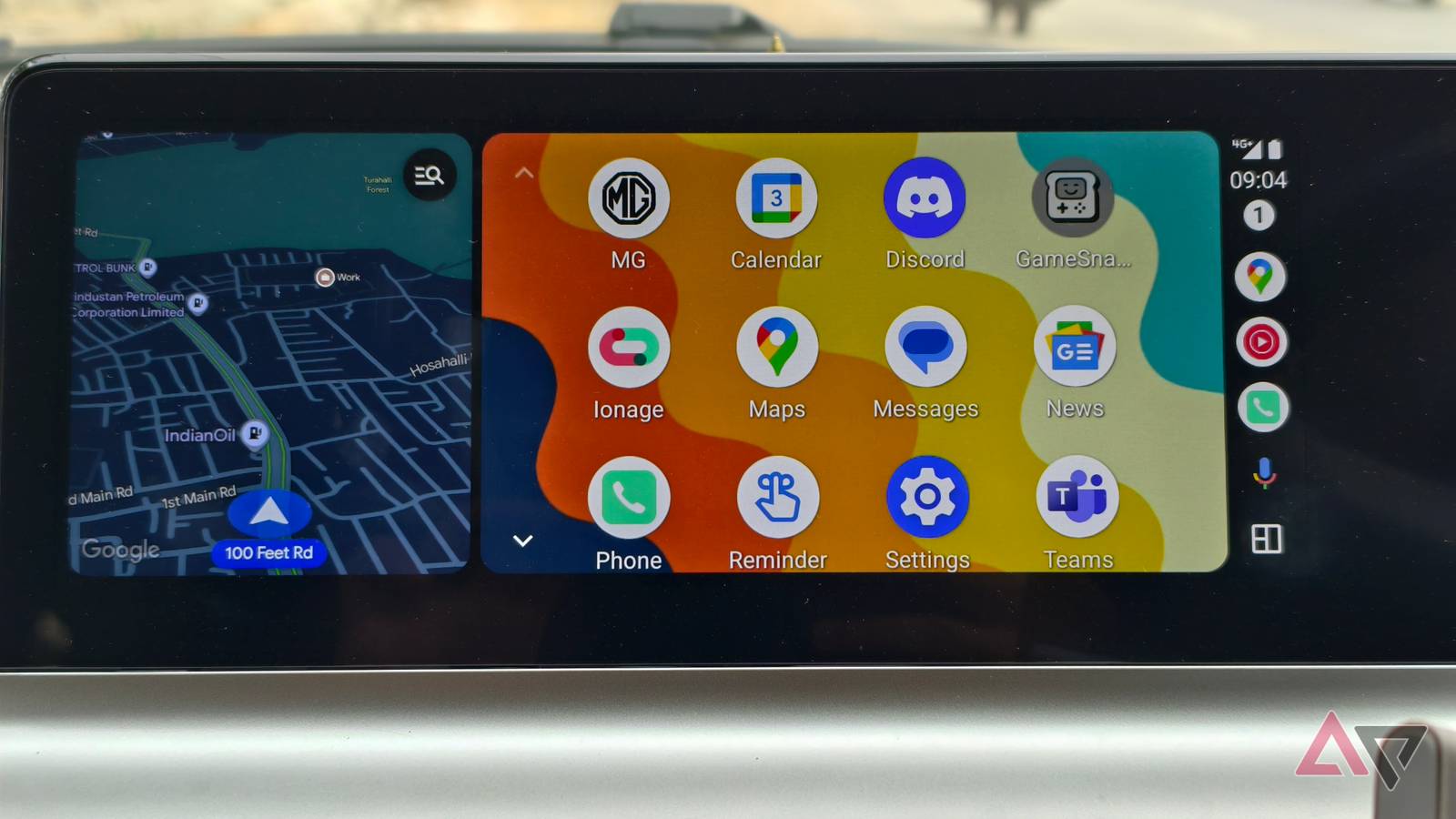
Fiddling with your phone while driving is just asking to get into a situation you don’t want to be in. Which is why an experience like Android Auto is an absolute must to have in your car if you’re someone who is always on the road. And while you can tap and touch the screen in order to get things done, the real power comes with the ability to use voice commands.
However, that apparently isn’t the case for some people, as there are plenty of users chiming in on Reddit with complaints that their Android Auto experience isn’t going as smoothly as it should be, with the software refusing to accept voice commands (via 9to5Google). It’s unclear what is causing it at this point, but if this is something you’re seeing, you’re not alone.
Not something you want to deal with on the road
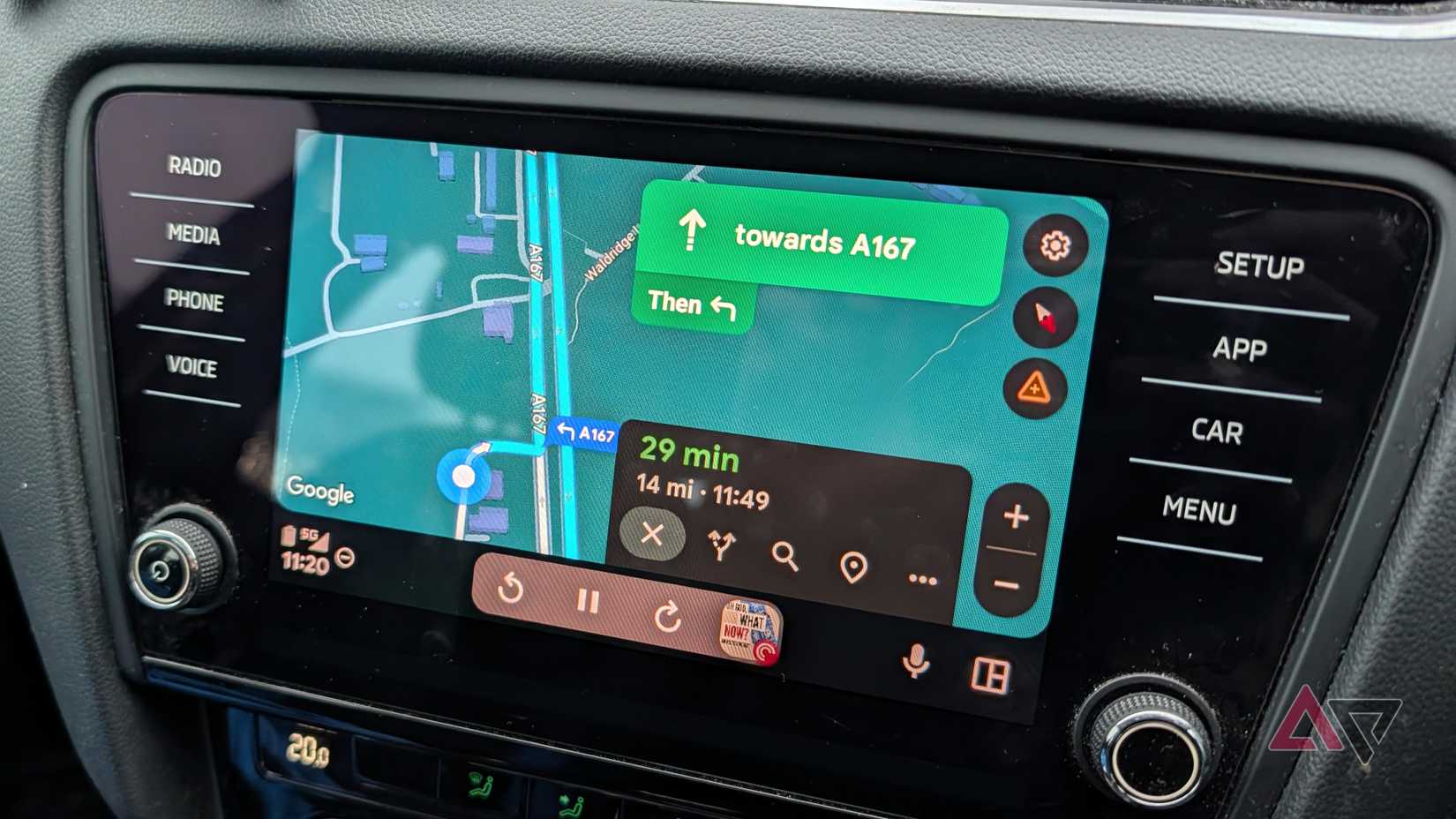
It appears to be an intermittent issue, with the feature coming back and then becoming unavailable. And from the feedback, this looks to be an issue that’s occurring globally. And while there are plenty of fixes being floated by different users, there doesn’t seem to be a concrete explanation for why this is happening or how to really fix it.
Some folks are claiming that unplugging and plugging in their phone helps with this problem, or clearing the app cache will get the job done. Of course, there are others saying that using these methods doesn’t fix the issue. Whenever something like this comes up, it’s hard to see what’s causing the issue because we don’t know what phone model, Android version, etc., is being used in each instance.
With that said, if you’re having this issue, it might be a good idea to just let it be for now. Google is known to be pretty good at these types of situations, and it will most likely issue an update if there is a major issue that needs to be fixed. Of course, if you want to experiment, you can always try moving over to the beta if you’re looking to change the experience.
And if you’ve never used Android Auto before, we highly recommend it. We even have some suggestions on what apps to install in order to get started. For the most part, the experience is pretty good, keeping all essential apps and services right where you need them to be on your daily commute.