
I was convinced that I had my routines figured out. That was before the screen time report scolded me for four hours on Instagram.
The problem with these passive indicators is that they don’t really change anything. They’re like a scale that yells, “You’re gaining weight!” while you’re still mid-bite into a cheeseburger.
You see the number, feel the shame, and keep chewing.
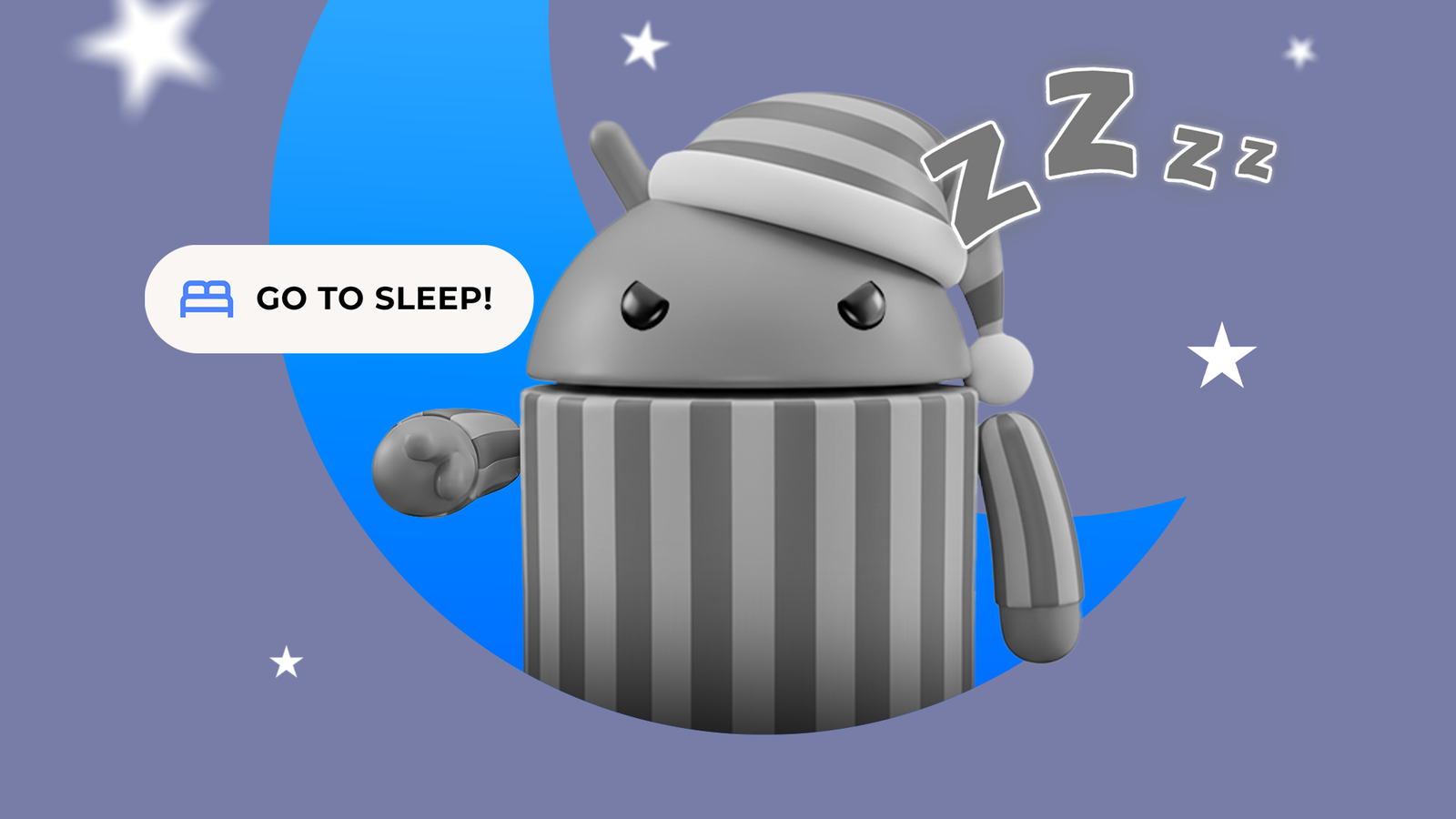
I knew nothing else would work, so nowadays at 11 PM, I sabotage my phone on purpose. I run a program that drains the display of its colors and mutes the speakers.
This is Bedtime Mode, and it’s the only thing standing between me and another three-hour descent into the dopamine-fueled rabbit hole of infinite scrolling.
Related
My phone is officially a sleep coach, and I’m finally getting 8 hours
Tap into your device’s potential to get your zzz back
There’s a growing trend in digital minimalism, with people choosing devices like the Light Phone II or the Boring Phone to get away from addictive apps.
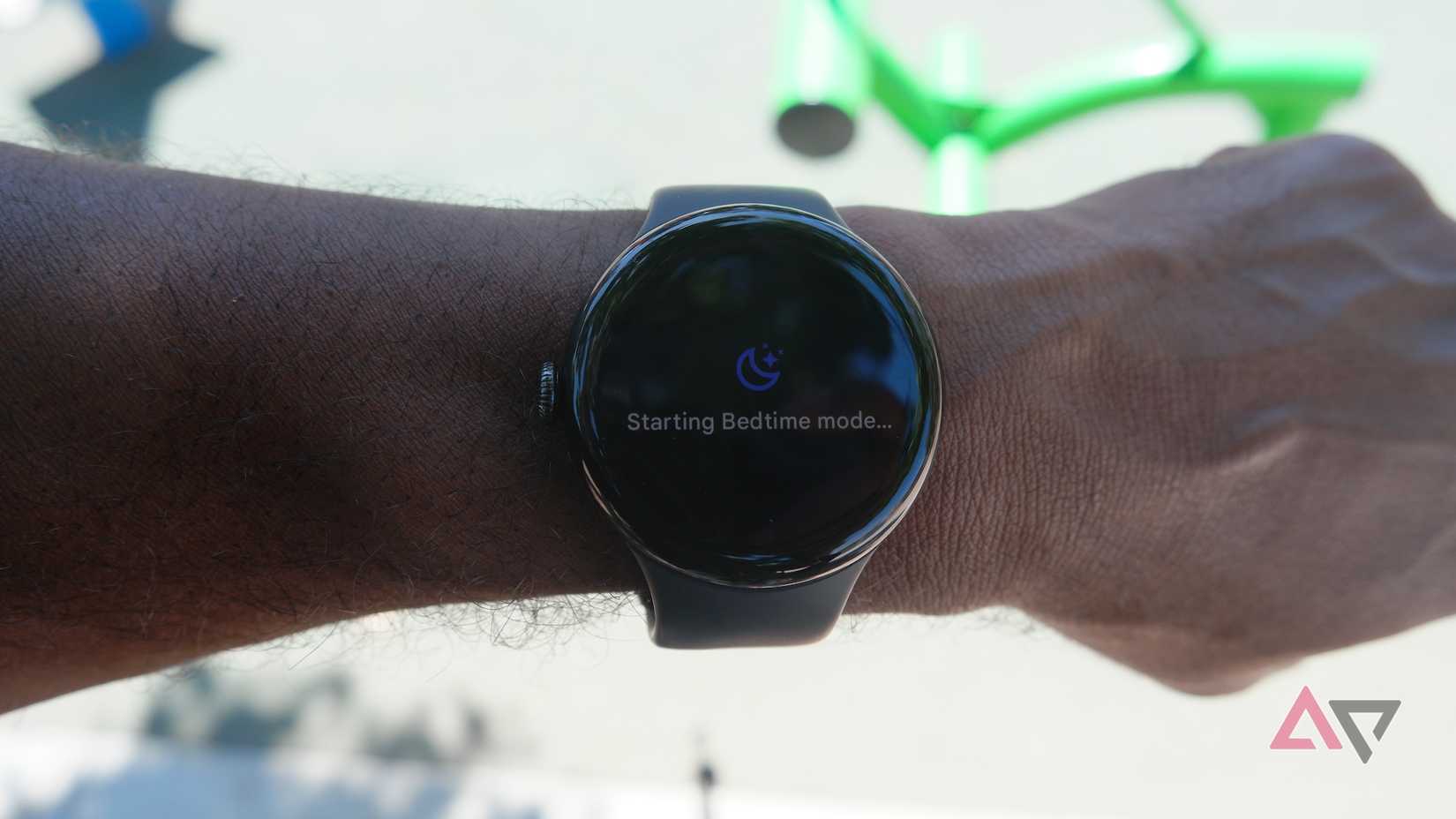
Bedtime Mode gives you the dumb phone experience for free. It’s the closest thing I’ll get to a nagging parent at bedtime, and remarkably effective at reminding me that I am an adult who needs eight hours of sleep.
I turned on this feature when I realized my sleep habits were a complete disaster. I’d pick up my phone for a quick check and, forty-five minutes later, find myself deep in a rabbit hole.
But Digital Wellbeing doesn’t care what you’re up to. It only respects the schedule you set. This rude approach is why it actually works when app timers don’t.
To fight your bad habits, it leans on a mix of system-level overrides like grayscale, app limits, Do Not Disturb, and screen time locks.
I was mid-doomscroll when it first hit me, and the screen turned monochrome. The change was a call for bed.
Grayscale mode kills the addictive pull of apps
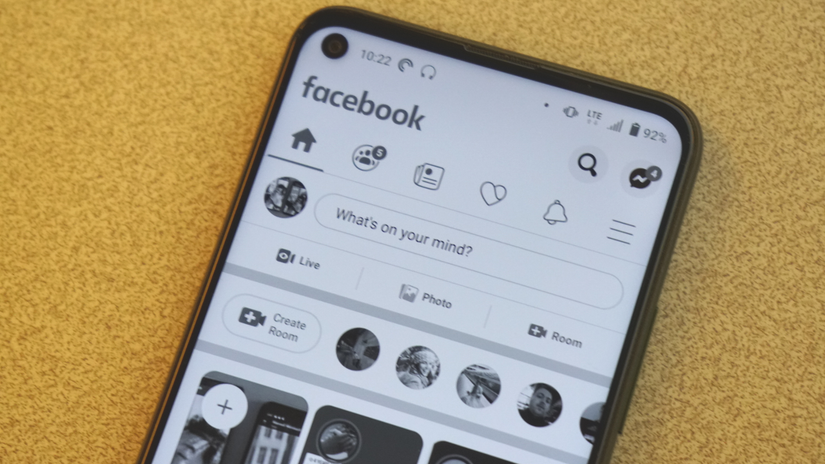
Grayscale is the core of Bedtime Mode. It’s a simple yet effective digital detox tool.
Our phones are slot machines in disguise. App designers use color psychology to trigger dopamine releases.
Instagram and TikTok are explosions of color. The red notification dots are there because red is a high-arousal color that commands attention.
When the screen goes monochrome, the slot machine stops working. Instagram turns into a dull app.
The food photos look unappetizing. The travel videos look like security camera footage. The infinite scroll loses its pull because a key part of the reward is gone.
How to set up Bedtime Mode
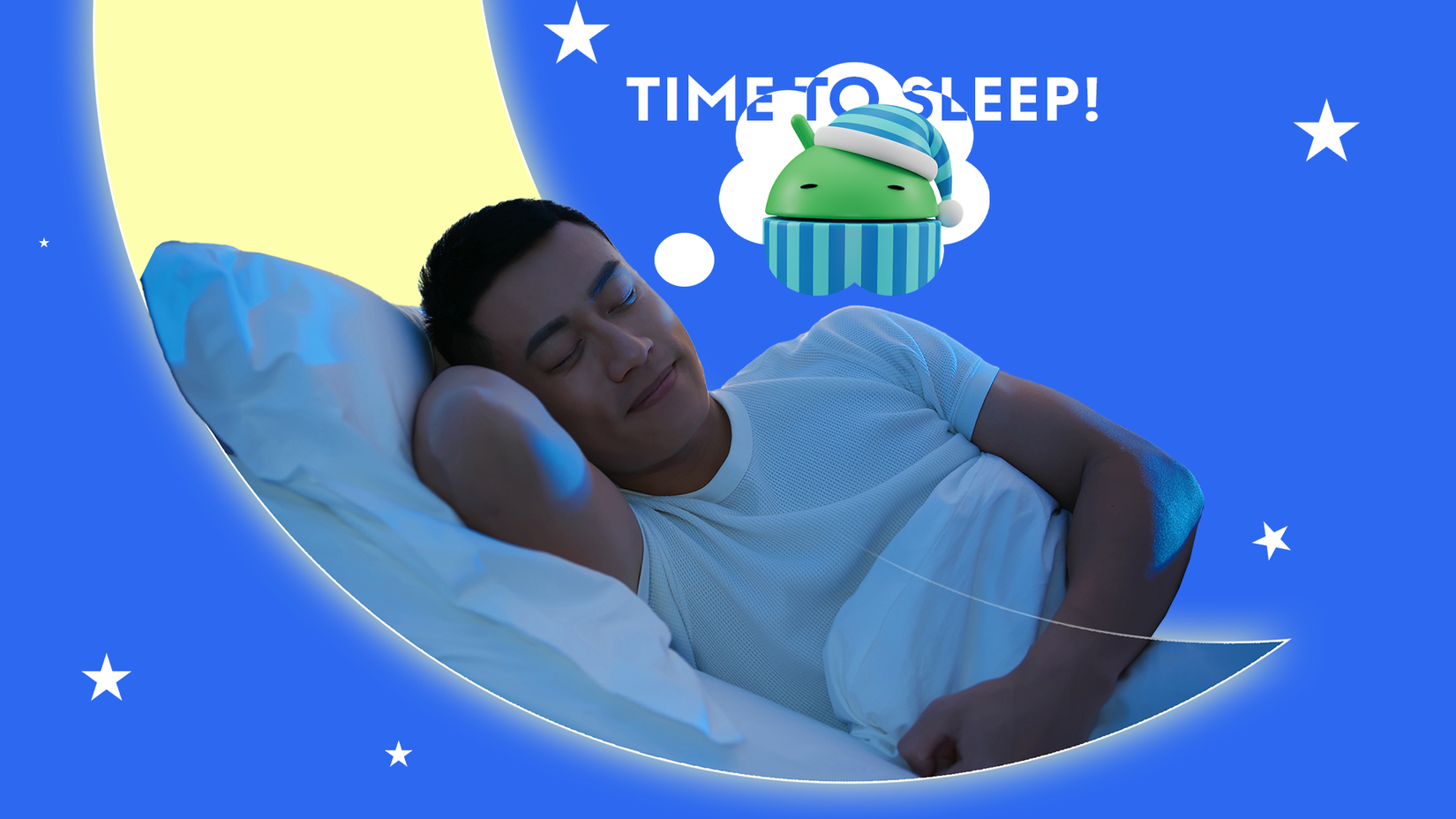
Credit: Lucas Gouveia / Android Police | aslysun / Shutterstock
If you are ready to let your phone be rude to you for the sake of your health, setting up Bedtime Mode is easy. Head to Settings > Digital Wellbeing & parental controls > Bedtime mode.
Set a time and toggle on the Grayscale Filter. This is the non-negotiable part.
The hardest part is resisting the pause button. Your mind tricks you into keeping the casino doors open.
You convince yourself that you absolutely must be reachable at 2 AM, just in case the world ends.
Android’s Do Not Disturb knows the difference between a real crisis and your feed. Go into your settings and allow calls from your mom, partner, or best friend.
For everyone else, you can turn on the option that lets repeat callers get through, for example, if they call twice within 15 minutes.
Menu names may vary slightly by Android version or device manufacturer.
How to automate Bedtime Mode for hands-off control
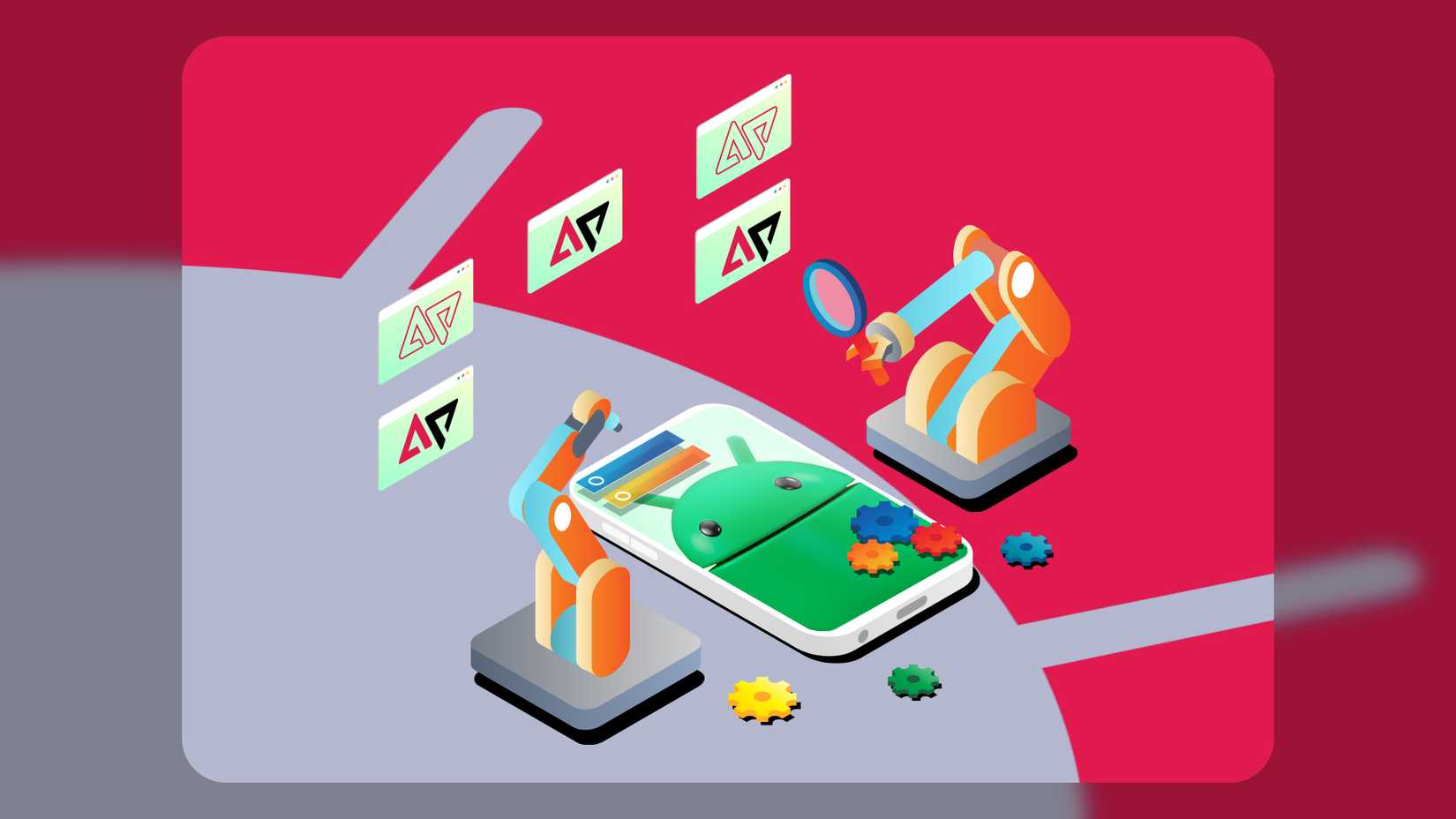
Credit: Lucas Gouveia / Android Police | Siberian Art / Shutterstock
Bedtime Mode lays the foundation, and if you need a little extra help, you can build on it using automation tools like Samsung’s Modes and Routines.
Stack system-level commands to enforce your digital curfew. For example, tie the activation to a physical trigger like plugging your phone into a bedside charger after 10:00 PM.
After it connects, the routine executes a hard lockdown. Configure it to activate Power Saving mode. The CPU slows down, and the display refresh rate drops in half.
Grayscale paired with these changes makes the phone feel slow and even less tempting to pick up. Finally, set an app restriction to block the programs that steal your sleep.
Expect a rough start. Your brain has been conditioned to crave a hit for years, and it throws a tantrum when the screen goes gray.
Sit with the discomfort of your own thoughts. It’s a temporary side effect of resetting your attention. Swap the screen for paper. Read a book or play some chess.
These give your hands something to do without overstimulating your brain. Even better if you keep Grayscale on until your feet hit the floor.
Stretching the dopamine all the way to your first coffee blocks morning scrolling that leaves you running late and feeling like you’re already missing out.