
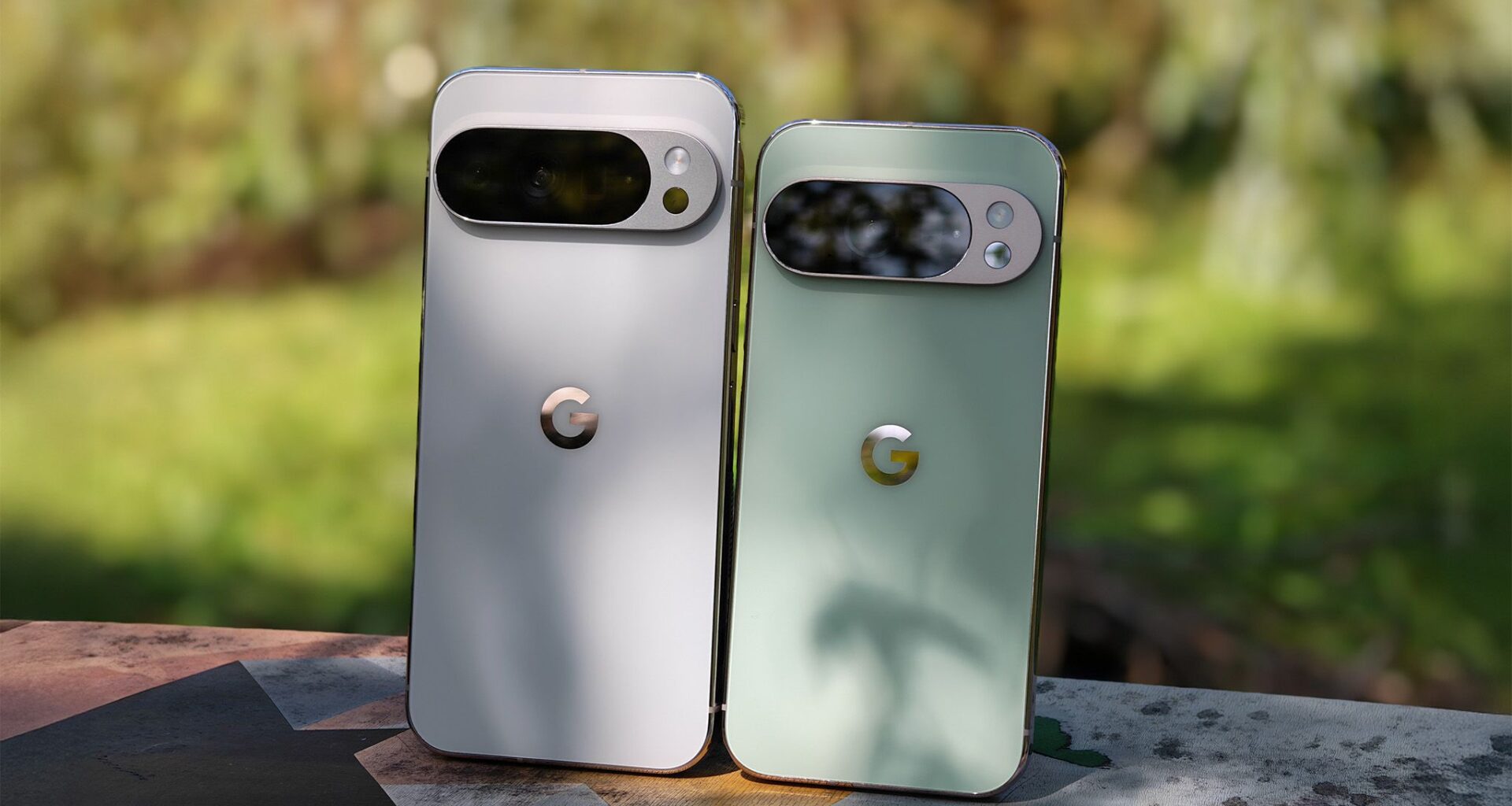
The Google Pixel 10 Pro is one of the best Android phones on the market, but not for its hardware. The display, cameras, and excellent build quality are definitely valid reasons for choosing this smartphone, although there’s arguably a more important one.
Google phones, including the Pixel 10 Pro, shine in the software department. Between the seven years of Android OS upgrades, regular Pixel Drops, and exclusive features, software is as good of a reason as any to pick a Google handset.
You may like
Let your phone do the heavy lifting with Magic Cue
(Image credit: Nicholas Sutrich / Android Central)
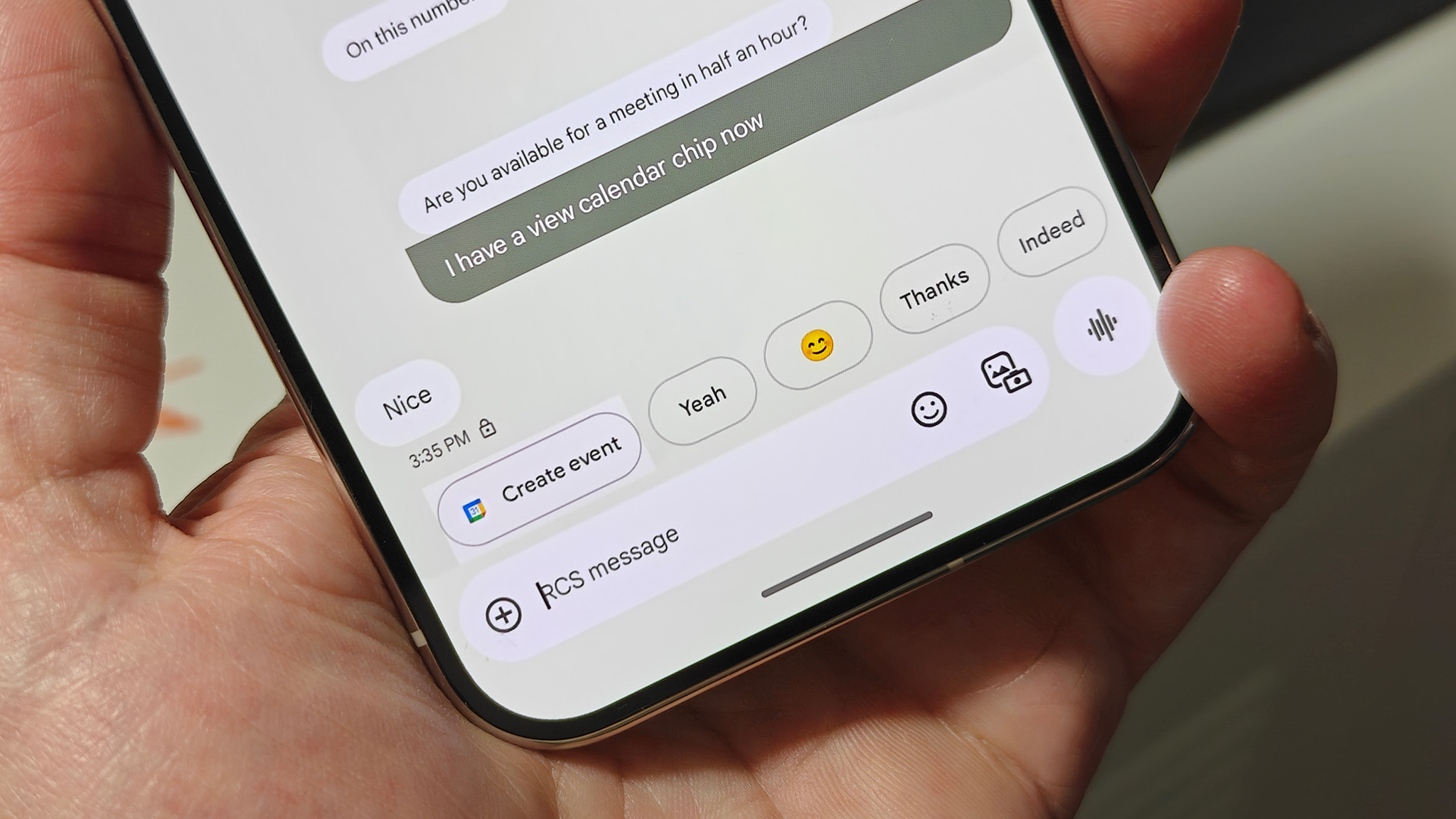
Magic Cue might be the smartest Pixel feature to date, as it process data from various Google apps to get a complete picture of how you use your devices and services. It can tap into data from apps like Gmail, Pixel Screenshots, Google Calendar, and Google Messages to anticipate your next move. The feature saves you time by intelligently surfacing information when you need it. If you’re texting a friend about your upcoming flight, Magic Cue might suggest sending your flight info in Google Messages.
You remain in control of your data when using Magic Cue, and it runs on-device using Gemini Nano models and the Tensor G5 chip for processing. You can also select or deselect data sources for Magic Cue. If you don’t want the feature analyzing your emails, you can turn off Gmail as a source.
To use it, open the Settings app, tap the Magic Cue page, and make sure the toggles are enabled for the suggestion types and data sources you want. Then, wait for Magic Cue to suggest an action as you go through your day.
Get a personal photography instructor with Camera Coach
(Image credit: Nicholas Sutrich / Android Central)
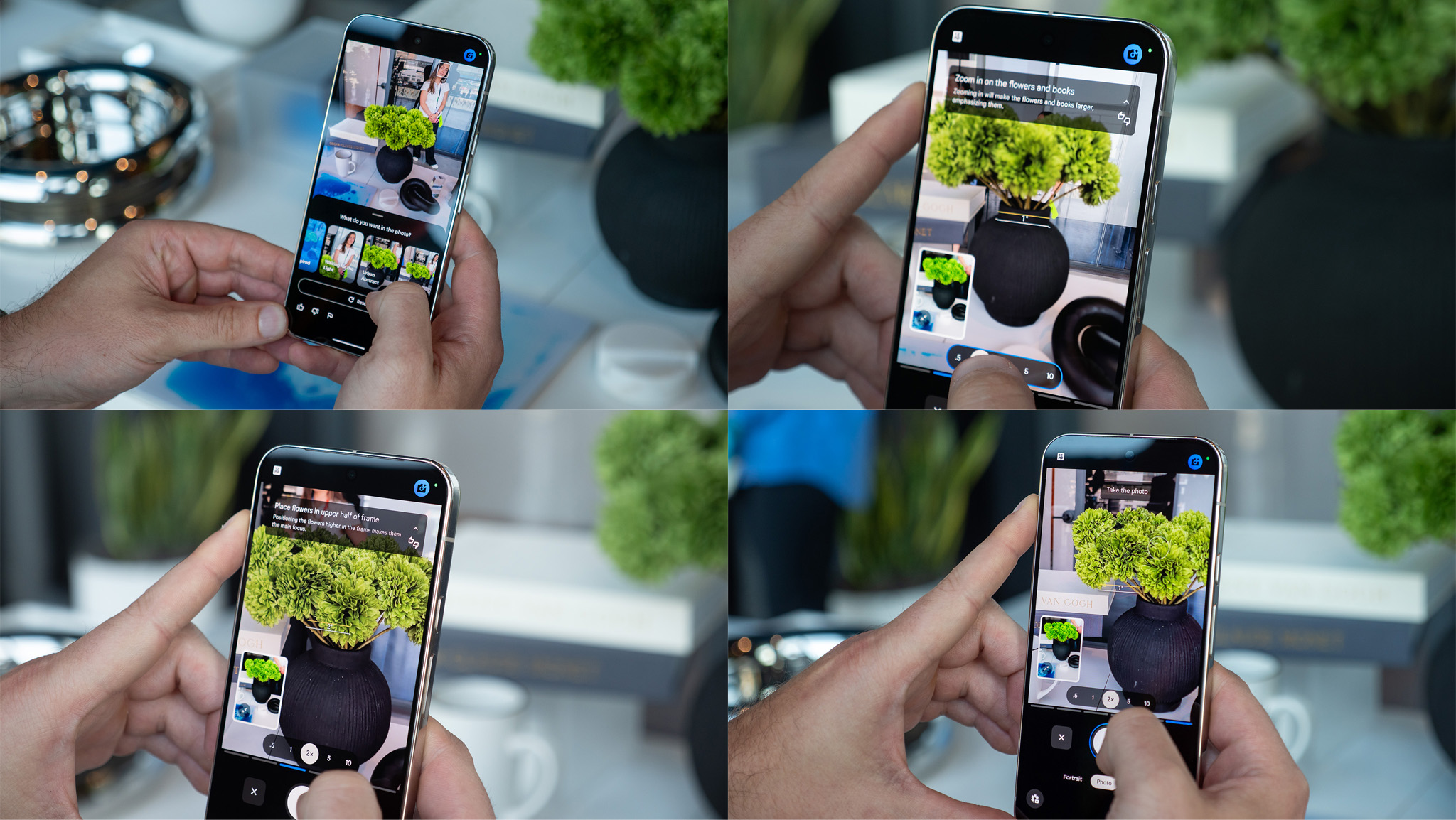
If you are wary of AI over-processing or outright altering photos, you still shouldn’t write off Camera Coach. It’s a new feature on the Pixel 10 Pro that uses AI to help you become a better photographer, rather than use generative AI to do the work for you. The tool uses a mix of on-device and on-device AI powered by custom Gemini models specifically trained for photography skills.
The way it works is simple. AI models are used to analyze a setting, and from there, Camera Coach will instruct you on how to take the best photo. It could suggest tips for things such as composition, lighting, or framing. Those without a photography background might not have the natural skills needed to use the triple-camera Pixel 10 Pro system to its full potential.
Luckily, with Camera Coach, you don’t have to. When using the Pixel Camera app, you’ll see a Camera Coach icon in the top-right corner above the viewfinder. It’s a camera with an AI sparkle, and pressing it will activate Camera Coach. From there, the AI will scan your image, suggest a theme, and guide you to the perfect shot.
Edit photos seamlessly with Ask Photos
(Image credit: Brady Snyder / Android Central)
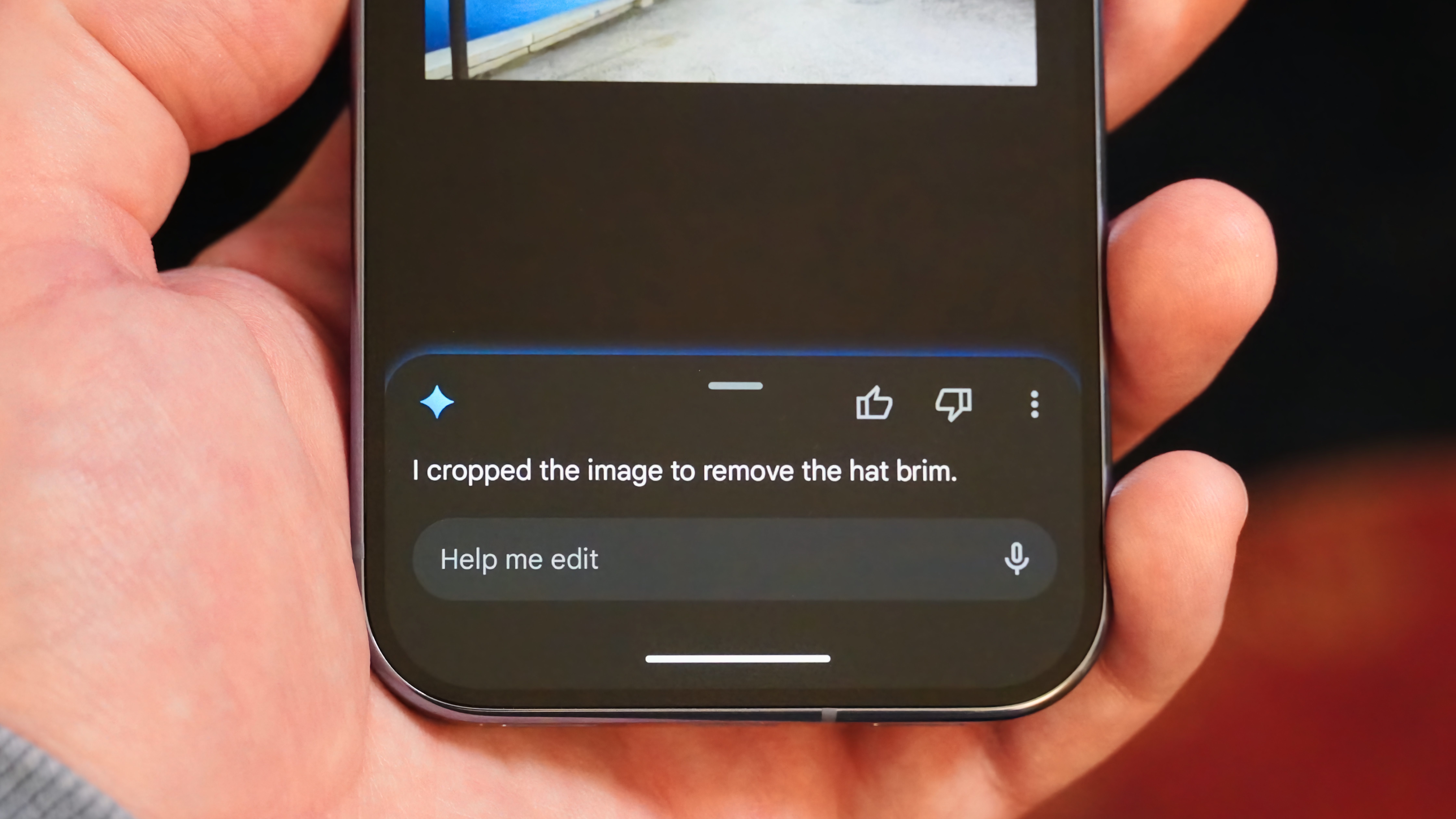
The Google Photos app is loaded with photo editing tools, and it’s impossible to keep track of them all. To solve this problem, Google added the Ask Photos feature to the Pixel 10 Pro. It adds a Help me edit option in the Google Photos editor that can understand natural-language prompts and make changes to photos for you. For example, you could ask it to remove reflections in a photo or eliminate shadows.
Using it is simple — all you need to do is tap the Help me edit button in the Google Photos editor. Then, type a prompt or tap a suggestion, pick an edited image option, and save it as a copy. This won’t appear until you opt into Ask Photos, but doing so is worth it for this tool alone.
Record your life with the Pixel Journal app

(Image credit: Derrek Lee / Android Central)
It’s not every day that Google releases a brand-new app, but that’s exactly what the company did for the Pixel 10 Pro. The new phone was one of the first to ship with the Pixel Journal app, an AI-assisted journal. The app is private by design, and tries to be a safe space for your most personal thoughts. It can utilize data from Google Photos and Health Connect, and offers support for cloud storage and a secure PIN for safeguarding your entries.
You’re probably wondering — how does AI fit in here? There’s an entire tab in the Pixel Journal app called Insights that organizes your entries, and the Create a Journal entry option will suggest AI-generated writing prompts. There’s also a Deep dive mode that helps users work through a topic they’re writing about. Another AI tool worth considering is Mood ID, which selects a fitting emoji for each journal entry.
It’s worth noting that no Pixel Journal data is used for targeted ads or AI training. The AI-powered features use on-device processing for privacy.
While the Pixel Journal app is now available on Pixel 8 and Pixel 9 series phones, they get a stripped-down version with zero AI features. Only the Pixel 10 Pro and the rest of the phones in its lineup get the full Pixel Journal experience.
Charge and accessorize with Pixelsnap
(Image credit: Nicholas Sutrich / Android Central)
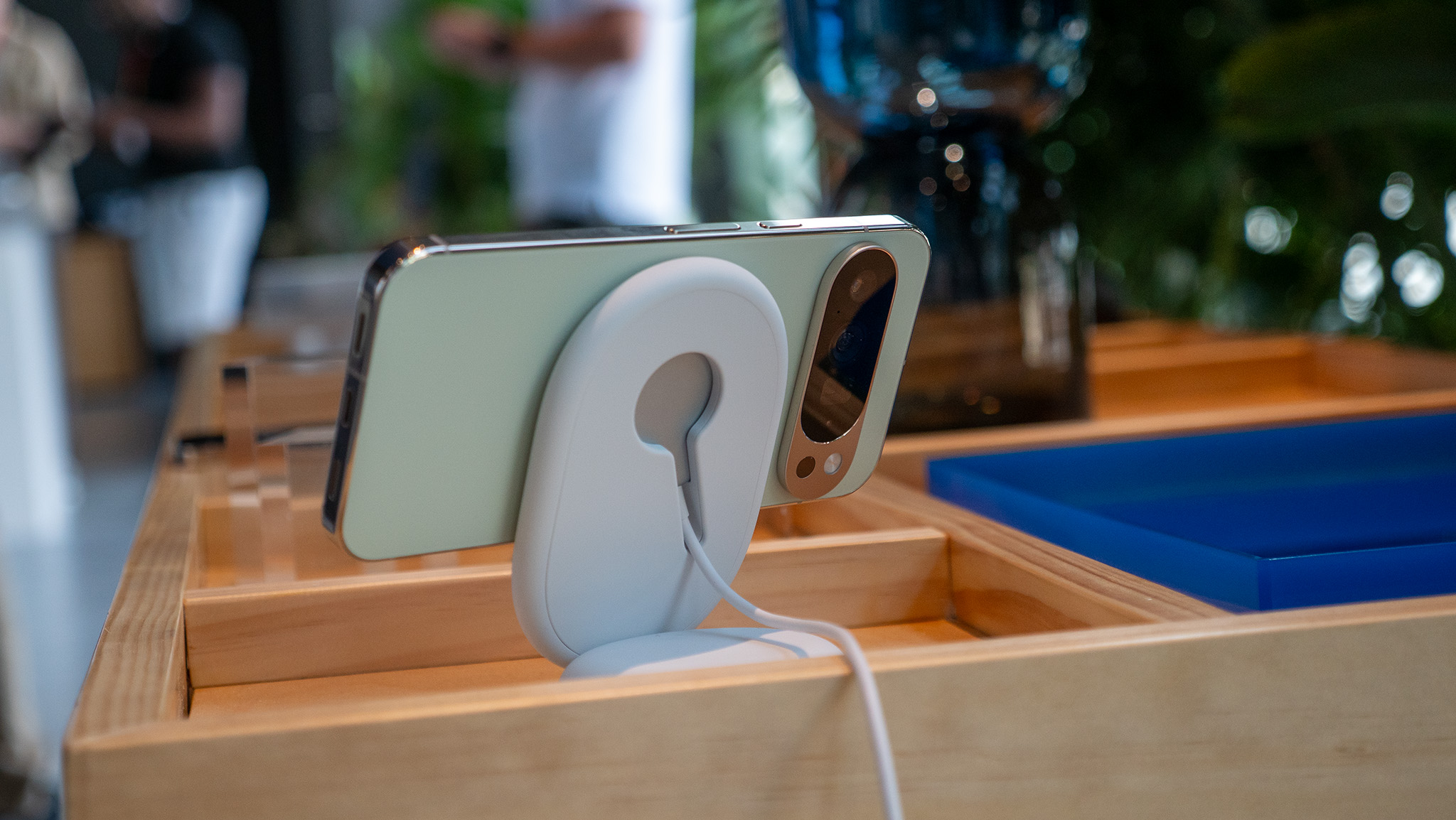
This last feature may be the most important, because it uses a combination of hardware and software. The Google Pixel 10 Pro supports the Pixelsnap magnetic connection system, otherwise known as Qi2 or MagSafe. With it, you can use faster 15W charging speeds and enjoy snap connection with wireless chargers, phone wallets, and other accessories.
If you haven’t tried it yet, grab a Pixelsnap accessory for yourself and watch the magic happen, because it’s a game changer. Basic features like Connected Cameras are even better when you can magnetically connect with tripods and other gadgets for convenience.

Small phone, big features
You don’t need to get the largest Pixel 10 Pro XL to get a true Google flagship. The Pixel 10 Pro is the sweet spot, packing a bunch of flagship features into a reasonable form factor.