
SammyGuru has affiliate and sponsored partnerships, we may earn a commission.
One UI leaks are always exciting (at least for some of us) since they offer an early look at upcoming features, design changes, and experiments months before release. But they have also become a growing problem for Samsung. After several recent incidents, the company now seems to be taking stronger action by restricting access to Download Mode to limit potential leak pathways.
Download Mode is being removed starting One UI 8.5 “xxC3”
With recent xxC3 builds of One UI 8.5 across several devices, power users have noticed that Download Mode appears to be gone. This mode was commonly used to install firmware packages on a device. Now, when users try to boot into Download Mode, they’re greeted by a blank blue screen, sometimes showing small instructions on how to exit the mode.
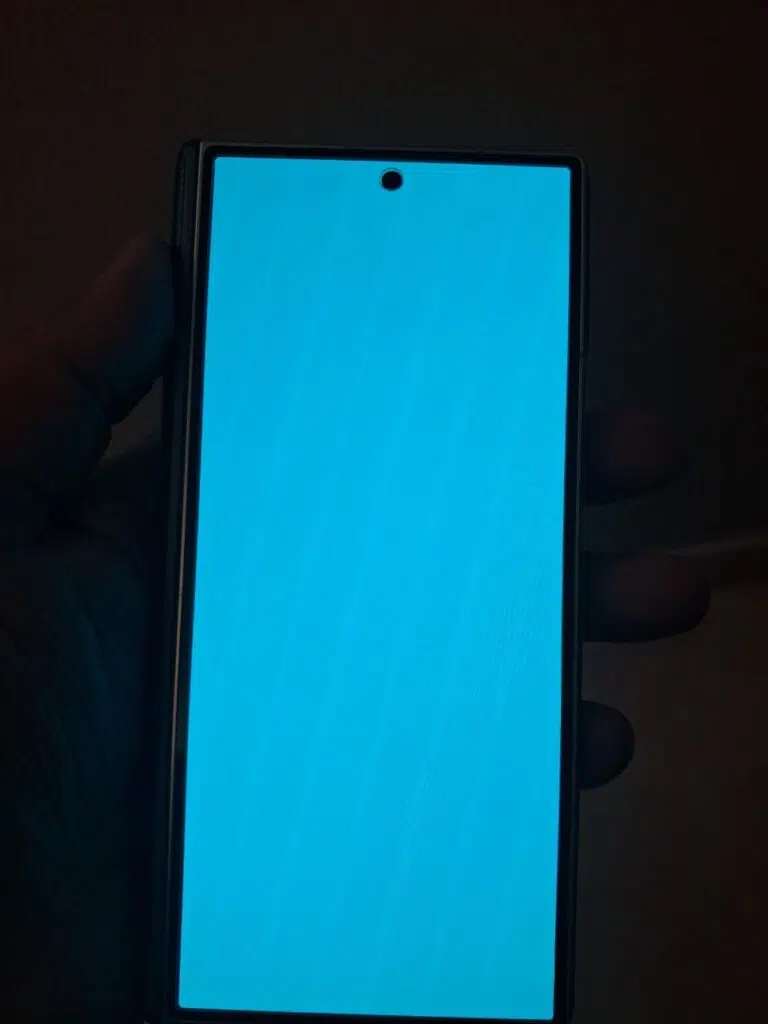
Image credit – @fahadalijaved on Telegram
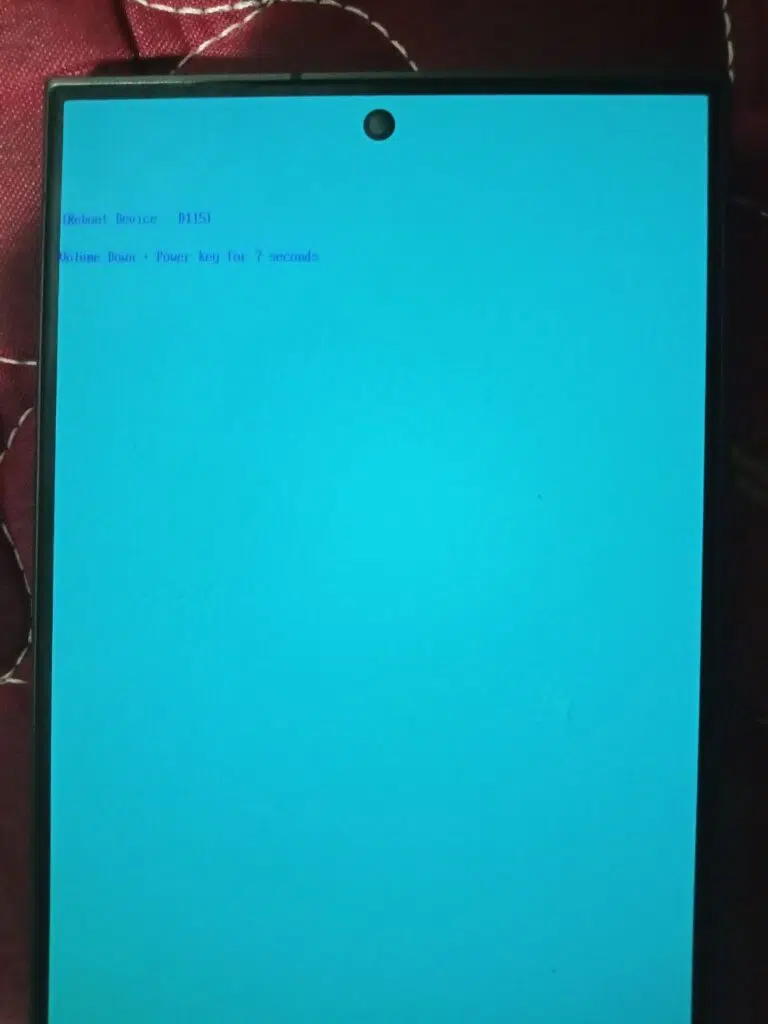
Image credit – @sonusp93 on Telegram
This change has been spotted across multiple devices and generations. Any device running an xxC3 build appears to include it, regardless of model.
We suspect it’s meant to curb the installation of pre-release One UI builds. Users often downgrade to older firmware to install newer internal builds. Restricting Download Mode would make that process much harder, adding to Samsung’s recent efforts to limit the spread of leaks. For example, removing options in recovery mode and restricting bootloader unlocking on all Galaxy models.
Here’s what’s changing
To paint the full picture, here’s the TL;DR. With newer releases of One UI 8.5, Download Mode looks likely to go away. Older One UI 8.5 builds, including the current beta, as well as earlier One UI versions, still have Download Mode available for now.
This will affect all devices that will receive One UI 8.5, including but not limited to:
It remains to be seen what workarounds might emerge to restore access to Download Mode. It’s also unclear whether Samsung plans to keep it available to end users or restrict it entirely to authorized service technicians.
What is Download Mode?
For those unfamiliar, Download Mode is a hidden mode on Samsung devices that lets users restore firmware. It can also be used to manually install newer builds before an OTA arrives. Alternatively, users can roll back to a previous release if they run into issues with an update.
For the time being, your best option for an emergency rollback is to use Samsung’s Smart Switch for PC application. It handles the rollback process for you, and will update you to the latest firmware version available for your device. So, what do you think of this upcoming change?
Thanks to @fahadalijaved and @sonusp93 on Telegram for their help with this story.