
José Adorno/BGR
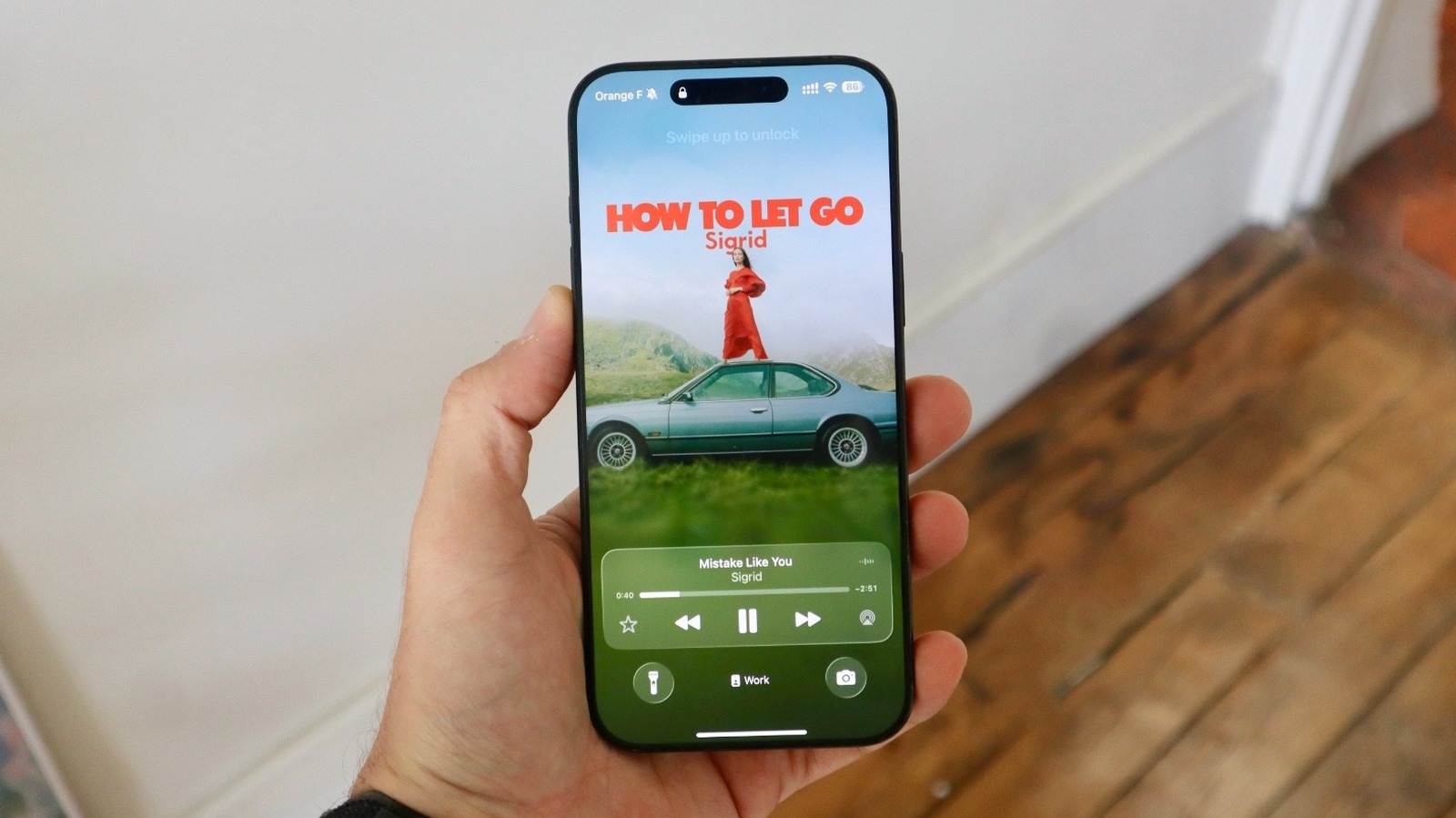
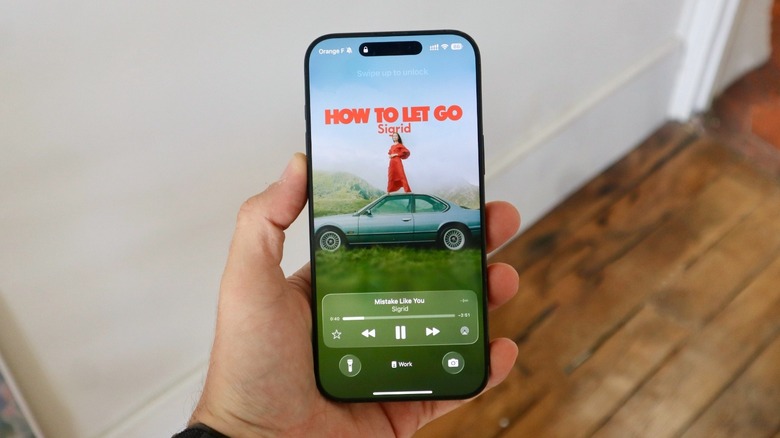
From the iPhone X, released in 2017, to the modern iPhone 17 Pro Max, all Apple smartphones with Face ID feature a line at the bottom of the device. While it does look very aesthetic, there’s a main reason why Apple added it: It’s the Home Indicator. Before the iPhone X’s introduction, a Home Button appeared on previous iPhones, so it’s always been easy for the consumer to understand that if they touch the Home Button, they go back to the main Home Screen.
Apple made things even more convenient when it added Touch ID with the iPhone 5S, as not even sliding your finger was necessary to unlock the phone. Users would just have to briefly rest their finger at the biometrical sensor placed in the Home Button, et voilà, the iPhone would be unlocked.
However, with the release of the iPhone X, and the addition of Face ID authentication, Apple didn’t require a Home Button anymore, and the company addressed it with the Home Indicator. Still, this line at the bottom of your iPhone does more than showing how you can go back to the Home Screen.
iPhone’s line at the bottom does more than just indicating the Home Screen
José Adorno/BGR
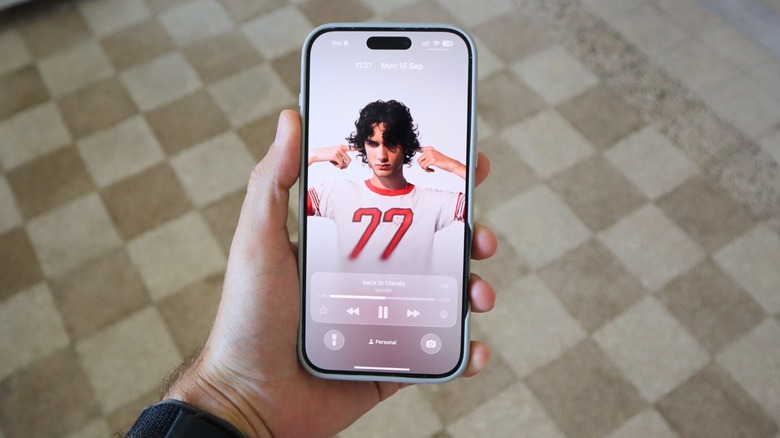
The most common way to take advantage of the iPhone’s line at the bottom is swiping it up from the Lock Screen or an app to go back to the Home Screen. However, there are a few other gestures users can take advantage of. For example, if you slowly slide your finger up, taking it off around mid-display, you can access all the apps opened in the background. Even though closing them won’t improve battery life, it’s a quick way to access your recent apps.
Now, a real pro tip is that if you slide your finger sideways at the line at the bottom of your iPhone, you can quickly swipe between apps. This is extremely helpful when you’re going back and forth between your bank app, copying and pasting information, and so on. It’s been available for years, but few people use it.
Last but not least, if you’re on an app and you tap this line twice, the iPhone opens a UI that lets you ask Siri something related to that screen, or something else entirely. With a new version of the personal assistant expected as soon as iOS 26.5, it’s possible that Apple will power up this hidden UI so that it can get improved context of whatever you’re doing on your phone.
Creating the line at the bottom wasn’t one simple task
José Adorno/BGR
In 2017, when Apple executives started to talk about the iPhone X and Face ID authentication, Apple’s then design chief Jony Ive participated in an interview with Time to address all the major changes coming to the device. Not only did Apple have to reinvent how users interacted with important parts of the iPhone, but the Home Button was a central piece of the device for the past decade, from going Home to opening apps in the background, and even accessing Apple Pay.
“Paying attention to what’s happened historically actually helps give you some faith that you’re going to find a solution,” said Ive about how the Apple team had to work to create this new interface.
At that time, discussions about the iPhone not featuring a headphone jack were also a big thing, and Ive supported the company’s claim that Apple shouldn’t stick to one thing for long, whether it be the headphone jack or even the Home Button. “I actually think the path of holding onto features that have been effective, the path of holding onto those whatever the cost, is a path that leads to failure. And in the short term, it’s the path that feels less risky and it’s the path that feels more secure.”