
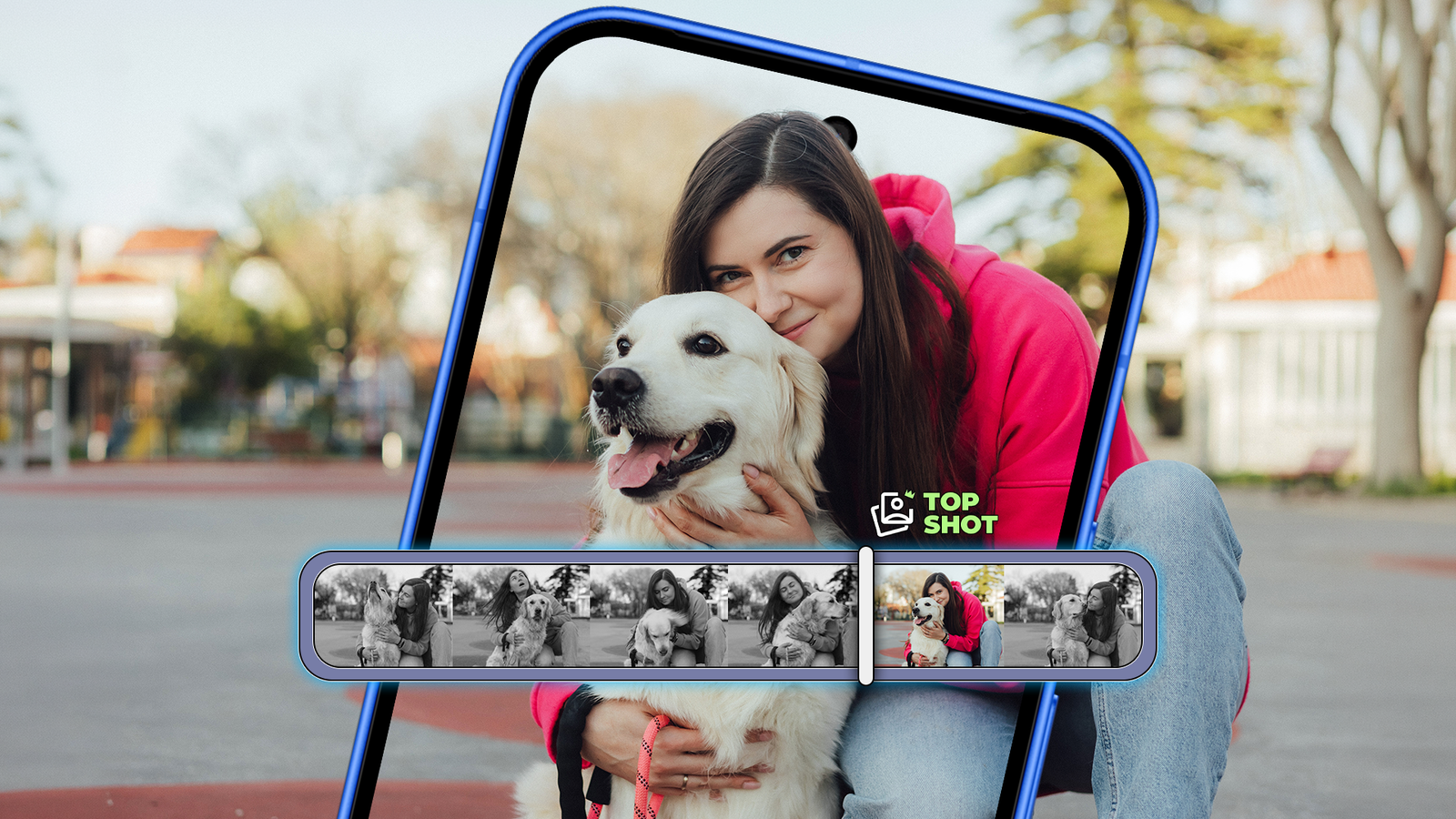
As a photography enthusiast, one of the first things you become aware of is situational awareness, and being able to capture the right moment through instinct.
It’s true for film cameras, SLRs, and, surprise, even smartphones. However, the thing about smartphones is that modern smartphones rarely take a single capture.
Between stacked HDR captures, and occasional shutter lag, it’s just too easy to miss a special moment like your kid making the perfect jump with his skateboard, or even a group of friends.
That’s why I turned to Top Shot on my Google Pixel to fix this problem. Turns out, it works so well, I haven’t switched it off since.
It’s fixed a problem I didn’t realize I could solve that easily. Now, instead of chasing the perfect timing, I can focus more on framing and let the camera do its thing.
This simple feature has bumped up my shot accuracy dramatically, and I can’t see myself going back.
My Google Pixel felt slow until I changed these settings
Stop ignoring these Pixel settings
No more guessing the perfect moment
Top Shot fixes timing without making you think about it
The biggest reason you’d want to use a feature like Top Shot isn’t to capture more images, but to time your shots better.
Here’s how it works.
Instead of relying on a single frame, the camera records a short sequence around the moment you press the shutter button.
It then uses the built-in processing to analyze what it believes should have been the ideal frame.
If there are people in the frame, that naturally means everyone is looking straight at the camera, with their eyes open instead of being caught in a blink.
That alone is a big step-up when you’re capturing a spur-of-the-moment image. However, the bigger change is that I don’t need to anticipate the exact moment when I need to capture something.
While out with friends, making sure I get everyone with the right facial expressions is never easy. But now, I don’t need to predict when someone will stop blinking. I just shoot when I get close enough.
Moreover, when I review the phone, I can quickly scroll through alternate frames and pick the ones that actually look good.
It’s not just a one-shot thing, Top Shot gives you a couple of options. And I’d recommend doing that because there’s usually an alternative option that you might prefer.
Capturing movement is where Top Shot’s advantages become really visible.
If someone is mid-motion, turning their head, there’s a good chance that you won’t capture the perfect shot when you press the shutter button.
Being able to time that requires remarkable luck or having to spam the shutter button.
Composition takes priority over timing with Top Shot enabled
Fewer shots, less clutter, better results
What makes Top Shot useful is that it changes your approach towards photography. It’s no longer just about saving missed shots.
Since I no longer have to worry about shutter priority, I can focus on things like composition. Be it things like where I’m standing, how the frame looks, what’s in the background.
There’s a bit more intentionality to the process and I can slow down just enough to get the framing right. Timing isn’t the first priority.
It’s certainly noticeable when you’re shooting at odd angles where you might be holding the phone a bit far up, down, and be unsure of getting the shot just right.
Using Top Shot basically means that you’ll have options and that the camera is doing its best to nail the image in one go.
I also cut down the sheer number of photos I might take.
We’ve all been in a situation where we take multiple shots of the same scene just to be safe, especially with people.
Now I trust that one or two photos to do the trick. That alone makes my gallery much less cluttered.
Finally, there’s the human latency element to consider. There’s always a gap between the person on-frame reacting and me tapping the shutter button.
With Top Shot enabled, that’s not as big a deal anymore. I can be reasonably sure that it’ll catch the moment I intended to photograph.
These are all small annoyances in isolation, but put together, they give you a sharper version of a slightly blurry scene, or a better expression in a group shot.
It all adds up for a better smartphone photography experience.
The simplest way to make sure your Pixel photos land every time
Top Shot is far from the most well advertised feature on Pixel phones. I stumbled upon it by accident.
But enabling it was an obvious choice for me because I was tired of capturing photos that were almost right, but not entirely.
What I didn’t expect was just how much the experience would improve and get simplified. I don’t worry about timing the shot anyway, and don’t take as many shots anymore, just because I know I’ll get the shot right.
After you get used to that convenience, you don’t really want to go back to the old-school way of shooting.
After all, a phone is about the point-and-shoot experience and if a tool can dramatically improve your chances of getting a great shot in one go, why wouldn’t you take it?
SoC
Google Tensor G5
RAM
16GB
Storage
128 GB / 256 GB / 512 GB with Zoned UFS / 1 TB with Zoned UFS
Battery
4870mAh
Operating System
Android 16
Front camera
42 MP Dual PD selfie camera
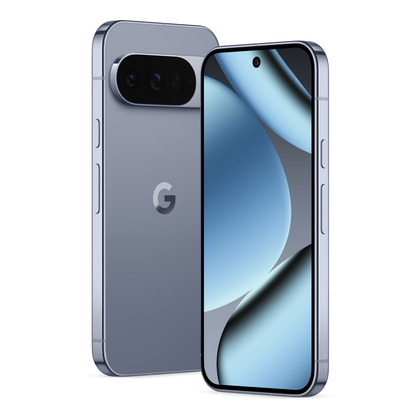
Google’s latest Pro Pixel packs a faster yet efficient Tensor G5 chip, an upgraded ISP, and a brighter display. Plus, an array of new AI features that make it one of the best Android phones to launch in 2025.