
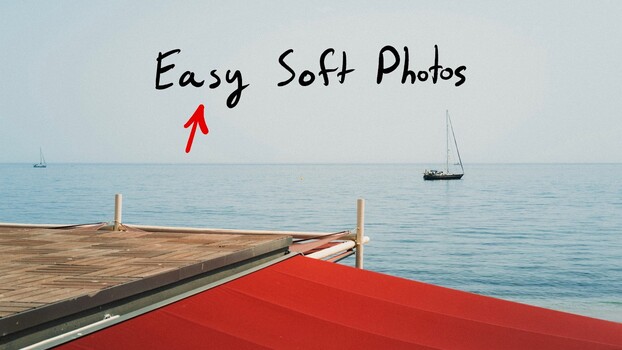
Getting that soft, misty look in your landscape and travel photos isn’t about one secret trick. It’s a combination of shooting conditions, light direction, and a handful of specific editing moves that most people either skip or don’t know to try.
Coming to you from Roman Fox, this practical video breaks down exactly how Fox builds that signature hazy, ethereal quality across his travel and landscape work. He starts where it actually matters: the scene itself. Shooting into the light, not away from it, is one of the most consistent tools he uses. Backlit or side-lit scenes wrap light around your subject and naturally suppress detail in a way that no editing trick can fully replicate. Fox also points to environmental elements like mist, smoke, sea spray, and reflections as things to actively seek out rather than wait for accidentally.
From there, the video moves into editing. Fox walks through how he handles white balance and exposure first, before applying any preset, because those two adjustments change how everything else looks downstream. He then covers his approach to the masking slider in Lightroom, keeping it between 80 and 90 so sharpening only hits the high-contrast edges rather than the whole image. Clarity gets pulled down to around -20 on every single edit as a starting point. Grain is added deliberately, with a size of 50 and an amount somewhere between 20 and 50 depending on the image. Together, these adjustments stack up fast.
The tone curve section is worth paying close attention to. Fox fades both the blacks and the whites by pulling the corners of the curve inward, so pure black becomes slightly gray and pure white shifts to off-white. It sounds subtle, but on screen, the difference is obvious. He makes the case that this one adjustment, combined with the clarity reduction, grain, and white balance tweaks, gets you 90% of the way to the look without doing anything complicated. He also explains how to save these settings as a preset and where the workflow differs between Lightroom and Capture One, which is genuinely useful if you’ve been wondering how to apply a look like this without re-doing it from scratch every time. The video was shot using footage from locations including Venice, Richmond Park, Porto, and Sicily, so you can see how the editing holds up across very different types of images, not just one carefully chosen example.
Check out the full video above for the complete walkthrough from Fox, including the tone curve demo and how he applies the look locally versus globally depending on the software.