
Summary
Windows’ Secure Lock clock can lag up to 30 seconds behind real time; Microsoft says it’s intentional.
It only affects the Secure Lock screen; system time, logs, and authentication stay accurate.
Behavior is by design: Secure Lock polls every 30s under SYSTEM, so updates may miss minute boundaries.
Windows can be a weird beast. Sometimes it’ll have a bug that stops people from using Windows in the strangest ways, and sometimes it’ll have bugs that feel more like features. However, sometimes people will report a bug in Windows, only for Microsoft to look at it and say, “Oh, no, that’s how that’s meant to work. No bugs here.”
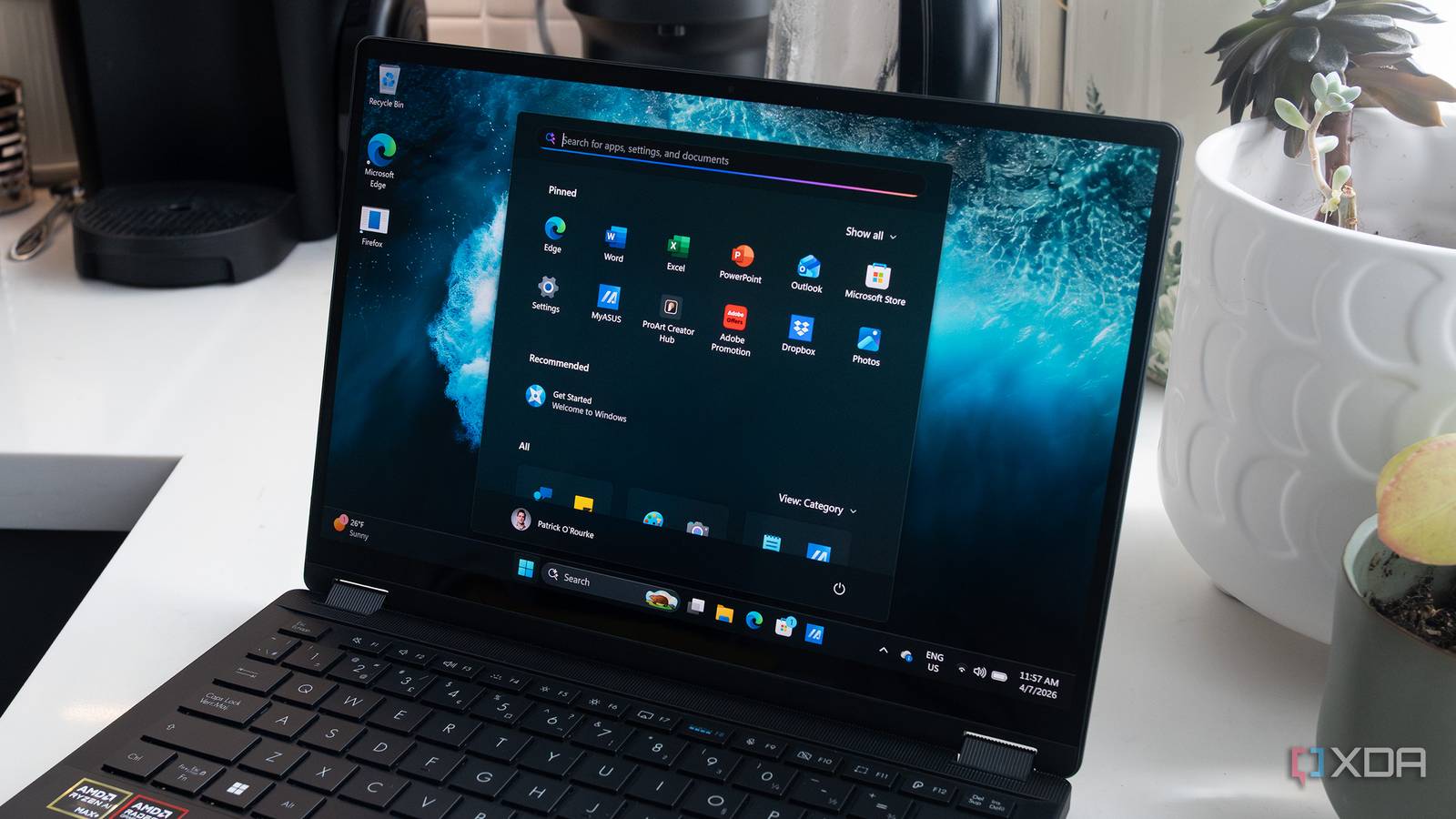
Such is the case of a bug that causes the clock on the Secure Lock screen to run up to 30 seconds behind. People brought it to Microsoft’s attention, and the software giant simply replied that the clock is meant to do that. It may sound weird in practice, but Microsoft does explain why this bug is actually a deliberate Windows feature.
Related
I’m a power user and I’m disabling these Windows features on purpose
If you’ve used Windows 11 for any length of time, you’ll understand.
Windows’ weird Secure Lock clock is a feature, not a bug
It does look like a bug, though
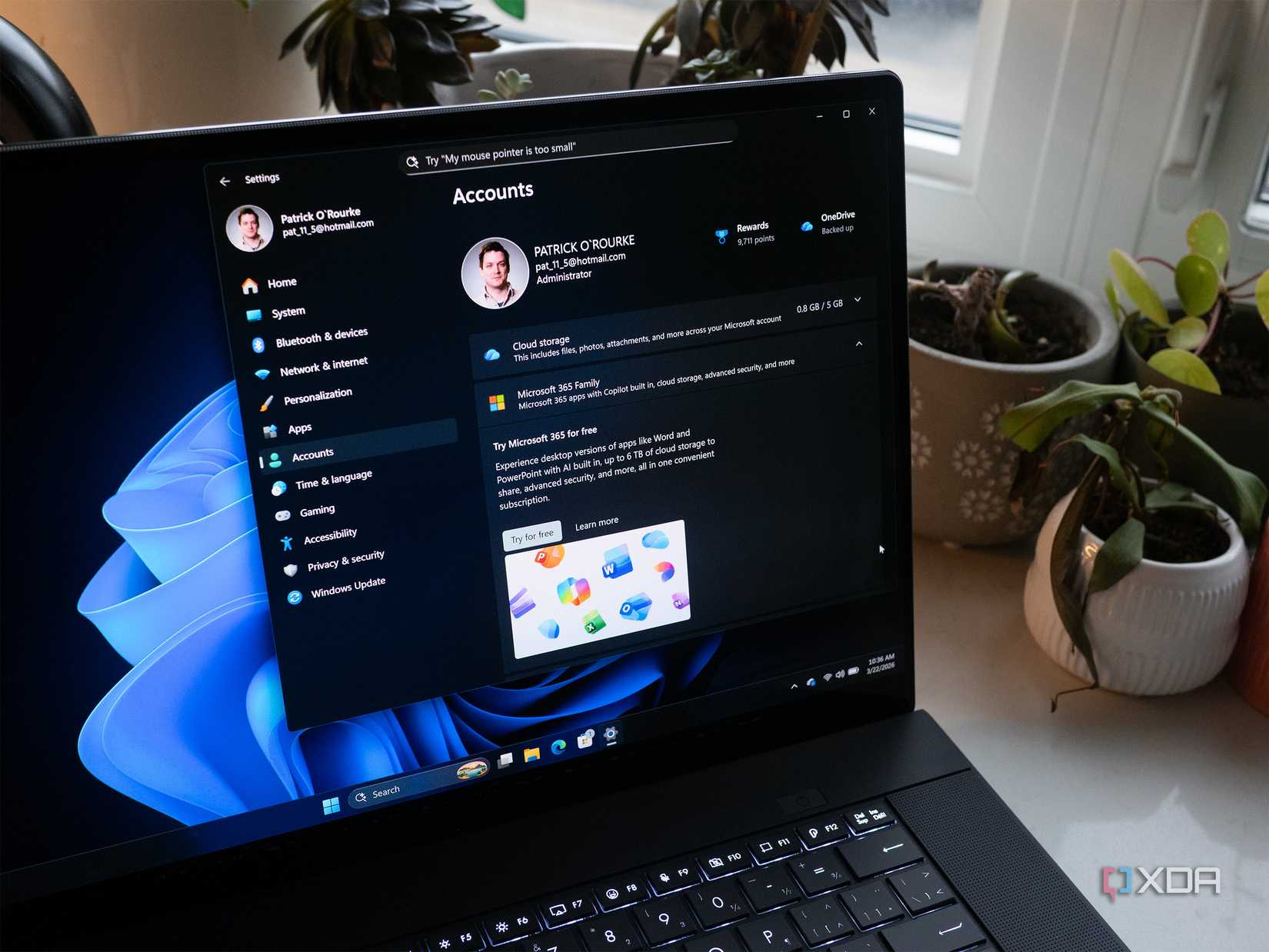
As spotted by Neowin, Microsoft has published a document titled “Secure Lock Screen clock may appear up to 30 seconds behind.” In it, the company describes the issue people have been reporting: when the real-world time advances a minute, the clock on Secure Lock will sometimes take up to 30 seconds to catch up. Everything else that uses the clock, such as the system time, event logs, and authentication, reports the time as normal.
So, when is Microsoft fixing this issue? Well, that’s the neat part, it won’t:
This behavior is by design.
The Secure Lock screen runs on the Winlogon secure desktop under the SYSTEM account and refreshes the clock every 30 seconds. Because this polling interval is not aligned to minute boundaries, the displayed time can update up to 30 seconds after the actual minute change.
Microsoft notes that this odd behavior only happens on the Secure Lock screen. If you perform a user lock, Windows uses a dynamic timer that can flip the minute over “almost immediately” when the time changes. It’s just the weirdness with the Secure Lock screen’s dependency on the SYSTEM account that causes this issue, and Microsoft doesn’t plan to fix it.
Related
4 of the strangest Windows bugs to have ever existed
There’s weird, and then there’s Microsoft weird.