
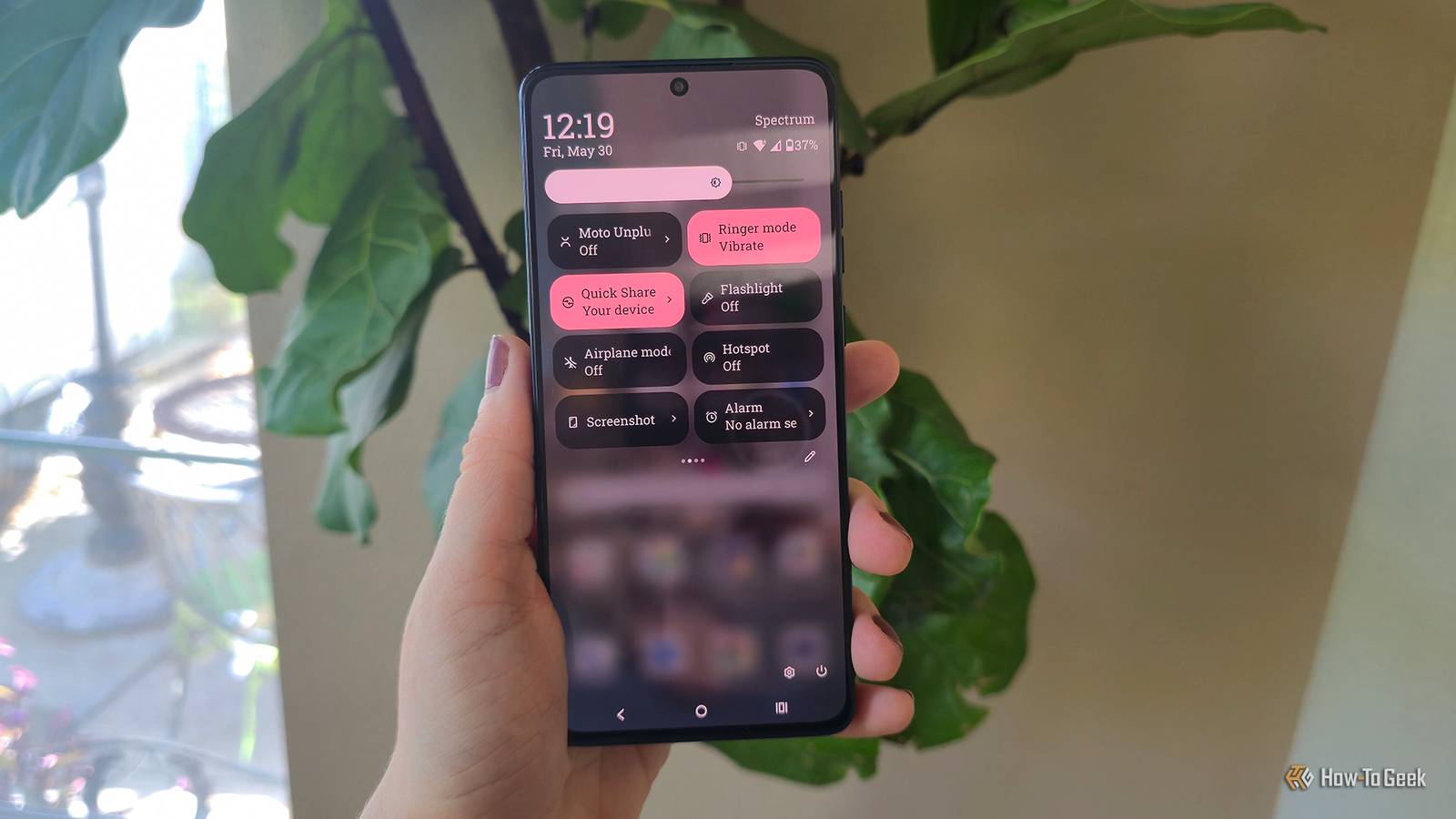
A few years ago, I went through a device upgrade for a family friend that required finding device information very quickly. My carrier sent me some information about finding the IMEI on my device. When I learned there were essentially secret codes on different Android models, of course, I wanted to test a few of them out.
There are quite a few secret/hidden codes you can punch into your phone app to uncover some hidden menus, features, or quick access to phone information. These hidden features often exist for troubleshooting, testing, or diagnostics, but anyone can access them just by dialing a code.
I tested these codes on a Motorola Moto G. Be aware that any given code may not work with your phone model. If a code didn’t work on my phone, I didn’t list it here.
Related
Every Android user needs to enable this one setting before it’s too late
Your phone’s secret backdoor could save your data.
Unlocking your phone’s abilities just requires a dial pad
USSD and MMI codes are a hidden superpower in mobile devices
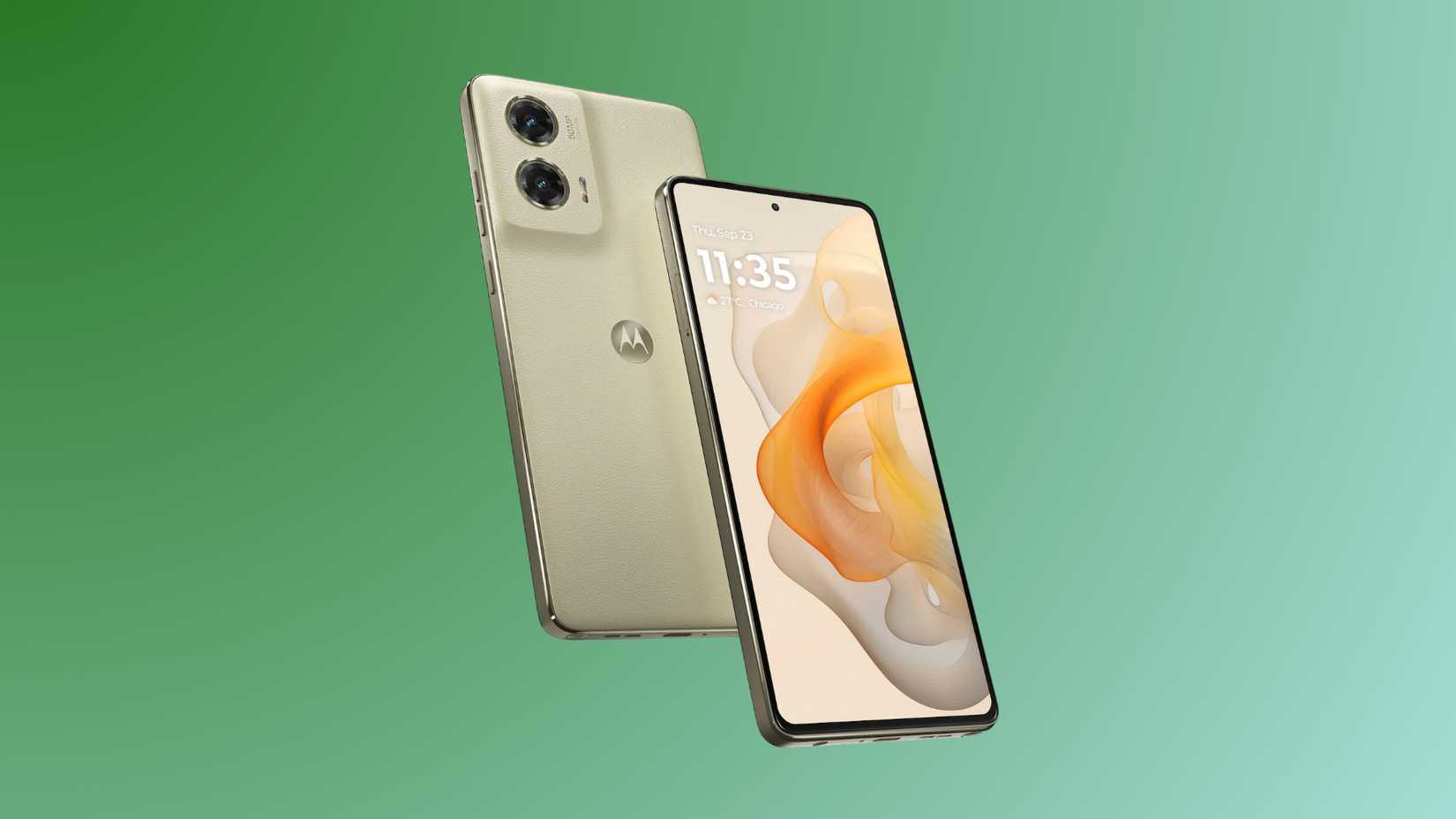
Credit: Motorola
Mobile phones use USSD codes or MMI codes to access different features. USSD is a fast protocol that makes connections in real-time between the device and a cellular network. MMI (usually wrapped in asterisks and hashtags) never leave your phone and access internal Android features.
In the past, they were used for a lot of things we don’t even think about most of the time, like configuring a device remotely or WAP browsing (a protocol used on older “dumb” phones).
Today, they can still be used for some basic functions, and to access some things you may not have known your phone can do.
Test codes at your own risk. I tested all the codes I mentioned personally on my daily-use Android phone. Also, some codes can be used to reset a phone, so be wary of those. I did not list any of them here.
The Android secret menu code provides useful information
A few hashtags and numbers unlock a secret testing menu
I know; it sounds like something you’d find at a coffee shop, but Android phones have a hidden menu that can be accessed with a sequence of asterisks, pound signs (or hashtags if you prefer), and a four-number sequence.
This one is an MMI, or Man-Machine Interface, code. Try it out in your phone app. It worked on my Motorola, but it may not work on phones that run proprietary diagnostic software (like Samsung).
Here’s the code: *#*#4636#*#* In the Wi-Fi menu, you can see your configuration settings and status. In the Wi-Fi API, you get a few options, like disableNetwork, disconnect, and getConnectionInfo. Under Phone Information, you have access to a ping test, mobile radio power settings, and OEM-specific settings.
There are a bunch of testing/debugging features, but I’d recommend only messing with them if you understand exactly what you’re doing.
Some phones require hitting the call button for codes to work. My Motorola automatically activated them when I punched them in.

Related
Think You’re an Android Pro? These 9 Hidden Features Will Prove You Wrong
Don’t be the last to discover these android features.
Find model information quickly
A basic trick for gathering info you might need quickly
Credit: David J. Buck/How-To Geek
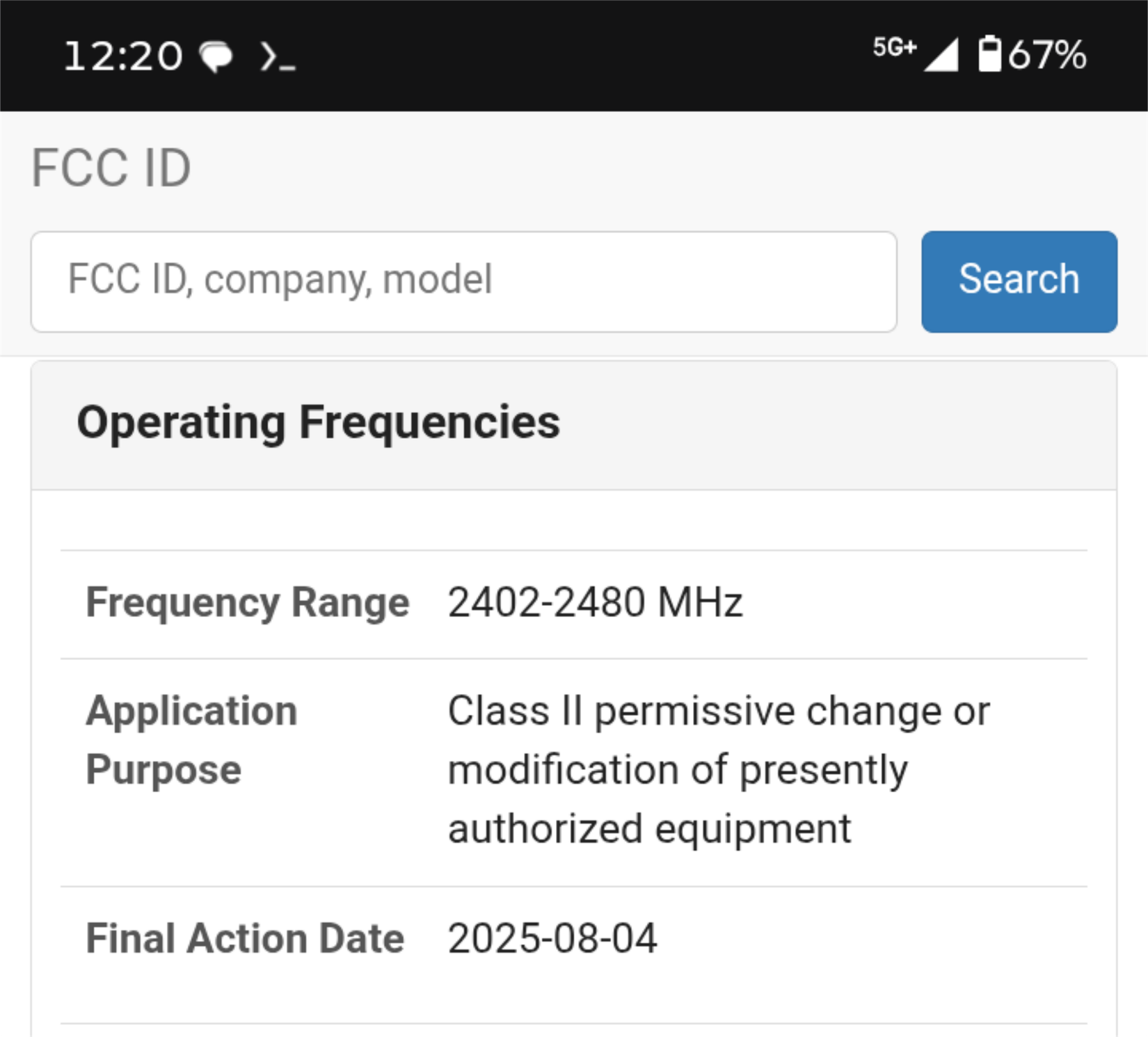
If you’re looking for information about your Motorola phone, specifically the model number, you can find it with a simple code. Now you might need this information if you need to make a warranty claim or a repair / replace on something.
Use code *#07# When I ran it on my Motorola, it brought up some regulatory information about my phone, specifically model info and FCC information.
I think this information can be useful in a particular set of circumstances, but beyond that it’s just kind of cool to be able to see that by just dialing a quick number. Once you have the FCC ID, you can look it up and see information about the device’s frequency range and find manuals specific to them.
I tried this code because it was supposed to display my phone’s SAR (Specific Absorption Rate), but that’s not what actually happened when I put it in.
There’s a few useful, but boring codes that are also worth knowing
Not all codes are created equal
Credit: David J. Buck/How-To Geek
Now that we’ve covered some of the more interesting and cool codes, here are a few that are just practical. You know, for the boring stuff like checking your IMEI number for paying your bill. They still count as cheat codes.
For IMEI number (I had to look this one up, but it stands for International Mobile Equipment Identity number ), dial code *#06#. I won’t demonstrate this one for privacy reasons, but it’s a built-in feature for most phones. On my device, it brought up 5 bar codes and 2 IMEI numbers.
Then, perhaps, the most boring thing of all is you can pay your bill by dialing a number. I should clarify, though, that it doesn’t take you to a fancy menu. It just dials directly to the billing department. You’ll have to check with your specific carrier for these, but #225# allows you to check your balance quickly for T-Mobile, which is pretty handy. If you convert it to *#*#225#*#, it’ll bring up your calendar info. Both of these worked on my phone, but only the balance check worked on my wife’s device.
Related
Your Android phone has a built-in scanner, fax machine, and measuring tape
Your Android phone is a proper multitool.
USSD codes are like video game cheats for your mobile device
Credit: David J. Buck/How-To Geek
I love finding new and interesting uses for an Android device. I’ve been working with a budget Motorola phone for a while now and doing all sorts of weird experiments on it. So, naturally, I would find a place for something like this.
These are a few of my favorite codes, but much like the Game Genie of the retro gaming past, there are countless others out there that still work with most Android or iPhone devices.