
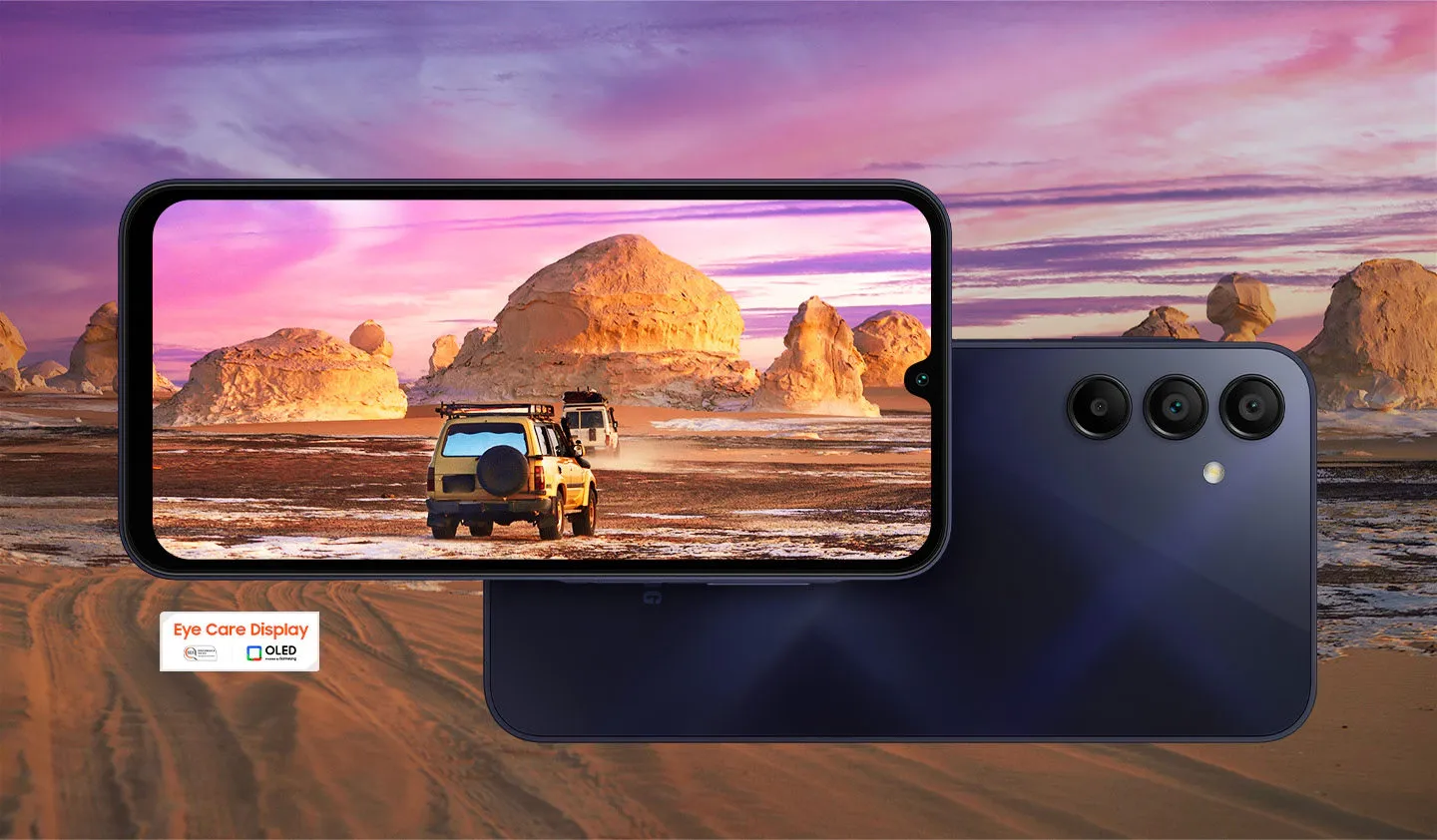
Samsung’s Galaxy A15 4G is getting another major Android upgrade. The budget smartphone began receiving One UI 9, based on Android 17, in South Korea on November 4, bringing new customization tools, privacy controls, and accessibility improvements to a device launched in 2024.
The rollout confirmed by SamMobile starts with the Korean model, and Samsung has yet to announce a release date for other Galaxy A15 4G variants. Owners outside South Korea can check their phones for the update, but availability depends on the region, carrier, and exact model. The roughly 2.7GB download also marks the phone’s third major Android upgrade, leaving one more expected under Samsung’s original support promise.
How to check for One UI 9 on your Galaxy A15
Before checking for the update, confirm whether you have the Galaxy A15 4G or Galaxy A15 5G. The two phones have separate firmware and rollout schedules, even though their names and designs are similar.
Open Settings → About phone and look for the model number. The South Korean Galaxy A15 4G uses SM-A155N, while international 4G variants include SM-A155F. Galaxy A15 5G models use different identifiers, including SM-A156E and SM-A156U.
Once you’ve confirmed your model, follow these steps:
Open Settings on your Galaxy A15.
Tap Software update. Some devices may show System updates instead.
Select Download and install or Check for updates, depending on the software version.
If One UI 9 appears, review the update information and follow the installation prompts.
Samsung’s official software update instructions also explain how to check through Smart Switch on a Windows PC or Mac. Connect your phone using a USB cable, open Smart Switch, and follow the update prompt if a compatible package is available.
Before installing, back up important photos, files, and messages. Samsung specifies a minimum battery level of 20%, although charging the phone further is advisable. Use a stable Wi-Fi connection and make sure sufficient storage is available.
The phone may restart during installation. Avoid disconnecting it from a computer or interrupting the process while the update is running.
If your Galaxy A15 reports that its software is up to date, the rollout may not have reached your device or region. Checking again later is more useful than repeatedly refreshing the update screen.
Where is the Galaxy A15 4G One UI 9 update available?
South Korea is the first confirmed market for the Galaxy A15 4G’s stable One UI 9 update, based on Android 17. The release targets the Korean SM-A155N model and carries firmware version A155NKSUBEZJ6. The over-the-air download weighs 2,715.34 MB (approximately 2.7GB) and includes the October 5, 2026 security patch.
The Korean firmware record and changelog also list a larger, approximately 6.93GB full firmware package, which should not be confused with the smaller over-the-air download.
As of November 9, Samsung has not confirmed when the same major upgrade will reach other Galaxy A15 4G variants. Its published update history for an international SM-A155F configuration still lists Android 16, although that record does not represent every country or carrier.
Meanwhile, the Galaxy A15 5G is further along in its rollout. Its stable One UI 9 release has expanded to India and the United States, with the latter initially receiving the update on carrier-locked devices. Those releases use different firmware numbers and do not establish availability for the 4G phone.
For international owners, the safest approach is to wait for the official update notification or check through Samsung’s built-in software updater. Installing firmware intended for a different model or region is not a substitute for an authorized rollout.
What’s new in One UI 9 for the Galaxy A15 4G?
The Korean Galaxy A15 4G changelog identifies several changes to everyday controls, privacy settings, Samsung Health, and accessibility. Some features may depend on installed apps, connected accessories, or regional availability.
More control over the Quick Panel
One UI 9 expands how much users can customize the Quick Panel, the area containing frequently used settings such as Wi-Fi, Bluetooth, brightness, and sound controls.
The update allows users to resize the brightness and volume sliders, change the size of the media player, and separate the sound-mode button from the volume slider. These adjustments make it easier to arrange frequently used controls around individual preferences.
Owners who regularly change display brightness, audio levels, or media playback settings have more flexibility without needing a third-party customization app.
Clearer privacy controls and faster phone lockdown
One UI 9 adds a location-use indicator that makes it easier to recognize when an app accesses the phone’s location. This gives users another visible cue to review location permissions and decide which apps should retain access.
Samsung has also introduced a quicker way to lock down the device. Users can press and hold the Volume Down and Side buttons together or use the power control in the Quick Panel. The lockdown feature temporarily disables biometric unlocking, requiring the phone’s PIN, password, or pattern before access can resume.
A new Warranty and care section in Settings provides access to warranty information, device diagnostics, and maintenance guidance. It brings several support functions into one place rather than requiring users to search through separate menus.
Samsung Health and accessibility improvements
Samsung Health receives a redesigned interface with clearer charts and more flexible ways to organize information. Users can adjust dashboard cards and review health trends across different periods, although certain measurements require compatible Galaxy wearables or other supported devices.
Accessibility improvements include additional options for magnification, keyboard navigation, and pointer control. These changes are intended to make the interface easier to use for people who rely on alternative ways of navigating their phones.
The available features are more relevant to the Galaxy A15 4G than premium Galaxy capabilities such as Samsung DeX, which the phone does not support. Owners should not assume every One UI 9 feature demonstrated on flagship Samsung devices will be available on their handset.
Will One UI 9 improve performance or battery life?
One UI 9 brings interface changes and system-level updates, but independent testing has not established whether the Galaxy A15 4G gains measurable improvements in battery endurance, scrolling smoothness, or overall speed.
Performance can vary depending on available storage, installed apps, background activity, and the condition of the device. The confirmed customization and privacy features are a more reliable reason to consider the update than promises of faster performance or longer battery life.
Reports of connectivity problems on certain other Galaxy models running One UI 9 also do not establish that the Galaxy A15 4G is affected. Owners should rely on model-specific reports rather than assume issues found on another Samsung phone will occur on theirs.
How many Android upgrades does the Galaxy A15 have left?
The Galaxy A15 originally shipped with Android 14 and One UI 6. Samsung’s official product specifications promise up to four generations of operating system upgrades and five years of security maintenance.
That puts Android 17 in third place in the phone’s expected upgrade sequence:
Android 15 — first major upgrade
Android 16 — second major upgrade
Android 17 — third major upgrade
Android 18 — expected fourth and final major upgrade
Samsung has not announced a release date for Android 18 on the Galaxy A15, and its update policies are subject to change.
The phone also remains on Samsung’s quarterly security update list. Quarterly support means security patches are scheduled less frequently than on Samsung’s monthly-update devices, not that the Galaxy A15 has stopped receiving security maintenance.
For owners who bought the Galaxy A15 in 2024, One UI 9 adds useful customization and privacy features while keeping the phone on a supported Android version. With Android 18 still expected under Samsung’s original upgrade commitment, the device has another major software release ahead of it.
The South Korean rollout is the first confirmed step. International owners can continue using Samsung’s built-in updater to check availability without risking an incompatible firmware installation.