
You need a plan for when disaster strikes, and I don’t just mean being prepared for a hurricane or wildfire. What do you do to stay connected and preserve your data when your phone is shattered or, worse, lost for good?
Sign up for phone insurance or a protection plan
It took me a long while to come around to the idea of paying for a protection plan. But now that so much of my business and professional life centers around my phone, it’s worth paying to protect this investment as much as any other.
If you have an iPhone, you can sign up for Apple Care when you purchase your device, which can help with repairing a broken phone or replacing a lost one. Samsung offers a Samsung Care plan that’s very similar.
Regardless of your phone, you can sign up for phone insurance, and you don’t have to go through your carrier. You can easily find phone insurance plans that can save you money and speed up repair times.
Where and how will you get your phone repaired?
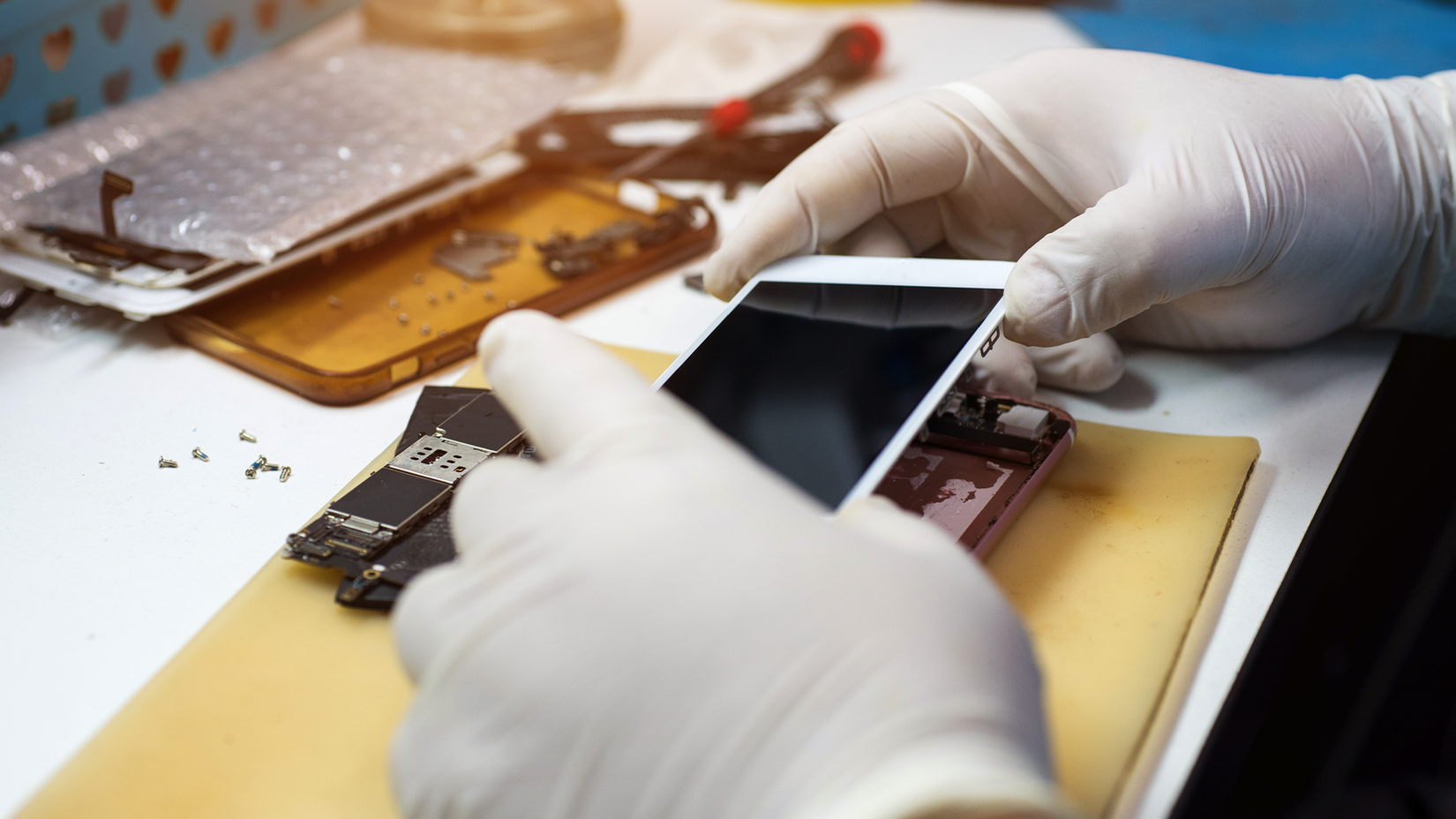
Credit: PK Studio/Shutterstock.com
If you have an iPhone, you need to know the location of the nearest Apple Store. If one is far away, then you want to find a sanctioned third-party repair shop that will use official parts. I own a Samsung Galaxy Z Fold 6, so I’ve scouted out the nearest UBreakIFix in my area as my most likely destination. Samsung Stores are relatively few and far between in the US. Large repair chains are also likely to repair a Google Pixel.
As you venture from these three major brands, your repair options get more limited. You might be able to get your Motorola repaired locally, but if you’ve bought a brand that doesn’t appear in carrier or big box stores, there’s a much higher chance you may need to plan on mailing your phone for repairs or expect to replace them outright.
How will you find your lost phone?
iPhone users can use Apple Find My to track your misplaced or stolen phone. You can look for the device using the Find My app on your tablet, computer, or a family member’s device. You can also lock devices remotely and have them display a custom message, such an alternate number or email address.
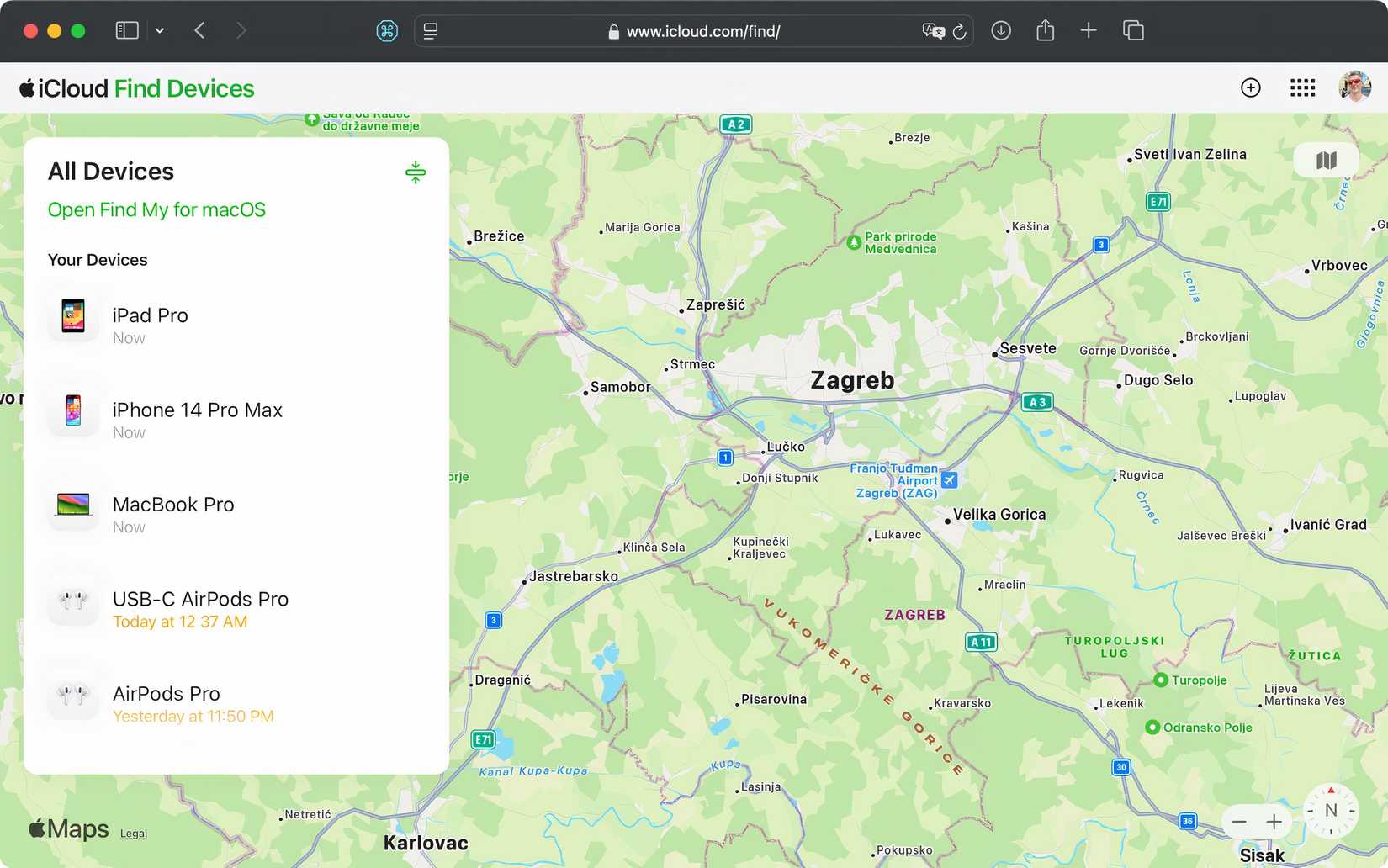
Samsung has a similar feature known as Samsung Find, which is exclusive to Galaxy phones and tablets. Google’s Find Hub is more device agnostic and can be used to find any Android phone, not just Pixels.
Keep backups in the cloud or on external storage
How are you going to retrieve your data if your device is lost or can’t be repaired? The easiest (but least private and most expensive) option is to simply enable cloud backup when setting up your device and paying for however much storage you need. There are plenty of alternative cloud storage providers if you don’t want to use Apple or Google, including private and encrypted storage like Proton Drive. This way you can preserve your photos, documents, and downloads with peace of mind.
Then there’s the data you can’t access from a file manager. Since I own a Samsung Galaxy Z Fold 6, I back up my calls and other personal data to my Samsung account using encryption. For iPhones, Apple also offers an encrypted way to back up certain data. Google doesn’t advertise which data it encrypts and which it doesn’t, but when you automatically back up calls and app data to your account, some of that data is end-to-end encrypted as well.
You can also back a phone up to an external drive just like any other PC. I keep files around on flash drives and external SSDs alike. Just remember to set up a sync schedule to have enough copies of your data in case a backup drive fails. You can also purchase your own personal cloud device or set up a NAS.
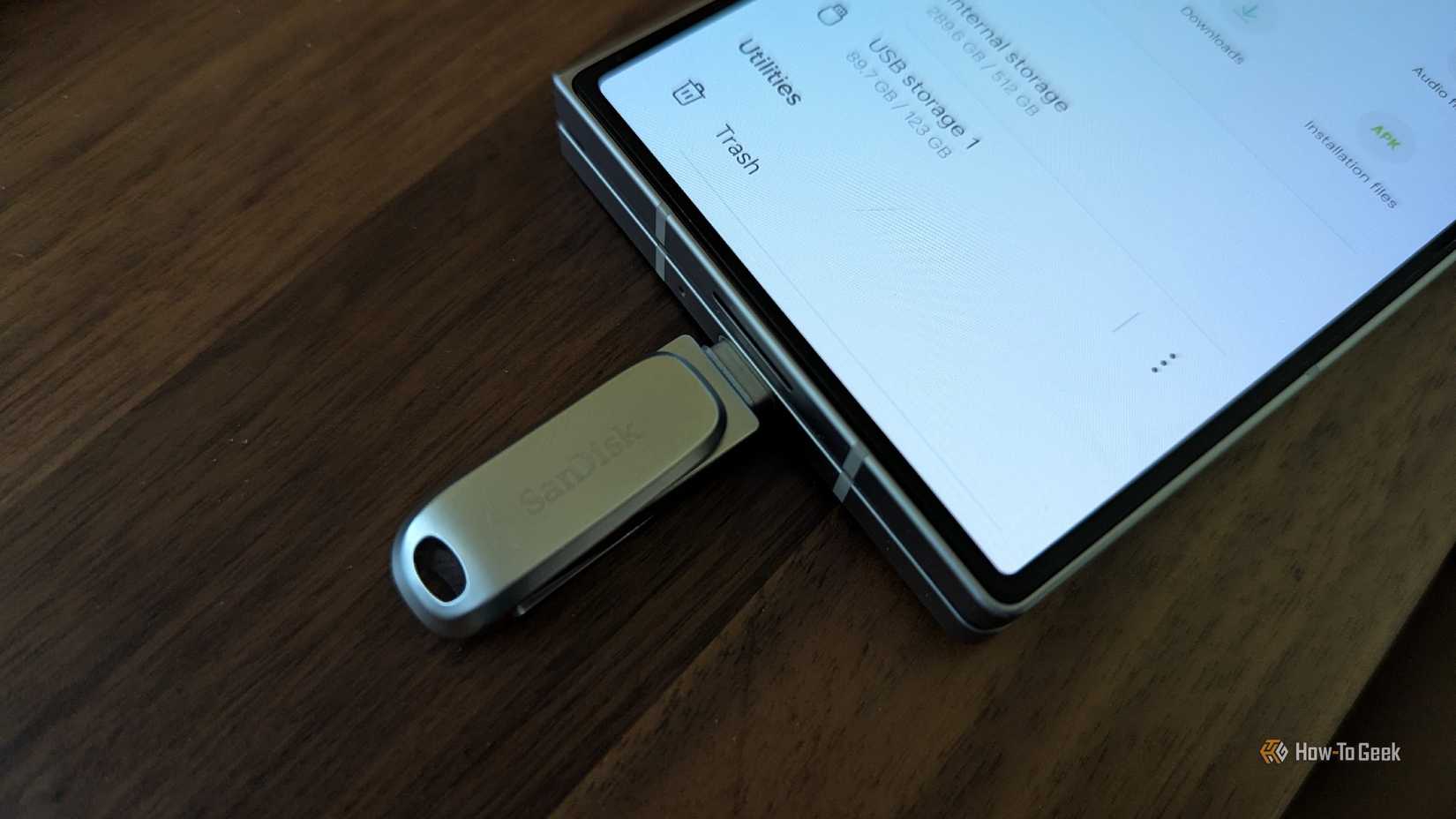
Credit: Bertel King / How-To Geek
Have a way to stay accessible
Most of us don’t have landlines anymore, so being without our smartphone means being without a phone entirely. This can pose problems even if you manage to get a same-day repair. Here are your options.
Keep an old phone around as a backup
You don’t need to be a tech journalist to have a drawer of old phones. If you’re replacing your phone every few years, then you can easily be on your fourth smartphone. Even an ancient model with a battery that only lasts a few hours is still able to take a call. Chances are it can run iMessage, Google Messages, or WhatsApp as well.
That phone doesn’t have to sit around the rest of the time, either. There are plenty of ways to repurpose an old phone.
Do you have a physical SIM or an eSIM?
If you have a physical SIM, activating your temporary phone is as simple as swapping the card over, assuming your old phone is unlocked. On the downside, if you’ve lost your phone, then you’ve lost your SIM, too.
An eSIM isn’t as fast to transfer, as you’ll likely need to use a certain app or contact your carrier. On the other hand, you don’t need access to your original phone if it’s lost.
A cellular smartwatch can be a godsend
Credit: Bertel King / How-To Geek
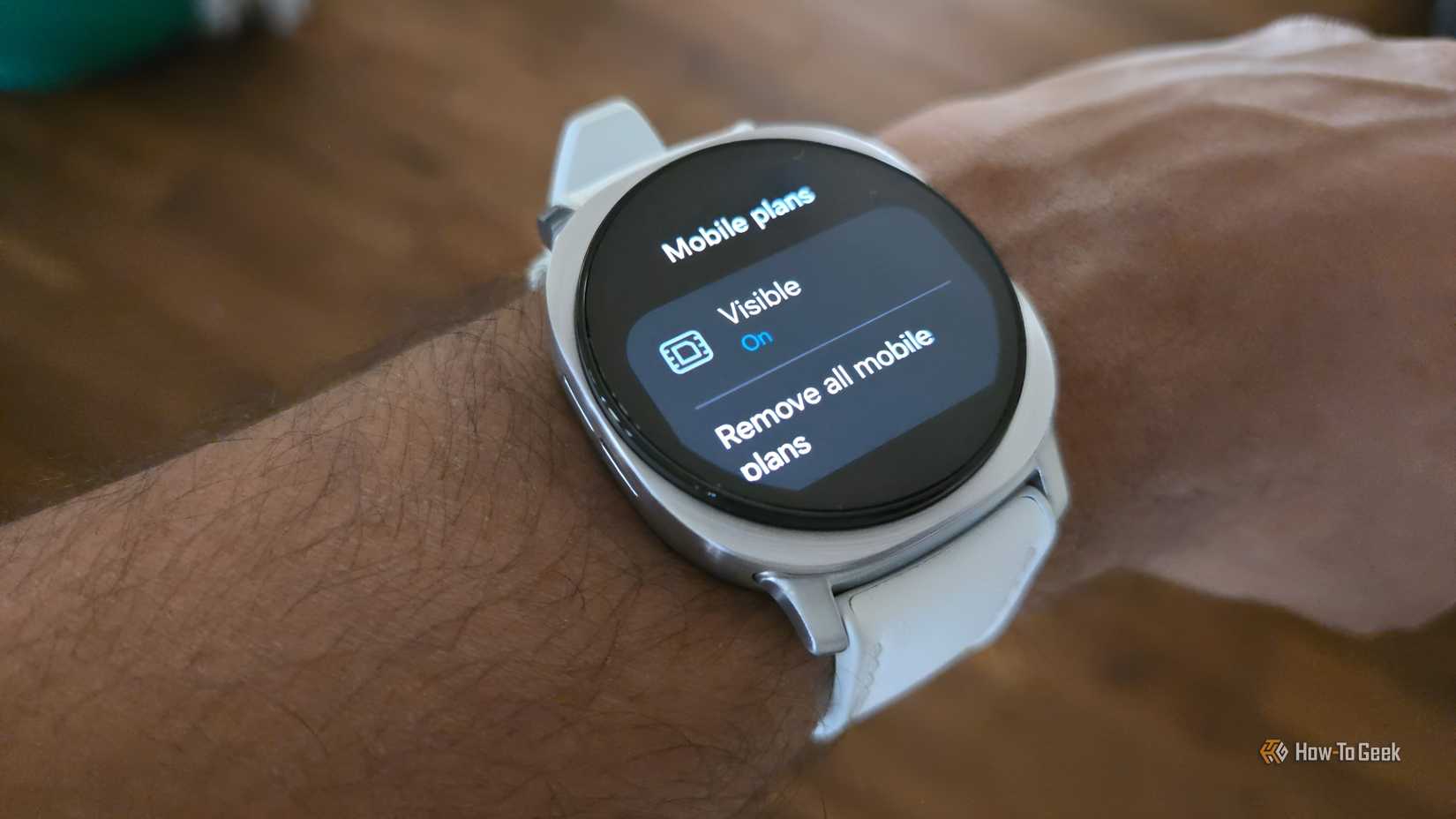
Here is an area where it’s really worth paying a little more for a cellular smartwatch. In the event something happens to your phone, a smartwatch with LTE can still send and receive calls on your usual number. In a way, an LTE watch is like a minimalist phone.
With smartphones used as digital wallets for making payments, keys to start newer cars, and two-factor authentication to get into our workplaces, the stakes are much higher than they used to be. The worst time to think up a plan is at the same time you need to implement it. Best to be prepared.