
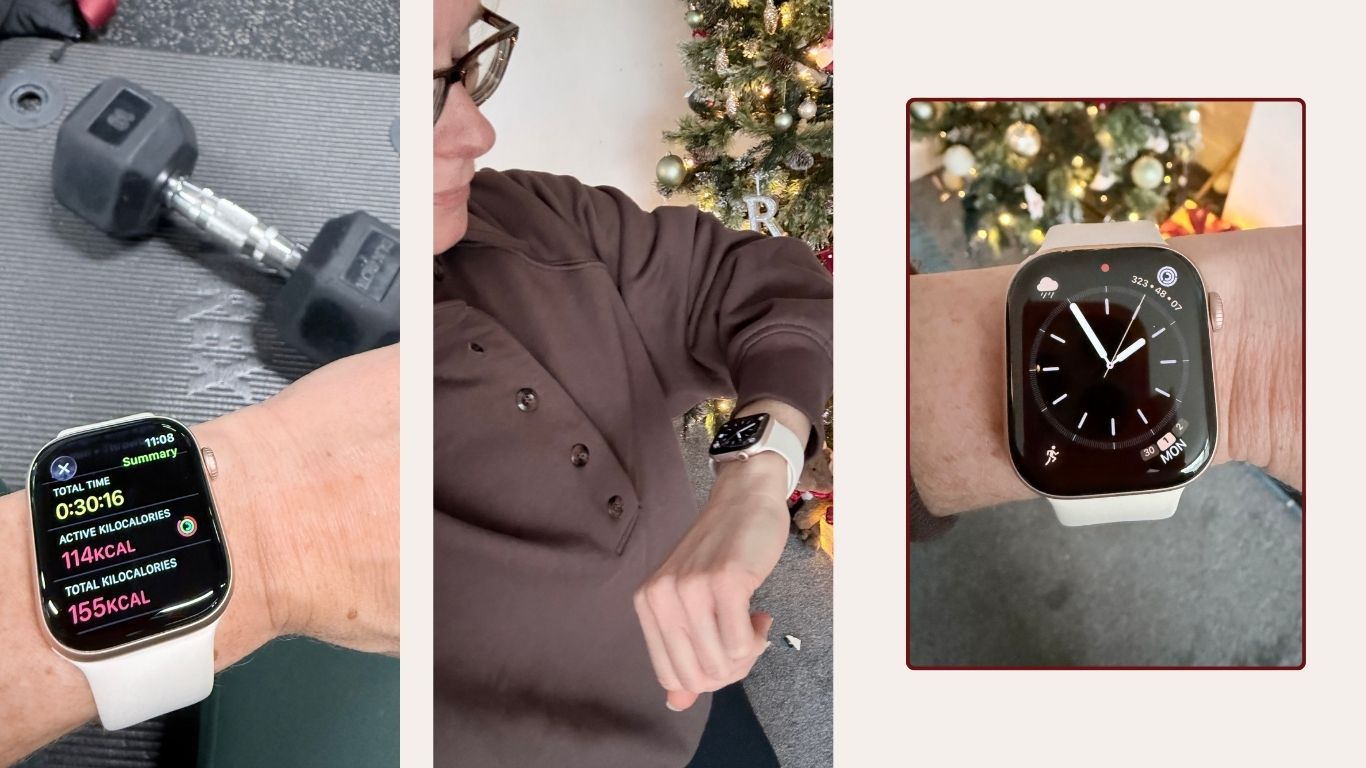
It might seem like an obvious thing to say to upgrade to the newest version of Apple’s smartwatch, but as someone who has worn an Apple Watch for over seven years now, I can tell you this isn’t something I have previously advised.
Every year, Apple brings out a new iteration of its core products – Apple Watch, iPhone, MacBook, etc – it’s the one thing that both infuriates and delights me about the tech giant. If you’re into new shiny things, you only have to wait 12 months. If you’re not, just a year later, there is a better version of the device you just spent hundreds on.
But over the years, I have realised no matter what the update, the basic functions of an Apple Watch – the things most people want them for and use every day – don’t change. This is why it is important to understand what each update brings, and whether the shiny new release offers enough ‘new’ that you value to warrant the extra spend.
Best picks for you
Apple
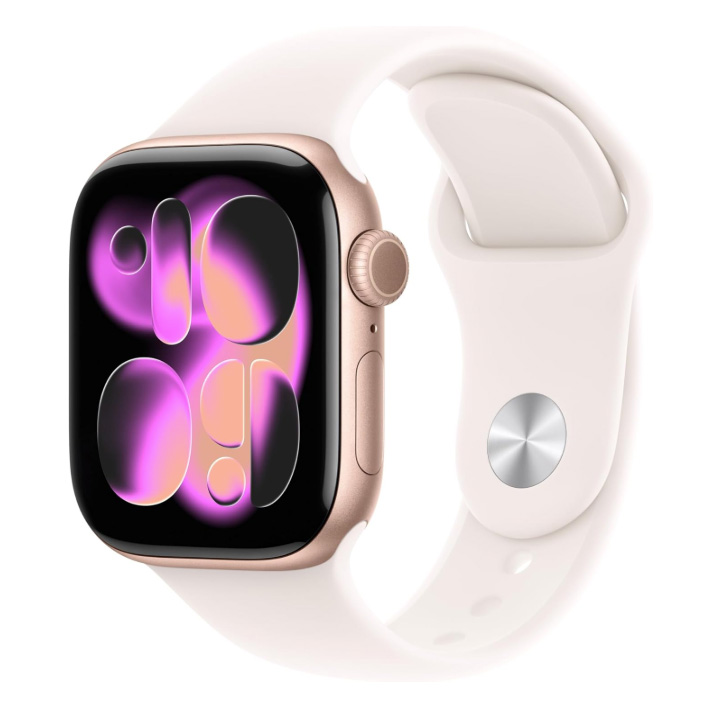
Watch Series 11, 42mm
Apple Watch Series 11 review: Overview
The Apple Watch Series 11 was released in September 2025, and the standout features were all about health. This immediately piqued my interest, as I mentioned in my Apple Watch Series 10 review last year, the health and fitness features in this device were the driving factors in getting one initially.
Yes, it promised all the other things you would expect in a yearly update – improved battery life, better screen, more connection capabilities and an ultra-sleek and comfy design. But the headliner is a new feature that can detect signs of chronic high blood pressure (hypertension). Plus, enhanced sleep features now mean you can get your very own ‘sleep score’ each day.
The battery life now covers a full 24 hours, which is a great improvement on the 18 hours of the Series 10 and something all Apple Watch wearers will be happy about it. Charging time remains the same, needing just a 15-minute connection to Apple’s USB-C magnetic fast charging cable to power it for eight hours.
The display has been upgraded to Ion-X glass, which is reported to be two times more scratch-resistant than its predecessor – a welcome addition if, like me, you have small wrists and the added bulk of the watch means you often misjudge distance.
Apple Watch Series 11 also features Workout Buddy, which is an in-built AI tool that can help motivate you during a workout or provide insight to help you plan a session.
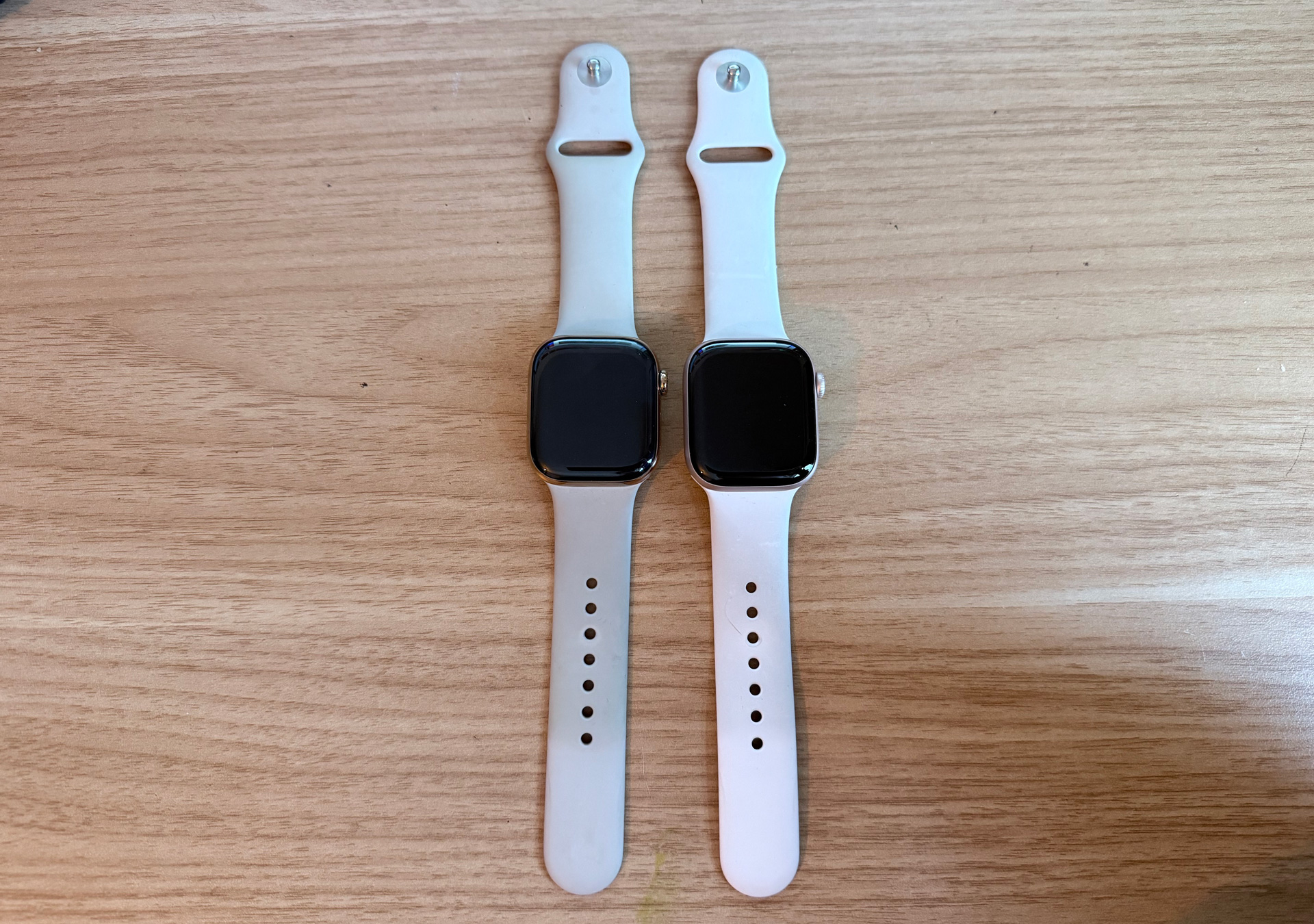
The Apple Watch Series 10 (left) and Series 11 (right) look identical – any differences, bar a tougher glass display on the 11, are on the inside
(Image credit: Future)
Apple Watch Series 11 review: SpecificationsSwipe to scroll horizontallyApple Watch Series 11
Spec
Series 10 46mm
Series 10 42mm
RRP
£429
£369
Size
46 x 39 x 9.7 (mm)
Fits 140–245mm wrists
42 x 36 x 9.7 (mm)
Fits 130–200mm wrists
Weight
36.9 g
29.7 g
Materials
Aluminium
Aluminium
Screen
326 x 326 px
Retina LTPO3 display, wide-angle OLED, Ion‑X front glass
326 x 326 px
Retina LTPO3 display, wide-angle OLED, Ion‑X front glass
Battery life
Up to 24 hours of normal use, up to 38 hours in low power mode
Up to 24 hours of normal use, up to 38 hours in low power mode
GPS
L1 GPS, GNSS, Galileo and BeiDou
L1 GPS, GNSS, Galileo and BeiDou
Waterproof
5 ATM (50 metres)
5 ATM (50 metres)
Apple Watch Series 11 review: Smartwatch features
As the years have passed, my needs when it comes to having a smartwatch have changed, and more recently, the productivity apps it has (like reminders, to-do, Siri, alarms, lists – I could go on) and the health features have become my most used functions. I have spoken previously at length about how much Apple Watch eases my mental load (and anxiety at forgetting everything!), and thankfully, that is very much still the case.
But it’s the new health feature in this iteration that has really won me over. A new high blood pressure detector in Apple Watch Series 11 is a game-changer. I suffered from chronic high blood pressure during and post-pregnancy after my last baby four years ago. And while it has been normal for a while now, I still regularly need blood pressure checks, and have an anxiety-inducing blood pressure cuff at home that, before getting the Series 11, I had to use every month.
An optical heart sensor on the back of the Apple Watch analyses pulse waves over a period of 30 days. During that time, if it identifies any trends with blood pressure, it will send an alert advising you to use a separate blood pressure cuff for accurate readings.
The fact that I have a detector strapped to my wrist, which 99% of the time I forget os there, is such a comfort. Knowing if my body shows any signs of hypertension, my watch will pick it up, is a reassurance I can’t put a price on. The Apple website says the development of the tool “included advanced machine learning tools and studies with over 100,000 participants, which was then validated in a clinical study”.
This feature gives me the same level of comfort as the in-built ECG monitor did a couple of years ago when I was experiencing heart palpitations. Mid-40s and in the midst of perimenopause, it enabled me to log any abnormality in my heart rate, without constant visits to the GP. And, eventually, after downloading the data from my Apple Watch, it helped with my decision to go on HRT.
It’s in-built health monitors like this that really make the Series 11 stand out, and the reason I now wouldn’t be without one.
Apple Watch Series 11 review: Design
When the Series 10 launched last year, Apple really shouted about its ‘refined’ design, which felt like a stretch, being that it really didn’t look that different. However, long gone are the days when I expected a completely new design. Nowadays, the design update is all about how it feels to wear and its durability.
The size, shape and weight haven’t changed with this model, but it does introduce Ion‑X front glass, which Apple says is ‘2x better scratch resistance’. For a lower initial price than the Series 10 (it retailed at £30 more on release than the Series 11), this is a very welcome touch.
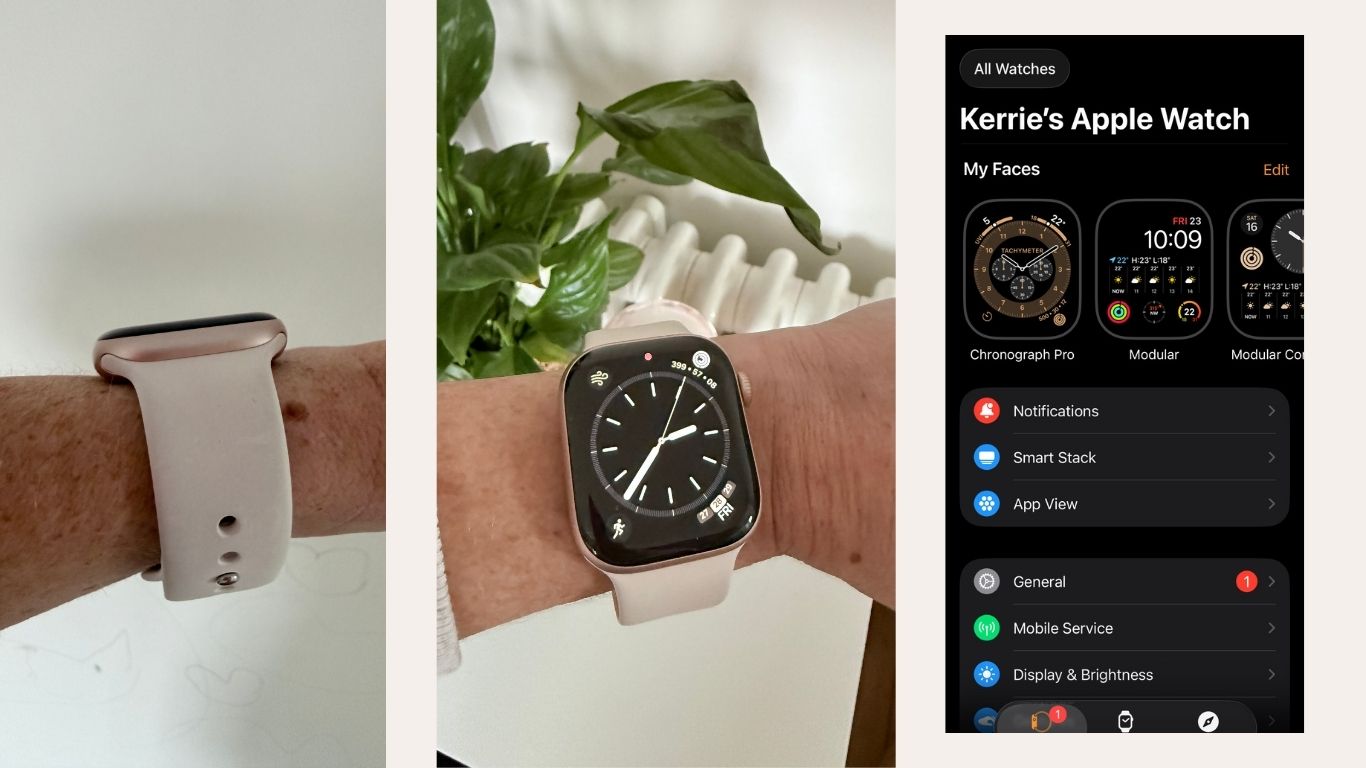
One thing I will say is, and this may just be me not liking or being used to wearing a watch to sleep, I don’t find it particularly comfortable to sleep in. It’s the lightest, slimmest version, but still, the bulk on my very small wrists feels restrictive when sleeping. The always-on face that I love about the Apple Watch during the day has also woken me up on occasion – this is totally my own fault, as you can switch this off for sleep mode. I often forget and then am woken by the light a few hours later. So I don’t take advantage of the sleep features as much as I would like, but this is really a case of me persevering and seeing if I can get comfortable wearing it at night.
(Image credit: Future)
Apple Watch Series 11 review: Battery life
We’re getting there, finally. If you’ve ever read any of my previous Apple Watch reviews, you will know the Apple Watch battery life has been one of my biggest frustrations with the device. And I’m not the only one – with other smartwatches on the market offering multiple days without needing a charge and Apple’s genius, for years, I have wondered why this is such a big stumbling block for them.
The Series 5 I started with, I remember being very happy to be able to track my sleep with it, only to find the only way I could do that would be to not wear it during the day, as the battery simply couldn’t cope. Thankfully, that has got better with each iteration, albeit sometimes marginally.
But the Series 11 puts the Apple Watch in a new league, breaking the what for so long seemed so unattainable 24-hour marker. Having tested it, I can confirm it does, indeed, last 24 hours without charge, but there is zero movement on that. I wore it all day from 7 am after a full charge to 7 am the next morning, and I think it ran out a few minutes before I plugged it in. With fast charge (15 minutes gets you another 8 hours), it was back up and running, which is hard to complain about considering how far it has come, and the Series 10 only managed 18 hours (max).
It will always be the biggest weakness for me (and Apple, probably, those tiny batteries have a lot to do), but it’s great to see the company’s commitment to continually improve it and let users really get the most out of all-day use. And I’m happy to report the longevity of this model is by far the best of all the models I’ve tested.
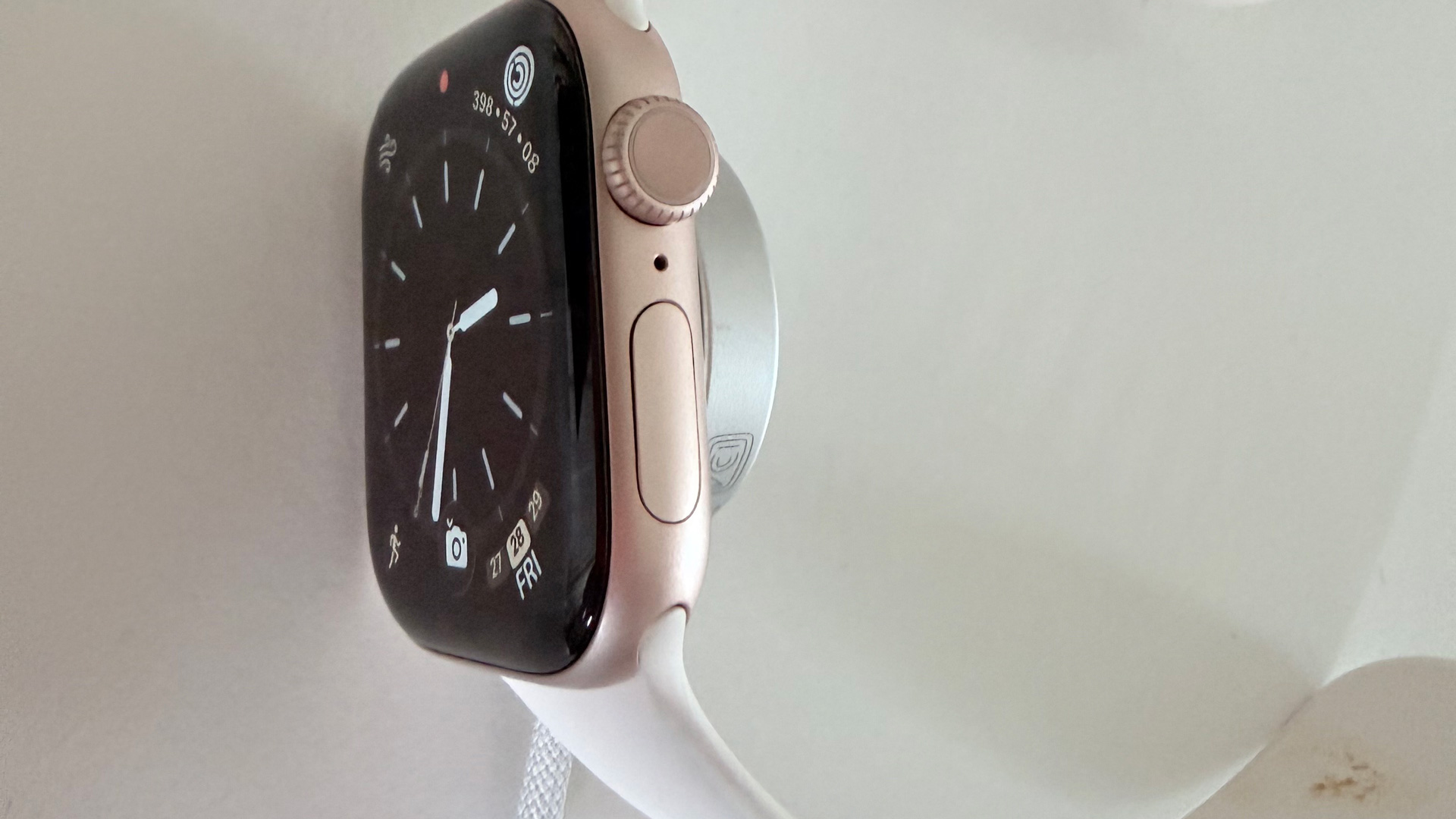
The Apple Watch fast charger enables around eight hours of use after 10-15 minutes on charge
(Image credit: Future)
Apple Watch Series 11 review: Fitness tracking
I sit at a desk all day, all week, and if it weren’t for my Apple Watch (and Mobvoi treadmill), I would be significantly less active than I am now. I love the gym, and if I could would be in there five days a week. But with three kids, a busy job and a house to maintain, I often I have to squeeze workouts in wherever possible – often at home.
The Series 11 follows its predecessor with so many workout options now you would really have to be doing some incredibly niche not to find it on there. The Fitness app on Apple Watch Series 11 has a refreshed look, not so different that it’s confusing, just some minor tweaks to help access other features while using it a little easier.
Training Load – introduced in Series 10 – remains, which is great for anyone who needs more insight into intensity and duration of training to help dial workouts up or down if more rest is needed. This feature elevated the Apple Watch as a fitness tracker, the Training Load function bringing it more in line with more sport-specific devices like Coros Pace 3 or the Garmin Forerunner 265.
‘Way to go! That was your fastest 5K ever’ features on the Apple website as something the new Workout Buddy feature offers. Powered by Apple Intelligence, an in-built ‘buddy’ acts as your number one cheerleader while training, and can send audible prompts to keep you motivated.
I always train alone, and so I have found this added feature really encouraging at times, and at others quite distracting (and a little annoying, actually). I am a big fan of Apple Fitness+ and follow its strength program every single week, and so tend to exercise without Workout Buddy on as I need to hear the coaches during each session.
Apple Watch still isn’t quite there as a fitness tracker that will satisfy serious fitness enthusiasts, but Apple’s commitment to continually improving it is really clear. I think, like me, most people want a tracker to keep tabs on the amount of movement they do each day, stay active and perhaps get a little fist bump for their efforts, and Apple Watch delivers that (and much more) in an easy-to-understand and use way.
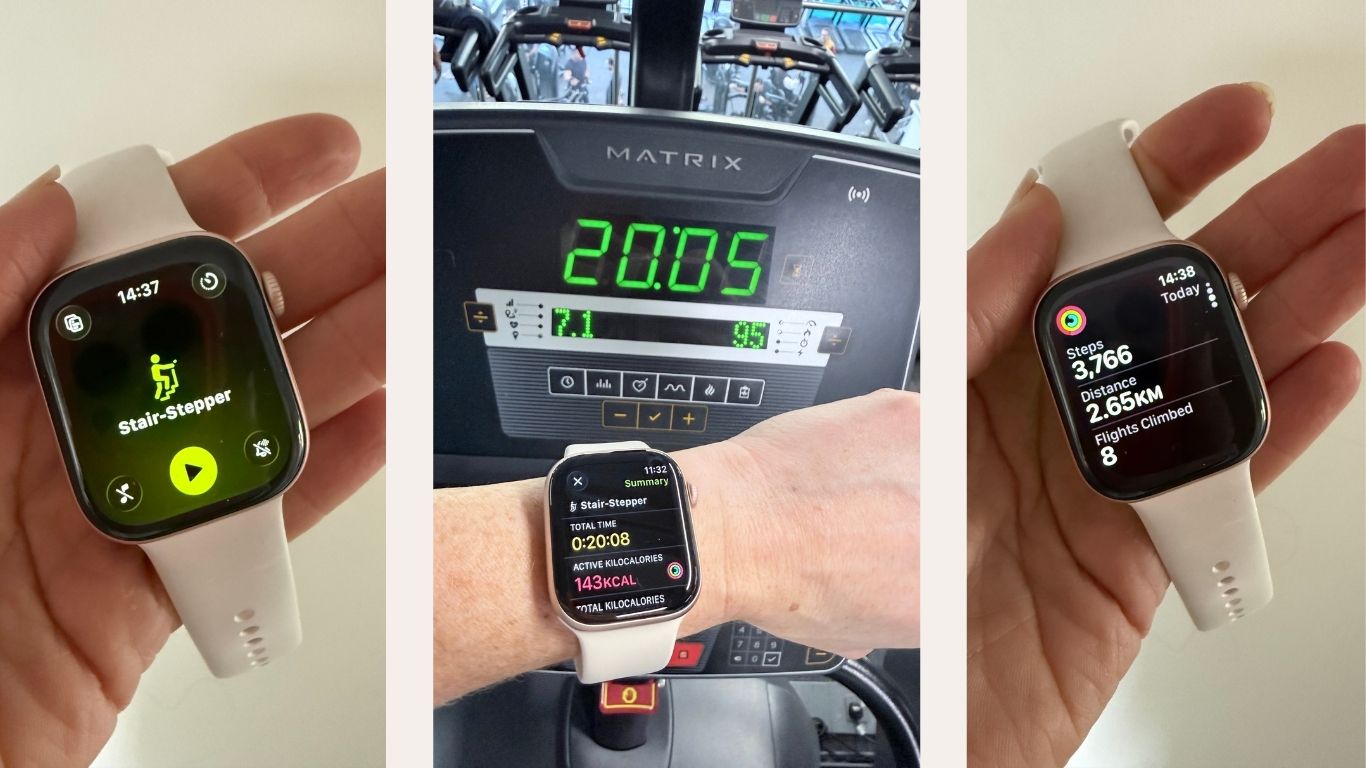
The Apple Watch Series 10 has a bigger, brighter display, and is almost 10 percent thinner than previous models
(Image credit: Future)
Apple Watch Series 10 review: Sleep tracking
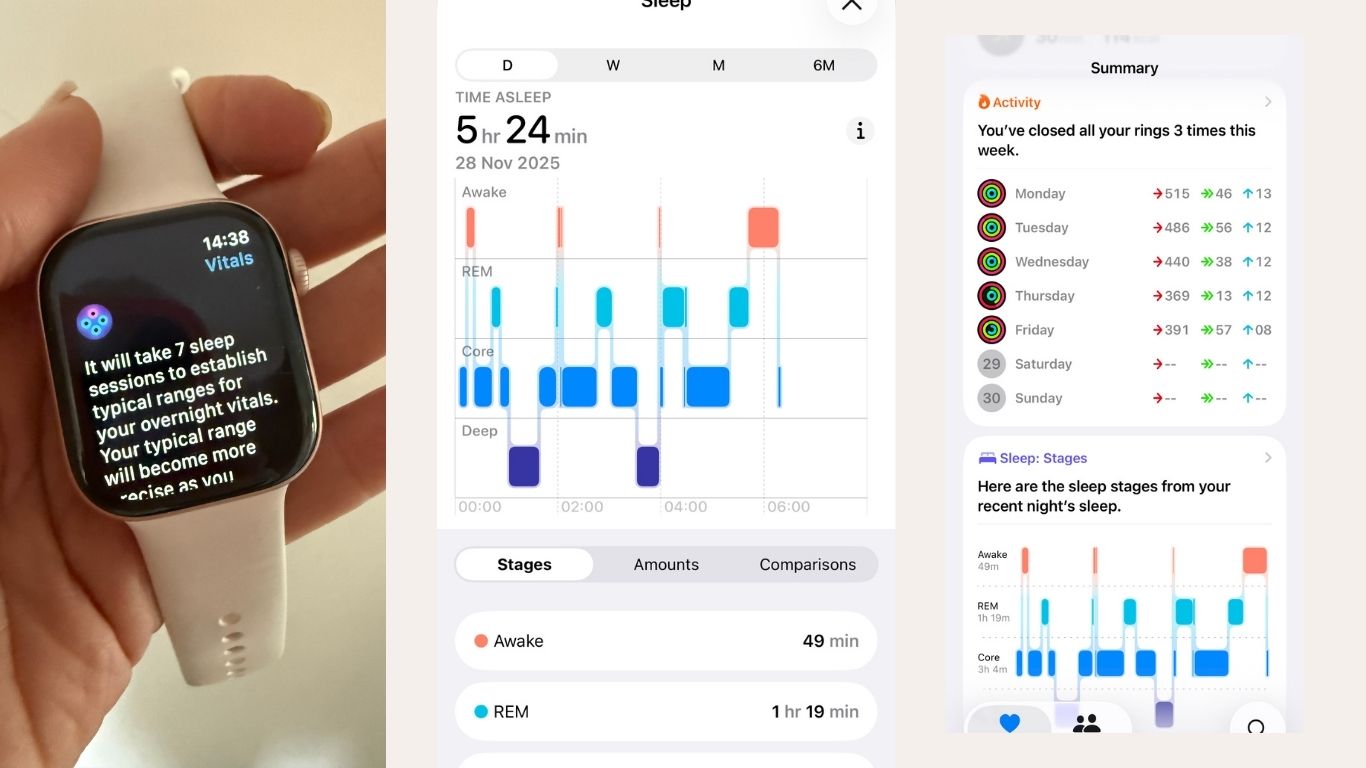
Apple Watch Series 11 brings with it a new feature – Sleep Score. I mentioned earlier, I find sleeping in my watch quite uncomfortable, so I am still testing this feature, and will update this review with more insight when I have it.
But what I can say is the Sleep Score feature measures your sleep over time – you have to have at least seven nights of data for it to produce any results. After that, you get a daily sleep score out of 100 to rate sleep quality, which is based on how long you were asleep, awake and consistency.
If you’re someone who struggles with sleep or wants to improve it, I can see that this would be really helpful data to have to help understand current patterns and how they could potentially be improved. Let me just get past the slightly bizarre constricting sensation I feel when wearing it in bed, and I will provide feedback on any useful findings very soon.
(Image credit: Future)
Apple Watch Series 10 review: Health & Safety
Last year, I used the ECG sensor to identify some irregular heart patterns, which I was able to download and take to my doctor. This was so useful as every time I visited the GP, the symptoms would stop, and even when I wore an ECG for a day, they miraculously disappeared. The ECG remains on Series 11, which is invaluable for me. I often experience palpitations still, and have used this function to record every time it happens so I can download and present data to my GP during a check-up.
The addition of the high blood pressure detector, as well as the fall and crash detection, compass app to ensure I don’t get lost on long walks, is all hugely reassuring when it comes to keeping on top of my health and wellbeing. But the most treasured safety feature for me is Check In, which isn’t new to Series 11, but something every Apple Watch wearer should know and use.
I use it a lot now the evenings are darker, when I am walking home from work, or out on a run – I can start a Check In for the duration to let family or friends know when I am done. I also use it to let loved ones know I have arrived safely at my destination. It’s peace of mind you can’t put a price on.
Is Apple Watch 11 worth it?
When it comes to upgrades, this is the first Apple Watch I have been highly recommending to my friends. Now in my mid-40s, this particular device seems to lend itself very well to my age group, with Sleep Score and high blood pressure detectors, particularly.
I have and always will shout about the amazing productivity apps within Apple Watch, which make such a difference to my life, and little has changed in that respect with this iteration.
So, as always, it really depends on what you, as an individual, want and need from a wearable like this. The Series 11 is well-suited to me because of the now extensive health features that can help with conditions that affect my age group. So from that respect, it absolutely is worth it.
However, if monitoring your sleep and health closely is not a high priority, and you simply want the basics Apple Watch can offer, the Series 10 is still an incredibly capable device that, now that the Series 11 is out, you can get hold of for significantly less. But, if maintaining and improving health and wellbeing is something of real importance, the Series 11 is unrivalled.