
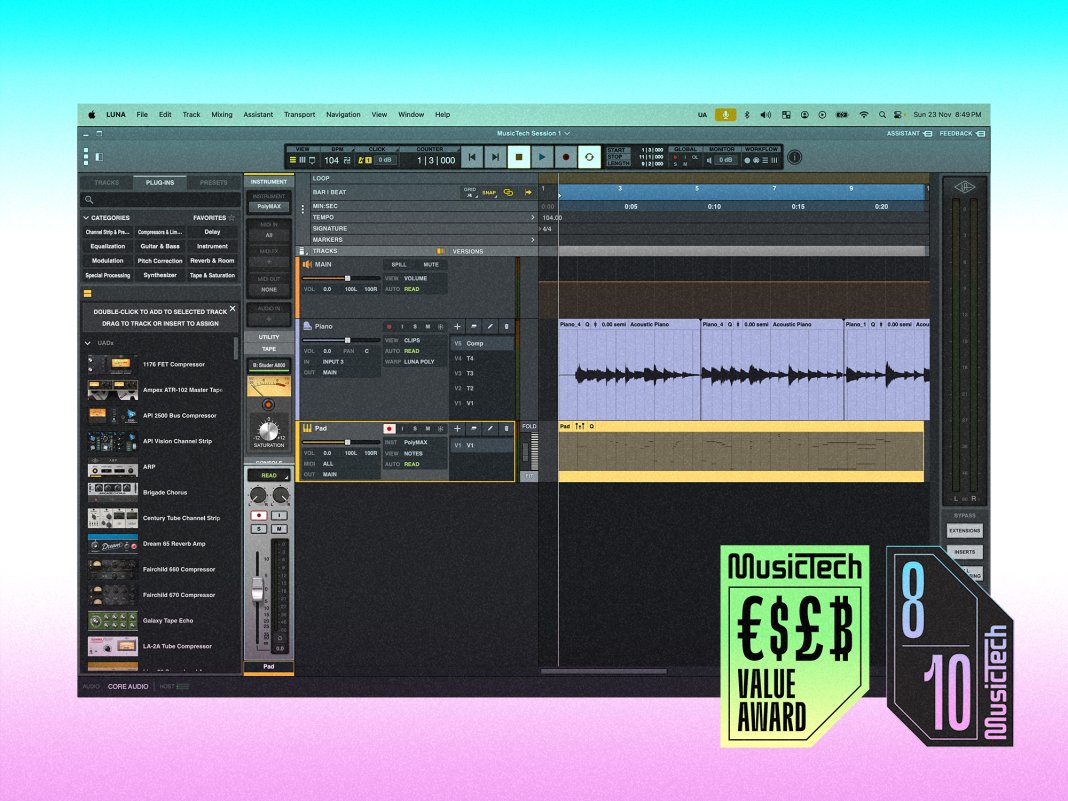
Free / $199, uaudio.com
Pro Tools was my first DAW. Unlike many of my friends who first dabbled with FL Studio or Logic Pro, I went straight to acoustic recording and then worked my way backwards to MIDI. I clicked with the workflow then, and I still do now – it’s powerful, fast, and, for me, incredibly familiar. It’s also painfully expensive, pushes you toward annoying subscription models, supports only AAX plugins, and has an unabashedly steep learning curve. It’s a love-hate relationship, to be sure.
So, like many Pro Tools veterans, my eye has been wandering – and what it found was Universal Audio’s LUNA. This fledgling DAW, first released in 2020, has been getting stronger every year, expanding its feature set, and user base, with every update. But can it actually end Pro Tools’ 34-year reign as the king of studio DAWs for me?
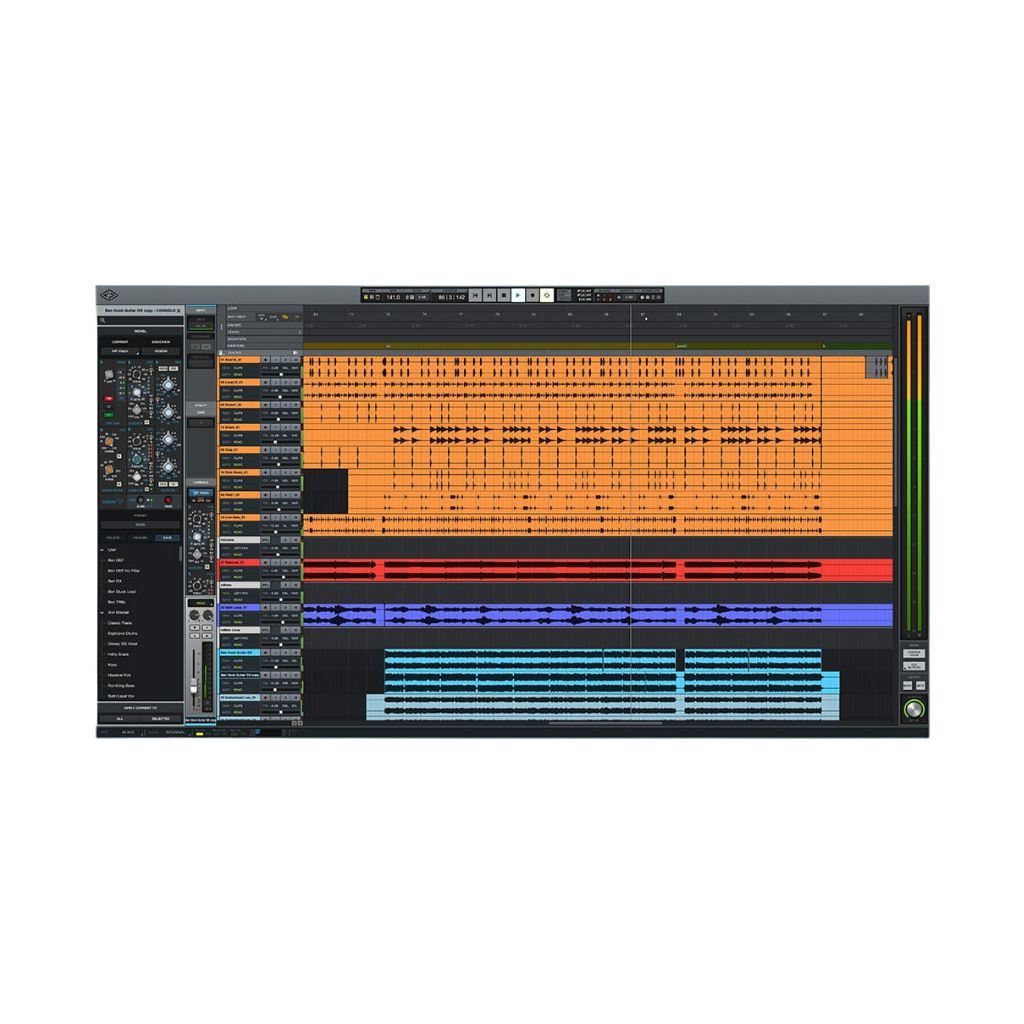
LUNA is certainly a very attractive product compared to Pro Tools. It’s much cheaper, has a clear focus on acoustic recording and mixing workflows, offers seamless integration with UA’s world-class audio interfaces and plugin library, and, as of version 2.0, the Pro version now offers ARA support for third-party vocal editing tools, and hardware inserts – allowing you to route sound to your outboard gear with super-low latency.
Did I mention that Universal Audio has opted to mirror many of Pro Tools’ core keyboard shortcuts in LUNA? Oh yes, the young pup is definitely nipping at the old dog’s heels.
Boot up a session, and you’ll be greeted with easy-to-understand options for selecting external hardware, setting global session parameters, and adding and arming tracks for recording. In general, LUNA’s learning curve is refreshingly straightforward and, since I already know many of the hotkeys, I am navigating my project in no time. The user interface is polished with plenty of options to tweak the size of elements and the overall layout – good news for those with minimal screen real estate.
 MIDI. Image: Press
Of course, you’d expect all of this from a modern DAW, but LUNA feels special because of how it embeds analogue modelling into your recording and mixing workflow. The Pro version comes with LUNA extensions, including API Vision Console Emulation, and this lets you take advantage of the tape emulation and mix console emulation slots that are built right into every channel strip, and the summing slot available on buses and the master output.
Naturally, LUNA is fully integrated with UA hardware, and, if you own an interface from the Apollo range, you can enjoy near-zero latency recording and monitoring through UAD plugins.
Then there’s the AI… because of course there is. But fear not! Rather than try to jam in some generative features to no real purpose, UA is instead focusing on more utilitarian applications of the tech.
The most hype-worthy is obviously the Voice Control feature, which allows you to perform a few core DAW functions using nothing but words. It’s currently available only on M-processor Macs, only in English, and only offers nine voice commands – including essentials such as starting and stopping playback or recordings, moving the playhead to the previous or next marker, and toggling the metronome. So the feature is still very much in ‘early access’.
Nevertheless, it’s genuinely cool. As anyone who has attempted to run a solo acoustic recording session knows, the need to reach over a guitar or lean away from the piano to hit the keyboard can really disrupt the creative flow. In its current state, it’s far from a game changer but the potential here is obvious – once they add commands for undo, redo and to solo a track, I will personally rejoice.
Alongside that flagship feature, Luna has AI-assisted instrument detection that can name, colour code, and set appropriate time-stretching algorithms. There’s also some nifty tempo detection and extraction magic – my favourite being ‘Tempo Listen’, which automatically sets the click to match your performance.
 Comping in LUNA 2.0. Image: Press
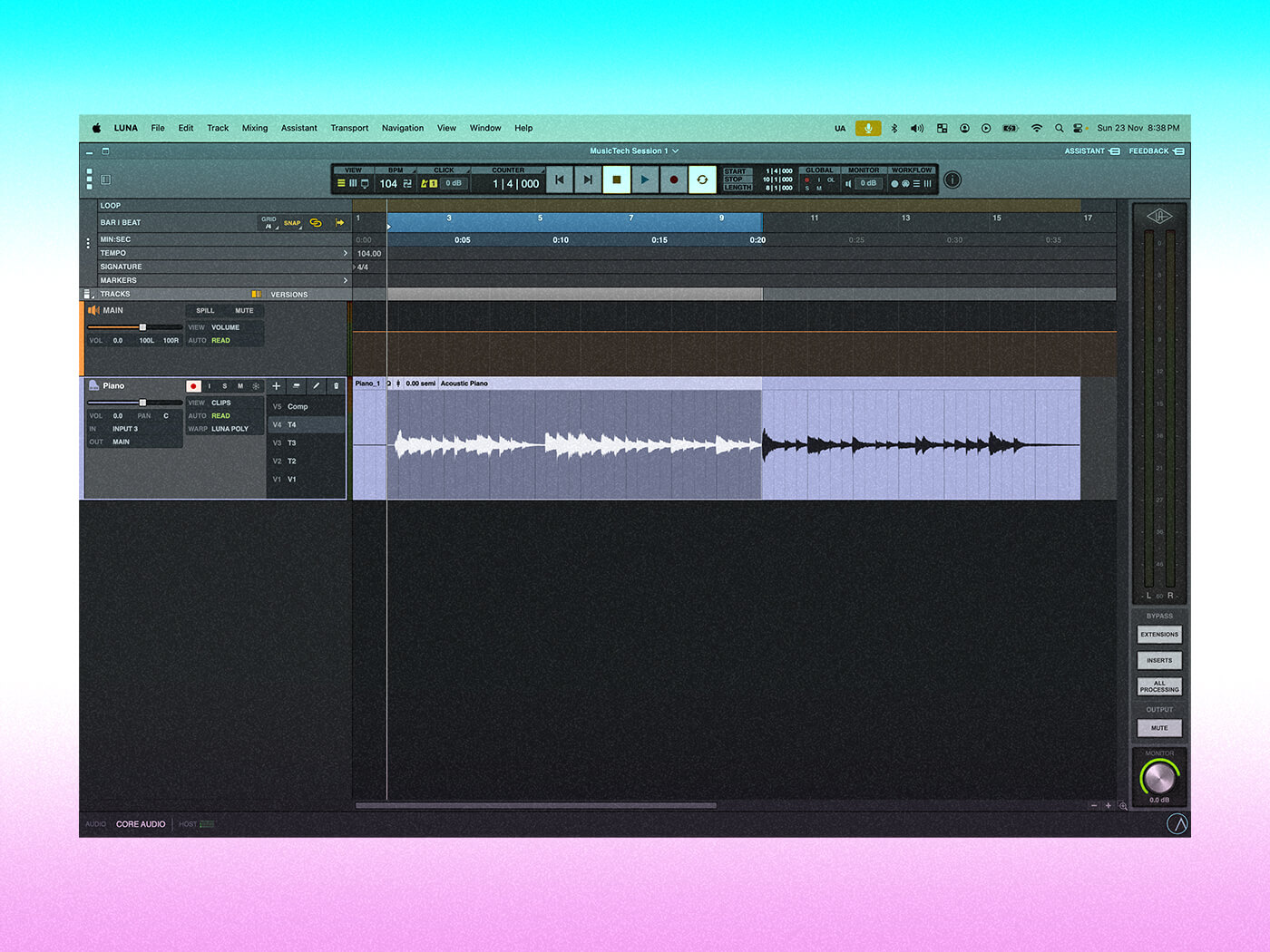
One thing that really should have been updated for 2.0 is LUNA’s cumbersome comping workflow.You can’t see all your different takes in one go – well, you can see a list of what’s been recorded but not the waveforms – and so you’ll need to sequentially click through or use key commands to bring up each version for audition, and then manually copy and paste desirable sections up to your comp track. The Key commands speed up this process, but I was still left non-plussed with the experience.
Compiling audio from multiple takes is bread and butter stuff – and, for a DAW focused on acoustic recording, to have a lacklustre comping workflow feels like an oversight.
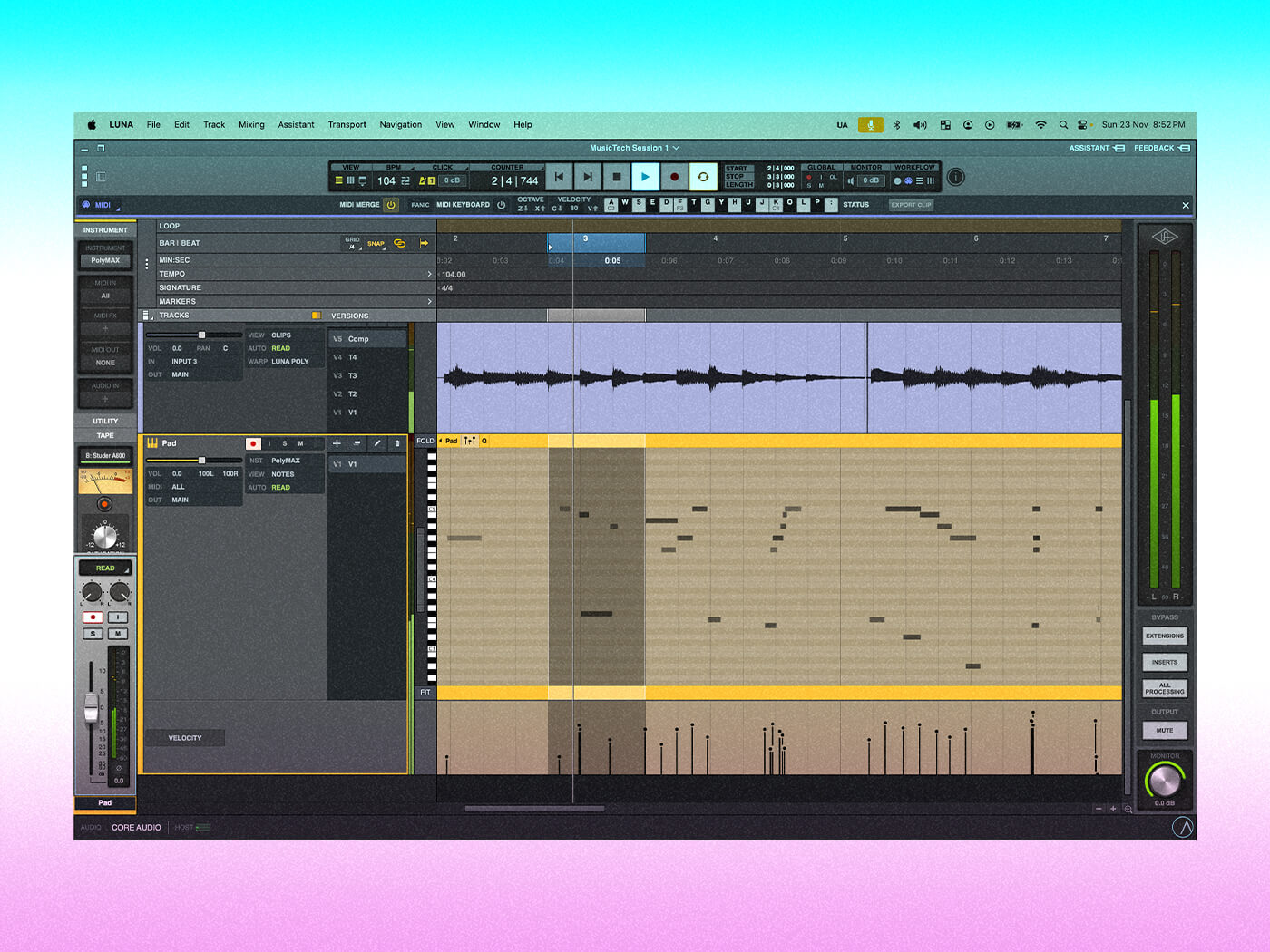
By contrast, Pro Tools is the gold standard for audio comping – fast, fluid, and precise. And, despite conventional wisdom to the contrary, it now has a pretty well-featured MIDI environment, including the ability to host third-party MIDI plugins. LUNA’s MIDI tools actually feel closer to what Pro Tools was offering 15 years ago – rudimentary at best. You have core functions like quantisation and velocity editing, but little else.
Those shortcomings are somewhat easier to look past once you consider LUNA’s low price point. The free tier has everything a beginner or hobbyist might want, and at $199 for a perpetual licence, the Pro version is a steal – especially once you factor in the bundled UAD plugins, which include top-shelf items like the Pultec Passive EQ Collection and the Teletronix LA-2A Tube Compressor. Keep in mind that the price of LUNA Pro is less than the cost of a single year’s subscription to Pro Tools Studio.
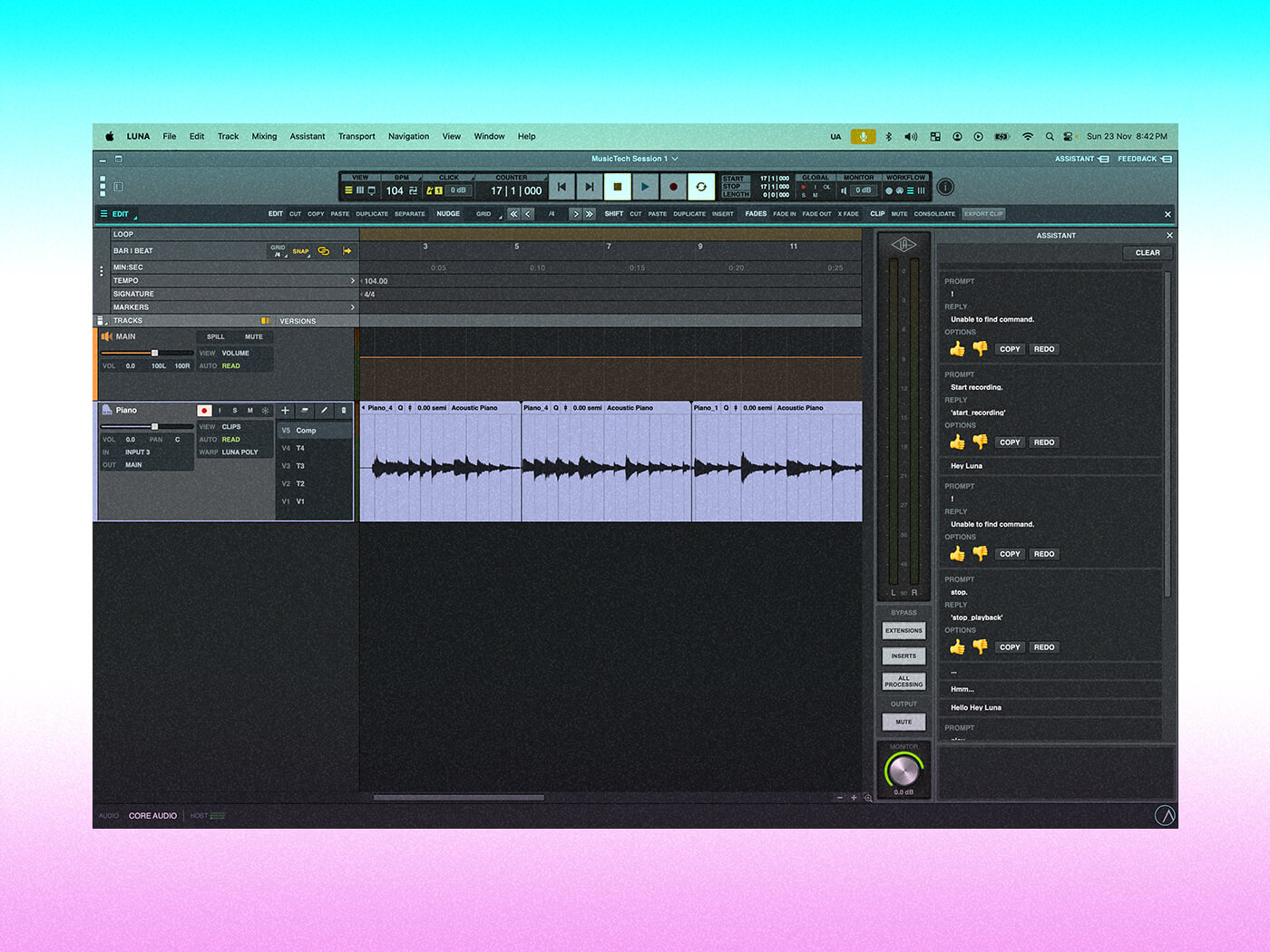 AI voice activation in LUNA 2.0. Image: Press
Of course, that super-accessible pricing presupposes that many users will be tempted into buying additional software or hardware from Universal Audio, but considering what you get with the base price, I can easily forgive the upsell.
So has Luna dethroned the studio champion? No. Pro Tools remains Pro. Despite my numerous gripes with Avid, this is still the software I would want at my beck and call in a professional studio setting. Immersive mixing, Splice integration, cloud-based project sharing — really, there are so many pro-level features packed into recent versions that it would be impossible to list them all here. And for anyone who moves between popular music and other related roles, such as sound design, scoring for screen, or ADR, LUNA really offers no competition.
But for beginners, bedroom producers, and all the way up to small-scale professional studios, LUNA packs serious value. Generally solid workflows, innovative next-gen features, and gorgeous-sounding plugins bundled with purchase make this DAW easy to recommend.
Pro Tools still rules the studio, but LUNA might just end up being the future of home recording.
Key featuresAvailable for Mac and PC32 bundled plugins in Pro versionAI voice activationAI instrument and temp detectionSupports hardware insertsHardware integration with UA audio interfacesARA Support enables integration of third-party vocal editing tools directly within the LUNA timeline
Clovis McEvoy is a writer, researcher, and composer. His work has appeared in MusicTech, MusicRadar, Future Music, and the UN’s WIPO Magazine. He is currently an Affiliate Researcher at the University of Greenwich, investigating immersive music and media. He is an award-winning sound artist and founding member of the multidisciplinary group Rent Collective.