
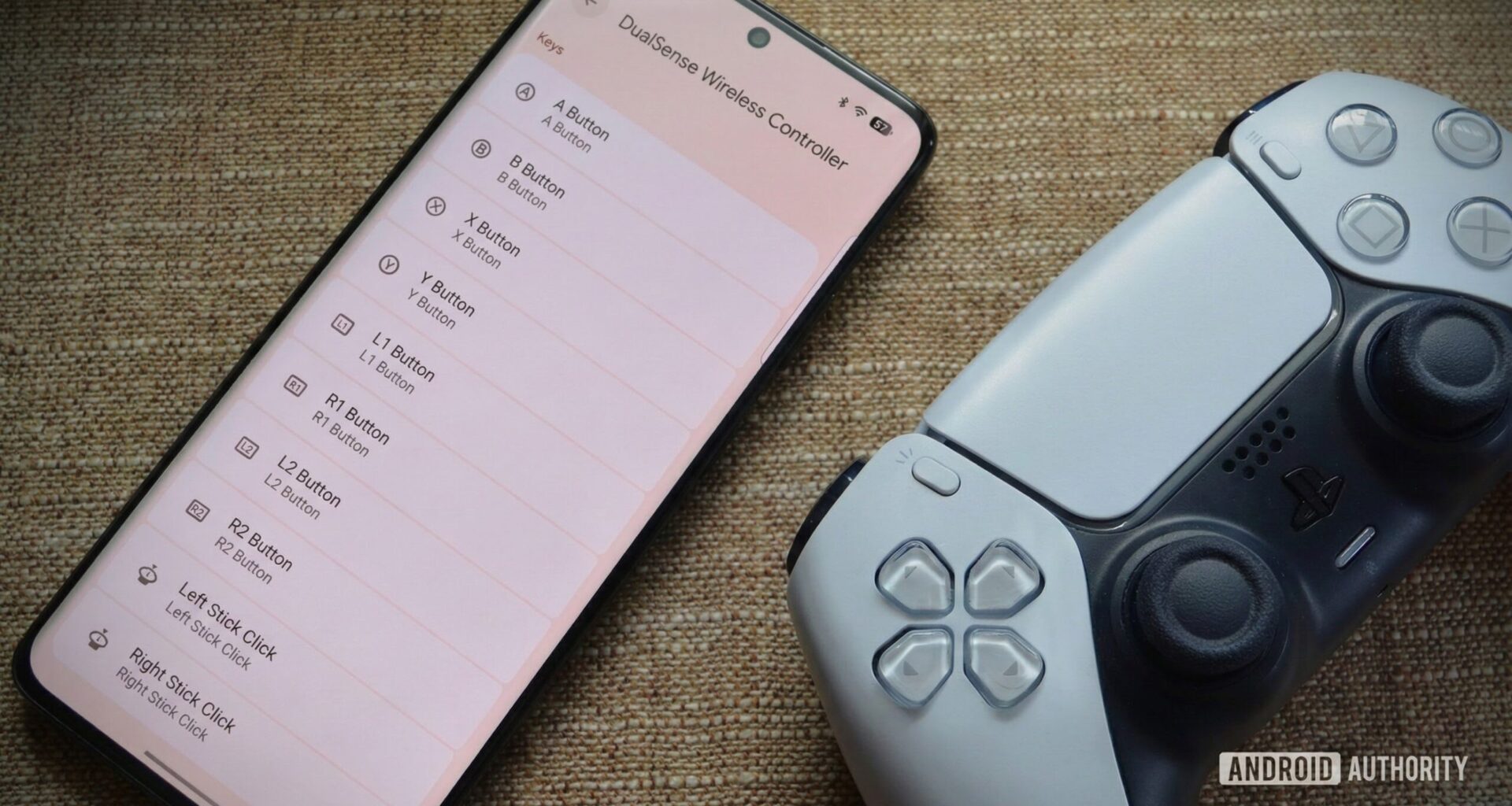
TL;DR
A new menu found in the latest Android Canary build reveals the UI for a game controller remapping feature likely coming in Android 17.
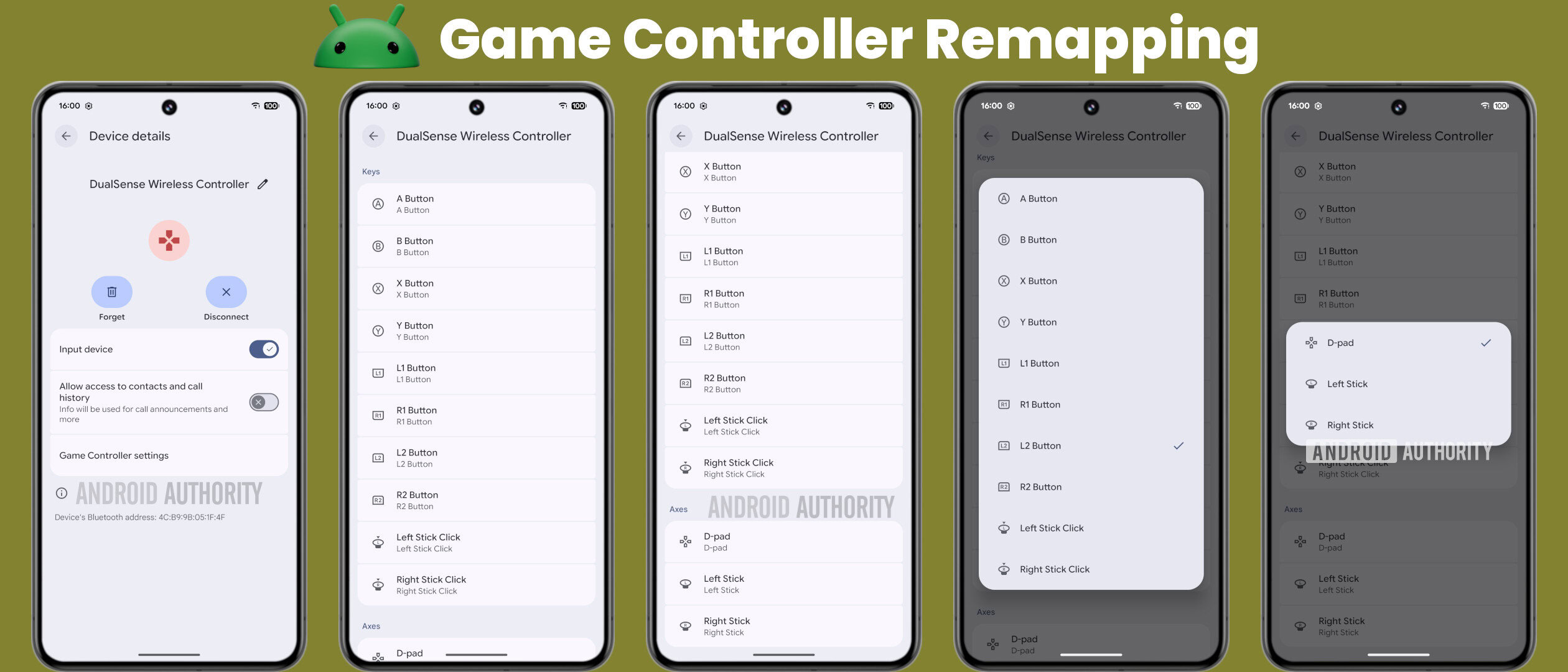
Found under Bluetooth settings, the “Game Controller settings” page allows users to customize inputs for both buttons (“Keys”) and directional sticks (“Axes”).
The feature likely works by changing which internal key codes and axis values are transmitted to games.
Last month, I shared evidence that Google is working on new gaming features for Android 17. These include support for remapping buttons on gaming controllers and potentially a virtual gamepad. At the time, I wasn’t able to show off any of these features as the menus were incomplete. Thanks to a recent Canary release, however, I’m now able to demo what the UI for Android’s game controller remapping feature looks like.
Hidden in the Settings app of the latest Android Canary 2512 update is a new “Game Controller settings” menu that will appear on the Bluetooth device details page for compatible gamepads, such as Sony’s DualSense controller. This menu doesn’t currently show up, though, so we had to force it to appear.
Currently, the menu contains two sections: Keys and Axes. The Keys section lists all remappable button inputs, including A, B, X, Y, L1, L2, R1, R2, Left Stick Click (L3), and Right Stick Click (R3). Similarly, the Axes section lists the remappable directional inputs: the D-pad, Left Stick, and Right Stick. Tapping any of these options opens a dialog that lets you customize the input sent to apps.
Mishaal Rahman / Android Authority
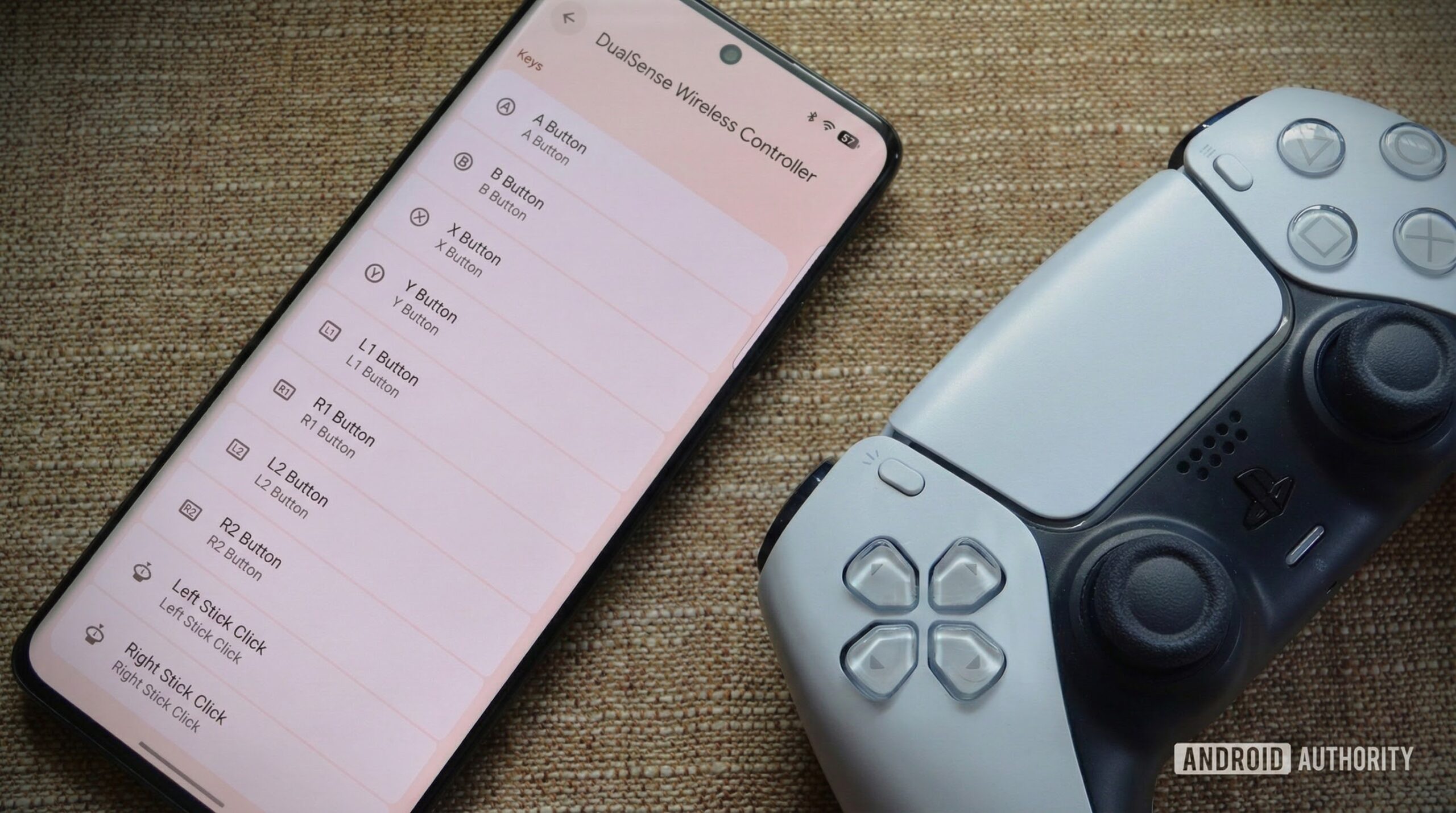
The mechanism behind this is quite simple. Android has natively supported various Bluetooth gaming controllers, such as Sony’s DualSense (pictured above), for years. The OS translates button presses into internal key codes and axis values that developers map to in-game actions. This new remapping feature likely operates by changing which key code or axis value is sent to Android games when a button is pressed. For instance, if the A button normally triggers the “A” key code, remapping it to B would cause the system to transmit the “B” key code instead.
I know what many of you are thinking: the DualSense controller doesn’t have A, B, or Y buttons, so this menu seems off. You’re partially right — the current menu is generic (it is still in development, after all) and doesn’t reflect PlayStation’s specific button labels. However, it accurately reflects how Android handles these controllers internally: mapping X to A, Circle to B, Triangle to Y, and Square to X. This standardization ensures games don’t need to account for every specific controller model to function correctly.
Still, I hope Google expands the feature’s functionality before launch. First, the menu should reflect the connected controller’s actual button layout; even a purely aesthetic change would reduce user confusion. Second, selecting a new input should be possible by simply pressing the physical button on the controller rather than scrolling through a menu — a standard feature in other remapping tools. Finally, support for remapping additional, non-standard buttons (like rear paddles) would be useful, as many modern controllers include them specifically for this purpose.
Google has plenty of time to flesh out this feature, as I don’t expect a release before the Android 17 update next year. Features like this are crucial for Google’s Android-on-PC ambitions, given that many console and PC games lack touchscreen support. When Google brings Android to PCs, robust controller support will play a role in helping convince developers to port their games to the platform. It signals that Google is serious about supporting non-touchscreen gaming.
Don’t want to miss the best from Android Authority?


Thank you for being part of our community. Read our Comment Policy before posting.