
The list of smartphone specs the average user cares about is relatively short, including basic components like the processor, display, battery, and cameras. Beneath the surface, every smartphone is packed with specialized sensors that support the features you use every day. These sensors are typically hidden from smartphone users, handling both obvious and obscure use cases. Something as simple as a microphone might be used for calls and voice recordings, but also serve double duty to provide loud noise warnings.
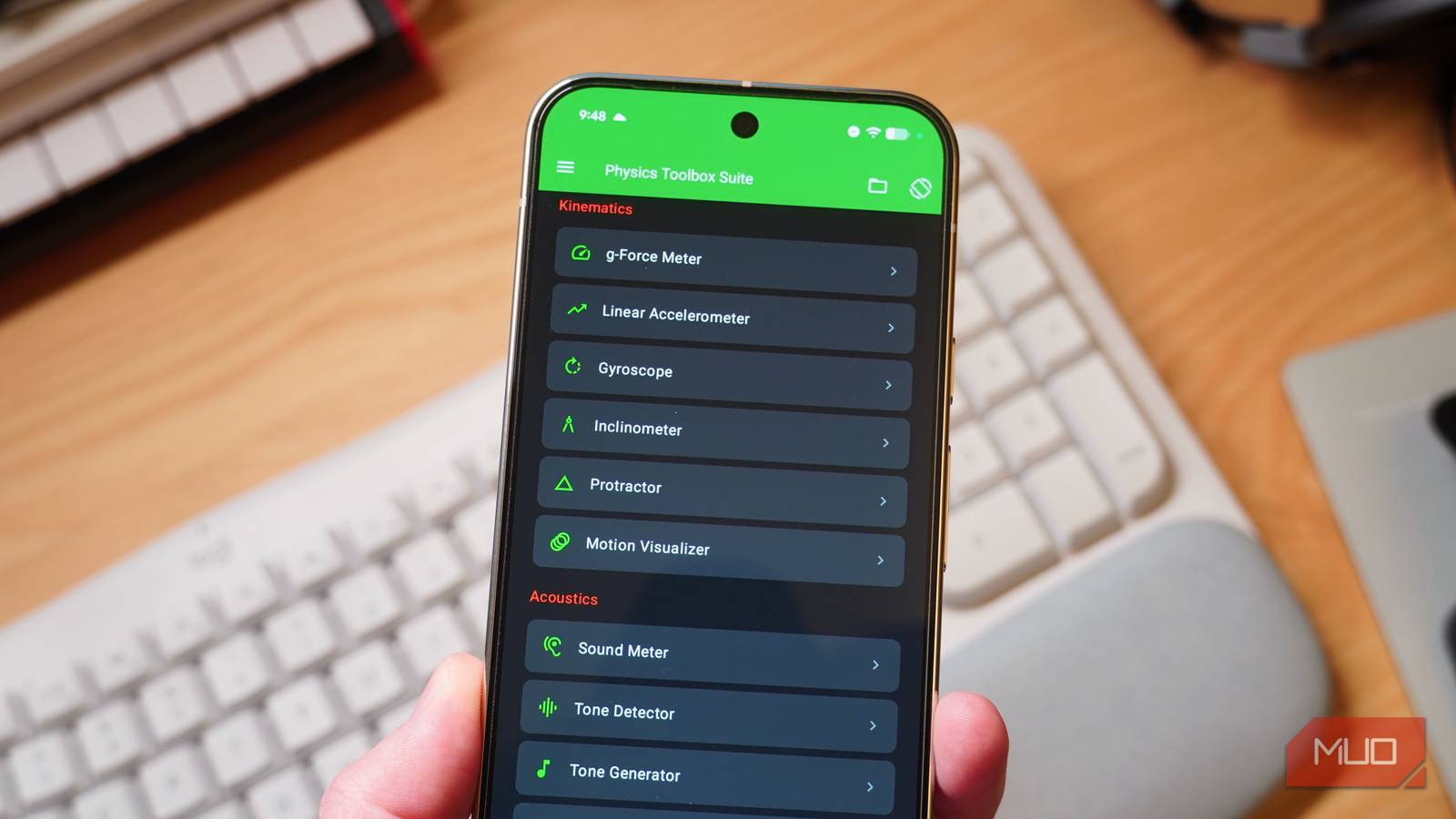
You can unlock every sensor inside your phone with the free Physics Toolbox app. It’s a clever collection of tools that make use of your phone’s hidden hardware. The app is used by curious minds, students, and professional researchers alike — Physics Toolbox is what you make of it. I’ve used the Physics Toolbox app to play around with four key smartphone sensors, and you can give them a try too.
Microphone
Measure sound levels, identify tones, and more
I use the microphones on my smartphone daily, but using them for calls and recording audio is merely scratching the surface of what they can do. With the Physics Toolbox app, you can measure volume levels in decibels in real time. The app records your environment’s sound measurements over time, displaying the results on a visual graph. It can also measure sound as an oscilloscope graph, which displays volume changes as electrical signal frequencies.
Another neat Physics Toolbox trick that leverages your phone’s mics is the tone generator and detector. You can force your phone to play a sound in a specific tone, or ask your phone to identify the tone playing in your environment. This is a standout feature for tech and music nerds that weren’t blessed with perfect pitch.
Proximeter
Detect the presence of nearby objects without touching them
Credit: Brady Snyder / MakeUseOf
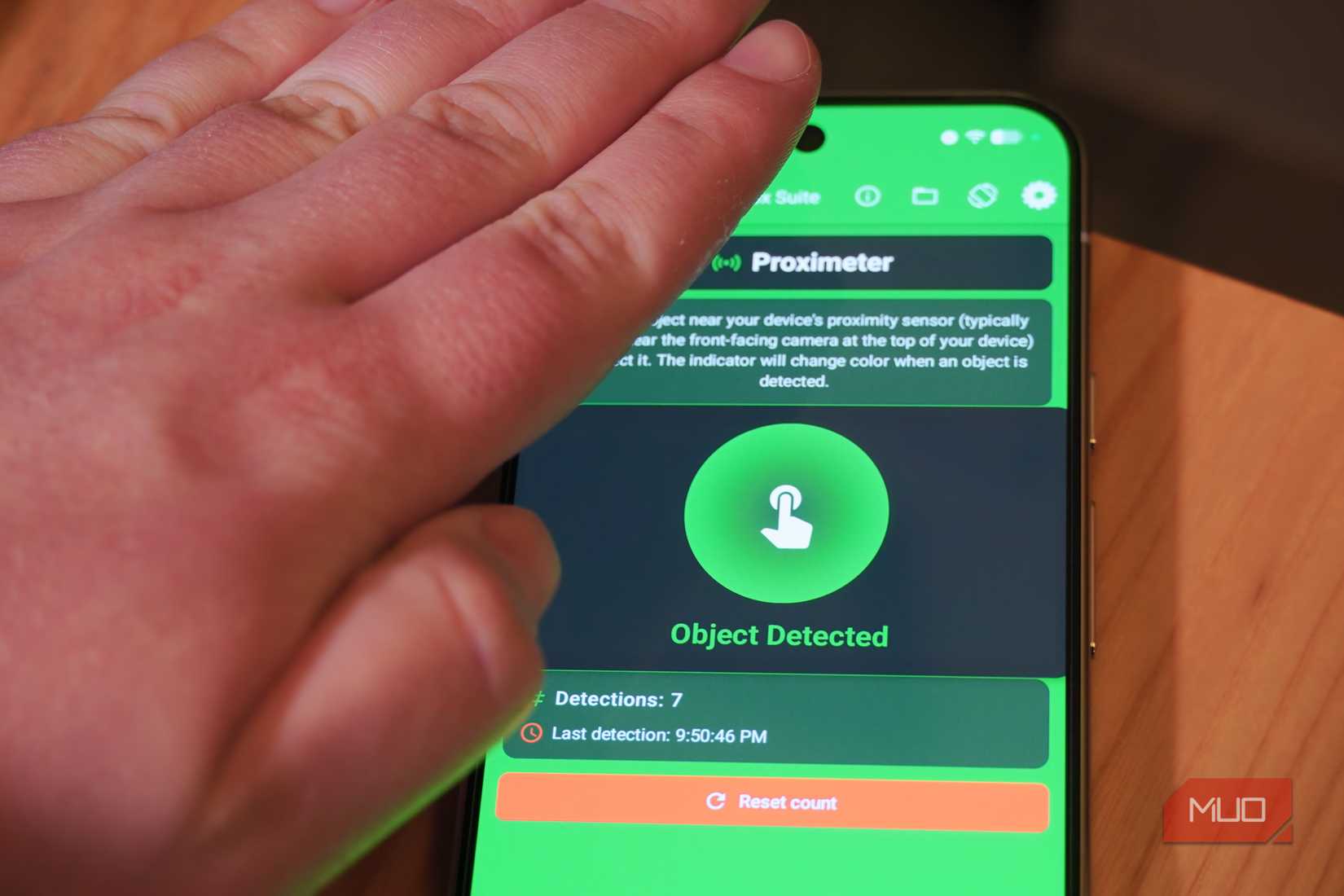
A little-known sensor hidden under your smartphone’s display is the proximity sensor. It uses infrared light to detect the presence of nearby objects, usually those within an inch or two of the sensor. You might not realize it, but the proximity sensor powers crucial smartphone features — this is how your device knows to shut off the screen when you hold it up to your ear during a call. In some cases, phone proximity sensors are also used for facial recognition or to gauge the angle a device is being held.
You can try out the proximity sensor for yourself with the proximeter tool in the Physics Toolbox app. It lets you play around with the sensor, illuminating the screen in green when a nearby object is detected.
Credit: Brady Snyder / MakeUseOf
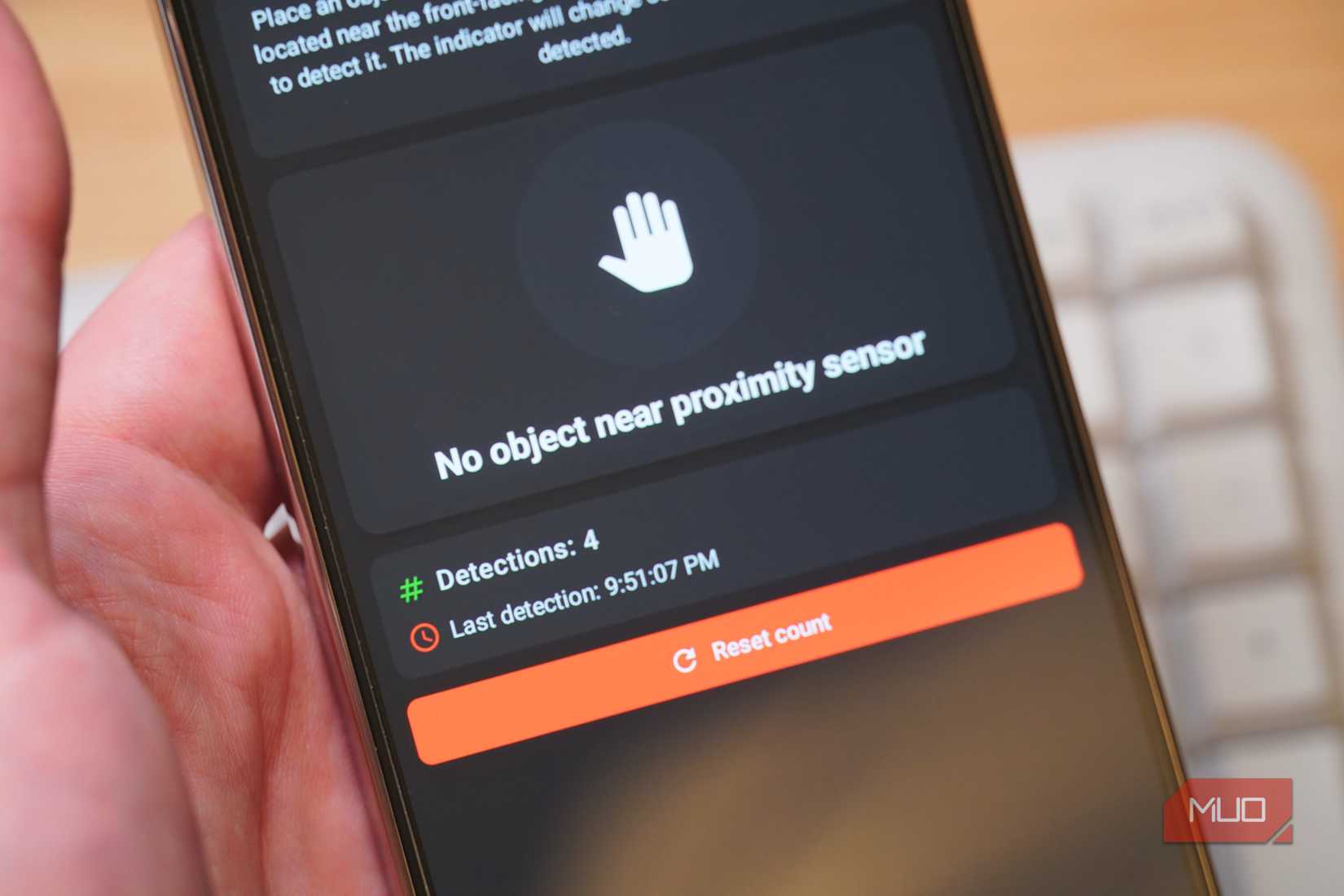
The app also records how many times the proximity sensor detects an object near your smartphone. In the real world, companies might use proximity sensors in this way to count how many items travel past them on a conveyor belt. When positioned properly, every proximity sensor activation represents something crossing its path.
Temperature sensor
Check how hot your battery (and phone) is running
Credit: Brady Snyder / MakeUseOf
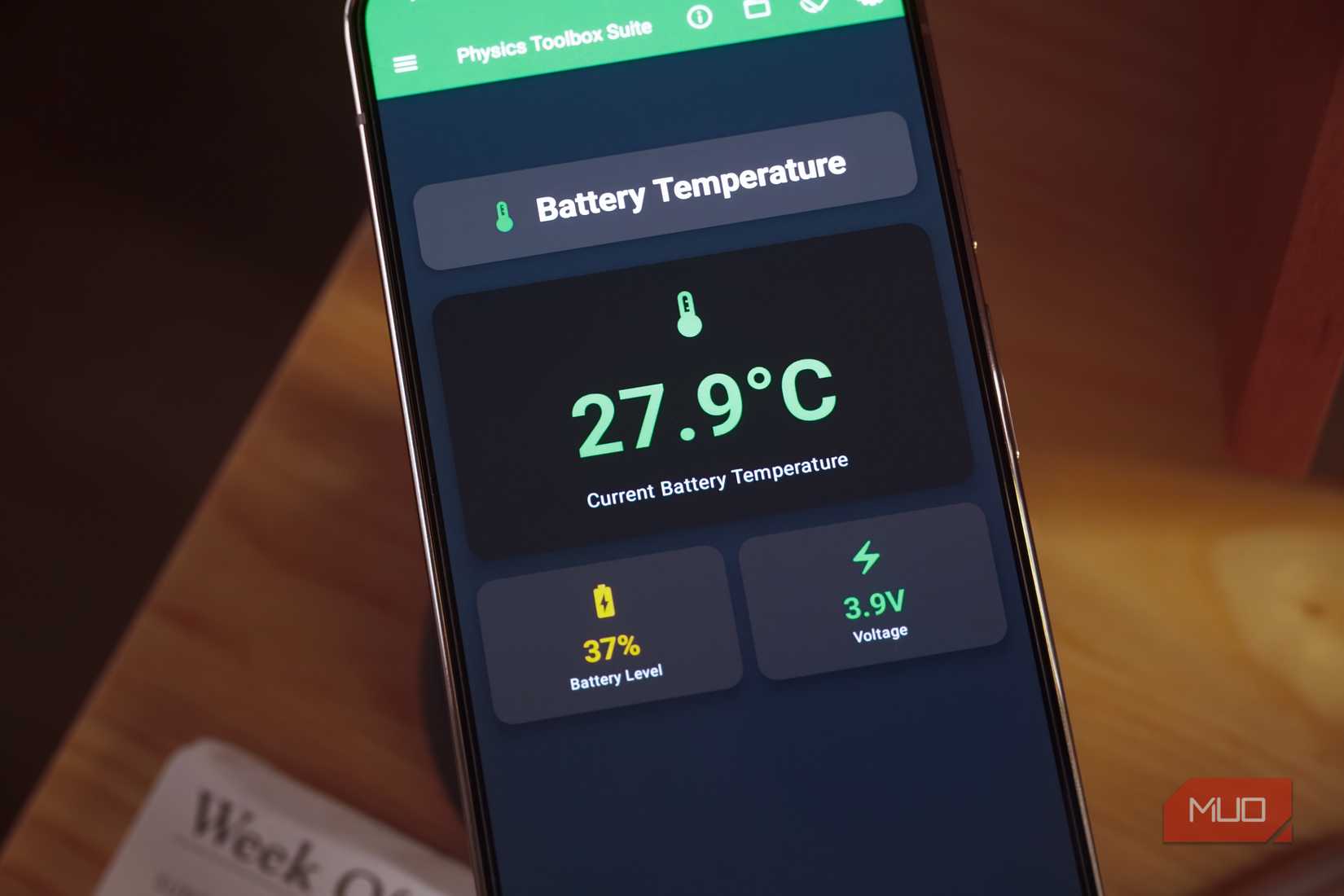
Smartphones come with temperature sensors — and not the “thermometer” kind you’ll find on the Google Pixel Pro series. In this case, we’re talking about internal temperature sensors that all smartphones use to regulate heat, throttle performance, and manage battery health. Using the Physics Toolbox app, anyone can view the precise temperatures of their phone’s internal components in real time.
This might help you determine whether things like fast wireless charging are worth the risk. If your battery is running too hot while charging wirelessly, it can degrade faster and lose capacity over time. But with this app, you don’t have to guess. The data is clearly presented alongside your phone’s battery level and voltage.
Magnetometer
Detect metal objects by viewing variations in the earth’s magnetic field
Perhaps the most fun sensor hiding inside your smartphone is the magnetometer. It has a practical application, and that’s powering your phone’s compass feature. It measures the Earth’s magnetic field to find your relative position. It finds magnetic north, helping to determine your device’s orientation and point you in the right direction. The fun really begins when you try the magnetometer and Magna-AR features in the Physics Toolbox app.
The magnetometer tool records variations in the Earth’s magnetic feel, displaying the results in a real-time graph. The feature can detect large and specifically ferrous (containing iron) metals — serving as a makeshift metal detector. To take things one step further, the Magna-AR feature uses the magnetometer and your phone’s camera to display magnetic field variations overlaid atop your real-world environment. It’s simply cool.
What else you can do with Physics Toolbox
The Physics Toolbox app does a great job visualizing how individual sensors inside your smart devices power unique and distinct features. The microphone is used for various tasks, from audio recording to measuring volume. Meanwhile, sensors like the magnetometer can be used in multiple ways, like as a compass or a makeshift metal detector. Your phone’s battery temperature sensor is an example of a more practical tool that a device uses daily to regulate thermals, charging speeds, and battery health.
It’s incredibly neat that anyone can download the Physics Toolbox app on iOS or Android and toy with these sensors for themselves. While there’s an optional $5 one-time upgrade to the Pro version, I haven’t needed it, and I doubt you will either. If you do, it’s a pretty small price to pay to support one of the coolest apps available.

OS
Android, iOS
Price model
Free with $4.99 one-time upgrade to Pro
Physics Toolbox is a data recording app that uses your smartphone’s sensors to display scientific information for analysis. It can showcase sensor data, record it, and export it as a CSV file for advanced users. It’s available as a testing playground for curious users or a robust option for researchers and teachers.