
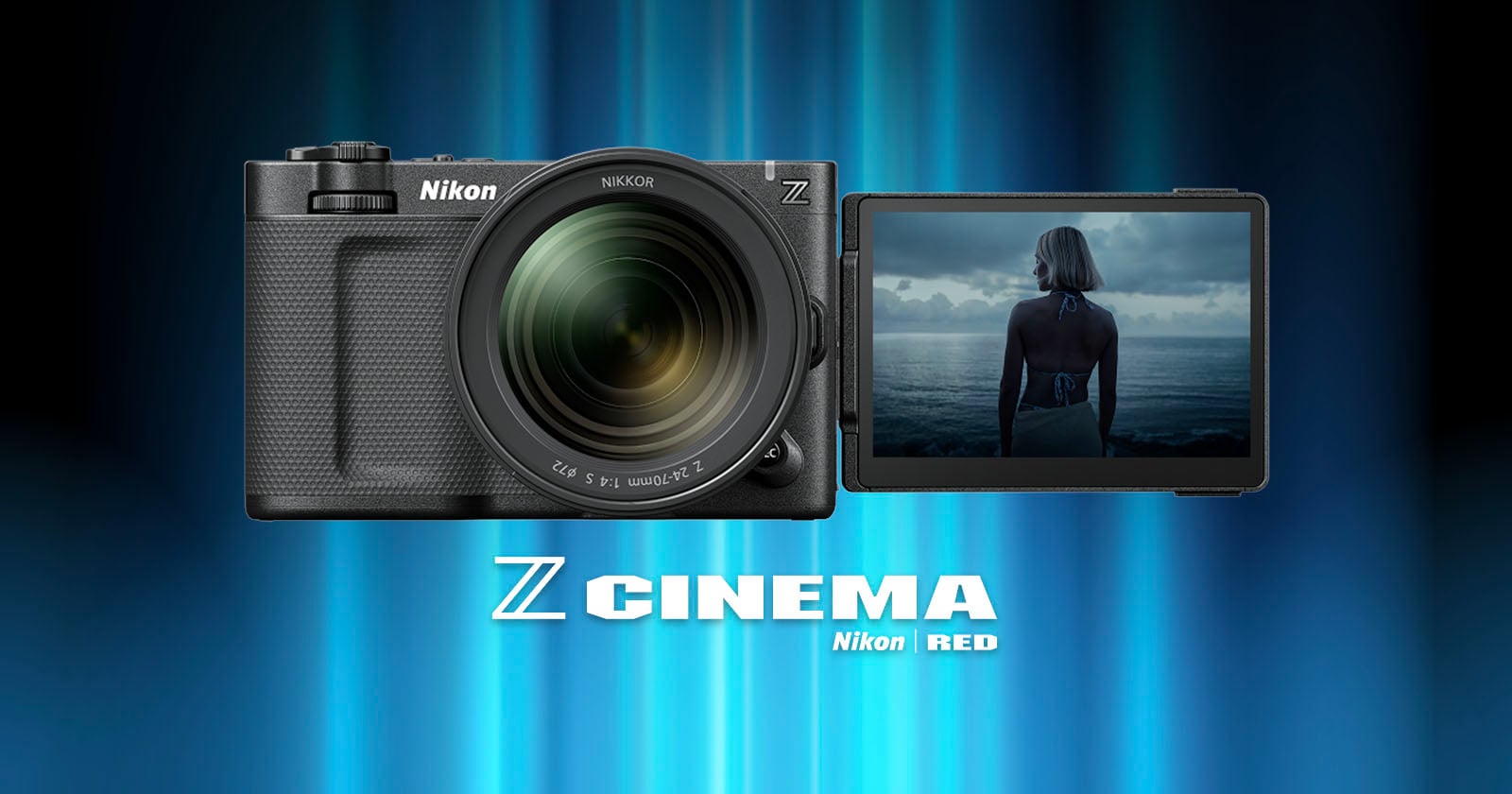
The Nikon ZR is receiving its first firmware update (version 1.10), which significantly increases the maximum record time to six hours, makes using it in multi-camera setups better, improves exposure monitoring, and more.
Available starting today, the update is billed as one that will mainly assist filmmakers who are using the ZR as part of a multi-camera setup or who find that some of its launch capabilities weren’t flexible enough for high-end productions.
Perhaps the biggest improvement is the ability to record continuously for up to 360 minutes, which is up from the already impressive 125-minutes that the ZR launched with. It’s not available during RAW capture, but does work with ProRes 422 HQ, H.265, and H.264 formats at various frame rates.
Secondly, the update makes timecode synchronization better. In addition to continuing to support timecode sync over a Bluetooth connection, the ZR can now work with a simpler and more reliable wired connection with external devices connected to the camera via the external microphone/line input connector. Not only does this bypass issues related to Bluetooth pairing, but once synchronized, the timecode remains running even after disconnecting the generator (jam sync), which eliminates the time-consuming step of needing to re-synchronize.
Nikon is also adding a file-naming function that is similar to what is found on RED cameras. The company says this feature prevents duplicate video file names and makes managing large numbers of files from multiple cameras much more efficient, with both video-specific file names and the display of those file names on the live view screen.
Next, exposure monitoring with a waveform or the histogram will display a warning line that indicates the maximum brightness level to avoid unintentional clipping. Nikon says this indicator line varies according to ISO sensitivity when recording R3D NE videos in Log3G10, which it says makes exposure easier to control.
Previously, it may have been difficult to tell if the ZR was actively powered on, especially if the rear LCD was flipped closed. To address this, a [Power-on lamp energy saver] option has been added to the setup menu, which Nikon says allows users to select to keep the power-on lamp lit at all times when the camera is actively powered on.

Nikon is also adding a [Video file type] option in the menu that can now be set to [R3D NE 12-bit (R3D)] in the video recording menu, even if the shooting mode is set to AUTO.
Finally, Nikon is increasing the number of LUTs that can be viewed while importing from a memory card using Custom Setting [3D LUT] > [Import CUBE file] from 10 to a maximum of 50.
“This allows users to have greater variety when choosing the LUT that will best match the intended final look from a broader range of options while on location,” Nikon says.
The Nikon ZR firmware version 1.10 is available to download now for free from Nikon’s website.
Image credits: Nikon