
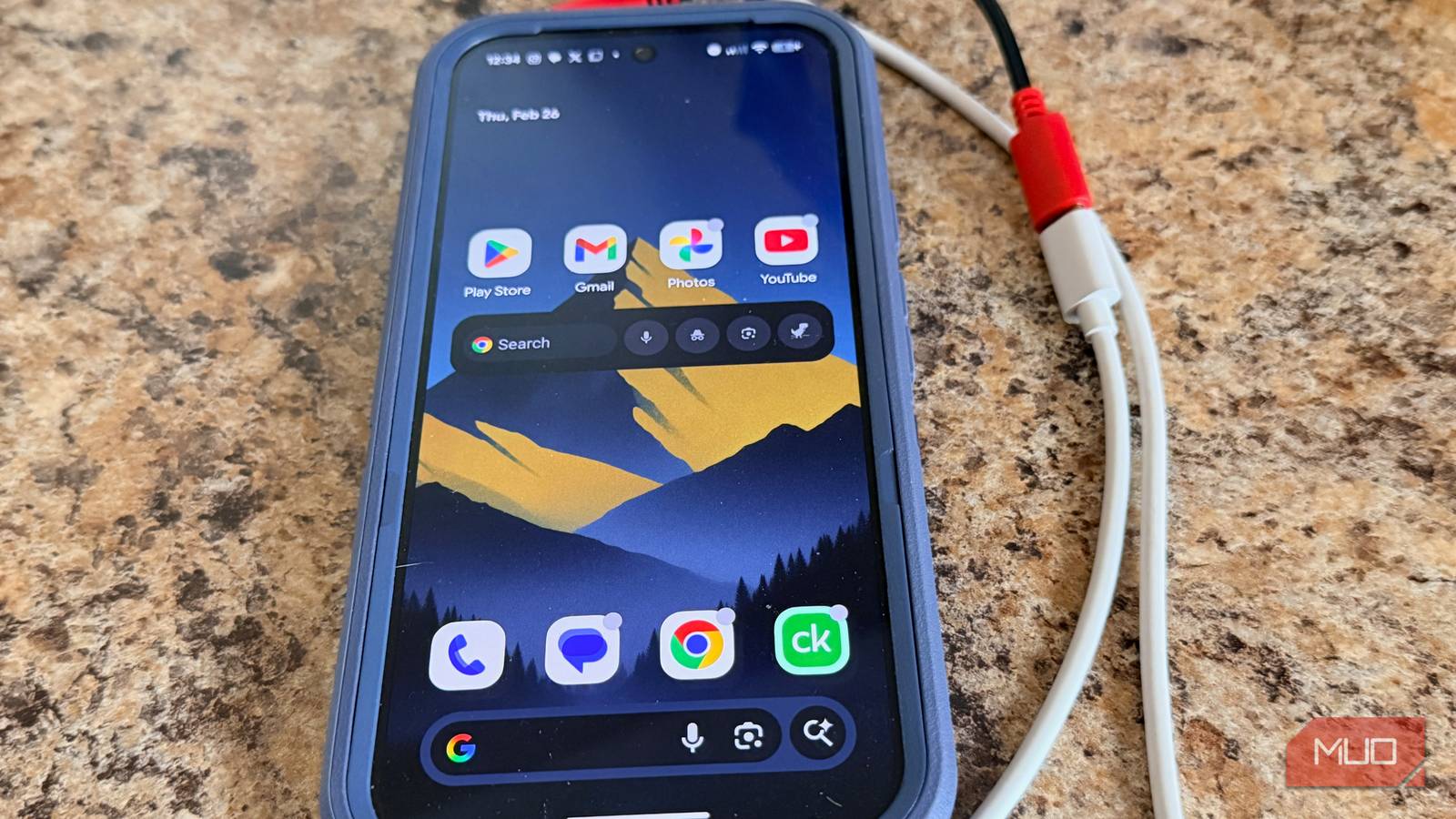
Imagine this scenario: You’re at the airport, and your phone’s battery has dropped to below 10%. Your flight is in less than an hour, and you forgot your favorite charging bank. You see a charging station near your gate. Phone time saved, right? Not necessarily. In addition to charging your phone, the charging port may be quietly accessing your photos, contacts, and other files.
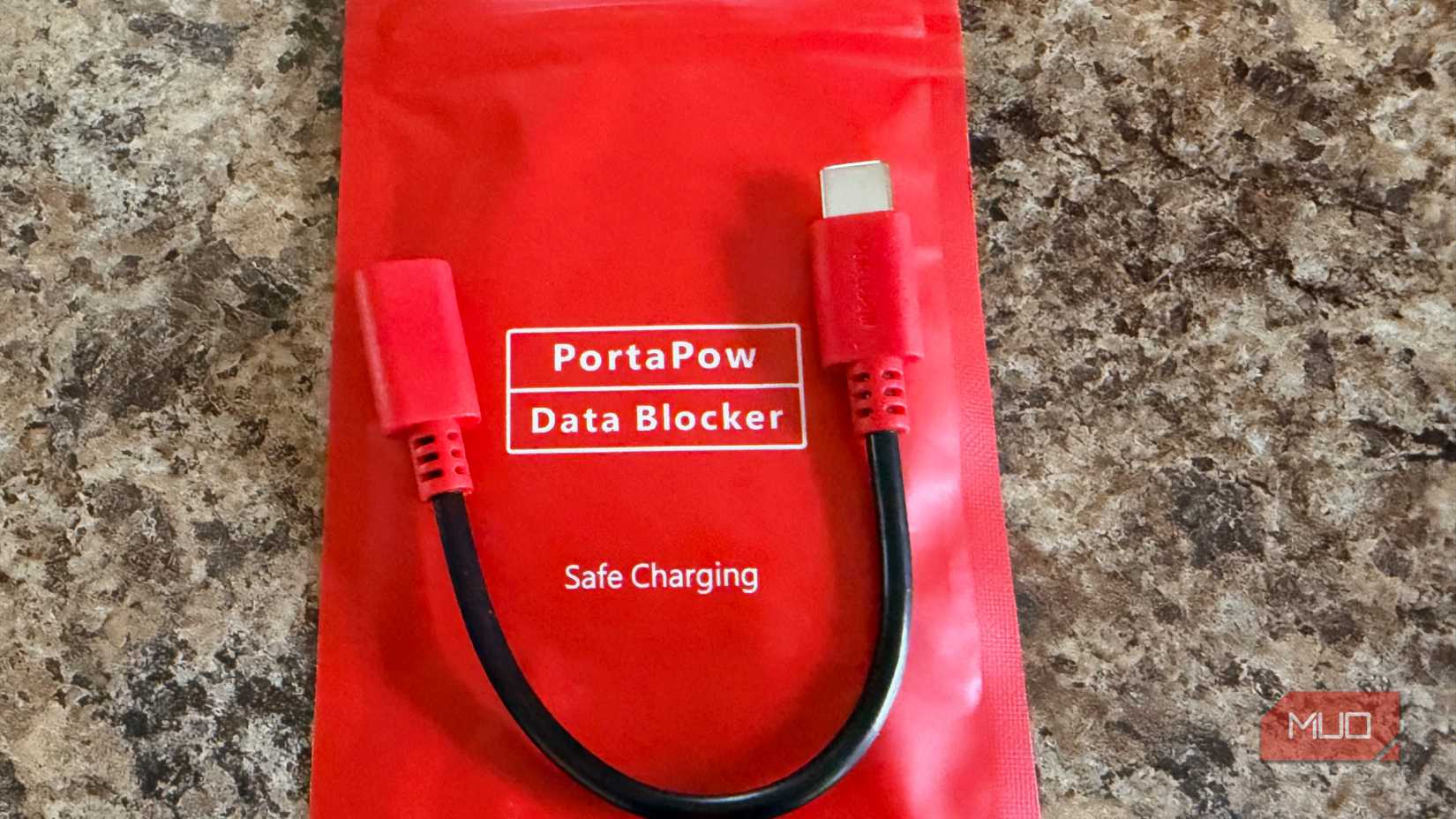
You might think it’s something from a movie, but “juice jacking” is a real problem. That’s why there are tools like the PortaPow USB-C Data Blocker. I highly recommend getting the low-cost device before your next trip.
If you’re not familiar with it, let’s break it down. We’ll look at what it does, how it works, and why it could be a really smart buy. It’s one of those small purchases that might make all the difference for any device you need to charge using public USB ports.
The juice jacking threat
Why public USB charging stations put your data at risk
Credit: Bryan M. Wolfe / MakeUseOf
You can find USB ports almost anywhere today, in airports and on airplanes, hotels, coffee shops, and even at your restaurant table. They’re extremely convenient for charging your devices when you’re out and about. Usually, using these public USB ports is fine. However, you might not be aware that USB ports are designed to carry both power and data simultaneously. And that’s what makes them a potential risk. Simply because of their design, these ports could be used by a bad actor to access your device.
Juice jacking is a cyberattack in which a bad actor compromises a port or cable to steal data or install malware on connected devices. The FCC and the FBI have issued warnings about these types of attacks in recent years. As such, both U.S. agencies have cautioned travelers to avoid using public USB charging stations when possible.
There are several ways someone with malicious intent can attack your mobile device. They can try to tamper with the station and swap out its internal components for their own hardware that lets them talk to any connected device. They could also leave a fake charging cable in a public place that looks fine but actually contains a tiny chip that can send data or instruct a device to do something.
Both instances can happen when you least expect it, like when you’re out and about and your phone is running out of power. As such, a quick solution has suddenly become a bad situation.
Unfortunately, you might not always get a warning when this happens. It largely depends on the operating system on your device and how you’ve configured your settings. In these instances, your device will trust the USB connection right away, especially if it sees it as a charging option.
Related
5 USB-C powered gadgets you didn’t even know you need
USB-C is quietly powering gadgets you’ll love.
How USB data blockers work
Block hackers while your device charges safely
Credit: Bryan M. Wolfe / MakeUseOf
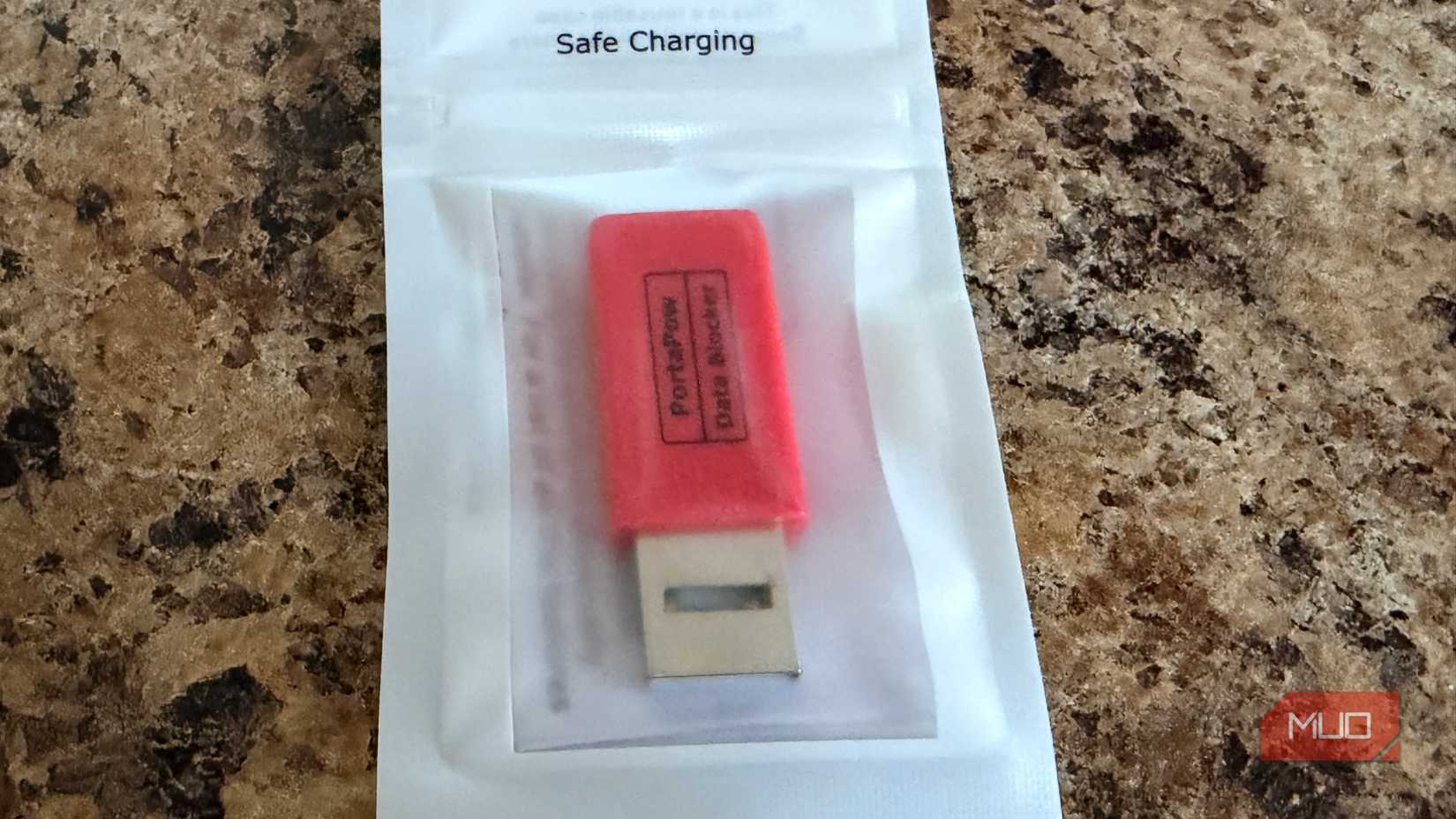
A USB data blocker is a small adapter that you place between your charging cable and the USB port. A USB-C data blocker looks like a cable extender with a USB-C port on both ends. One with USB-C on one side and USB-A on the other looks like a big thumb drive. Regardless of the type, its job is the same: it lets electricity pass through, and nothing else. It’s a little piece of tech that’s a must-have for anyone who often travels with their mobile devices. Better still, it’s easy to use and convenient: the blocker sits there, does its job, and keeps your device safe from possible data threats.
USB-C connectors have several pins. Some of these are for power, and some are for data. These blocking devices are designed to allow only the power pins to connect, not the data pins. This means that even if a hacker has compromised the ports, there’s zero chance they will be able to grab your data.
You might be wondering whether using a data blocker will slow down charging. Unfortunately, they can, depending on the model. PortaPow has a unique solution to this potential problem. The company makes USB-C data blockers with a special chip inside that helps your device charge fast. As a result, it lets your device talk to the charger, but it doesn’t let any other information through. This means you can charge your device quickly without worrying about data hackers.
Who needs a USB data blocker?
Travelers, remote workers, and anyone charging in public
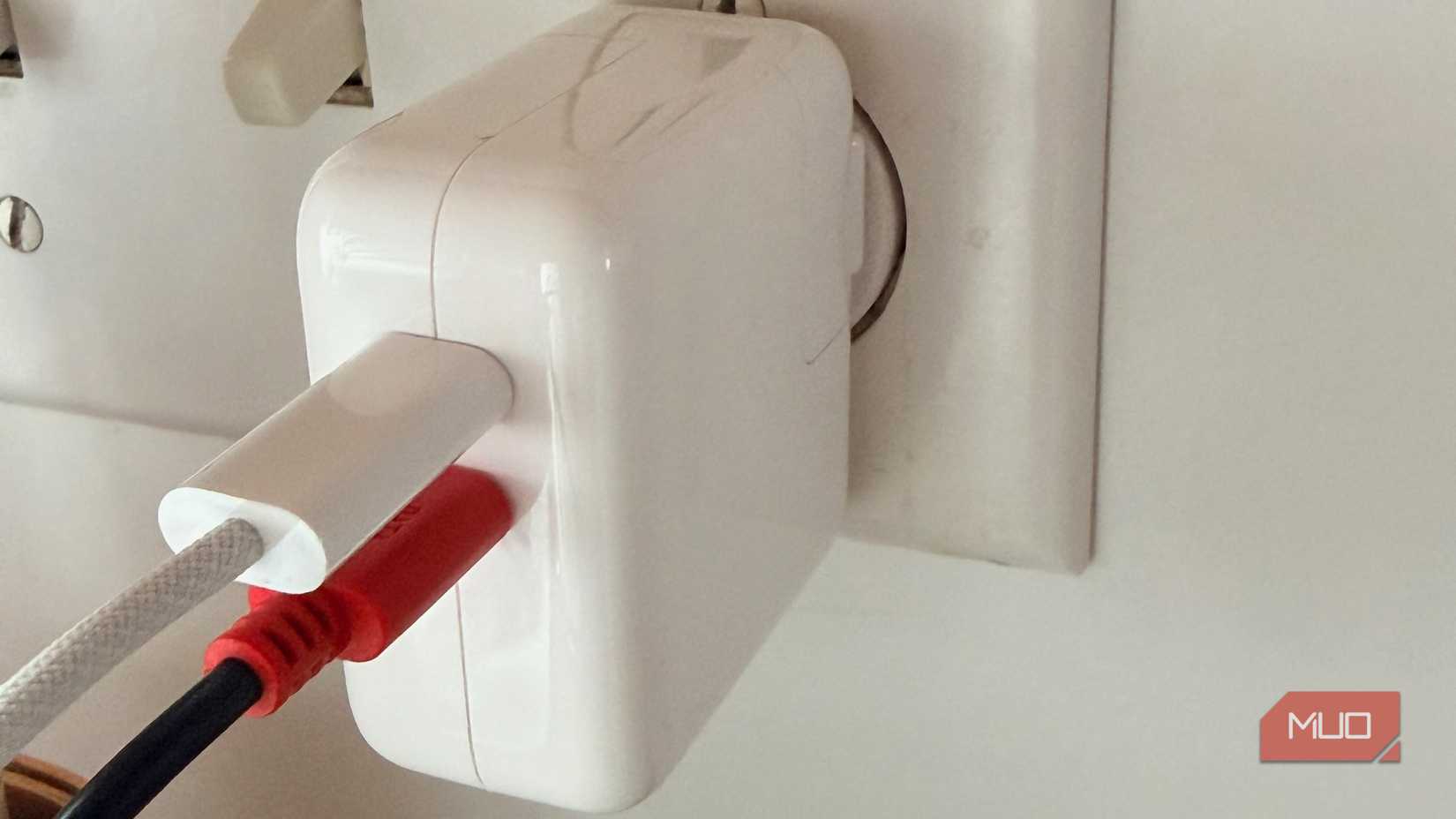
Credit: Bryan M. Wolfe / MakeUseOf
I didn’t know much about USB-C data blockers until I traveled to Europe last year. At the time, I was walking aimlessly around the Philadelphia International Airport, in need of a public charging station. One of my friends asked if I was using a data block, which I was not. Luckily, one of the stores in the terminal had one, although I later discovered that PortaPow’s device was unique since it doesn’t slow charge down like other ones. I have since purchased both the USB-C to USB-C and the USB-C to USB-B versions.
Given what I know, frequent travelers are the most likely candidates to purchase a USB data blocker. It’s these folks who are most likely to pass through airports, stay in hotels, and work from a nearby Starbucks. Business travelers in particular tend to carry sensitive information on their mobile devices, such as corporate data, client files, and links. However, anyone who travels a lot would benefit. I’d also suggest picking up a PortaPow USB data blocker if you study or work from shared spaces, like libraries or offices. These places, though probably less dangerous than airports, often have USB ports at desks or in common areas that could be compromised.
This little gadget is a game-changer, even for those who just want some extra security. The PortaPow data blocker is very small, so you can just toss it in your bag, backpack, or laptop case and forget about it, as it won’t take up much space or weigh you down.
A great small investment
The next time you find yourself scrambling for a charge at your hotel or at an airport, understand that convenience sometimes comes at a cost. Juice jacking doesn’t make headlines, but it’s a threat that’s real enough that both the FCC and the FBI have taken notice. To better protect your data, invest in a USB data block, such as the PortaPow USB-C Data Blocker. At a few dollars and barely any weight in your bag, it’s hard to argue against adding one to your travel kit. Because the last thing you want while waiting for your flight is to unknowingly hand over your personal data to a stranger, all while thinking you’re just topping off your battery.