
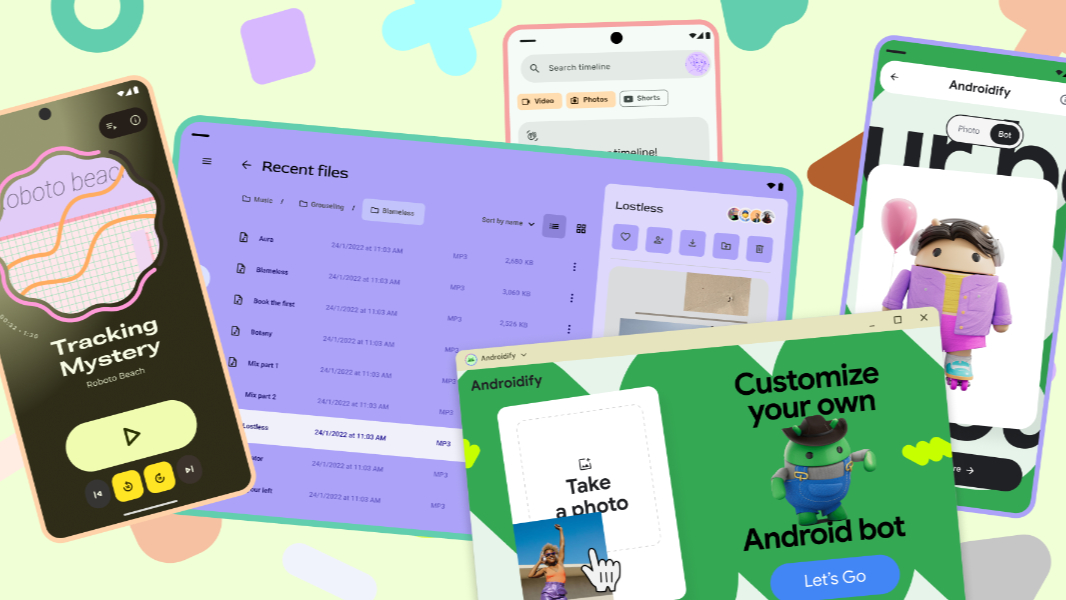
With Android heading to laptops this year, Google is ramping up its developer support for Desktop Mode in the mobile OS with new Desktop Experience guidance and an extensive Android design gallery.
“Your users are engaging with Android apps on more diverse devices than ever before, from phones and foldables to laptops and external monitors,” Android senior design advocate Ivy Knight writes. “A ‘desktop experience’ occurs anytime your app is in a desktop-like mode, typically involving a non-touch input device like a keyboard or mouse, or another display such as a monitor. This means designing for larger screens and accommodating additional input states. These new design experiences are meant to maximize productivity for your users with higher information density, multi-tasking capabilities.”
Desktop Mode is available now in Android 16 QPR3, though it is limited to Pixel 8, 9, and 10 series phones, Pixel Tablet, and Samsung Galaxy S26, Fold7, Flip7, and Tab S11 devices. And while the phone experience is currently a bit limited, using this release on a Pixel Tablet provided our best peek yet at the coming generation of Android-based laptops.
Of course, users will need well-designed apps to take advantage of Desktop Mode. These apps need to run well on phones and screens of all sizes, and they need to adapt if the user connects a secondary display, regardless of the device type. To help developers make this transition, Google has created two new resources:
Desktop Experience guidance. This documentation can help developers optimize their apps for Desktop Mode, including interacting with the mouse cursors and creating custom cursors, app windowing, higher density touch screens, and more. There’s also an Adaptive Design lab to help you get started with the new design requirements, plus updated adaptive app quality guidelines and adaptive developer guidance.
Android Design Gallery. This gallery of app designs will provide developers and designers with inspiration for new apps and adapting existing apps to new form factors and user experience patterns. It’s incredibly exhaustive and has some good third party developer videos, but Google says it will continuously add new content as well.