
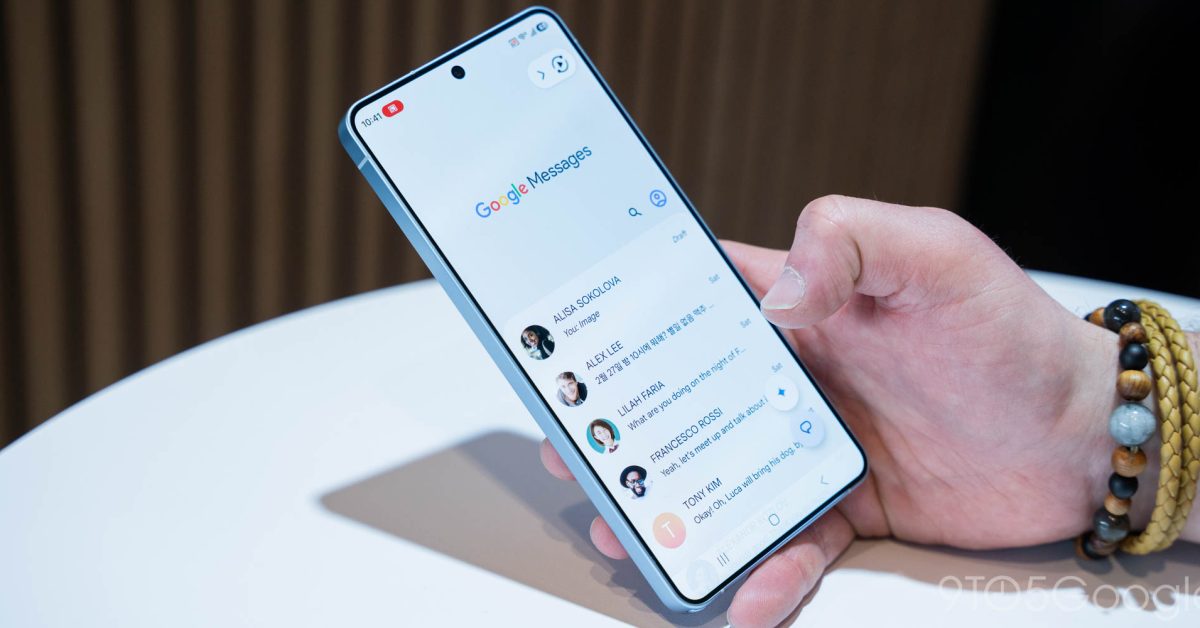
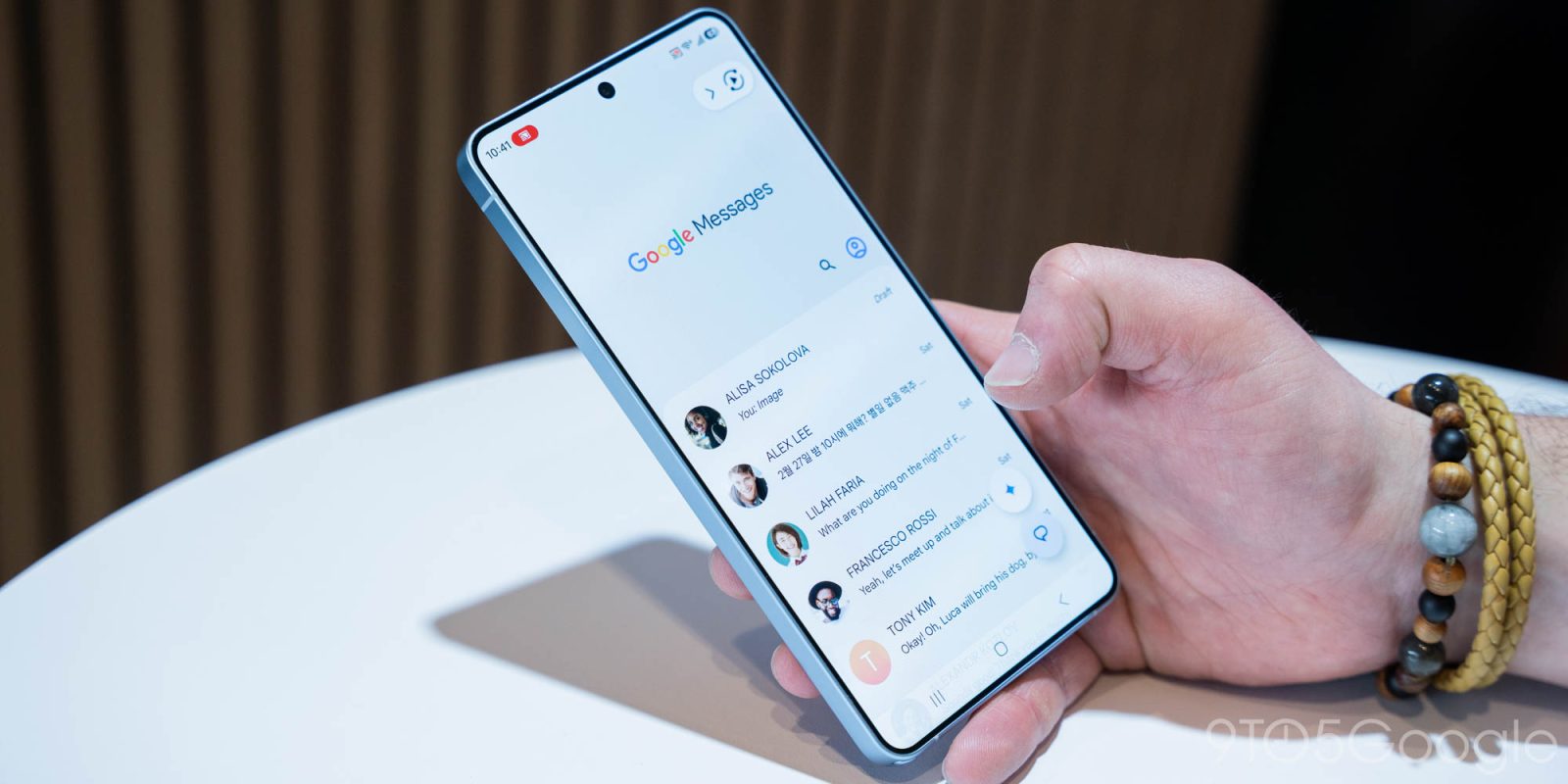
After testing in March, Google Messages is now rolling out a new “Tap to draft” behavior for Smart Replies that helps prevent accidental sends.
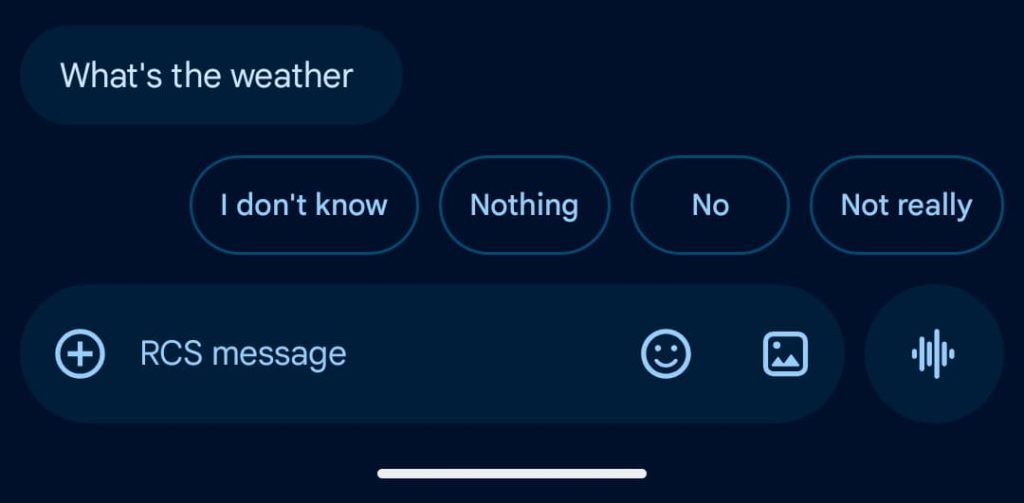
Previously, tapping on a Smart Reply above the compose field would immediately send it. Some users disabled the feature entirely to prevent accidentally sending a message.
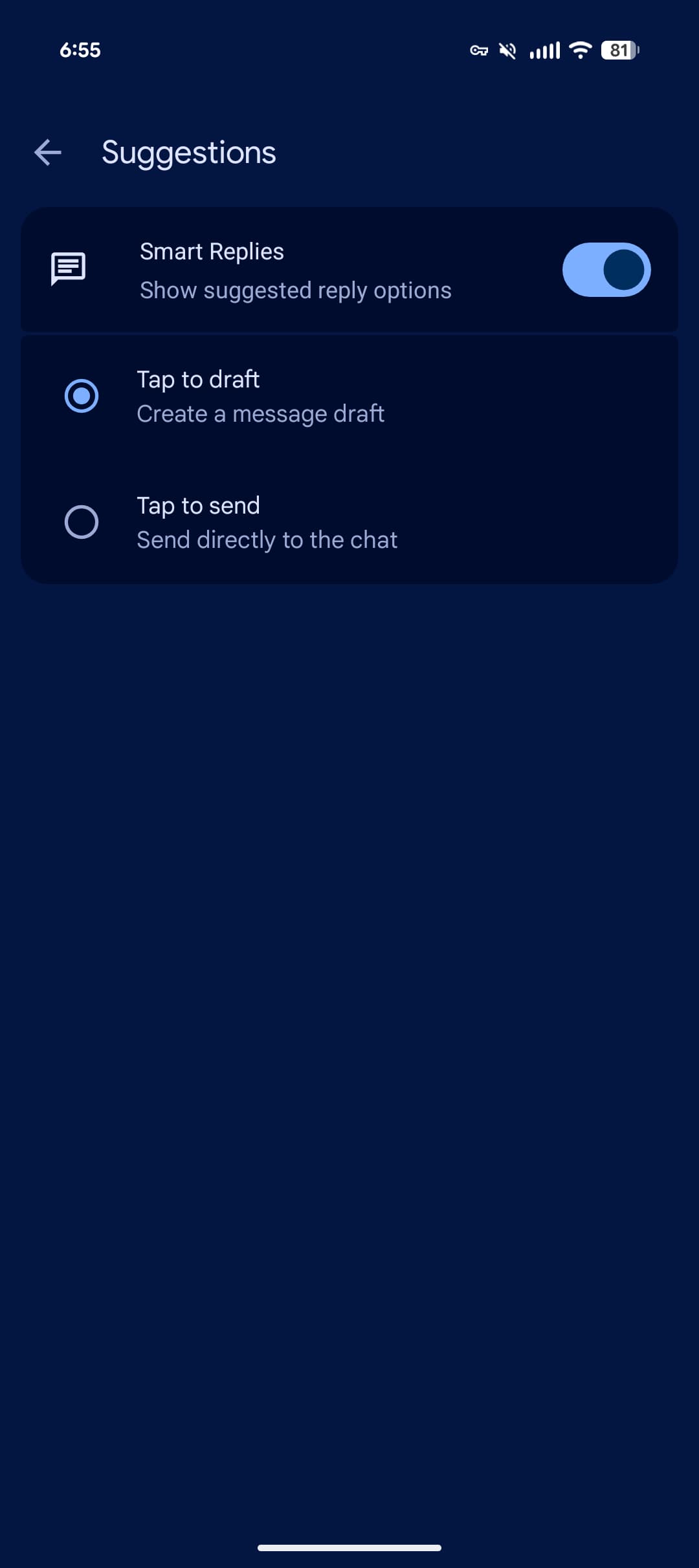
Google is now addressing that with “Tap to draft” where picking a Smart Reply adds it to the text box. As such, you have to manually press the send button, with the ability to make further edits before doing so.
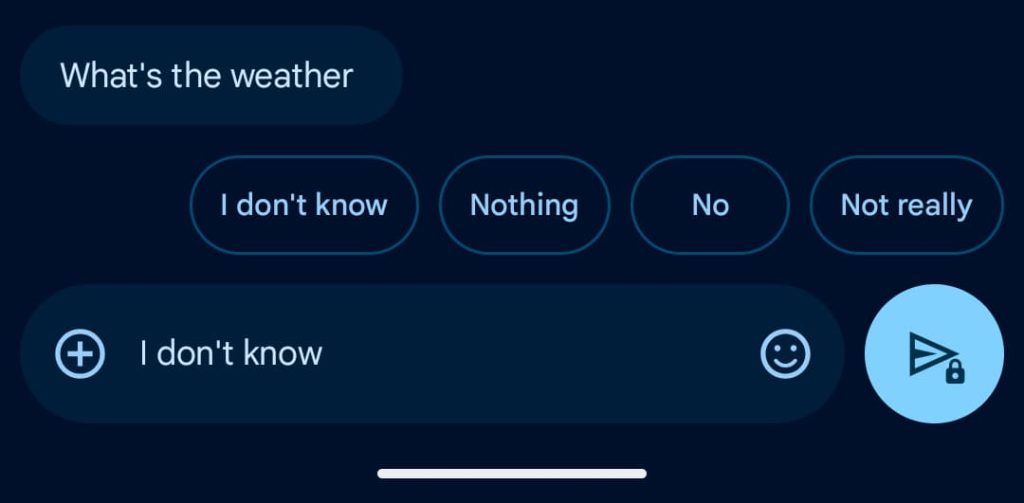
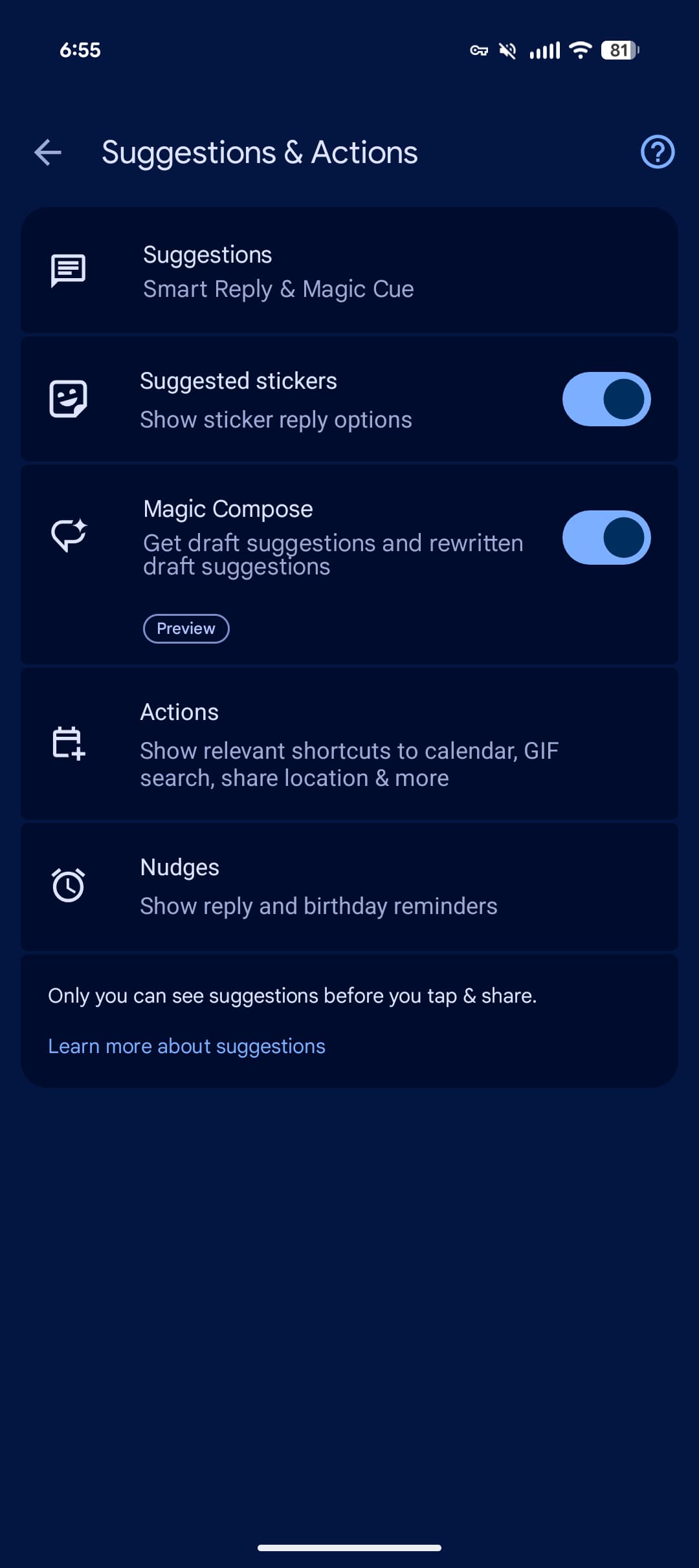
You have to enable Tap to draft by going to Settings > Suggestions & Actions (which was renamed in recent weeks) for the new “Suggestions” menu at the top. At launch, the default behavior remains “Tap to send.”
Advertisement – scroll for more content
Tap to draft: Create a message draft
Tap to send: Send directly to the chat
We’re seeing this nice quality-of-life improvement rolled out with the latest stable version (20260522_00_RC00) of Google Messages for Android.
More on Google Messages:


FTC: We use income earning auto affiliate links. More.