
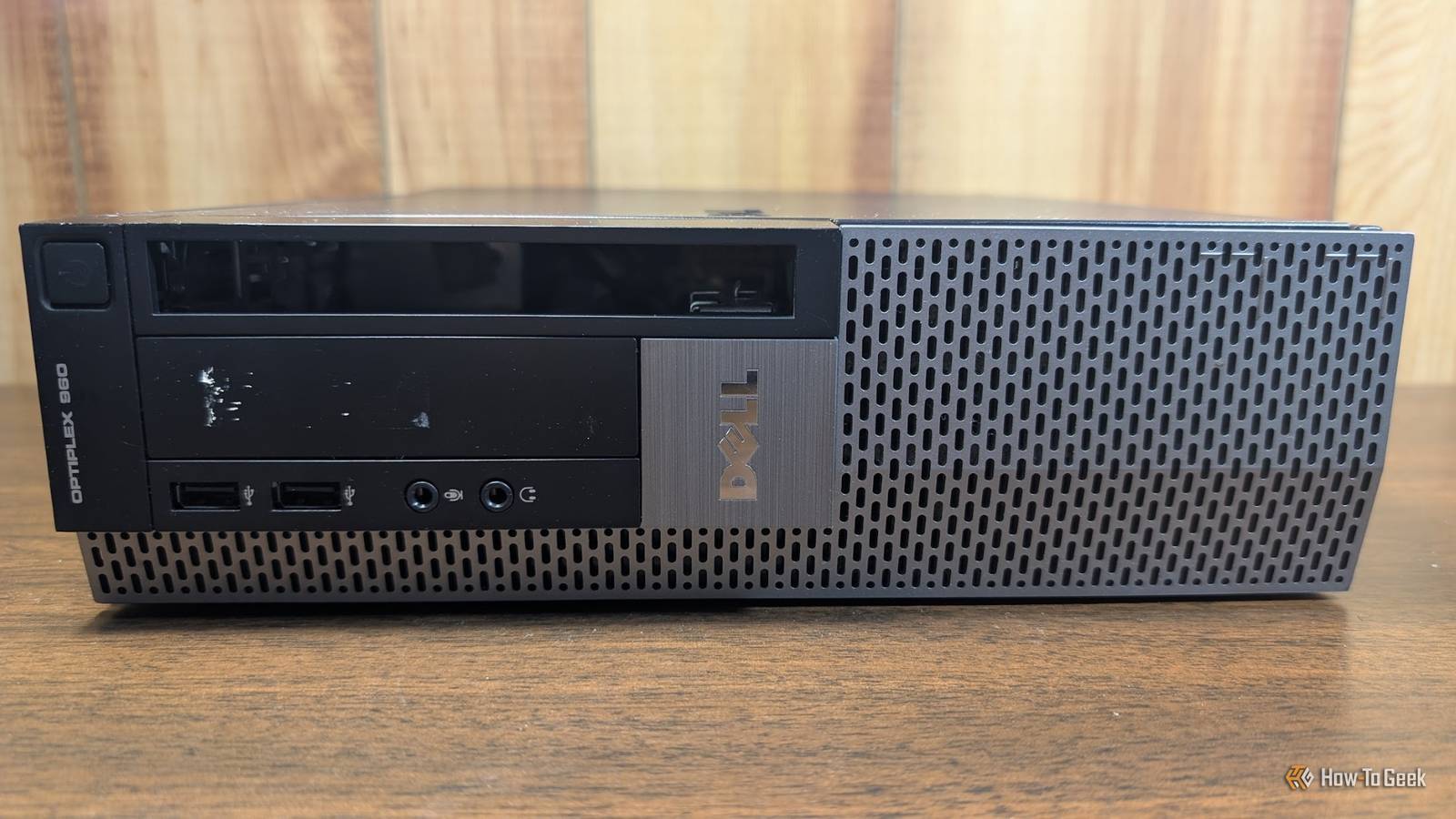
Businesses often sell thin clients by the pallet (literally) whenever their leases end or the devices reach end-of-life, and as a result, you can regularly find them on eBay or Facebook marketplace for $15 to $25. With a few open-source projects, you can repurpose one of these tiny, low-power devices to replace Google’s DNS server and improve your network’s security and privacy simultaneously
Getting the entire project setup and running only takes an hour or two.
What does a local DNS server actually do?
Your PC can find IP addresses without accessing the internet
Credit: Lucas Gouveia/How-To Geek | Rvector/Shutterstock
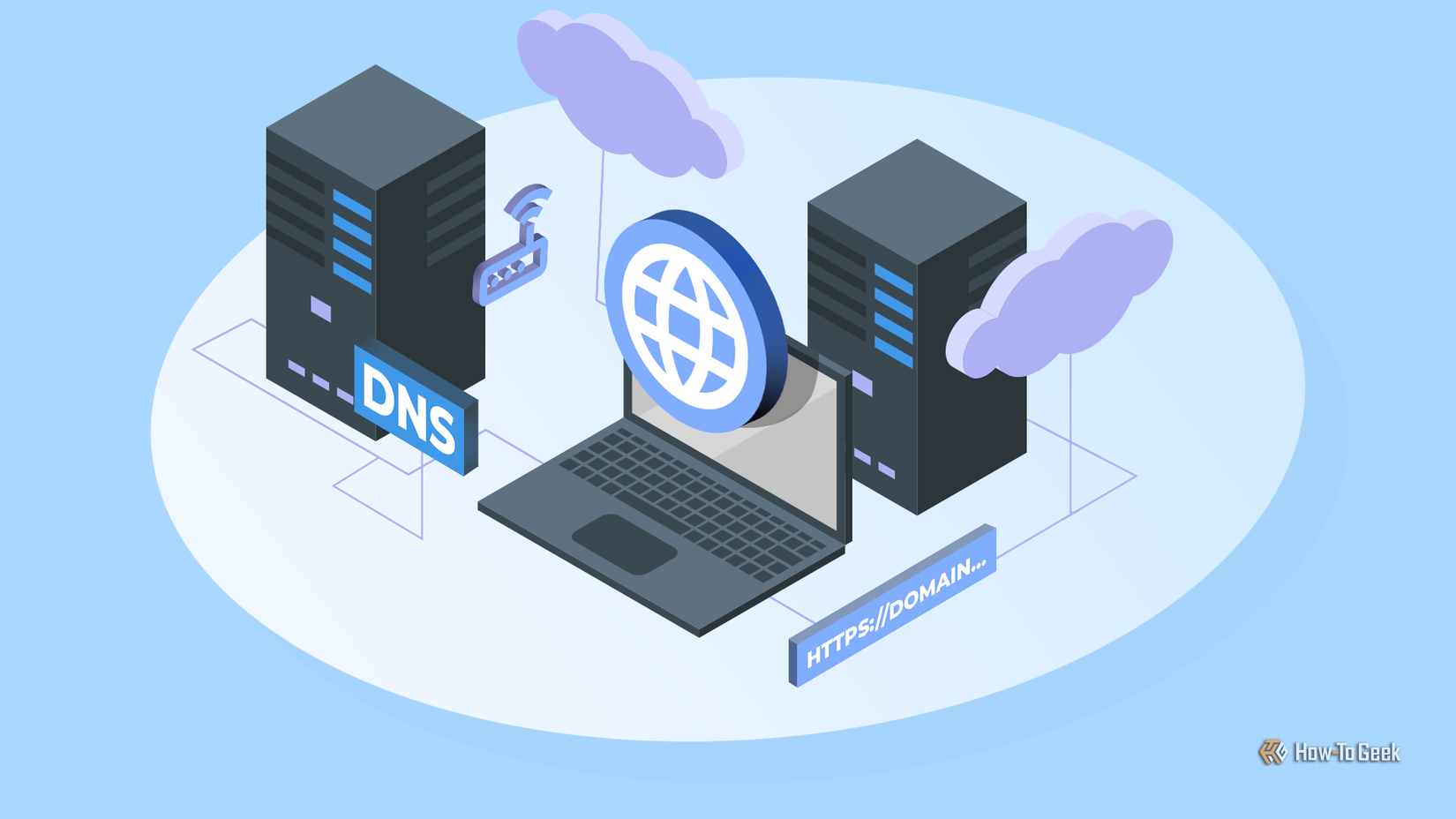
Every time you visit a website, your computer has to translate a familiar domain name like howtogeek.com into a numerical IP address, which is what computers actually use to communicate with each other behind the scenes.
Normally, that request travels to your ISP or a public resolver like Cloudflare (1.1.1.1) or Google (8.8.8.8), which takes tens of milliseconds round trip. By running a local server, you cache those answers locally (until they expire), which means that when you need them next time, the answer is only a millisecond away. Above and beyond the speed perk, you can also configure a local DNS server to act as a filter. It can reject requests that go to domains known to host malware or phishing scams, which is an effective way to protect your devices.
Because DNS filtering affects the entire network, it is also a great way to protect devices that don’t normally run sophisticated antimalware software of their own, like IoT devices.
 Quiz8 Questions · Test Your KnowledgeQuirky and creative homelab projects
Trivia challenge
From Pi-holes to Proxmox clusters — how well do you know the wild world of homelab tinkering?
NetworkingHardwareSoftwareDIYSelf-Hosting
Begin
What is the primary purpose of running Pi-hole in a homelab?
ATo overclock a Raspberry Pi’s CPUBTo act as a network-wide DNS-based ad blockerCTo create a private VPN tunnel to the internetDTo monitor hard drive temperatures across the network
Correct! Pi-hole acts as a DNS sinkhole, intercepting requests to known ad-serving and tracking domains before they ever reach your devices. It runs beautifully on a Raspberry Pi and can block ads for every device on your network without installing anything on individual gadgets.
Not quite — Pi-hole is a DNS-based ad blocker that works at the network level. Instead of filtering ads on each device separately, it intercepts DNS queries for known ad domains and returns nothing, effectively blocking them for your entire home network.
Continue
Which hypervisor platform is most popular among homelab enthusiasts for running multiple virtual machines on a single server?
AVirtualBoxBVMware FusionCProxmox VEDHyperKit
Correct! Proxmox VE (Virtual Environment) is a free, open-source hypervisor based on Debian Linux that supports both KVM virtual machines and LXC containers. Its powerful web UI and active community have made it the go-to choice for homelab builders who want enterprise-grade features without the enterprise price tag.
The most popular choice is actually Proxmox VE, a free and open-source hypervisor built on Debian. Unlike VirtualBox or VMware Fusion, which are primarily desktop tools, Proxmox is designed to run headless on a server and manage dozens of VMs and containers through a sleek web interface.
Continue
What kind of software is Nextcloud, commonly self-hosted in homelabs?
AA network packet analyzerBA personal cloud storage and collaboration platformCA distributed cryptocurrency mining toolDA smart home automation controller
Correct! Nextcloud is a self-hosted alternative to services like Google Drive or Dropbox, letting you store files, sync calendars, share photos, and even video chat — all on your own hardware. It’s one of the most popular self-hosted apps in the homelab community because it replaces so many paid cloud services at once.
Nextcloud is actually a personal cloud storage and collaboration platform — think of it as your own private Google Drive. Homelab enthusiasts love it because it lets them take back control of their data, syncing files, contacts, and calendars across devices without relying on a third-party cloud service.
Continue
What is a common homelab use for old enterprise switches picked up cheaply from eBay, such as a Cisco Catalyst?
ARepurposing them as external GPU enclosuresBUsing them as VLAN-capable managed switches to segment home networksCConverting them into NAS (network-attached storage) devicesDRunning Docker containers directly on the switch firmware
Correct! Old enterprise switches like Cisco Catalysts are homelab gold — they support VLANs, link aggregation, and quality-of-service features that consumer switches lack entirely. Homelabbers use VLANs to logically separate IoT devices, guest networks, and trusted machines, adding a meaningful layer of security to their home setups.
The right answer is using them as VLAN-capable managed switches. Cheap enterprise switches from eBay are a homelab staple because they bring real network segmentation features home. With VLANs, you can isolate your sketchy smart fridge from your personal computers — a genuinely useful security practice.
Continue
What does the homelab tool Grafana primarily do?
AAutomates backups of virtual machine snapshotsBScans the network for unauthorized devicesCVisualizes metrics and time-series data through dashboardsDManages SSL certificates for self-hosted web services
Correct! Grafana is an open-source analytics and visualization platform that turns raw metrics into beautiful, interactive dashboards. Paired with data sources like Prometheus or InfluxDB, it’s commonly used in homelabs to display everything from CPU temperatures and network throughput to power consumption and disk I/O in real time.
Grafana is actually a data visualization tool that creates dashboards from metrics. In homelabs, it’s typically paired with Prometheus or InfluxDB to display system stats, network graphs, and sensor data in real time. Once you see your server’s CPU load as a glowing graph on a big monitor, there’s no going back.
Continue
What is a ‘NAS’ in the context of a homelab, and which brand is most commonly associated with beginner-friendly NAS devices?
ANetwork Access Server — most associated with UbiquitiBNetwork-Attached Storage — most associated with SynologyCNode Authentication System — most associated with pfSenseDNetwork Analysis Suite — most associated with Netgear
Correct! NAS stands for Network-Attached Storage, and Synology is widely considered the most beginner-friendly brand in the space. Their DiskStation lineup runs a polished Linux-based OS called DSM, which makes it easy to set up file sharing, media streaming, and automated backups without touching a command line.
NAS stands for Network-Attached Storage, and Synology is the brand most associated with easy-to-use consumer and prosumer NAS devices. Their DSM operating system gives even newcomers a clean interface for managing drives, running apps, and backing up data — making it a classic first homelab purchase.
Continue
Which open-source project allows homelab users to self-host a full media server that can stream movies and TV shows to almost any device?
AJackettBSonarrCPlex Media ServerDBazarr
Correct! Plex Media Server is one of the most beloved homelab applications, letting you organize your personal media collection and stream it to phones, smart TVs, game consoles, and browsers. While Jellyfin is a fully free and open-source alternative, Plex pioneered the category and remains hugely popular thanks to its polished apps and remote access features.
The answer is Plex Media Server, which lets you host your own Netflix-style streaming service from your homelab. Jackett, Sonarr, and Bazarr are companion tools used to find and organize media, but Plex (or its open-source sibling, Jellyfin) is the actual server that streams it to all your devices.
Continue
What quirky homelab project involves setting up a miniature version of the internet’s routing infrastructure at home, often using software like BIRD or FRRouting?
ARunning a Tor exit nodeBBuilding a home BGP lab to simulate real-world internet routingCCreating a mesh Wi-Fi network with OpenWRT routersDDeploying a recursive DNS resolver with DNSSEC validation
Correct! Some dedicated homelabbers go deep enough to simulate BGP (Border Gateway Protocol) — the same routing protocol that underpins the entire internet — using software routers and tools like BIRD or FRRouting. Some enthusiasts even obtain their own ASN (Autonomous System Number) and a block of real IPv6 addresses to participate in the actual global routing table.
The answer is building a home BGP lab. BGP is the protocol that makes the real internet work by telling routers how to reach every network on earth. Hardcore homelabbers recreate this at home using virtual routers, and some even get their own ASN and IPv6 block to peer with real internet exchanges — a truly wild rabbit hole.
See My Score
Challenge CompleteYour Score
/ 8
Thanks for playing!
Try Again
Pi-hole and Unbound are a great package
Getting all of that setup sounds daunting, but two programs actually make it very easy: Pi-hole and Unbound. Pi-hole acts as the cache, which provides nearly instantaneous DNS lookups, and the filter, which prevents you from connecting to anything on a blocklist.
Unbound is a “recursive resolver.” Instead of forwarding unanswered DNS queries to Google or Cloudflare, it talks to the other devices in the DNS chain—starting at the root servers and working down to the domain’s own name server. Effectively, it is doing the same thing as Cloudflare or Google, but it saves all the results locally, so you don’t need to connect to a service on the internet to get that information every time.
Unbound doesn’t encrypt your lookups, but it does mean that no single service—like Google’s DNS—gets complete visibility of your DNS lookups. Unbound does use DNSSEC validation, which ensures forged or tampered DNS results are rejected before they ever hit your devices.
Pi-hole has an installation wizard that will guide you through the setup process, and there is very detailed documentation available that shows you exactly what you need to do to run Pi-hole and Unbound.
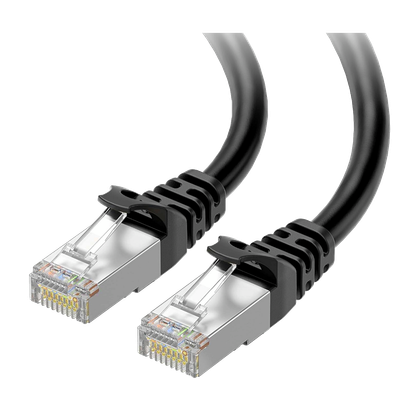
Brand
Cable Matters
Length
2 Meters
Cable Type
Stranded
Connector Type
RJ-45
Category
Ethernet
Speed
10GBps
The Cable Matters Cat6A 10Gbps Shielded Ethernet Cable enhances gaming performance by providing a stable and high-speed connection while minimizing interference and latency.
An old thin client or office PC is the ideal host for both
You don’t need much power
Credit: Andrew Heinzman / How-To Geek
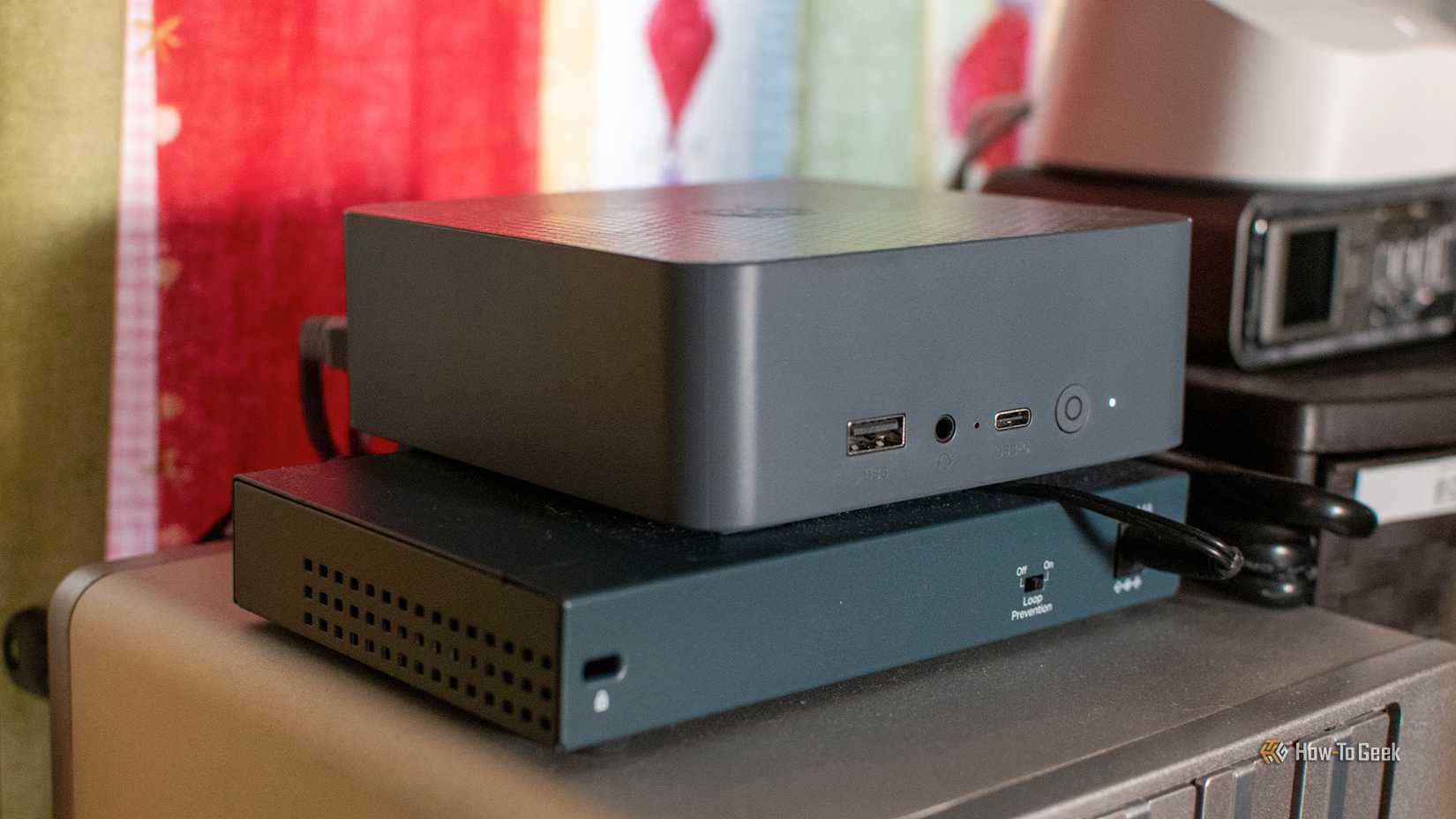
Thankfully, Pi-hole and Unbound are very lightweight applications. You could run them on pretty much anything and get decent results, which means you don’t need to spend much.
Thin clients—the small PCs like the Dell Wyse or HP t-series—are purchased in bulk and dumped once they reach the end of their life. For $20, you can often get a quad-core x86 CPU, 4–8GB of RAM, and SSD or eMMC storage. You can also find small Optiplex PCs that have similar specs for around the same price.

Related
4 Raspberry Pi alternatives that actually make sense
A different flavor than raspberry.
These low-power PCs have a critical advantage over other small, low-power devices like the Raspberry Pi because you don’t need to use microSD cards, which are prone to corruption. Additionally, they almost exclusively use x86 processors, which means there is a greater variety of software available if you want to tack on a few extra services besides the Pi-hole and Unbound server without worrying about Arm compatibility issues. And, more likely than not, they use standard RAM, which means you could upgrade if you really wanted to.
What upgrades will it need?
Thin clients are great out of the box, and if you need to build a local DNS server on a budget, the one you rescue from eBay will do just fine. However, if you want to upgrade slightly, I’d recommend a faster network interface card (NIC), which is what connects the PC to your network.
It isn’t strictly necessary since neither Pi-hole nor Unbound are especially bandwidth hungry, but if you decide to add something else to the server—like a network monitor or a DIY router using pfSense or OPNsense—then the extra throughput capability could come in handy.
It isn’t a requirement though, even the standard 1GbE port will be plenty for most home networks.
You get speed, privacy, and whole-network ad blocking for $20
Forwarding your traffic to a public resolver means one company logs your entire household’s lookup history. Full recursion via Unbound spreads those queries across multiple authoritative servers, meaning each server only sees a fragment of the request.
Pi prices have climbed significantly due to AI-driven memory shortages; a Pi 5 with a case and power supply can easily exceed $200, or $300 if you want the top-shelf model. When compared to a Raspberry Pi, the thin client can do just as much without the price tag, and you keep a perfectly good piece of hardware from becoming unnecessary e-waste.