
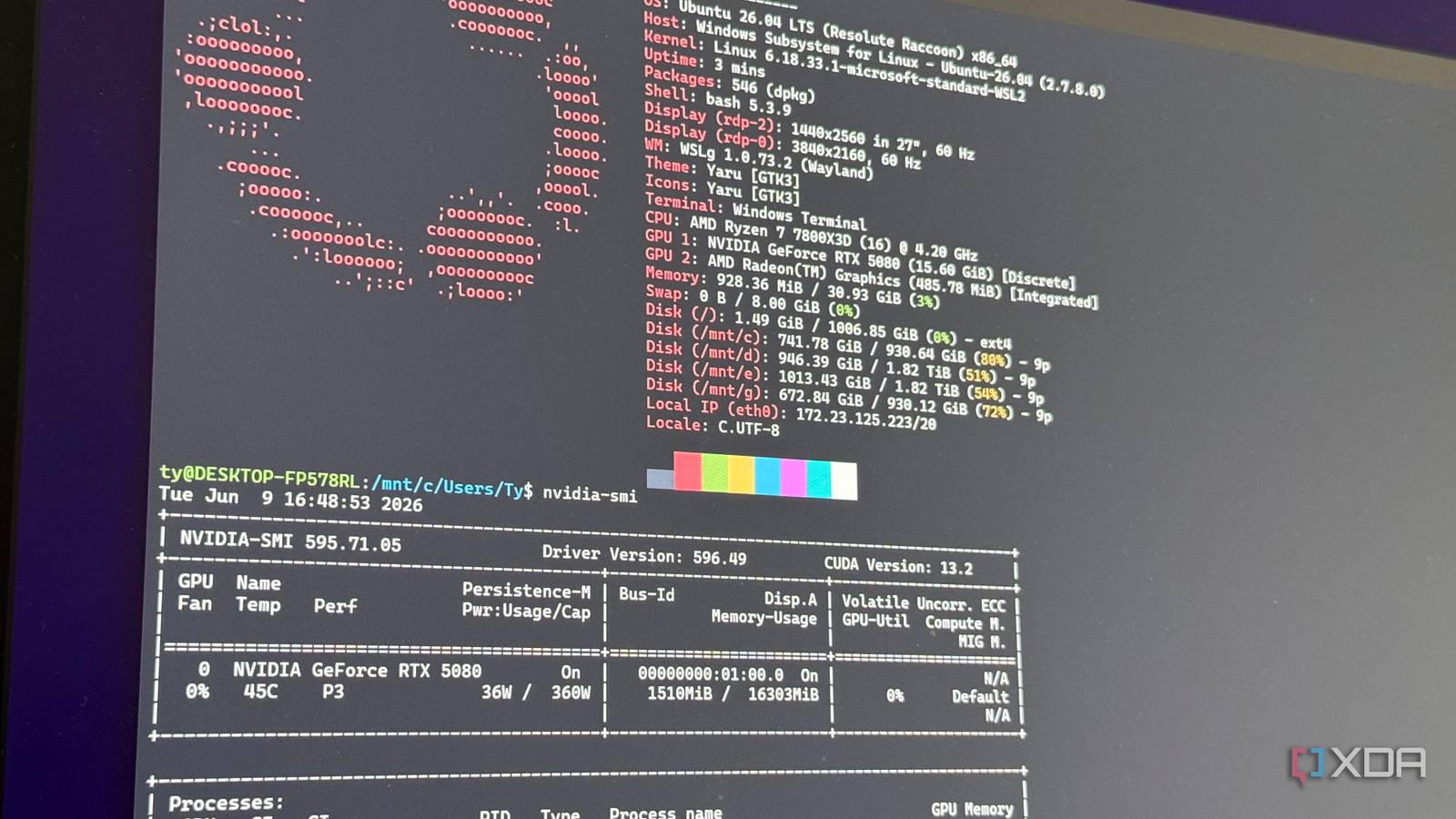
If there’s anything I’ve learned about Microsoft over the decades of using its operating systems, it’s that it doesn’t enjoy ceding to rival products. Honestly, if you want to get as big as Microsoft, playing nicely with your competitors isn’t how you do it. By keeping people within a walled garden, Microsoft ensures that its users don’t begin hopping around to find a different operating system to use.
But there is one area where Microsoft has not only raised the white flag, but is actively trying to make it one of the best experiences on Windows. It’s the Windows Subsystem for Linux (WSL), and while Microsoft would prefer that developers use only its tools, its recent improvements to WSL show it’s finally buckling to what the developers want, and not the other way around.
Microsoft’s adoption of Coreutils aims to make things comfortable for Linux users
It’s a lot better than forcing people to keep adjusting
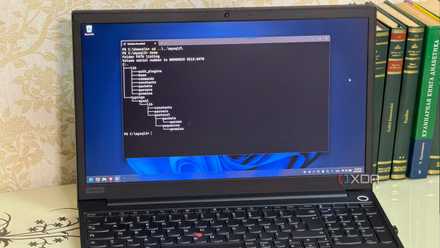
During June’s Build 2026, we saw the first peek of what Microsoft calls Coreutils for Windows. The idea behind Coreutils is that it adds commands from Linux to the Windows command line. This lets you run commands for text manipulation (grep, cat, awk), file utilities (ls, cp, mv, rm), and system information (uptime, date, pwd) within Windows.
Of course, this isn’t a case of Microsoft adding Linux tools directly into Windows. It’s more like Microsoft translating a Linux command into a Windows one. But it does mean people no longer need to swap between Linux and Windows command syntax to get the job done; now they can use whichever they are comfortable with.
This feature was a WSL exclusive, but developers want to be in the Linux space so much that Windows has rolled it out to the terminal in general. Now you don’t even need WSL to make use of Linux commands.
Related
Microsoft finally admitted Linux won, and Coreutils for Windows proves it
The tools Linux developers love are coming to Windows.
WSL containers allow developers to easily hand off code to a Linux app
No more messing around with third-party apps
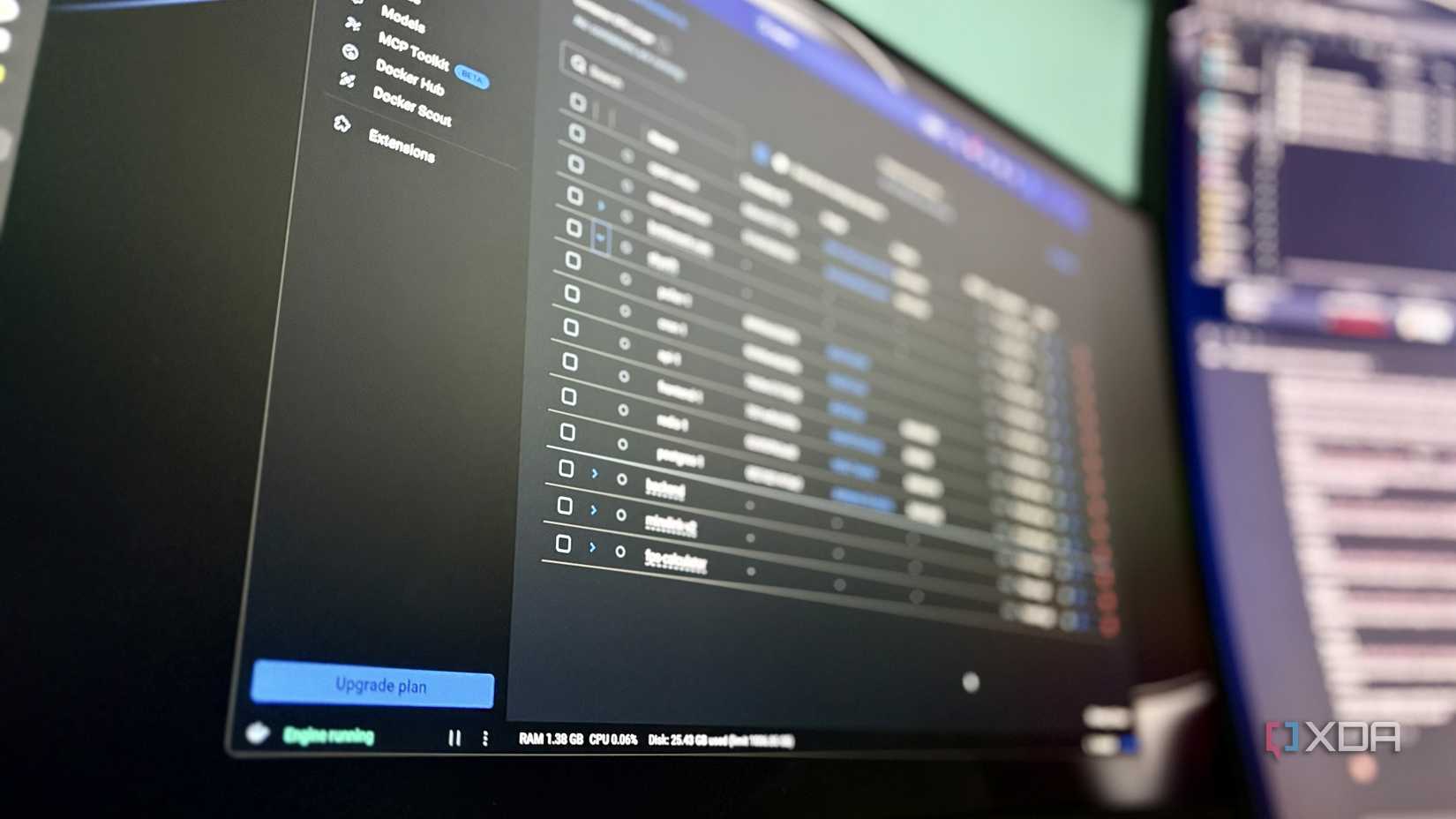
For a while, if you wanted to run a Linux app in a container on Windows, you couldn’t use WSL for it. You instead had to reach for third-party apps like Docker. And while Microsoft would obviously have preferred that developers just stop needing Linux containers for their programs and instead swap to its own tools, the fact was that people didn’t want to do that. They wanted to use the third-party apps instead.
So, again, Microsoft caved and added WSL containers, which just hit public preview. These allow developers to run Linux apps in containers without needing to download any third-party tools. At the time of writing, you do need to download the tool yourself, but only because it’s in a preview phase; once it’s fully released, it should come as part of WSL.
Best of all, Microsoft has worked hard to make the process of setting up a Linux container as painless as possible. Not only can you make one with a few lines of code in your app, but you can also tell your apps to dive into the container and make use of the Linux app by itself.
WSL is a necessary evil to maintain Microsoft’s user comfort
Microsoft will not like the alternative
But why is Microsoft putting this much effort into giving people the power to use something other than its tools? Simple: because if Microsoft didn’t, the friction of not having those tools available on Windows means that people will feel forced to not use the OS. And when people begin leaving Windows in lieu of Linux, Microsoft loses out on what gives it profit.
As such, Microsoft really does need to make its OS comfortable for Linux developers to work in, because the alternative involves people ditching Windows entirely. For Microsoft to maintain its user base, it has to ensure that its operating system can do everything better than its competitors, and if that includes allowing people to code Linux apps instead of using its own tools, then that’s what it needs to do.
Related
I tested dual-boot, WSL2, and VMs to run Linux apps on Windows, and only one was worth keeping
Dual-boot, VMs, and WSL2 walk into a Windows PC…
WSL is Microsoft admitting that developers want to be elsewhere
With developers making good use of Linux apps, WSL is there to ensure that said developers can access all the tools they need without leaving Windows. Because as soon as developers start leaving Windows, Microsoft will have a rough time winning them back.