
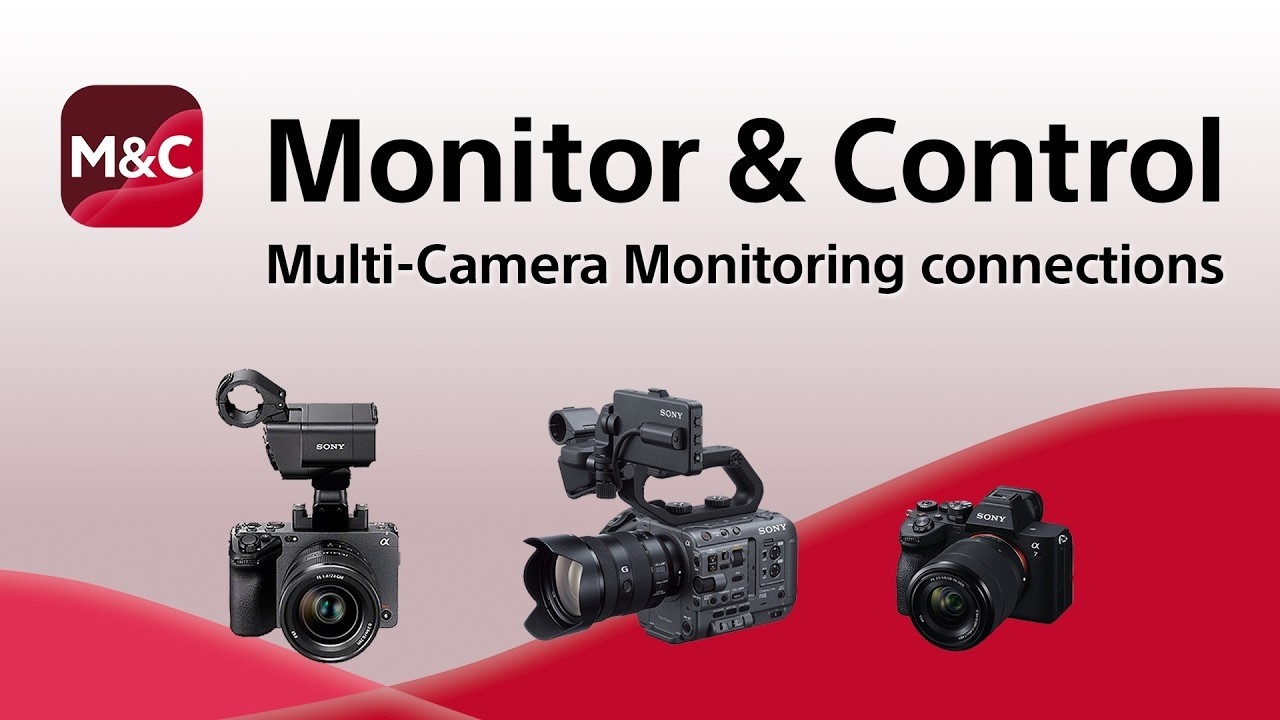
Sony has published a new video that provides a detailed overview of Multi-Camera Monitoring connections, along with tips for stable operation.
The Multi-Camera Monitoring feature allows you to simultaneously control compatible cameras from various devices. This function is especially useful when operating multiple cameras by yourself.
The Sony Monitor & Control is a mobile app that enables wireless and wired monitoring, exposure and focus control, and multi-camera monitoring from a smartphone, tablet, or Mac.
Topics covered in the video
0:00 What is Monitor & Control 0:08 Multi-Camera Monitoring connections 0:29 Three ways to connect cameras and monitoring devices 0:33 (1) Wi-Fi connection using a wireless LAN router as an access point 0:43 (2) Wired LAN connection via router 0:54 Cameras and the router can use both Wi-Fi and wired LAN connections simultaneously 1:08 (3) Internet sharing (Wi-Fi tethering) using an iPad as an access point 1:20 Key points of the three connection methods 1:41 Tips for stable operation over a wireless LAN 1:47 Tip 1: Placement of the router and cameras 2:21 Tip 2: Wireless environment 2:37 Tip 3: What to do if the connection is still unstable 2:50 Monitor & Control: Compatible cameras / connection methods / supported features

Matthew Allard is a multi-award-winning, ACS accredited freelance Director of Photography with over 35 years’ of experience working in more than 50 countries around the world.
He is the Editor of Newsshooter.com and has been writing on the site since 2010.
Matthew has won 51 ACS Awards, including six prestigious Golden Tripods. In 2016 he won the Award for Best Cinematography at the 21st Asian Television Awards.
Matthew is available to hire as a DP in Japan or for work anywhere else in the world.