
Summary
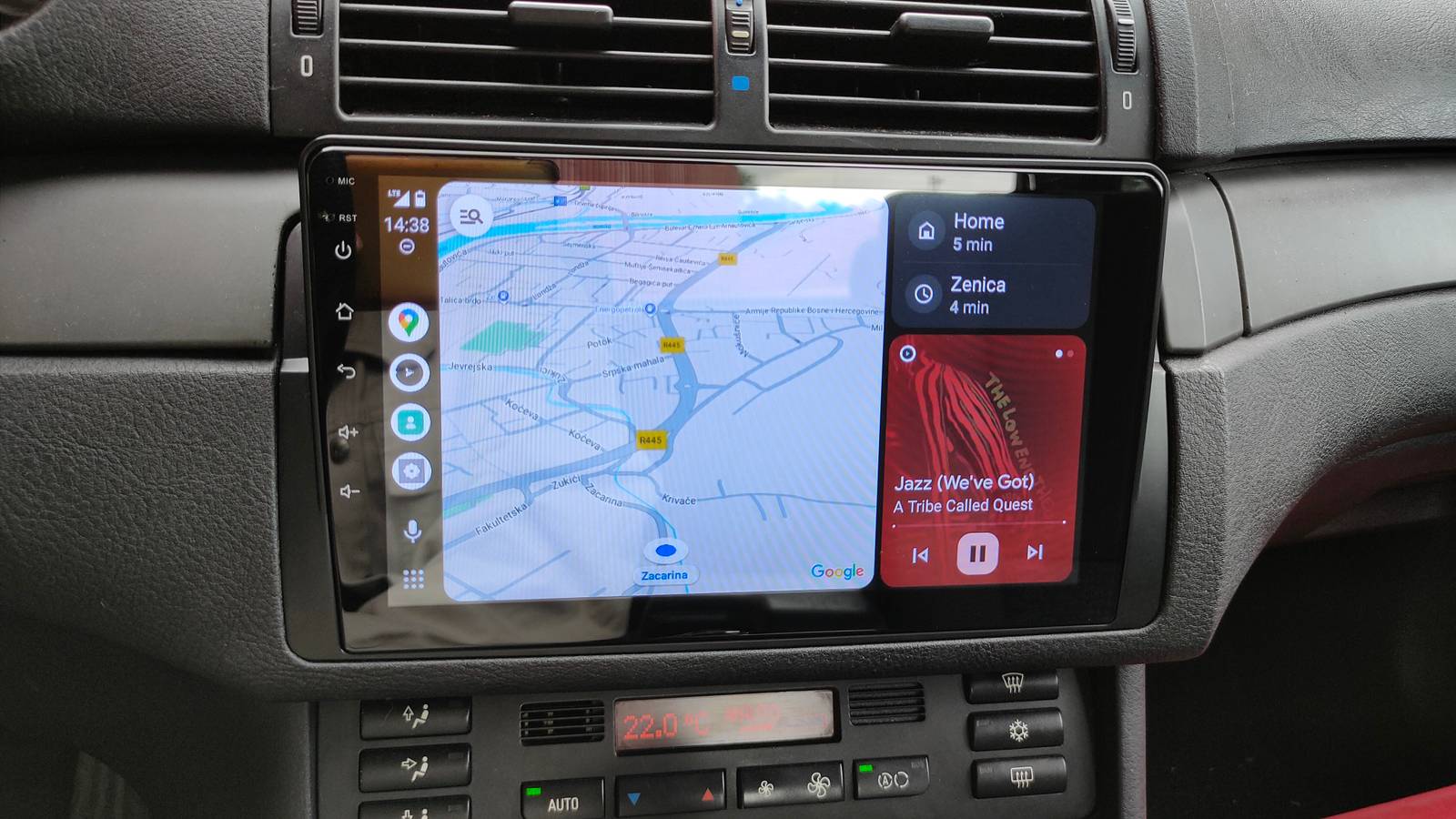
Android Auto will let you place widgets beside apps in split-screen (about 1/3 of the display).
Set up from ‘Customize Earth’ on phone—pick an app and widget; current beta may limit you to one widget.
Simple widgets (weather, stopwatch) work; interactive controls that try to open phone apps are blocked in beta.
Widgets are an essential part of the Android phone experience, but you’ve probably never thought about using them on your Android Auto display. Google appears to be working on exactly that, and it could be more useful than you might think.
Currently, Android Auto allows you to enable a feature called “Taskbar Widgets,” which are mostly just quick controls for things like media playback that show up at the bottom of the screen. However, a new feature codenamed “Earth” will allow you to put a widget beside an app in split-screen mode. The widget occupies about 1/3 of the display, similarly to if you have a music app open next to Google Maps. This information comes from the folks over at Android Authority, who managed to get an early look at the development.
Right now, the feature is tucked away in beta code, but the setup process gives us an idea of how it’ll work. You’ll find a new option in the Android Auto settings—currently labeled “Customize Earth.” Tapping this opens a “Widget companion” screen on your phone. From there, you’ll be able to hit a plus button, choose an app from a list, and then pick the exact widget you want to use. Once you choose a widget, it replaces any previous one you had. It’s unknown if you’ll only be able to use one widget at a time or if this is a limitation of the current development.
Of course, not everything is running perfectly yet. Some widgets, like Spotify, show playback controls just fine, but interactive elements—like tapping the album art—throw up a warning that the action can’t be performed on Android Auto. The widget is still trying to open the companion app directly on your phone, which Android Auto doesn’t allow in the current state.
The widgets that don’t rely on opening a full app work pretty well already. Android Authority noted that the Pixel Weather widget worked flawlessly, displaying real-time information, and simple utilities like the Stopwatch from the Clock app functioned normally.
This is clearly a work in progress, but the potential is interesting. I use Android Auto almost every day, but I can’t say I’ve ever wished for widgets. It could be cool to have a live weather map or reminders right next to the maps on my display, though. Regardless, it looks like we have a while to wait before this is ready for prime time.
Source: Android Authority