
I used to travel quite a bit, hopping between cities for work or squeezing in a vacation or two each year. These days, between family life and a busy workload, I do not get out on the road nearly as much. When I do, I want the trip to be as smooth and stress-free as possible, and that starts with having the right apps on my phone.
Over the years, I have narrowed things down to a small set of tools that make travel easier, safer, and a lot more enjoyable. Whether I am navigating a new city, sorting out last-minute bookings, or just trying to communicate without embarrassing myself, these are the apps that always come through.
How Google Maps helps me navigate new places with confidence
Even though I have written before about why I am a Waze fan, Google Maps still earns a permanent spot on my phone for a few very specific reasons. Whenever I am in a new city, walking directions in Maps are far more reliable. It does a better job at orienting me on the street, showing building footprints, and helping me understand which side of the block I should be on. If I am exploring neighborhoods, visiting landmarks, or just trying to get my bearings, Maps is the tool I trust.
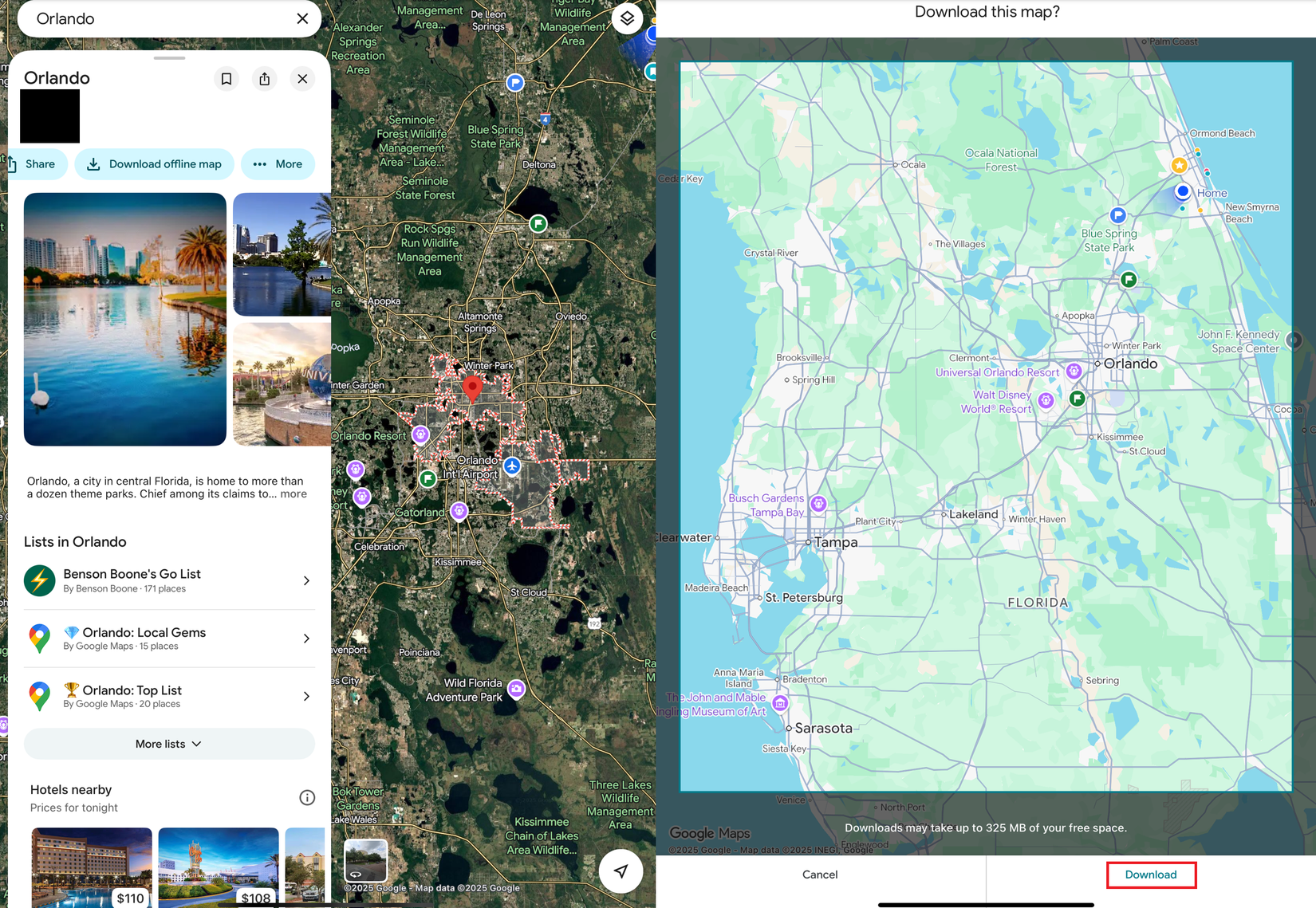
It also shines when I am in an area with poor cell service. Before any trip, I download offline maps, and it has saved me more times than I can count. Maps is also my go-to for scoping out restaurants, shops, and anything else nearby because the business info is usually more complete. So even though Waze handles my driving, commuting and driving, Google Maps ends up being the app that gets me through the rest of the trip.
Expedia: The all-in-one travel app that keeps my planning simple
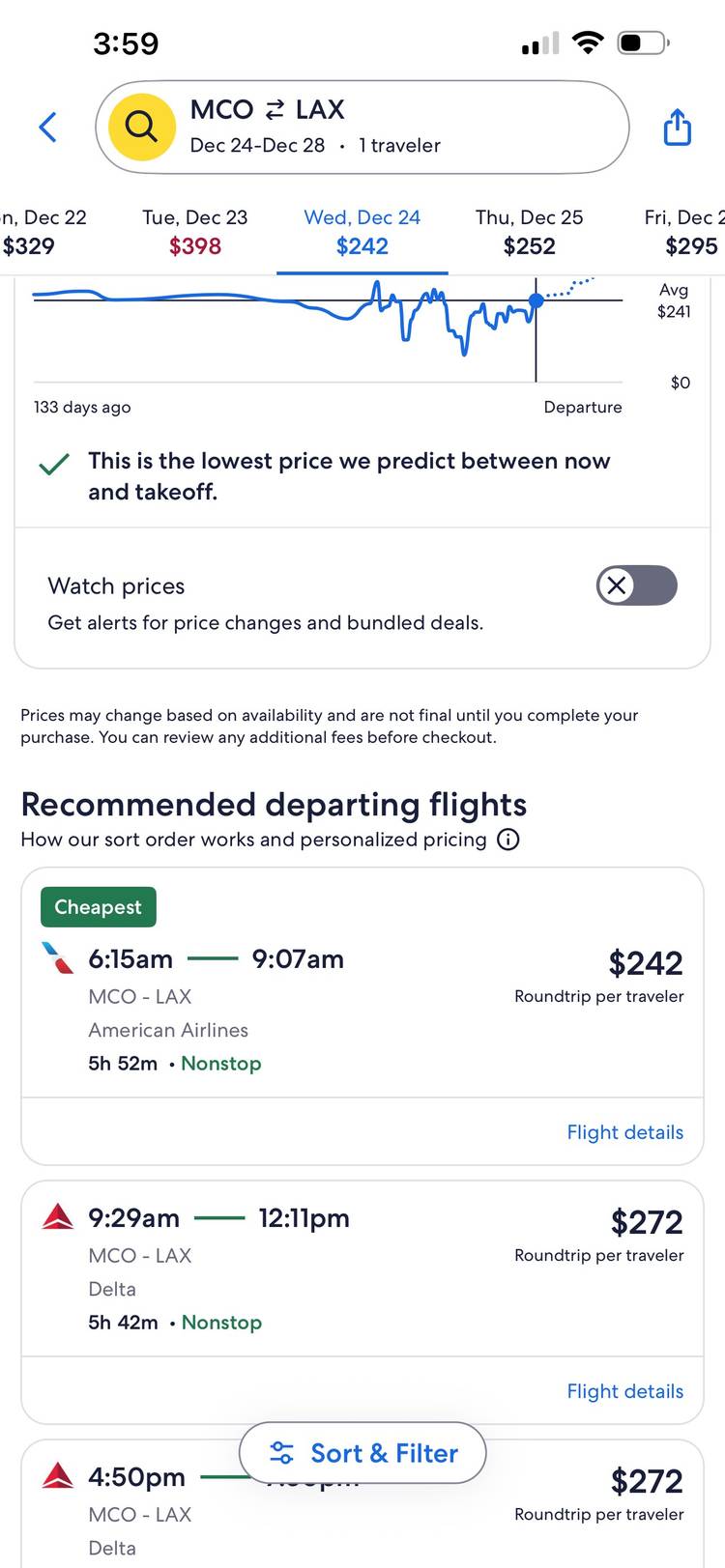
I have been a fan of Expedia for years because it keeps the entire booking process simple. When I am planning a trip, I like being able to search for flights, hotels, and rental cars in the same place without bouncing between apps. Expedia usually does a good job of surfacing solid options, and the bundled pricing has saved me money at times when the timing lined up. For the kind of trips I take these days, that type of convenience goes a long way.
If I am looking for something more unique, like a full house rental or a place a little off the beaten path, I will usually check Airbnb or Vrbo instead. But for most of my travel needs, Expedia has everything I need. It keeps all my reservations organized, makes comparing options straightforward, and removes a lot of the stress that comes from piecing a trip together one website at a time.
How Google Translate helps me navigate unfamiliar languages
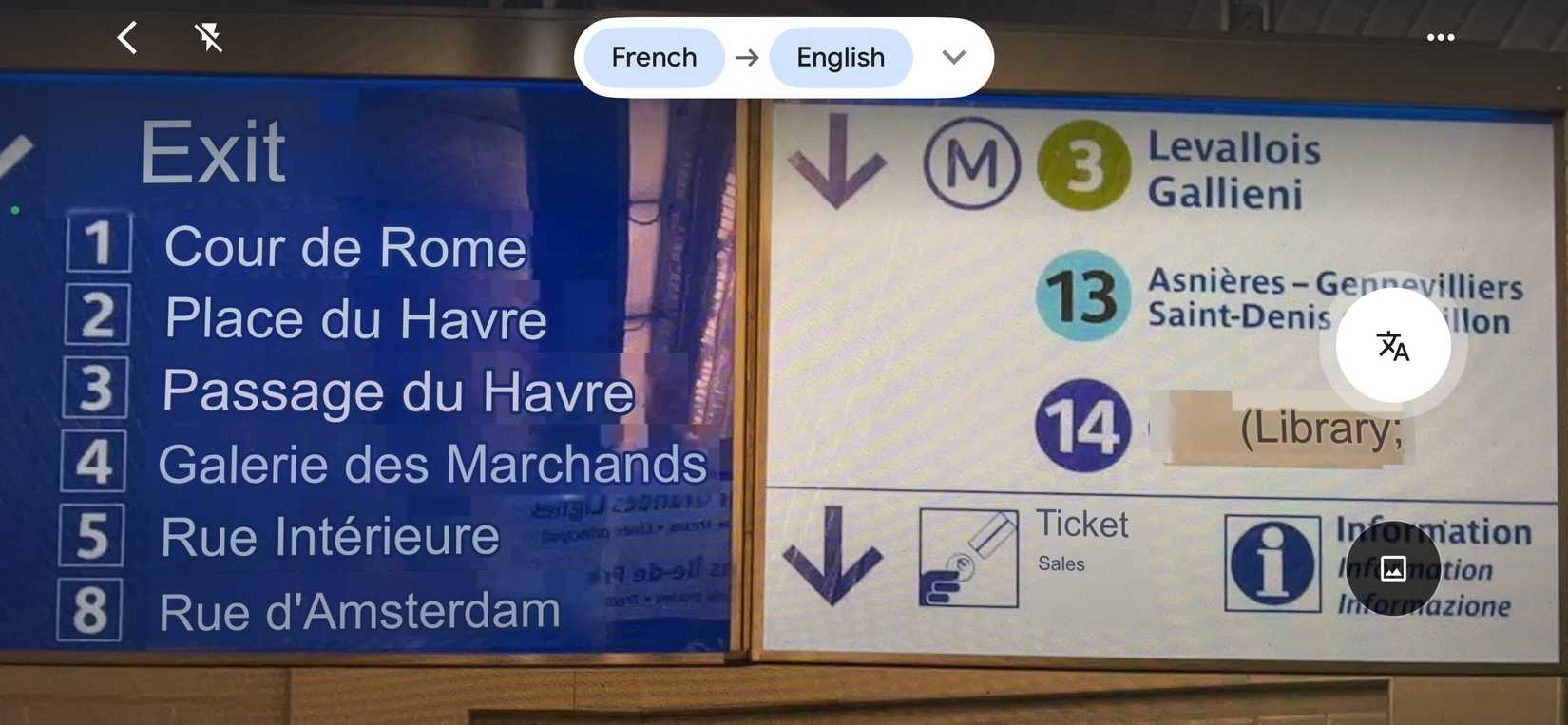
Google Translate is one of those apps I only think about when I am traveling internationally, but every time I need it, I am grateful it is on my phone. Using your camera to translate signage or typing into your phone to translate a foreign language in real time might not sound convenient when you are already a little lost, but it has saved me more times than I can count. Whether I am trying to make sense of a train schedule, read a menu, or ask someone for basic directions, it removes a lot of the stress that comes with not knowing the local language.
What I appreciate most is how simple it is. I can simply point my camera at a sign or pick a phrase to translate. Like Maps, it also works offline for areas where cell service is spotty. You just need to download the offline language pack of the area you’re traveling to. While it is not something I rely on every trip, when I am in a place where I cannot read the street signs or communicate well on my own, Google Translate becomes one of the most useful tools I have.
Why Uber works well for me when I’m traveling
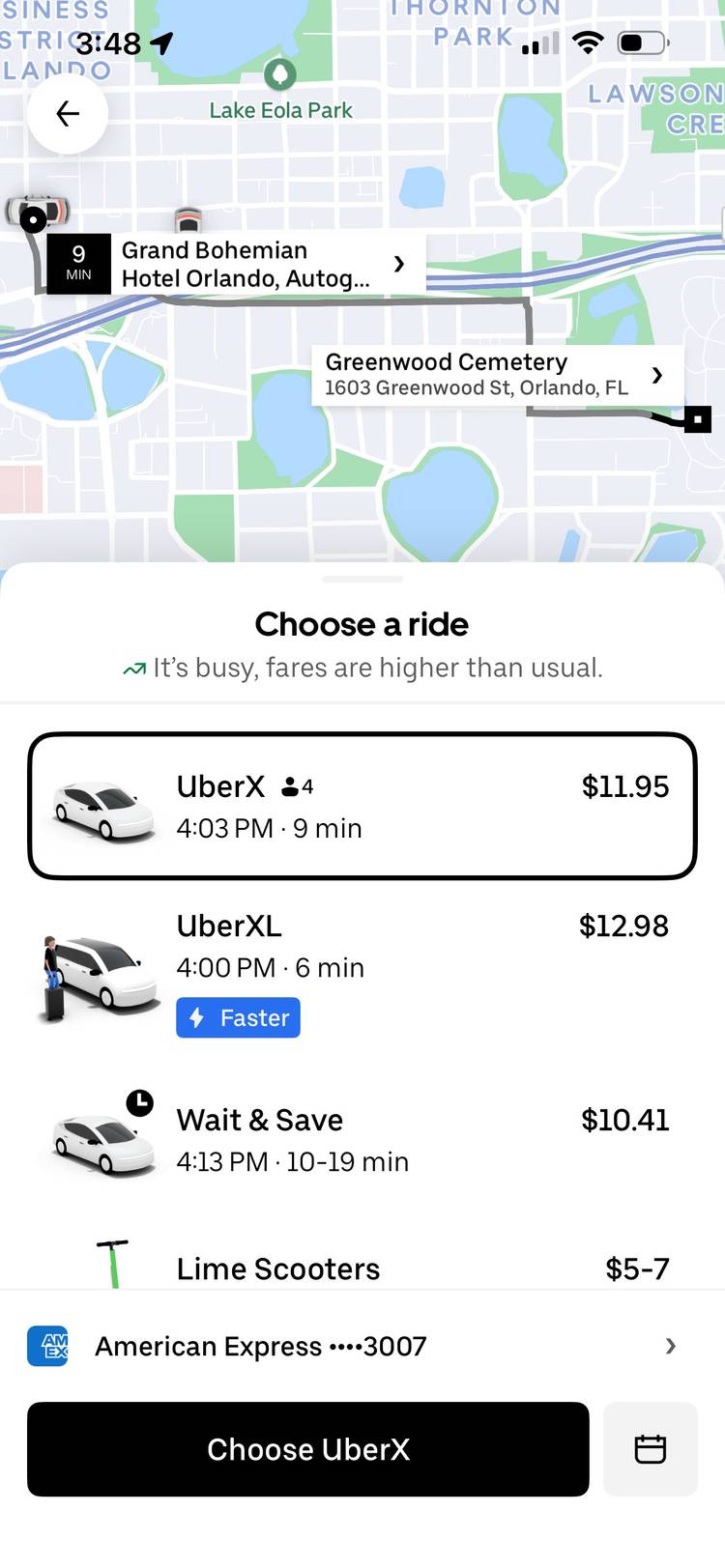
I have used Uber quite a bit in cities like San Francisco, Chicago, New York, and Philadelphia, and it is usually the easiest way for me to get around. I am not a fan of surge pricing, but I do appreciate knowing the cost before I get in the car. That level of transparency is something traditional taxis rarely offer, and for me, having everything handled inside the app makes the whole experience much more convenient. When I am in an unfamiliar city and just want to get from point A to point B without haggling or guessing at the fare, Uber does exactly what I need.
The only time Uber ever throws me off is at airports. Some airports make it incredibly clear where ride-share pickups happen, and others feel like a scavenger hunt. I have ended up wandering around more than once trying to figure out which level or lane my driver was allowed to use. To be fair, I probably could have researched it better before I left, but it is still the one part of the Uber experience that feels messy. Everywhere else, though, it is a reliable way to move through a city without much stress.
When I do get the chance to travel these days, I want the experience to be as smooth and enjoyable as possible, and these apps help make that happen. None of these apps are perfect, but together they cover almost everything I need on the road and take a lot of the stress out of navigating a new place.