
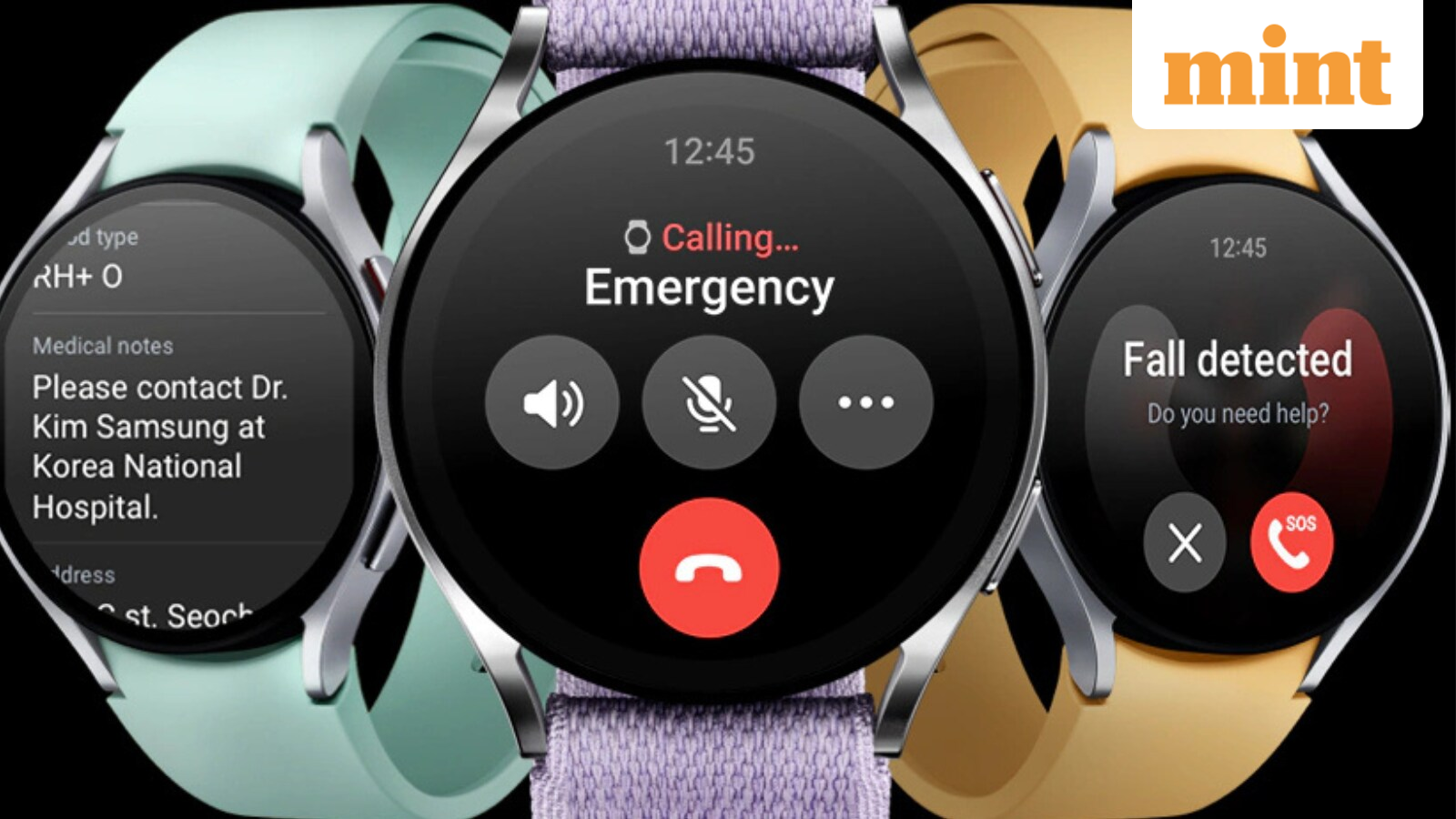
Samsung is finally rolling out the One UI Watch 8 update to the Galaxy Watch 6 series in the US. The update took time to arrive, with delays and a slow carrier rollout, while newer watches were getting all the attention. For Galaxy Watch 6 users, this update brings the watch back into the picture. Samsung focused on its latest models first, so the Galaxy Watch 6 had to wait. The beta had already ended and the update was live in South Korea, which made the delay in the US more noticeable. Now the rollout is expanding, including users on T Mobile and Verizon, and it shows that Samsung is still supporting this generation.
What the update brings
One UI Watch 8 is based on Google’s Wear OS 6. It is not trying to change everything, but it makes daily use smoother. After installing the update, you get new watch faces, a cleaner app layout and small changes across menus and animations. Simple actions like charging the watch or switching between apps feel a bit more stable and less messy. The standout change is Samsung’s Now Bar. Instead of opening apps again and again, you see active tasks in one place. Timers, workouts and other running activities stay visible, so you don’t need to keep swiping through tiles to find them. It is a simple idea, but it helps when you only have a second to look at your wrist.
Gesture control also improves. There are more gesture options, so you can do a bit more without tapping the screen each time. Health and fitness screens are easier to read, and tracking feels more organised if you use the watch for sleep and workout data every day.
How long the Galaxy Watch 6 will get updates
On phones, Samsung talks about long term software support. On watches, the policy is shorter. The Galaxy Watch 6 series is expected to get around four years of software updates, which should keep it supported until 2027. That still gives users a few more years of new builds and security updates. This is also the period where you start to see how older hardware handles new software. Each major update becomes a quick check on how well the watch is holding up. For now, One UI Watch 8 helps the Galaxy Watch 6 stay closer to Samsung’s newer wearables instead of feeling left behind.
How to check for the update
If you are in the US and use a Galaxy Watch 6 or Galaxy Watch 6 Classic, it is better to check for the update yourself instead of waiting for a pop up. On your phone, open the Galaxy Wearable app, select your Galaxy Watch 6 and go to the settings. Open the software update section and tap to check for a new update. If one is available, download and install it. You can also check on the watch by going to Settings and then Software update.
Carrier models usually get updates in stages. Users on T Mobile and Verizon may see the update first, with unlocked units getting it a little later. If it is not there yet, wait some hours or try again the next day.
Should you keep the watch or move to a new one?
Samsung is pushing newer models like the Galaxy Watch 8 with strong trade in offers and festive deals. That can make Galaxy Watch 6 owners feel like their watch is already old. This update helps push back that feeling. It keeps the watch current with a fresher interface, new options and the Now Bar, which reduces the need to keep digging through menus.
If you are happy to keep your Galaxy Watch 6 for another year or two, this update is an easy choice. Install it and see how the watch behaves on your normal day. If you still plan to switch to a newer model, you will at least be trading in or passing on a watch that is running the latest software, not one stuck on an older version.