
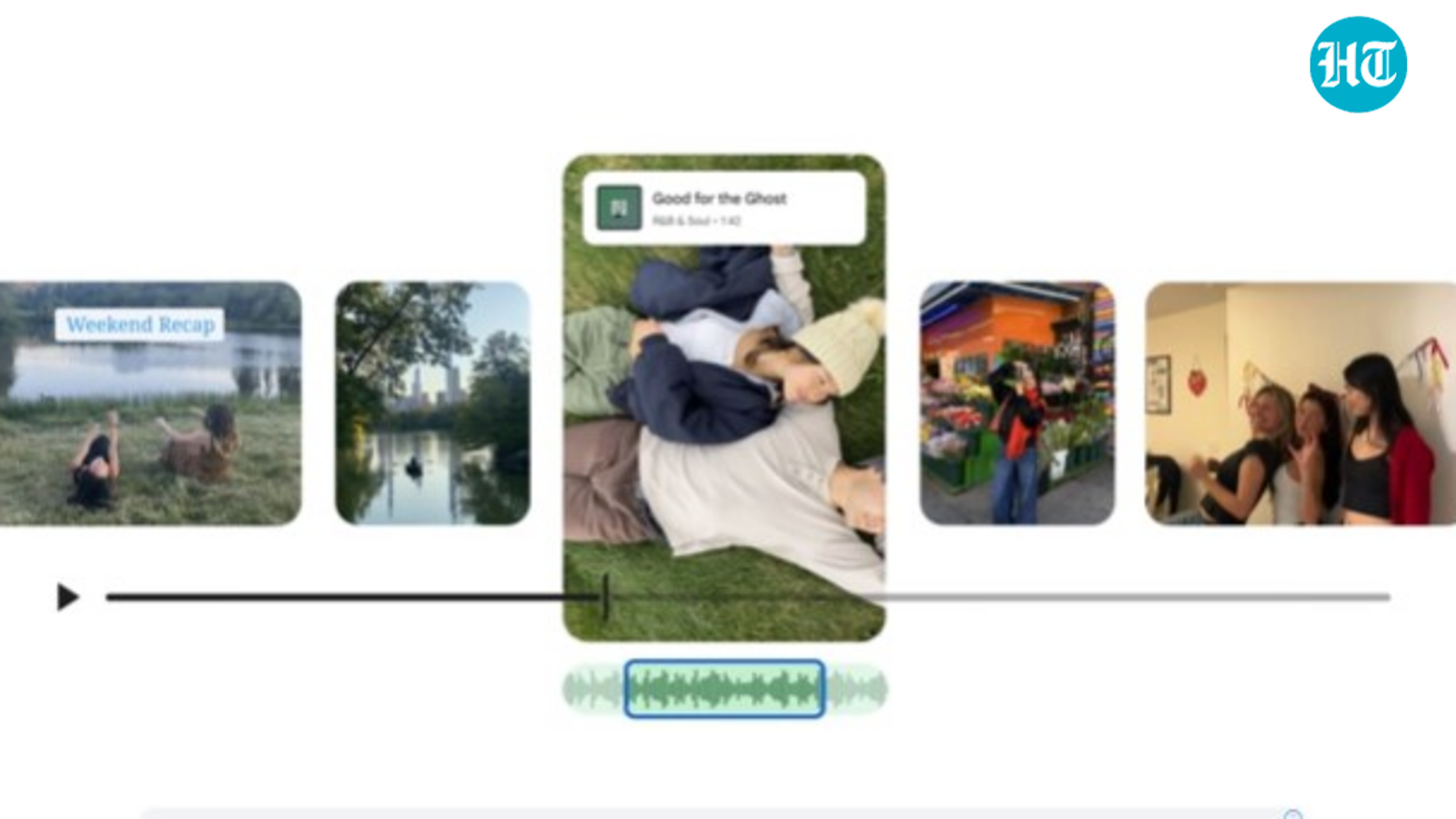
Google is expanding the creative potential of its Photos app by introducing a new video editor that offers Android and iOS users more control over their video clips. The update follows the recent launch of the Google Photos Recap feature and aims to give users an all-in-one space to edit, enhance, and share videos without switching to third-party tools.
 Google Photos has added a new video editor tool to help creators easily trim, add music, and share clips on social media. A Built-In Alternative to Third-Party Editors
Earlier, Google allowed users to export Recap projects to CapCut for advanced editing. Now, with its latest update, the company brings similar functionality directly into Google Photos. While it does not yet match the complex AI-powered features available in ByteDance’s CapCut, Google’s new editor focuses on essential tools that make quick and simple video edits possible within the app.
Also read: No signal? iPhone users in this country can now message via satellite
This upgrade shows Google’s continued push to integrate more creative options into Photos without overwhelming users. It is not a move to expand Gemini AI capabilities but rather to make the app more practical for those who prefer light editing before sharing on social media platforms such as Instagram or TikTok.
New Tools for Creators
The redesigned interface now includes a universal timeline, which supports multiple clips, music tracks, and a menu with key editing tools. Users can easily trim, crop, stabilise, and apply filters to their videos. What’s more, adding text overlays and background music is quick and easy, making it simple to personalise your posts.
Also read: iOS 26.2 could roll out this week: Here’s what new features iPhone users will get
Furthermore, Android users will find that, when selecting the “Edit” option on a video, Google Photos now opens the new video editor by default. Google has highlighted examples of the seamless process, such as stabilising footage or cropping scenes for better framing when editing a short clip.
Also read: Your home, family, and other details leaked on ProxyEarth: Know why it is alarming
Templates and Easy Edits
To simplify the editing process, Google has added preset templates that automatically sync music, text, and cuts to a soundtrack. Users can create highlight videos by selecting ‘Highlight video’ from the ‘Create’ tab, choosing a template and adding their preferred media. The app then generates a video that is ready to share on social platforms.
Those who want more control can manually adjust music and text. The editor offers a selection of fonts, colours, and backgrounds for captions, along with a modest music library to enhance the clips.
In short, with these updates, Google Photos is becoming a more capable tool for short-form content creation, which might cut the need for external apps for quick edits and make video editing more accessible across devices.