
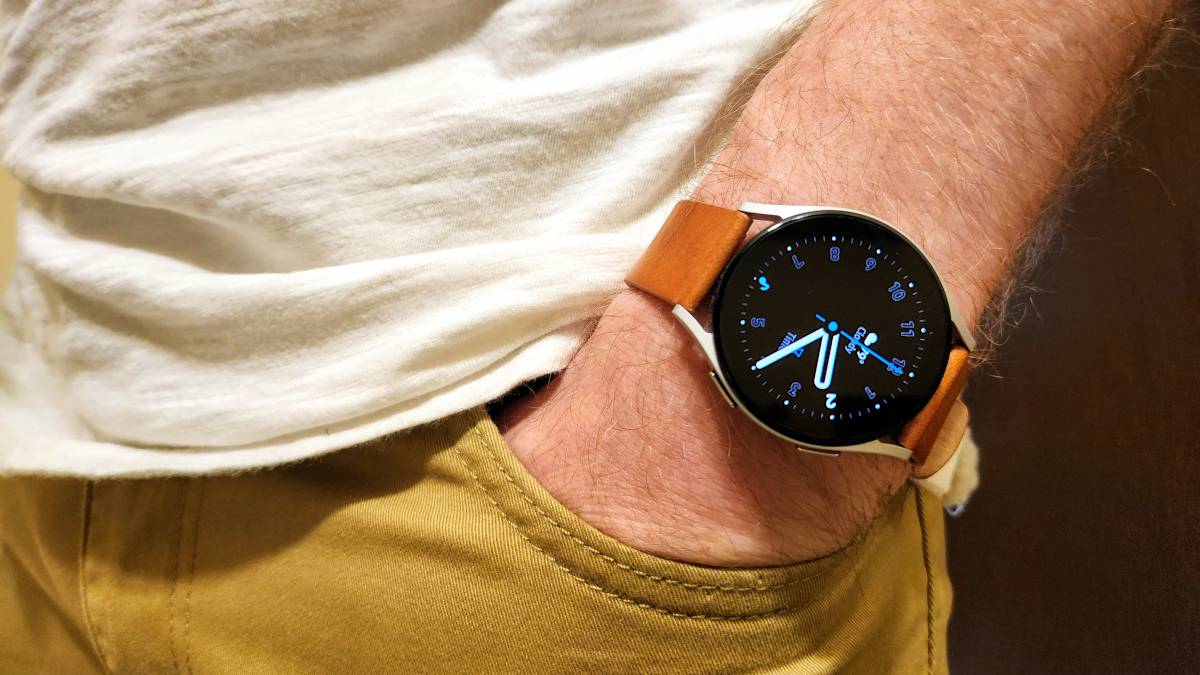
Got an old smartwatch collecting dust in a drawer? Wondering if there’s anything practical you can do with it besides gathering dust? Well, here are five genuinely useful ways to repurpose it into something that still earns its place in your daily routine.
Turn it into a dedicated desk clock
Credit: Dibakar Ghosh | How-To Geek
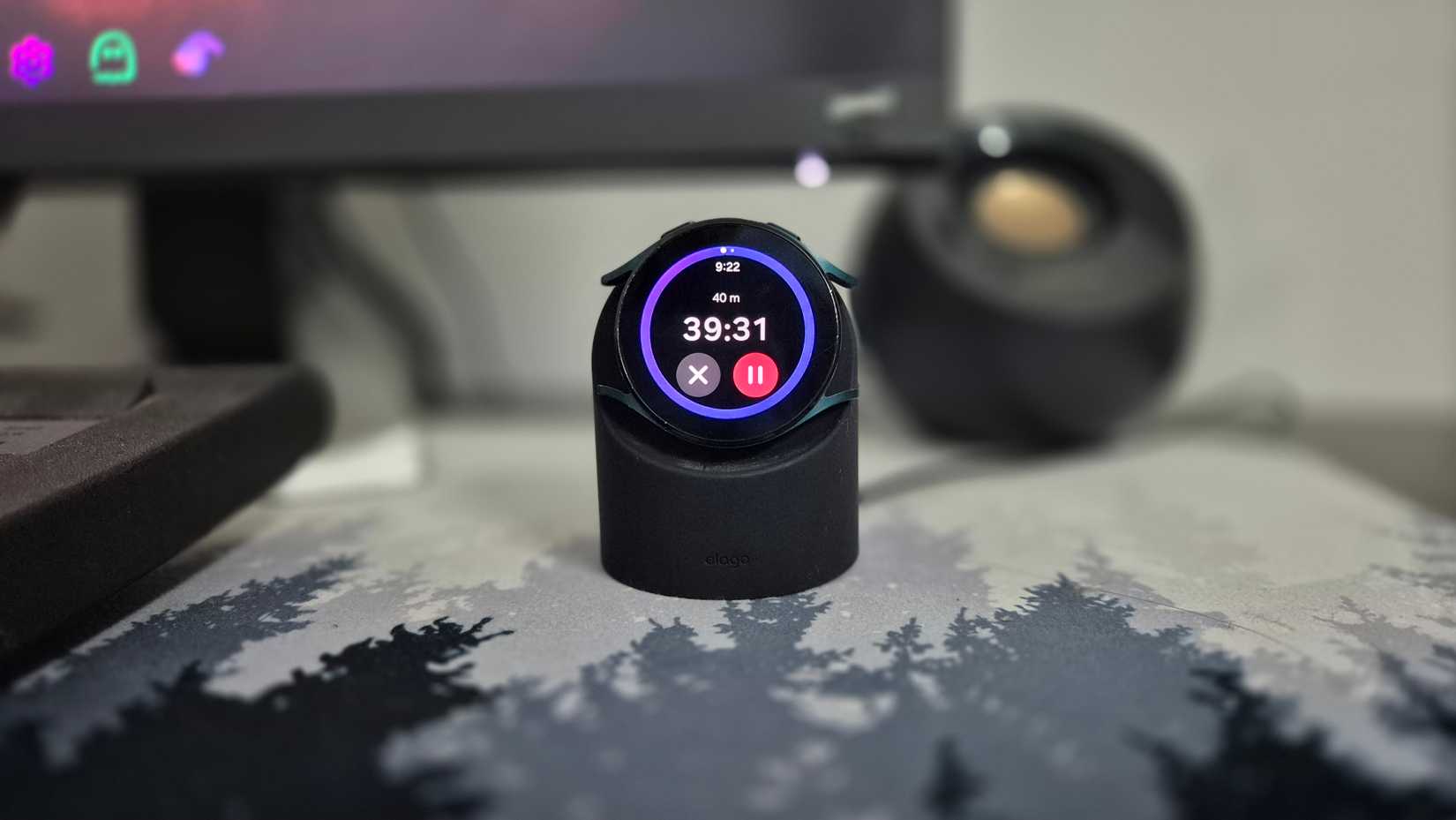
One of the most straightforward ways to repurpose an old smartwatch is to turn it into a permanent desk clock. Simply put the watch on a charging stand, place it next to your monitor or on your study desk, and that’s it.
Some smartwatches, like the Pixel Watch 4, make this especially easy since it ships with a charging dock that props the watch up in an upright, clock-like position while charging. If yours doesn’t, you can easily buy a third-party charging stand designed specifically for desk use. Once set up, you can use it as a simple desk clock to view the time, as a Pomodoro timer, or even as a stopwatch to time how long it’s taking you to finish a quiz or solve a math problem.
The obvious downside is that the watch stays plugged in most of the day, which isn’t great for battery health. But that’s precisely why this works best with an old smartwatch. Since it’s already past its prime, battery preservation isn’t a priority anymore, so leaving it docked permanently doesn’t really matter that much.
Use it as a standalone music player
Credit: Dibakar Ghosh | How-To Geek
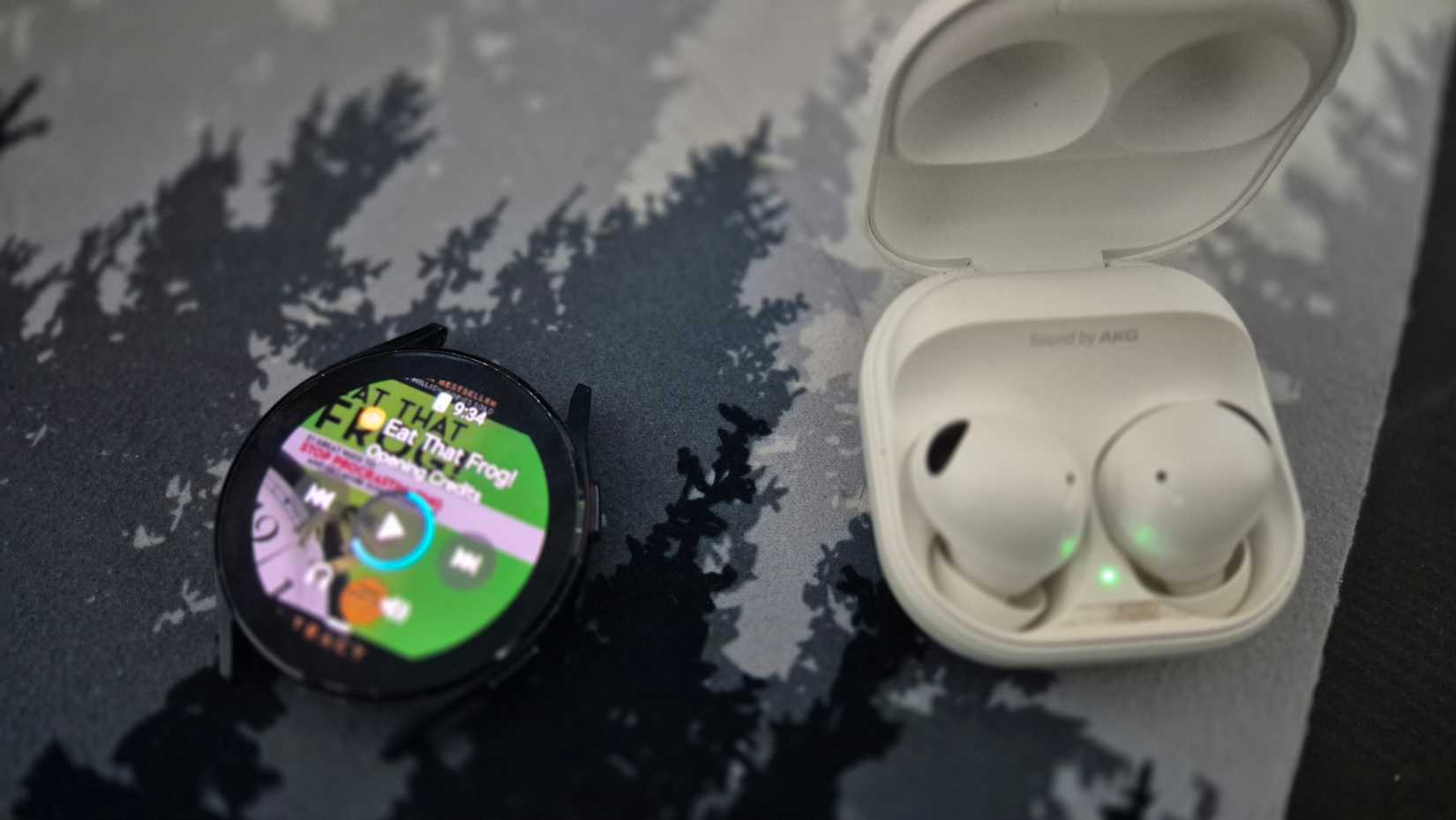
If your smartwatch has internal storage and Bluetooth (most do), it can work as a surprisingly capable standalone music player. Load it up with your favorite playlists or audiobooks, connect a pair of wireless earbuds, and use it while exercising, going for a walk, or doing household chores. It also works surprisingly well for digital detoxing—you still get your audio, but without messages, social media, or constant notification checks.
Yes, you could do this with your current smartwatch, but that usually means filling its internal storage with music and leaving less room for apps and updates. With an old smartwatch, that trade-off disappears. Since you’re not actively using it for apps, you can dedicate most—or all—of its storage purely to playlists and podcasts.
Now, if you’re repurposing an old Apple Watch, there’s a project called TinyPod that takes this idea further by turning it into a modern iPod-style device. If you’re comfortable with 3D printing, you can use that concept as inspiration to build something similar for a Pixel Watch, Galaxy Watch, or other smartwatches.
Turn it into a cycling companion
Credit: Dibakar Ghosh | How-To Geek
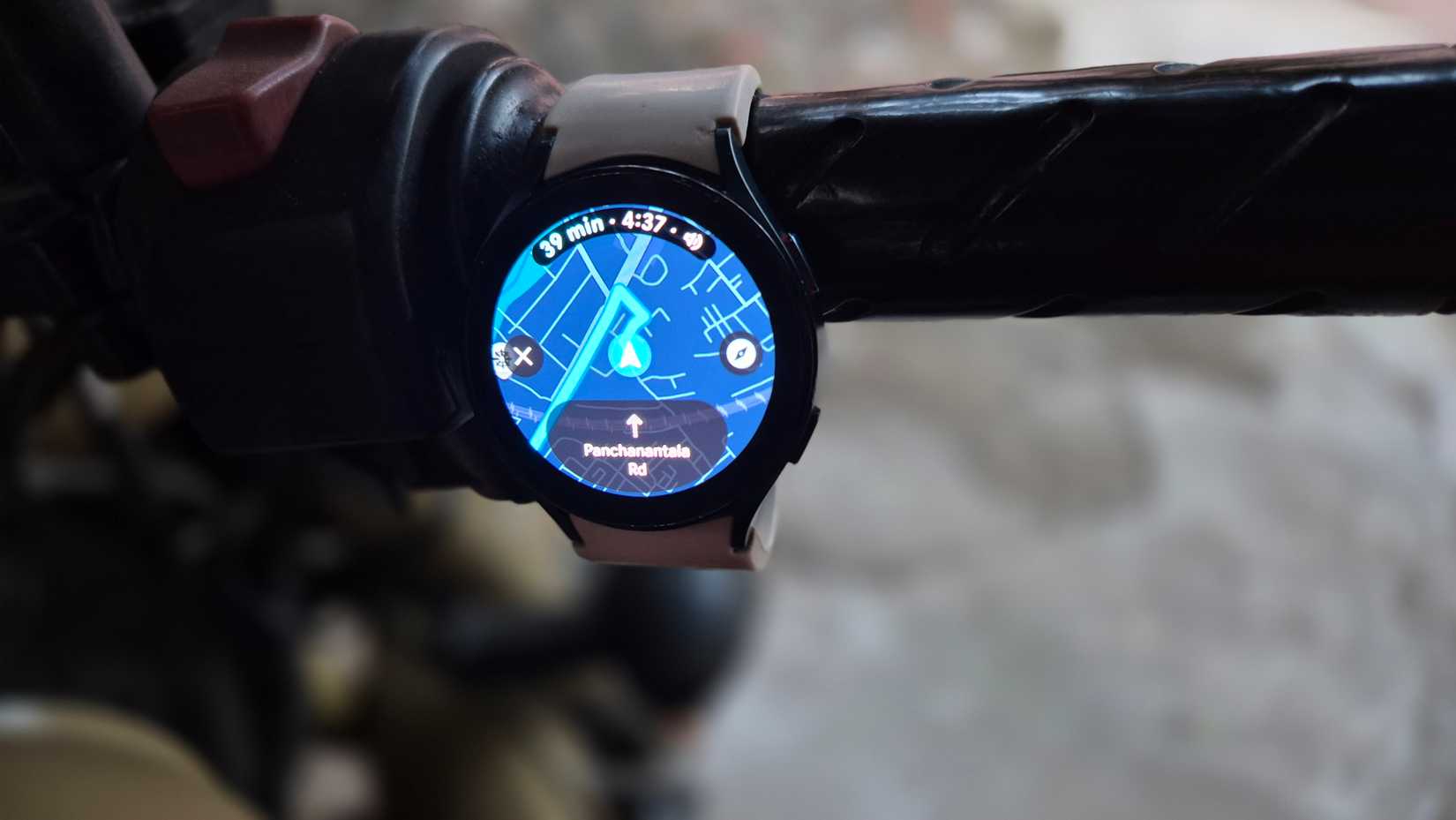
You can mount your old smartwatch directly on your bike’s handlebar and turn it into a simple cycling companion. The setup doesn’t have to be fancy. You can use the watch’s regular silicone straps and buckle it around the handlebar the same way you’d wear it on your wrist. However, it can be awkward to attach and remove. A better option is to swap the stock straps for Velcro straps, which makes it much easier to attach the watch securely and take it off when you’re done.
Once mounted, the smartwatch acts as an always-on display you can glance at while riding. You can use it to view directions, track how long you’ve been riding, or simply keep an eye on the time.
In practice, this is often more sensible than mounting your phone. A phone-based setup with an always-on display drains the battery quickly and puts an expensive device at risk if you hit a pothole or get into a minor accident. With an old smartwatch, you skip the battery anxiety, and the risks are also much easier to justify.
Set it up as a backup sleep tracker
Credit: Dibakar Ghosh | How-To Geek
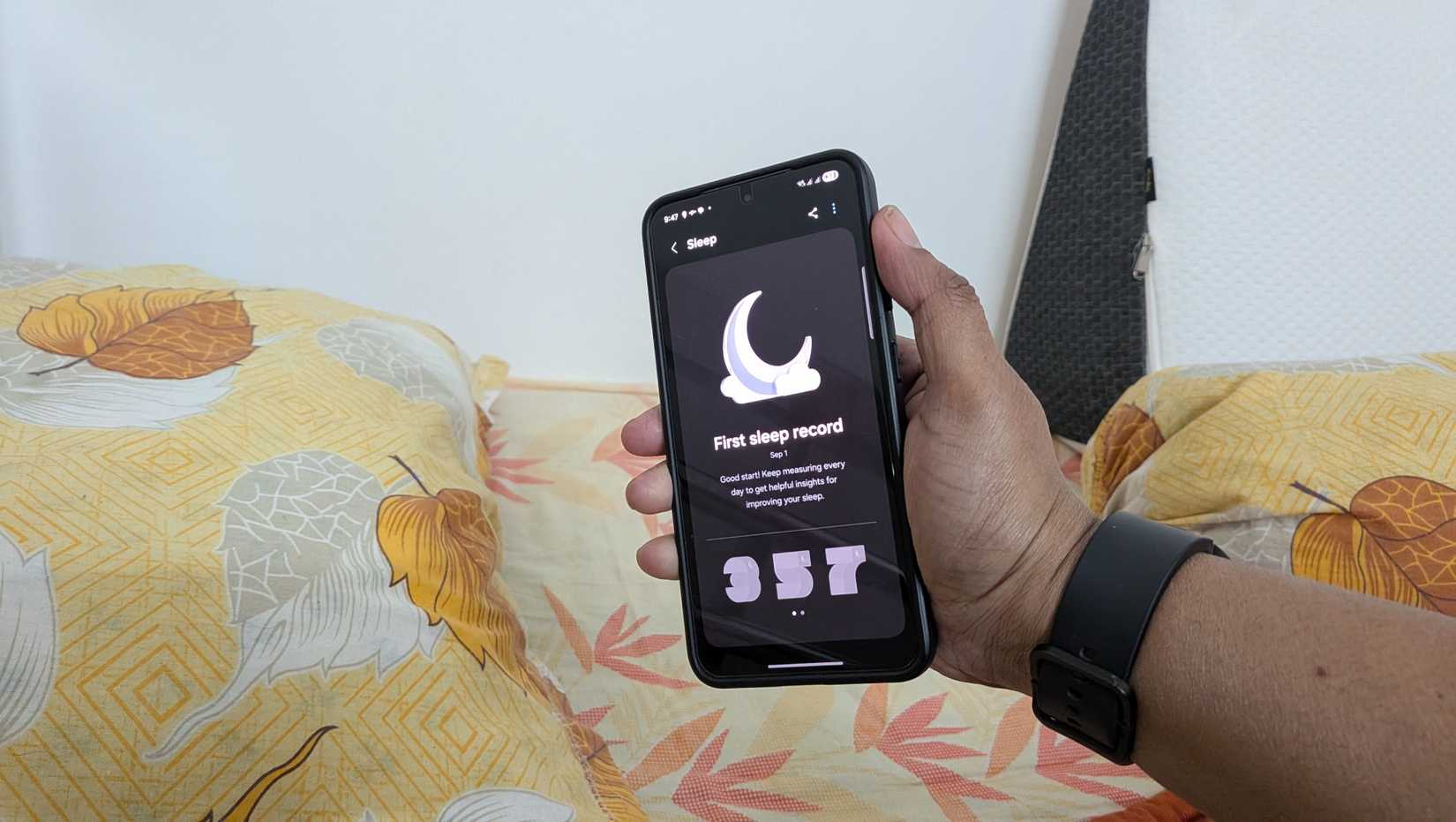
One of the biggest pain points with modern smartwatches is battery life. Most barely last a full day on a single charge. If you wear your watch all day and also want to track your sleep at night, something has to give—the battery often dies during the night or sometime next day.
To avoid that, you need a very precise charging routine so you can top it up without sacrificing health data. In practice, that’s extremely hard to maintain consistently. However, a spare smartwatch solves this problem immediately.
The simplest setup is to wear your main smartwatch during the day, then put it on charge at night and use your old smartwatch exclusively for sleep tracking. That way, both devices stay charged without constant planning.
You can also flip this arrangement. If your newer watch has better sleep tracking, use that at night and wear the older one during the day for notifications, steps, and basic timekeeping. Either way, the old smartwatch becomes a backup device, letting you get continuous tracking without worrying about battery life or charging schedules.
Related
I Tried 7 Sleep Tracking Apps for Android—Here’s What I Found
Can’t seem to fall or stay asleep?
Transform it into a party remote
Credit: Dibakar Ghosh | How-To Geek
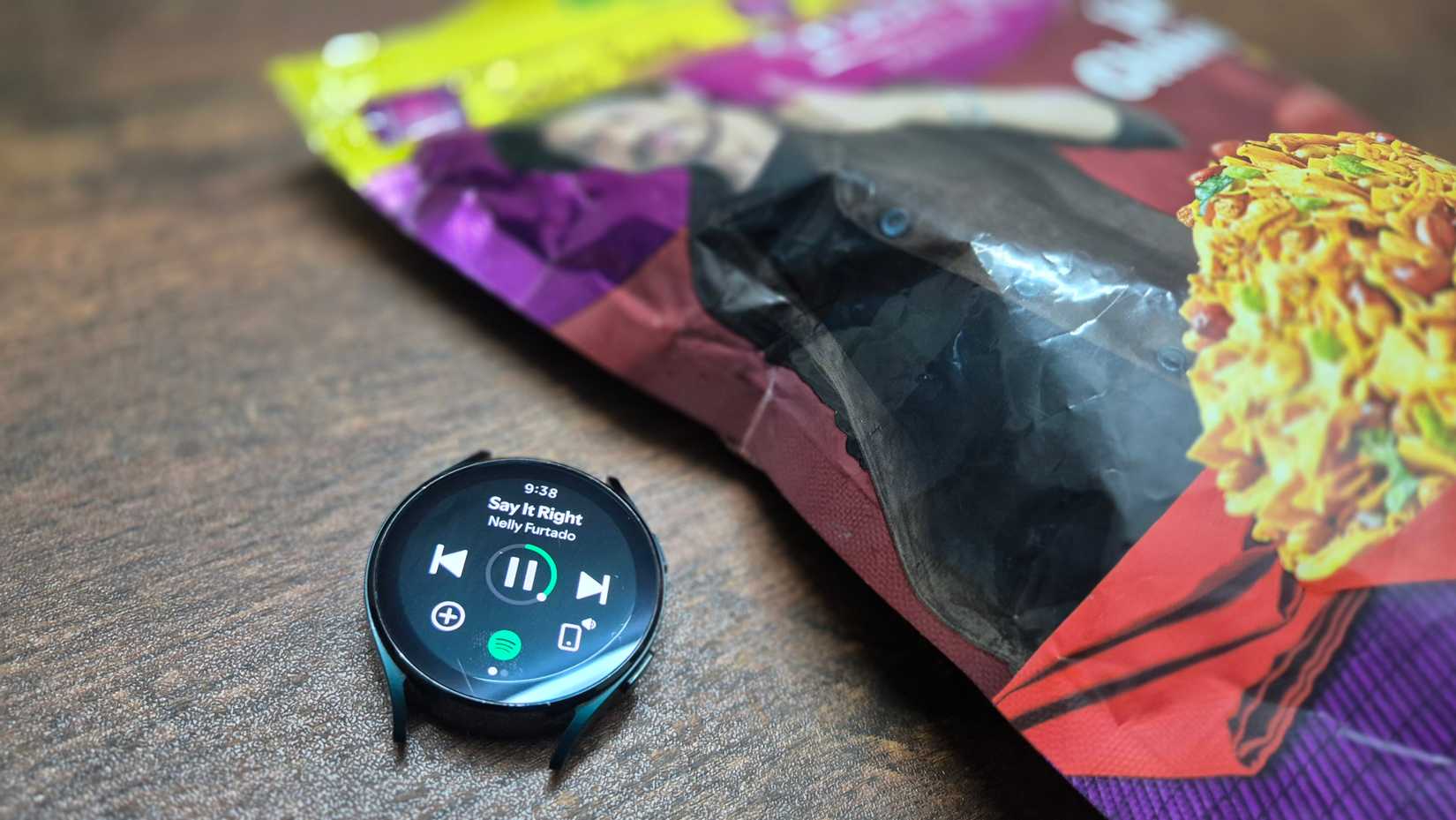
Imagine you have friends over and want them to feel comfortable—changing the music, skipping tracks, or adjusting the lighting to match the mood. You want to give them control, but you probably don’t want to hand over your phone, which contains your personal messages, emails, photos, and apps. This is where an old smartwatch works surprisingly well.
You can set it up so it’s only connected to what your guests need—Spotify or YouTube for music playback, and your smart home app for controlling lights or colors. Since it isn’t tied to your main phone or personal accounts, there’s no risk of someone wandering into your private information.
In fact, a smartwatch is particularly well-suited as a party remote. It’s small enough (after removing the straps) to leave on a table or counter, and generally comes with solid IP ratings, so you don’t need to worry about people spilling things on it.
Old smartwatches aren’t obsolete—they’re just underutilized. With a little creativity, you can optimize them to do one or two jobs well, all the while taking some pressure off your other devices.