
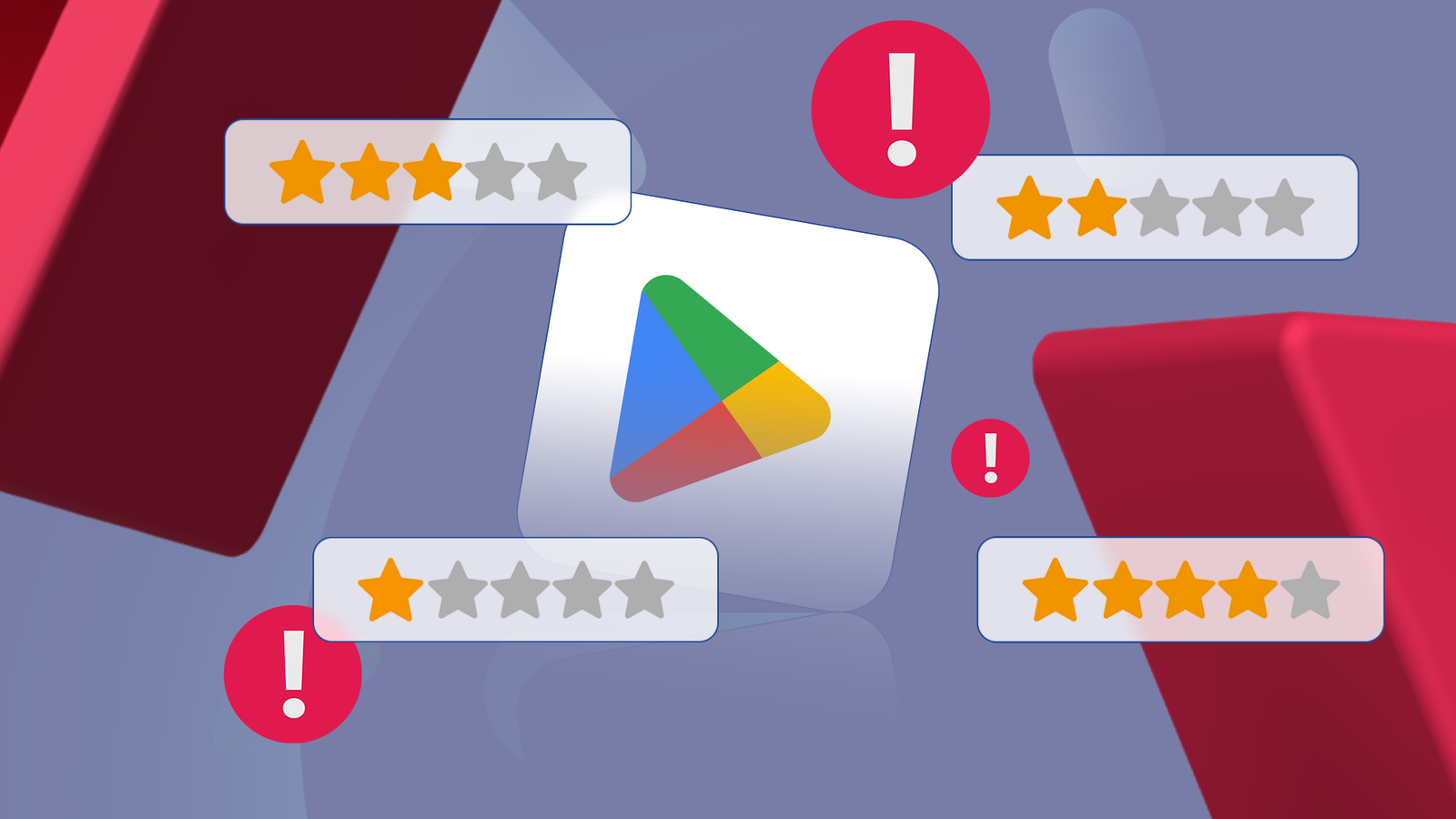
I downloaded a four-star Smart Cleaner app.
The app said it would optimize my storage and clear my RAM. Instead, it took over my notification panel and tried to push a $10 a month subscription on me.
These days, star ratings are mostly vanity numbers cooked up by bots and aggressive marketers. They don’t feel like a trustworthy community signal anymore.
You’re bombarded with annoying rate us pop-ups and rewarded for giving them five stars. If you want quality, you have to dig into the boring metadata most people skip.
These are the details lazy developers overlook while they’re busy buying fake praise. Below are the eight signals I check before any app touches my home screen.
Related
Nobody told me about these 4 Google Play features — now they’re non-negotiable
I can’t live without them now
What an outdated app update says about the developer
Credit: Lucas Gouveia/Android Police | N ON NE ON/ Shutterstock
An app is a living organism. If it hasn’t been updated in months, it can be a security risk. Android evolves fast, and new security bulletins arrive every month to patch vulnerabilities.
If a developer isn’t updating their app, they’re likely not targeting the latest API levels, which means the app may miss newer security protections your phone provides.
I look for updates within the last three to six months. Frequent updates usually mean the developer is active and paying attention to things like crashes and battery drain.
If the changelog says “Performance improvements” for years on end, be cautious.
That’s the calling card of a zombie app that exists only to collect ad revenue while the developer has already moved on.
App permissions should match app features
Credit: Lucas Gouveia / Android Police
I don’t care if an app has five stars if it asks for my contacts to change my wallpaper. That is data mining, plain and simple.
I always scroll down to the Data Safety section.
Google made this section mandatory, but a Mozilla study found nearly 80% of the apps reviewed have disparities between their reported data safety and their actual privacy policies, so tread carefully.
There are SpyLoan apps out there disguised as easy financial services. However, they often have a hidden agenda of stealing your personal data.
They deceive users by requesting far more permissions than are reasonably needed and harvest information without any meaningful indication to the user that their private data is being continuously collected.
Patterns in bad reviews tell you a lot about the app
Credit: Unsplash / Android Police
Praising reviews are bot-upvoted to keep them pinned at the top, so I ignore them. Instead, I usually focus on one-star and two-star reviews to spot any recurring issues.
Do 10 different people say the latest update broke the login? Do they all complain about a hidden subscription fee?
If ten people say the app is a scam, I believe them over a thousand five-star reviews.
I pay attention to reviewer quality, too. Authentic feedback is usually uneven and specific. They have typos and details like device type, recent versions, or usage time.
You can tell bots because their comments are generic, way too cheerful, and basically copy-pasted.
Another faint but useful sign is if the reviewer has a real photo. It gives just a bit more trust than a generic or empty profile icon.
Developer replies tell you the app’s support quality
Credit: Nathan Drescher
I check if the developer actually engages with their users. If a developer is ignoring a wall of one-star reviews, they have likely abandoned the app.
I also pay attention to the quality of those interactions.
Do they copy and paste a generic “We are sorry” script? Or do they address specific issues? A human response like “We fixed the Bluetooth crash on Pixel 8 in version 2.1” is gold.
App pricing reveals monetization tactics and hidden costs
Credit: Lucas Gouveia / Android Police | Vector_Artist / Shutterstock
I never install without first clicking About this app and checking the in-app products. You can usually tell from this section how hard the app is pushing monetization.
Seeing in-app purchases between $1.99 and $99.99 in a basic utility app immediately sets off my alarm bells.
Scammers try to trap users into accidentally or impulsively spending big. This model is particularly aggressive in the mobile gaming market for children.
How to spot app factories and cloned apps
Click the developer’s name to check out their full portfolio because you can spot patterns fast.
Scammers run app factories, cloning the same code and reskinning it into dozens of nearly identical apps to catch as many users as possible.
You’ll see the same promise repeated over and over under different names like “Super RAM Booster,” “Ultra RAM Cleaner,” or “Mega RAM Optimizer,” each with a new icon but the same purpose and permission set.
Seeing one developer publish 30 or 50 identical apps is a sure sign to avoid them.
Legitimate developers tend to have a smaller, focused lineup, each with a clear purpose, design language, and long-term update history.
Tech forums beat app ratings for app info
Credit: Lucas Gouveia / Android Police | Prostock-studio / Shutterstock
When I want the truth, I turn to the raw, unfiltered communities.
Type [App Name] site:reddit.com into Google. Communities like r/androidapps or XDA Developers are where the real technical critiques happen.
Users post changelog breakdowns, network traffic screenshots, permission changes after updates, and firsthand accounts of apps suddenly pushing full-screen ads or paywalls.
If a once-trusted utility gets quietly sold to an adware company — a depressingly common outcome — someone on Reddit will notice months before the Play Store rating budges.
Visual cues warn you about scam apps
Credit: Lucas Gouveia / Android Police | Nostagrams / Krzysztof Bubel / Shutterstock
If an app hits even one of these, I don’t download it, regardless of its rating.
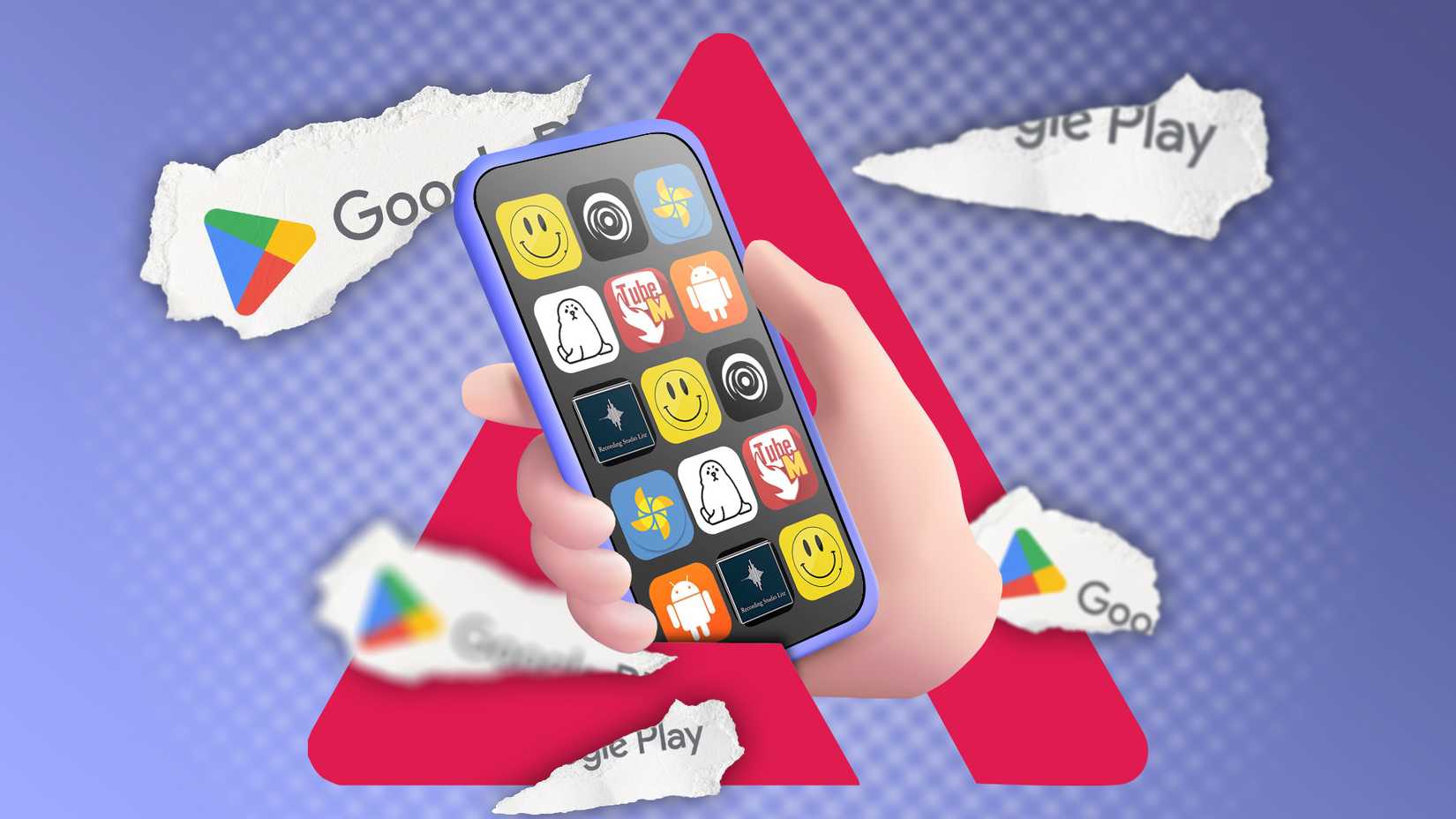
Generic iconography is the first red flag. If the icon looks thrown together in minutes, it signals a lack of real investment, something scam apps are known for.
Keyword-stuffed titles like “Best Fast Clean Speed Booster 2026” are another giveaway, pointing to ASO manipulation.
Fake screenshots are just as telling. If they don’t show the real interface and instead lean on flashy graphics like rocket ships, the actual UI is likely ugly and packed with ads.
Finally, broken English in the description is hard to ignore. Sloppy grammar and awkward wording usually point to a developer who’s not focused on making a polished user experience.
Protect your phone from sketchy apps
Google had to remove over 170 million policy-violating reviews in 2023. The fact that they have to do that at all proves the system is under siege.
If you care about your phone and your data, don’t unquestioningly trust what the crowd says. The crowds can be bought.
Pay attention to the technical heartbeat of the software. Take a look at the last three apps you downloaded using these signals.
If any app feels sketchy, delete it. Your phone and wallet will thank you for it.