
Smartphones are loaded with sensors and components that power the surface-level features you use every day. Some of them you might know about — like the ambient light sensor used to handle automatic brightness or the gyroscope required for auto-rotate. Others, such as the barometer that handles elevation readings, are less familiar to the average user. They’re all working behind the scenes to facilitate your smartphone experience.
Apps can use these specialized sensors to provide their own tailor-made experiences. The famous “iBeer” app, downloaded over 90 million times, used the accelerometer and gyroscope to simulate drinking from a cup. Now, metal detector apps are widely available on the iOS App Store and the Google Play Store, but are they similar gimmicks or actually useful?
There are tons of sensors you don’t know about
It’s true — your iOS or Android phone can detect metal objects with varying degrees of accuracy if it has a specific sensor called a magnetometer. You might be wondering why a smartphone needs a magnetometer, and there’s a simple reason. It powers the digital compass on a variety of phones by detecting the planet’s magnetic field. Based on the readings, your phone can find north and south and detect the device’s relative position. This is how your phone knows what direction you’re facing when navigating in Apple Maps or Google Maps, for example.
In smartphones, magnetometers measure the strength of Earth’s magnetic field along the X, Y, and Z axes. Although the planet’s magnetic field changes over long periods, in the very short term, its strength remains stable. As such, when certain types of magnetic devices come in proximity to your phone, the magnetometer’s readings spike relative to the planet’s baseline. These spikes confirm that a piece of metal is indeed very close to your smartphone.
For most practical applications, this is an unintended consequence of how magnetometers work, and it actually causes interference that disrupts the accuracy of a digital compass or navigation app on your smartphone. However, there are dedicated apps that use a phone’s magnetometer specifically for this use case. These apps detect a response from a magnetic material, and when they receive an intense reading, they may vibrate or spike accordingly.
It can detect metal objects, but it’s technically not a metal detector
Credit: Brady Snyder / MakeUseOf
A smartphone with a magnetometer can detect metal, although it is technically not a metal detector. I know that sounds pedantic and overly technical, but metal detectors are decisively proactive devices. They send waves or pulses in a given direction, looking for shifts and current dissipation. If a metal detector sends a pulse into the ground, and it weakens or decays, this change is due to a metal object lying underneath.
Magnetometers take the opposite approach. Instead of sending out signals and waiting for changes or shifts, they detect anomalies in the Earth’s magnetic field. Because the planet has a baseline magnetic field, magnetometers are not very good at detecting small objects and can’t detect non-ferrous metals. Instead, they excel at detecting large, ferrous (containing iron) metals.
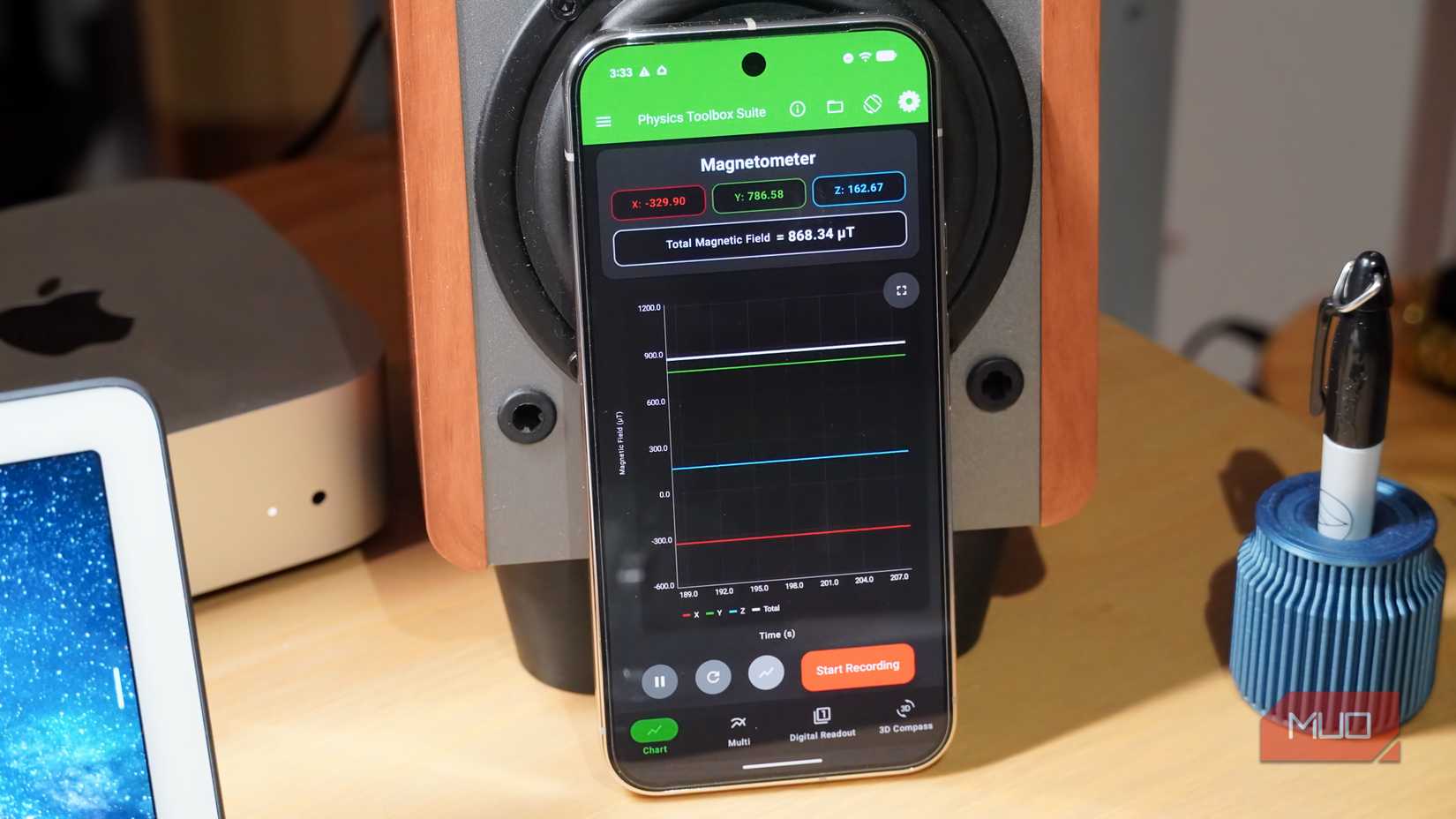
For example, in the photo above, you see my phone’s magnetometer spiking at extreme levels when near a desktop speaker — that’s because speakers and headphones are powered in part by large magnets. I also used metal detector apps to pick up magnetic readings from my mirrorless camera and other large devices. A small metal pen, however, is much harder to track and detect.
It’s an amazing way to play around with your phone’s sensors
Credit: Brady Snyder / MakeUseOf
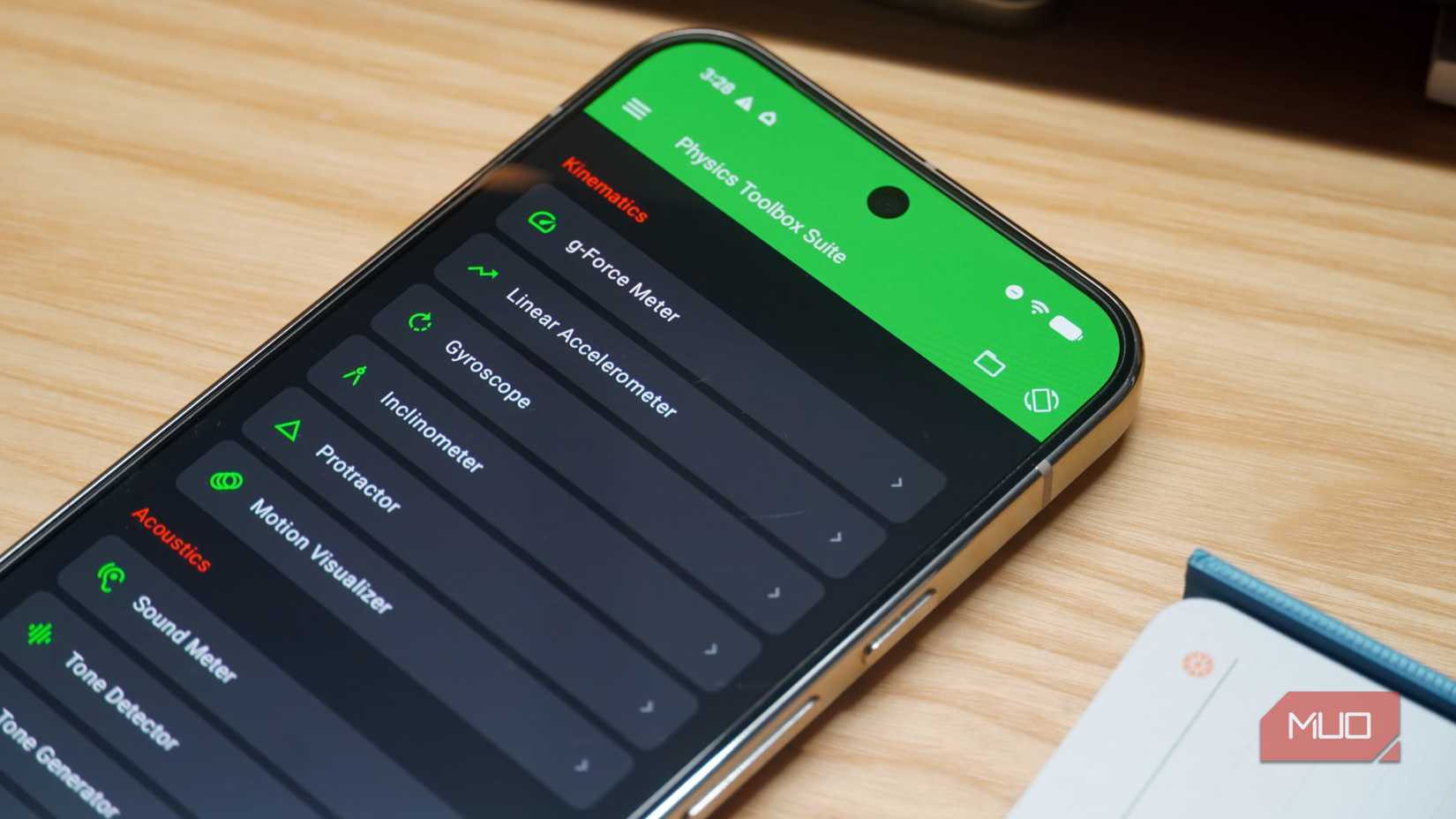
I tried a handful of “metal detector” apps to see how well they worked, including Metal Detector, Smart Metal Detector, and Metal Detector – Metal Finder. None of them are outstanding, mostly for the reasons I’ve pointed out above. Unless your phone is very close to a large magnet, the chances of these apps returning a conclusive reading are low. Instead, the Physics Toolbox app is hands-down the best way to play around with your smartphone’s hidden sensors — including the magnetometer.
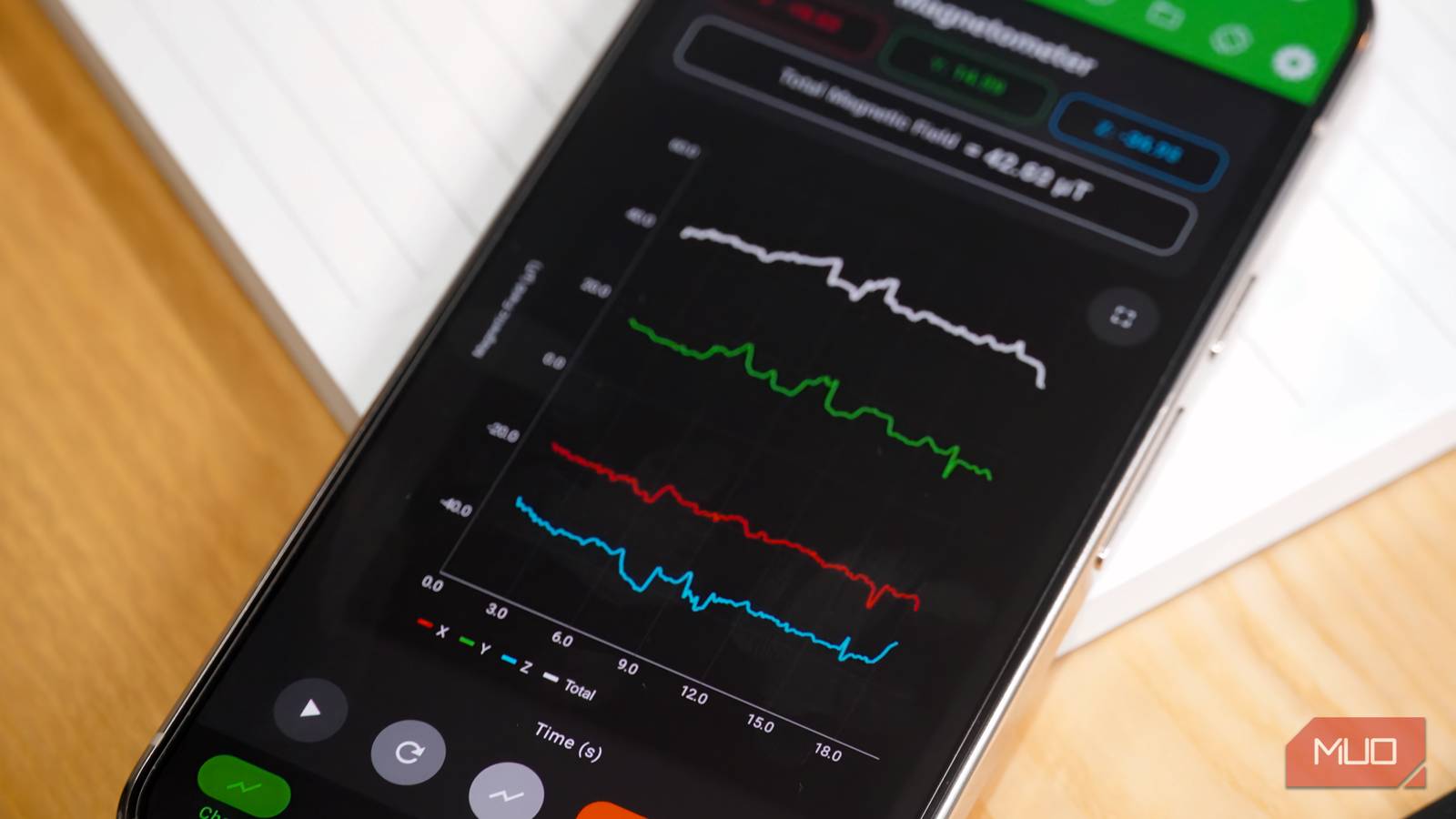
Physics Toolbox is free and available on both iOS and Android, and what sets it apart is how the app presents data. All the other apps I tested simply measured magnetic strength with a number, and that’s a problem when trying to detect small metal objects. By comparison, Physics Toolbox creates a graph displaying the magnetic strength across the X axis, Y axis, Z axis, and total field over time.
Visualizing these changes makes it easier for the untrained to detect small changes in magnetic force. You might not know that reading a few numbers higher is a sign your phone is near something magnetic, but you can see the visual spike on the graph. As a result, Physics Toolbox gives you the best chance of detecting metal with your smartphone. Is it practical or useful? Probably not. It’s still a neat trick worth trying out with your smartphone, though.

OS
Android, iOS
Price model
Free with $4.99 one-time upgrade to Pro
Physics Toolbox is a data recording app that uses your smartphone’s sensors to display scientific information for analysis. It can showcase sensor data, record it, and export it as a CSV file for advanced users. It’s available as a testing playground for curious users or a robust option for researchers and teachers.