
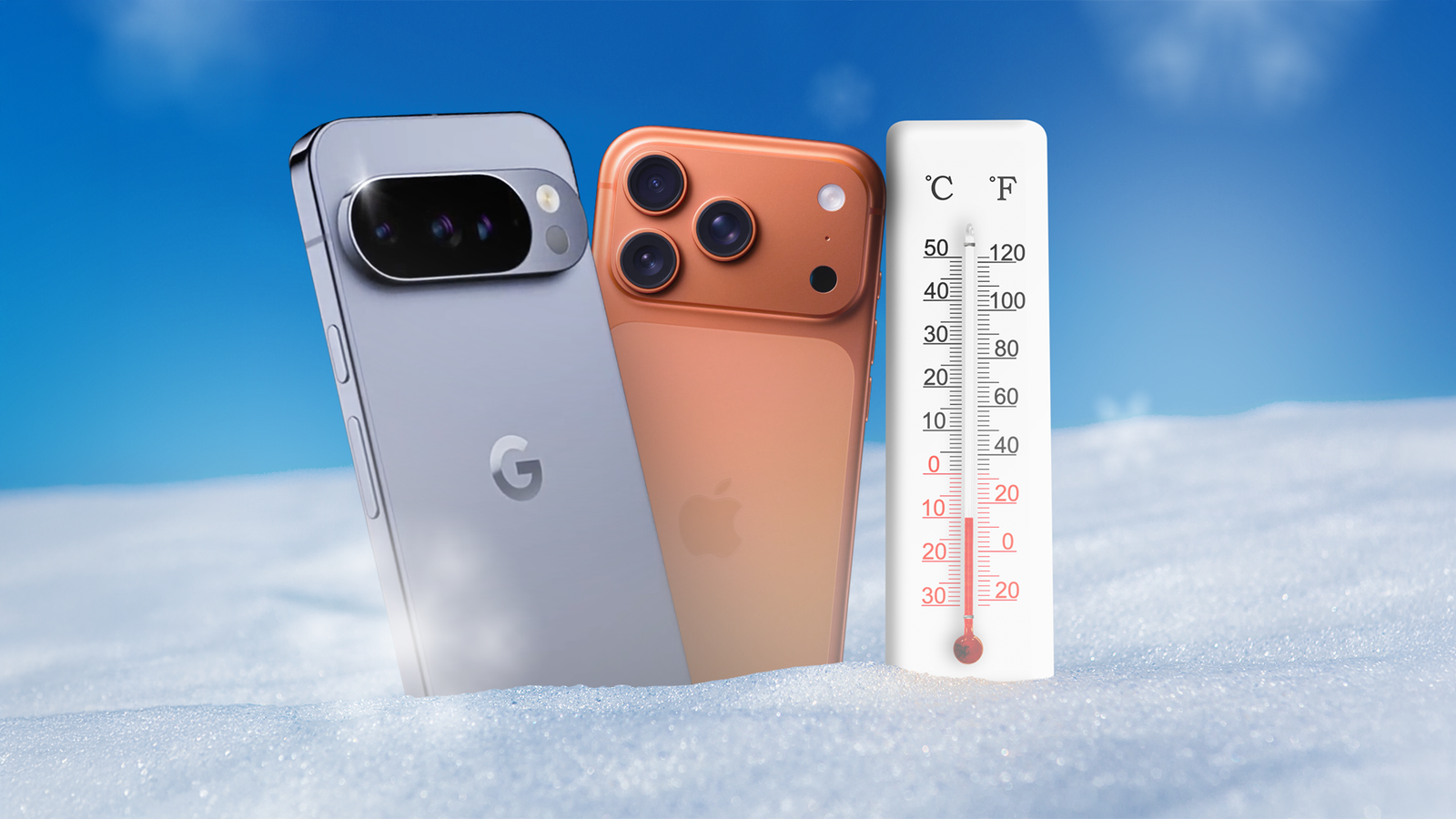
Whether you’re embarking on a long-awaited skiing trip or live in an area that experiences extreme weather, protecting your phone from the cold can be crucial for protecting its battery life and overall device health.
Direct exposure to extreme cold as well as overheating is not something that’s ideal for your phone in the long term, but with some simple preparation, you can ensure your device is safe from damage and battery drain. Here’s all you need to know to protect your device.
How can cold weather affect your device?
Using your devices outside in very cold or hot temperatures can have a detrimental effect on them, specifically in terms of their battery life. If you’re using your device this winter for an extended period of time in very cold conditions, its battery life can be significantly shortened, and it may turn off too. In some cases, it could also stop charging entirely.
The operating range for your device’s ideal ambient temperature conditions varies, of course, but usually falls between 0° and 35°C. But don’t worry if you aren’t aware that your phone is not operating under these conditions; usually, you get a warning when the device gets too warm or too cold.

Credit: Hypershell
This winter, make sure you’re protecting your phone and other devices from extreme weather conditions to limit problems with their battery life and overall condition. Here are some precautions you can take to protect your phone from cold weather.
Limit direct exposure
The most effective way to protect your phone from cold weather this season is to limit direct exposure to extreme conditions like snowstorms or sub-zero temperatures. I’ve always had luck simply keeping my phone protected in colder weather by keeping it tucked in a warm pocket in my jacket or carrying it in a dry bag.
However, it’s not realistic to always keep your phone in a warm and dry bag or stay in a vehicle when you’re outside in this weather, so if you’re out and about in the cold with your phone, you can make use of a simple phone accessory to protect it from the weather.
You can easily find thermal phone cases (as well as pouches) on several e-commerce websites that can protect your phone from extreme cold conditions. These come in handy for any trips you may take involving winter sports, but they’re also something you can look into if you experience extreme weather conditions fairly regularly. Further, you can ensure that your phone’s display is protected from water damage caused by snow by using a reliable screen protector when you get your phone out of your pocket or protective pouch.
Related
Here’s How I Keep My iPhone Safe in the Summer Heat
Is your iPhone overheating as temperatures outside rise? There are steps you can take to protect your device.
Carry a power bank with you
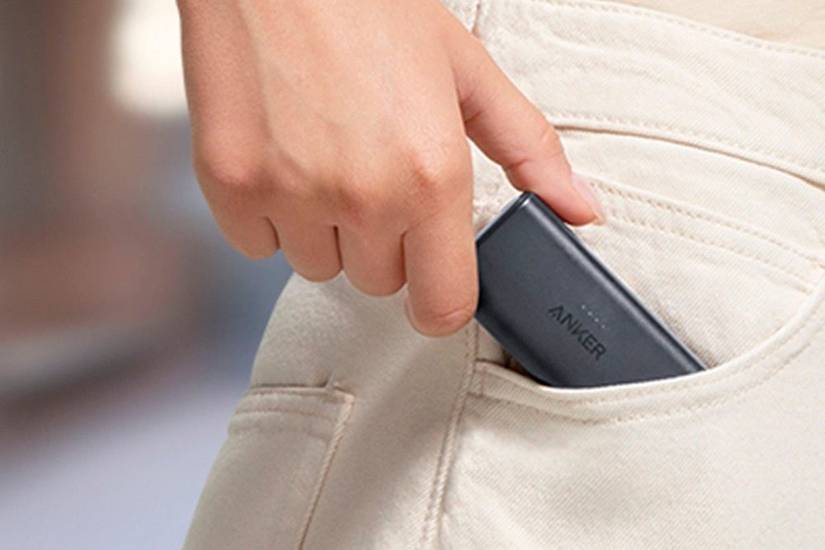
Exposure to icy weather can drain your battery life, so it’s always best to be prepared if you’re stepping out in the cold for the day. Fully charging your phone before you step out is a good precaution, but to cover all your bases, ensure that you invest in and carry a good power bank with you to prevent your phone from turning off.
Credit: Anker
There are several options you can look into depending on your budget and needs, but keep in mind what type of device you are going to use them for. In this instance, an efficient portable power bank may be the most appropriate option.
Take advantage of low power settings
Beyond limiting your phone’s direct exposure to extreme weather conditions, turning on a simple setting can prevent unnecessary battery drain. Enabling Low Battery (or Battery Saver) mode on your devices helps extend battery life by limiting things like background activity, visual effects, and auto-downloads. On most devices, you can add and easily access this setting from your Control Center or Quick Settings.
You can also use Shortcuts for iPhone or a third-party automation app like IFTTT to set up a location-based automation to trigger Low Battery or Battery Saver mode when stepping out.
Related
9 Tips to Keep Your Phone Running for Years
Make your phone a lasting companion!
Use a reliable weather app to prepare
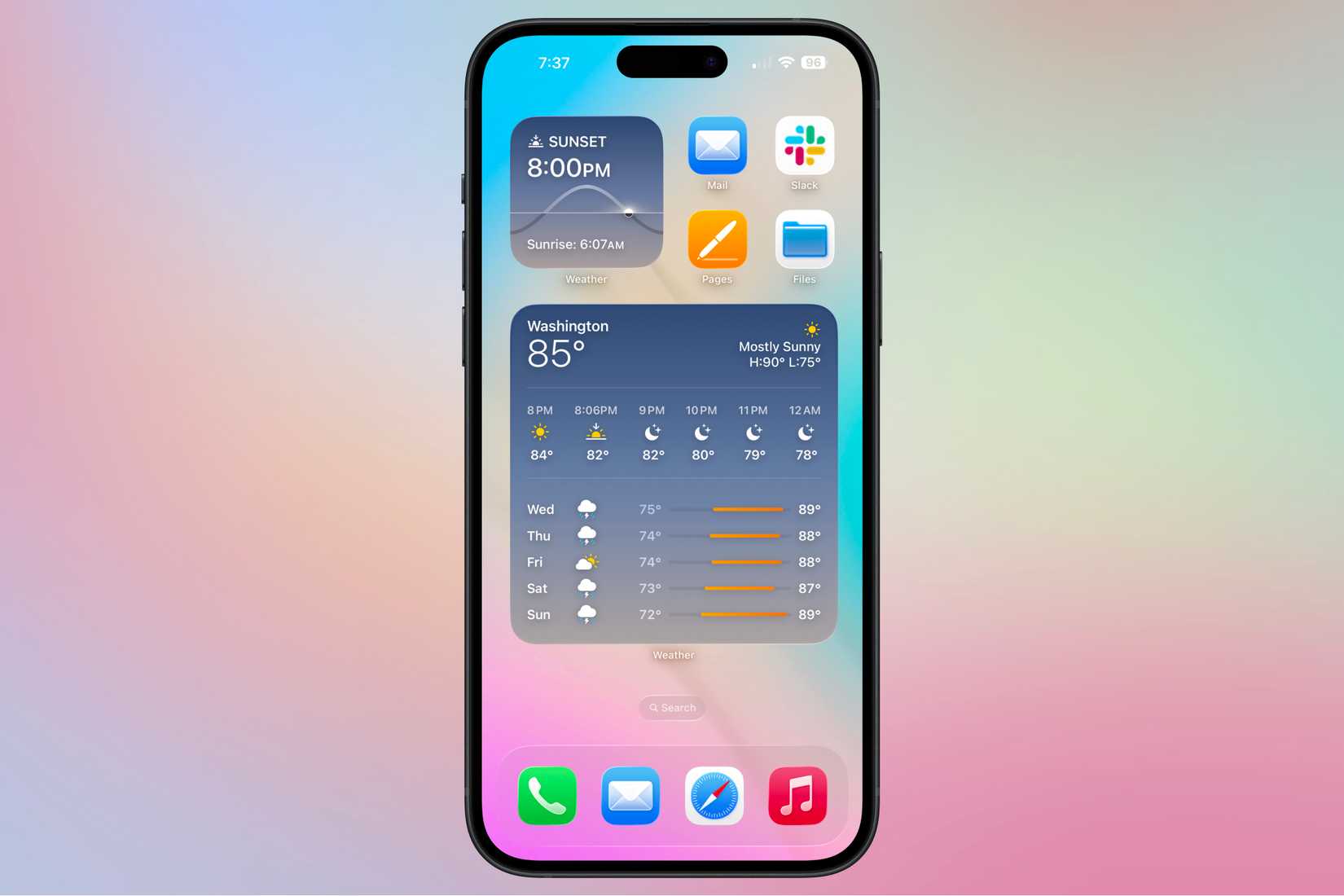
Finally, an easy way to prepare yourself and your phone from the cold is to stay on top of weather forecasts using a reliable weather app. While using your phone’s native weather app can be enough, you can also explore third-party weather apps that suit your specific needs.
Credit: Nathaniel Pangaro / How-To Geek | Apple
For this instance, you can check out apps like AccuWeather or OpenSnow so that you get accurate snow alerts and hyperlocal information that you may not get from other weather apps. For easy access, you can also set up home or lock screen weather widgets.
If your phone continues to have battery or other issues even after you take precautions to protect it from extreme weather, it may have a hardware problem, such as a faulty battery. In this case, take it to its brand’s service center or authorized independent repair providers for a consultation.