
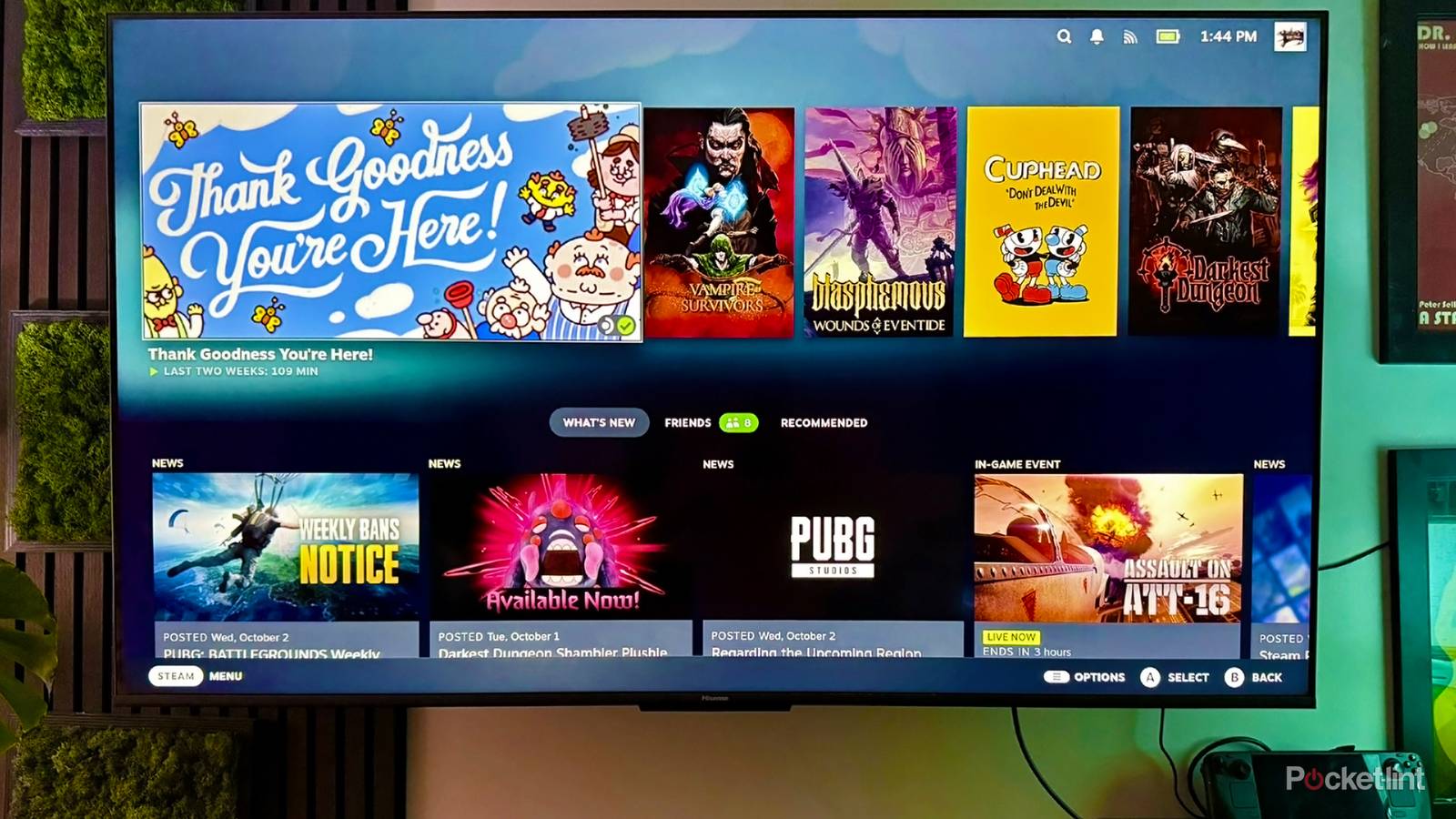
Naturally, perhaps, people building a home theater tend to focus on two things: their smart TV and their sound system. There are other considerations, like decorations and furniture, but some people might gladly watch a movie from a folding chair if it meant owning a 75-inch OLED with 7.1-channel audio. Even the more sensible people out there start with AV gear as the centerpiece.
I’m here to argue that if you want a complete home theater experience in 2026, it should really be paired with a smart home ecosystem. It doesn’t have to be an elaborate setup, but you’re missing out if you don’t have at least a couple of key accessories to go with that brand new TV.
Getting started with a smart theater
The bare necessities
If you aren’t considering anything else, you should at least take a hard look at your Wi-Fi router. You might be fine with your existing equipment, but a sub-par router can make your streaming worse. Interference or insufficient range can lead to a slow or flaky connection, which in turn may lead to interruptions, visual artifacts, and/or a stream dropping to a lower quality level to compensate. It hardly matters if your TV supports 4K HDR if there isn’t the bandwidth to deliver it.
A good router is the backbone of any smart home. While a bulb or thermostat on its own isn’t going to consume much data, it’s essential that your router has the coverage and capacity to prevent dropouts. Several years ago, I learned the hard way that Wi-Fi 5 (a.k.a. 802.11ac) just doesn’t cut it, in this context — the router I had at the time was regularly booting accessories to make room for new connections.
Lighting that syncs with onscreen imagery extends the visuals to your entire room, doing wonders for immersion and recreating the theatrical experience.
Some routers also include support for Matter and/or Thread. Matter is a universal pairing standard, eliminating the need for something to be specifically compatible with platforms like Apple HomeKit or Google Home. Thread, meanwhile, is a wireless radio standard that allows compatible accessories to link together in a mesh network. You can add Matter and Thread to your home through devices other than a router, but it’s obviously handy to have compatibility from the get-go.
There’s more to say about Wi-Fi routers in the guide I’ve just linked. Here, I’ll just say that you should be shopping for one with Wi-Fi 7, or at least Wi-Fi 6E, and matching its coverage to the size of your home. The best way of ensuring consistent performance is a mesh system, although you may not need one if you live in an apartment or small house.
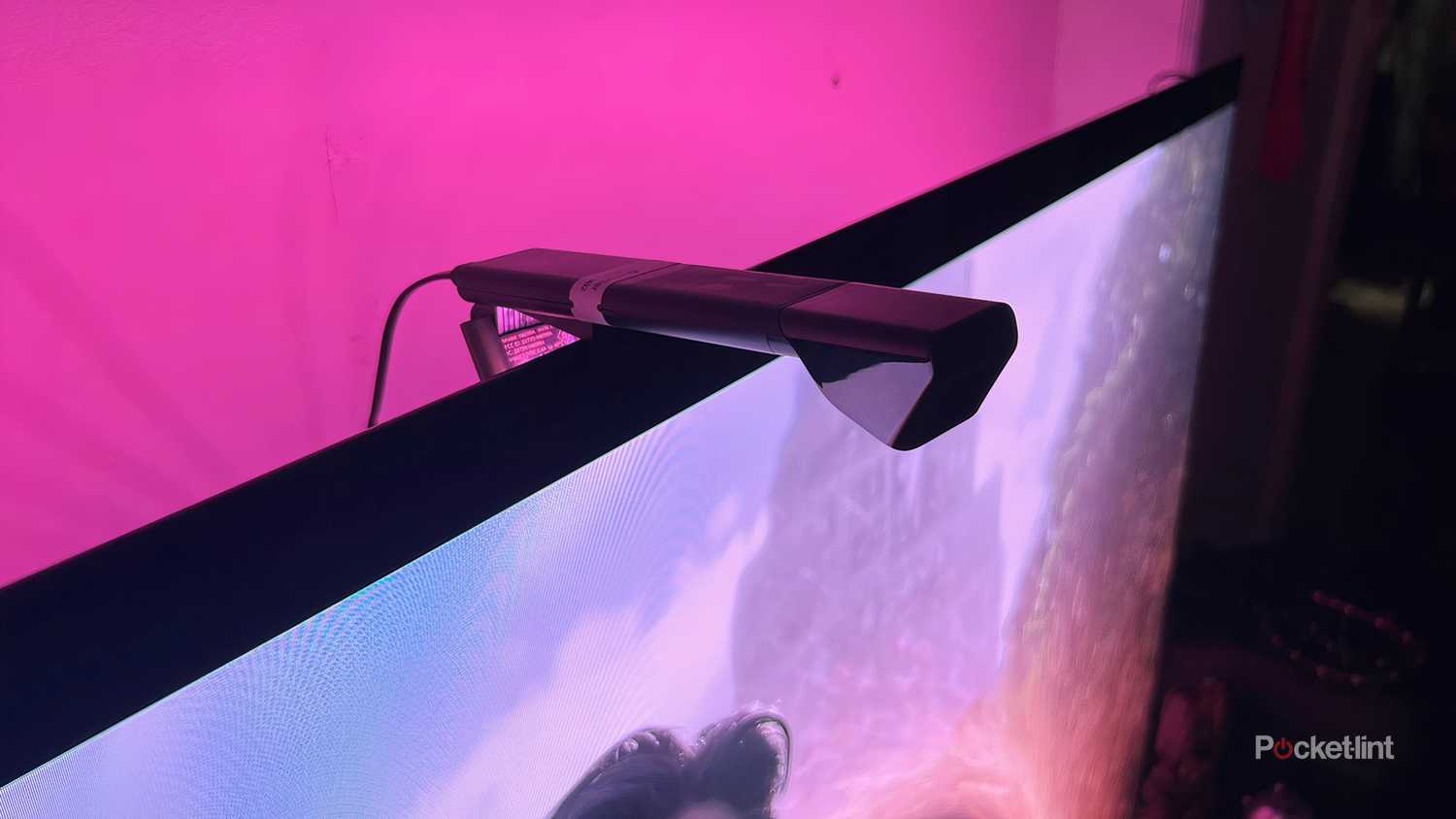
Once Wi-Fi is in place, I think the one upgrade most people can agree on is a TV backlighting system. It sounds superficial, but lighting that syncs with onscreen imagery extends the visuals to your entire room, doing wonders for immersion and recreating the theatrical experience. You can find decent lightstrip/camera-based kits from brands like Govee and Nanoleaf for less than $200, sometimes under $100. The gold standard is Philips Hue, but that company’s tech relies on the HDMI Sync Box 8K, which costs $300 before you’ve even bought any lights. If you’re lucky, you might own an LG or Samsung TV that bypasses the need for a Sync Box with an onboard app.
Some further recommendations

Credit: Philips Hue
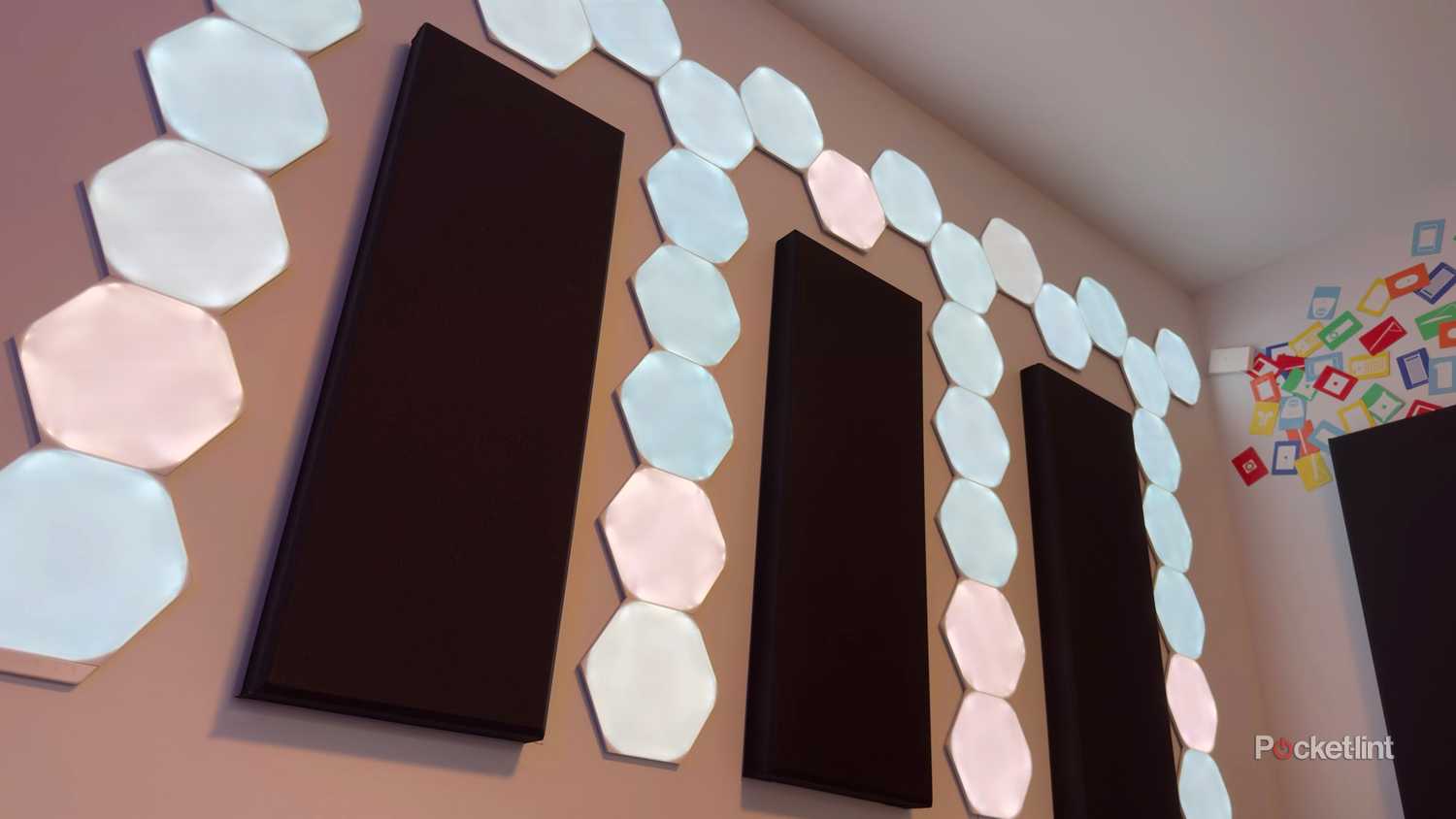
With or without backlighting, it’s worth populating a home theater with other smart lights, be it a couple of lamp bulbs or wilder options like wall washers, rope lights, or geometric panels. Color-changing lights can set the mood for a movie, and sometimes sync with your TV if they share an app in common. If nothing else, it’s convenient to have automated lighting that follows a schedule or supports app- or voice-triggered commands. In my own home, I have a special “movie night” scene I can trigger by talking to my Google TV.
Speaking of which, I’d strongly suggest keeping all of your smart home accessories under a single platform, be it Google Home, Apple HomeKit, Amazon Alexa, or something else. You may even be able to keep everything under a vendor-specific app like Hue if all your products are from the same company. Regardless, scattering accessories across more platforms than you have to will only complicate setup and control, something I know first-hand from years of review testing.
I’d strongly suggest keeping all of your smart home accessories under a single platform.
If you already like your speaker system, there’s no reason to upgrade it, but you might want to adopt smart speakers if you’re buying fresh. These can enable app and voice control, as well as casting from other devices when you just want to listen to music and podcasts. That app control can include things like dialogue enhancement and custom EQ settings, so even an all-in-one soundbar might be a substantial improvement over what you’re currently using. Go with one that supports HDMI eARC if you want functions like CEC control.
A few options you might not think of as home theater upgrades include thermostats, blinds, and curtain openers. The main advantage of a smart thermostat is saving power, certainly, but no one likes having to get up to change the temperature in the middle of a movie. As for blinds and curtains, automating them can save some hassle when it comes to privacy or blocking daylight. Shop carefully — some smart blinds need to be custom-sized at great expense. Most people should stick to prefab sizes, or add-ons that can control “dumb” blinds.
One of the cheapest enhancements is adding a smart plug to anything that supports a simple on/off state, like a fan or dehumidifier. Depending on your needs — say, if you don’t have central AC in your home — this may have a surprising impact.
What do you need to be worried about in a smart theater?
Cost, platforms, and the future
Compatibility should be your first concern. Apart from putting as many accessories as possible on a single platform, it’s important that they be controllable from the devices you already own. You can’t control HomeKit accessories from an Android or Windows device, for example, so if you have one of those, you’ll probably want to stick to Alexa or Google Home. I’d only recommend HomeKit to people who are all-in on Apple products.
Resist the urge to go overboard on spending, especially if you’re new to smart home tech.
Next, resist the urge to go overboard on spending, especially if you’re new to smart home tech. The internet is chock-full of photos of people who’ve come home with hundreds or thousands of dollars of accessories, aiming to remake their living room or entire house in one shot. That’s doable, but it could backfire in spectacular fashion if you end up hating a particular product’s app, features, or reliability. Start small and expand from there.
Simultaneously, you shouldn’t skimp too much when it comes to specs. While picking the cheapest options saves money upfront, you’ll end up regretting it if some aspect forces you to pay for replacements a short time later, whether it’s poor reliability or because a particular feature is missing. It’s no different than choosing a TV, in that respect — a $300 model might be good enough for the Super Bowl, but destined for a far pricier swap if you don’t like how it handles movies, games, and TV shows.