
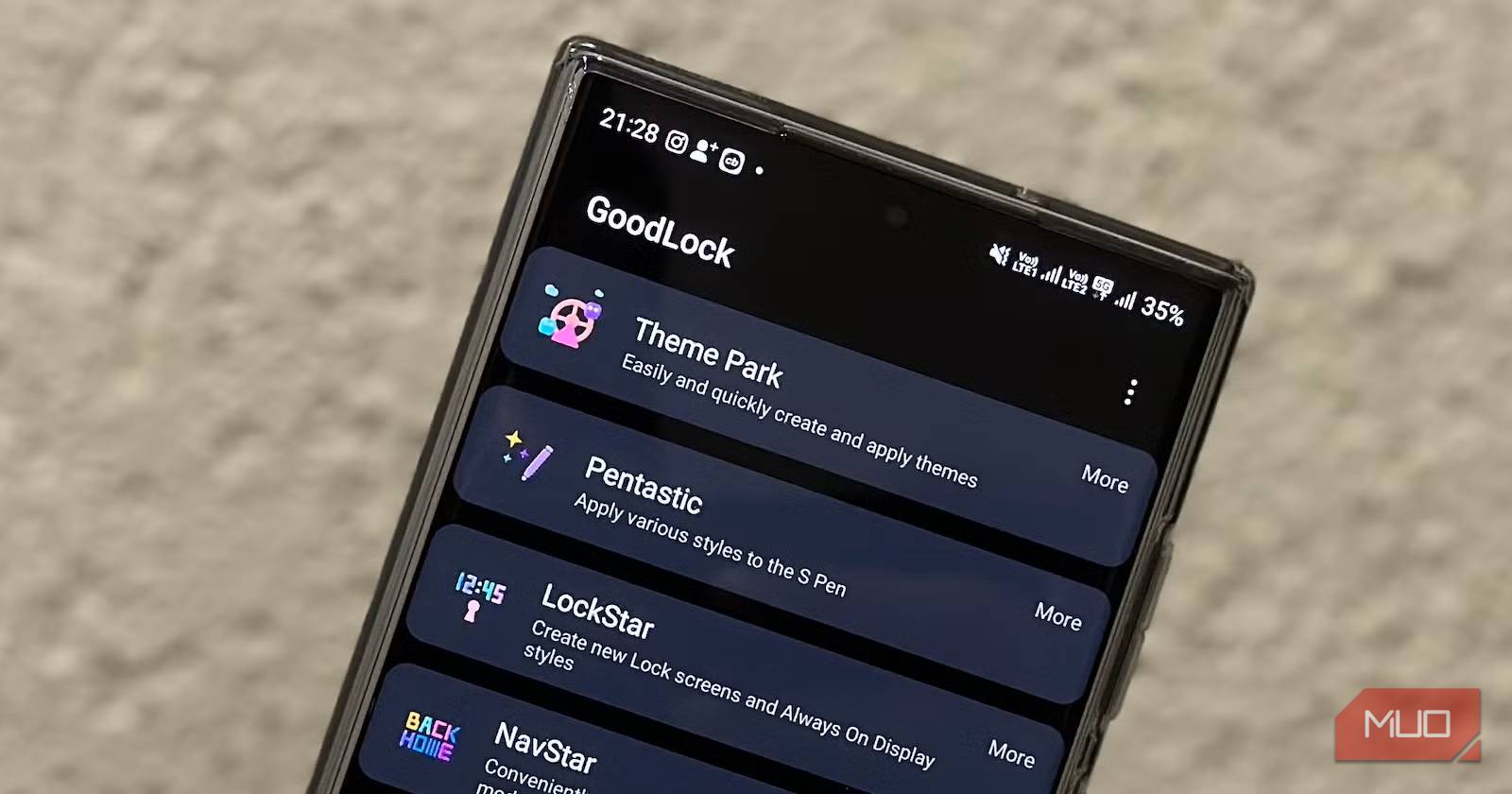
Samsung’s One UI is one of the most feature-rich Android skins, but even it has its limits. That’s where Good Lock comes in, the suite that unlocks Samsung features you never knew existed. Its modules rip the training wheels off your Galaxy device, letting you tweak specific mechanics that are usually locked away.
However, the problem is that Good Lock has become bloated. With over a dozen modules, it’s easy to feel paralyzed by choice. If you don’t want to spend hours experimenting, you can ignore most of them. You really only need three to change how your phone feels fundamentally.
OS
Android
Developer
Good Lock Labs
Price model
Free
Good Lock is a powerful customization suite for Samsung Galaxy devices, offering a collection of modules and plugins that let you personalize almost every aspect of your phone. With Good Lock, you can tweak the lock screen, home screen, navigation bar, keyboard, notifications, and more to match your style and workflow.
Home Up
Reimagines your navigation and app organization
The home screen is where you spend most of your digital life, yet Samsung locks you into a rigid grid system by default. Home Up is the jailbreak-free way to tell your launcher to loosen up.
The headline feature that arrived with One UI 7 (and One UI 8) support is DIY Home Screen, which liberates your app icons from the tyrannical grid system. App icons are no longer locked into neat little rows like obedient soldiers. You can drop them wherever it makes sense for you. So, in practice, if you want your most-used apps clustered in the thumb-friendly bottom-right corner, you can. And if you prefer a minimalist design with just a few icons floating in strategic locations, that’s absolutely possible. This proves that you don’t need a third-party launcher to get a completely custom look.
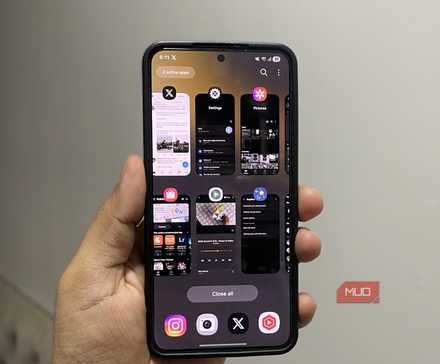
The recent app switcher also gets a substantial overhaul when you toggle on the Task Changer. Beyond the standard grid and list layouts, Home Up offers Stack, Vertical List, and Slim List options, which give your multitasking some much-needed breathing room. The module even includes animation-tuning capabilities, letting you adjust the speed and fluidity of transitions when launching apps or swiping between screens. It is one of the Good Lock modules I wish I had discovered sooner because it makes switching between tasks feel faster and more responsive.
SoundAssistant
Orchestrates your audio streams for perfect individual harmony
Android’s volume handling is historically binary. Your media is either shouting at you, or it’s silent. But in the real world, you might want your Spotify playlist thumping at 100% volume while you casually doom-scroll Twitter (X) without getting your ears blasted by an autoplaying video ad. SoundAssistant grants you this level of auditory dominion.
The marquee feature here is Individual app volumes. Once enabled, this creates a miniature mixing board inside your phone. You can permanently set Instagram to 20% volume, keep your navigation instructions at 100%, and lock your music player to 80%. It remembers these preferences, so you never again have to frantically mash the volume-down button when launching a game in a quiet room.
SoundAssistant also fixes one of mobile OS design’s most stubborn annoyances: audio focus. Normally, if you’re halfway through a podcast and tap a Reddit video, everything else politely (and annoyingly) stops. The Multi Sound feature is one of the underrated audio features of your Samsung phone, letting you designate which apps can play over other sounds. You can keep your background tracks running uninterrupted while watching a quick YouTube tutorial. It stops your phone from performing a one-track monologue and turns it into a sophisticated, layered soundscape.
LockStar
Transforms your lock screen into a personalized canvas
The lock screen is the interface you see more than any other on your phone, yet most of us just shrug and live with whatever Samsung ships with the phone. However, LockStar enables you to treat your lock screen as a customizable canvas.
You can drag your clock, notification pills, and music player widget to literally any pixel on the display. So, if you’re rocking a wallpaper with a cool subject right in the center, you don’t have to cover it up with text; just shove your notifications to the bottom corner, so the view remains unobstructed.
It also liberates those bottom shortcuts. By default, Samsung gives you the Phone and Camera apps. However, LockStar lets you swap these for any installed app or shortcut. You can place a “Google Wallet” shortcut on the left and a “Flashlight” on the right. Or perhaps a direct shortcut to your “Work” entry in Notion. It also supports adding system widgets directly to the lock screen and Always On Display (AOD). This means you can check your battery levels, see the next calendar event, or control your smart home lights without ever bypassing biometric security.
In short, I barely need to unlock my Samsung anymore after adding these widgets.
Related
I used these Good Lock tweaks to make my Samsung phone feel faster
Fewer swipes, fewer taps, and a lot less frustration.
Your Galaxy device is just an expensive paperweight without these modules
Good Lock is full of fun toys, but these three modules fix the friction points that you didn’t even realize were slowing you down. Install them, spend 10 minutes configuring them, and you will have a truly customized phone.